Formstack vs Zoho Forms: Which Is Better in 2026?
Formstack and Zoho Forms represent different platform philosophies. Formstack is a standalone enterprise form platform — forms, documents, and e-signatures sold as a focused suite starting at $83/month. Zoho Forms is one application inside Zoho's massive ecosystem of 50+ business apps — a form builder that starts with a free plan and gains maximum value when paired with Zoho CRM, Zoho Desk, and the rest of the Zoho stack.
The key question: are you a Zoho shop or not? If you already use Zoho products, this comparison is straightforward. If you don't, it becomes a question of enterprise compliance versus ecosystem value. Here's the detailed breakdown.
Who Are These Platforms?
Formstack was founded in 2006 in Indianapolis. Now backed by Silversmith Capital Partners (private equity), it offers forms, document generation (Formstack Documents), and e-signatures (Formstack Sign) as an integrated enterprise suite. The target market is compliance-conscious mid-market and enterprise buyers.
Zoho Forms is part of Zoho Corporation, founded in 1996 in Chennai, India by Sridhar Vembu. Zoho is one of the largest privately held software companies in the world, with 50+ applications covering CRM, email, accounting, HR, project management, and more. Zoho Forms launched as a form builder within this ecosystem, designed to feed data seamlessly into other Zoho products. The company is bootstrapped and profitable — no venture capital, no private equity — a rare achievement at Zoho's scale.
Quick Verdict
Choose Formstack if:
- You need SOC 2 Type II or HIPAA compliance with established BAA
- Document generation and e-signature workflows are core needs
- Your tools are outside the Zoho ecosystem (Salesforce, HubSpot)
- Enterprise SSO and team management are requirements
Choose Zoho Forms if:
- You already use Zoho CRM, Desk, or other Zoho products
- Budget matters — free plan or $10/mo vs $83/mo
- You want native integration with 45+ Zoho apps
- You value a bootstrapped, profitable company with no PE pressure
Feature Comparison
Side-by-side across every feature category.
| Feature | Formstack | Zoho Forms |
|---|---|---|
| Form Building | ||
| Drag-and-drop builder | Yes forms | No |
| AI form creation | Yes forms | Yes basic |
| Field types | 15 | Yes |
| Multi-page forms | Yes forms | Yes |
| Guided mode (one question at a time) | Yes forms | No |
| Conditional logic | Yes forms | Yes |
| Calculations field | Yes forms | Yes basic |
| AI calculations assistant | No | No |
| Scoring | No | No |
| Answer piping | Yes forms | Yes basic |
| Pre-filling and hidden fields | Yes forms | Yes |
| Save and resume | Yes forms | Yes basic |
| Auto-close by number | No | Yes |
| Auto-close by date | No | Yes |
| Appointment/booking field | No | No |
| Signature field | Yes suite | Yes |
| Color picker field | No | No |
| API-powered dropdowns | Yes forms | No |
| Google address search | No | No |
| Document-style editor | No | No |
| Payments | ||
| Stripe payments | Yes forms | No |
| PayPal payments | Yes forms | No |
| Square payments | No | No |
| Braintree payments | No | No |
| Google Pay | No | No |
| Product sales (eCommerce) | No | No |
| Subscriptions | No | No |
| Coupons and discounts | Yes forms | No |
| Custom pricing rules | Yes forms | No |
| Tax calculations | No | No |
| Quotes/invoices | No | Yes standard |
| Refunds | No | No |
| 3D Secure | No | No |
| Stripe | No | Yes |
| PayPal | No | Yes |
| Square | No | No |
| Braintree | No | No |
| Product sales | No | Yes basic |
| Coupons | No | No |
| Custom pricing | No | Yes basic |
| Design & Customization | ||
| Template gallery | Yes forms | Yes |
| Rich media (images, GIFs, videos) | Yes forms | No |
| Unsplash and Giphy integration | No | No |
| Image editor | No | No |
| Adobe Creative Cloud | No | No |
| Language translation | No | Yes standard |
| Advanced theming | Yes forms | Yes basic |
| Custom form URL | Yes forms | No |
| Custom domains | Yes forms | No |
| Custom HTML & CSS | Yes forms | No |
| Remove branding | Yes forms | Yes basic |
| Custom email domains | No | No |
| Rich media | No | Yes |
| Unsplash/Giphy | No | No |
| Adobe CC | No | No |
| Custom HTML/CSS | No | Yes standard |
| Analytics | ||
| Submission results and reports | Yes forms | No |
| AI report insights | No | No |
| Paperform analytics | Yes forms | No |
| Google Analytics & Facebook Pixel | Yes forms | No |
| Custom analytics scripts | No | No |
| Partial submissions | Yes forms | No |
| Submission results | No | Yes |
| AI insights | No | No |
| Form analytics | No | Yes standard |
| GA/FB Pixel | No | No |
| Custom scripts | No | No |
| Collaboration | ||
| Multi-user accounts | Yes forms | No |
| User permissions and management | Yes forms | No |
| Advanced permissions & admin | Yes enterprise | No |
| Form sharing (templates) | Yes forms | No |
| Spaces and tag management | Yes forms | No |
| Multi-user | No | Yes standard |
| Permissions | No | Yes standard |
| Advanced permissions | No | Yes professional |
| Form sharing | No | Yes |
| Spaces/tags | No | No |
| Security | ||
| SOC 2 Type II | No | No |
| GDPR compliant | Yes forms | No |
| SSL encryption | Yes forms | No |
| Two-factor authentication | Yes forms | No |
| Enforce 2FA for all users | Yes enterprise | No |
| SSO (SAML) | Yes enterprise | No |
| reCAPTCHA | Yes forms | Yes |
| Local data residency | No | No |
| Custom S3 storage (BYO) | No | No |
| SOC 2 | No | Yes |
| GDPR | No | Yes |
| SSL | No | Yes |
| 2FA | No | Yes |
| Enforce 2FA | No | No |
| SSO SAML | No | Yes professional |
| Data residency | No | Yes |
| Custom S3 | No | No |
| Integrations & API | ||
| 2000+ integrations | No | No |
| Zapier | Yes forms | Yes basic |
| Make (Integromat) | No | No |
| Webhooks | Yes forms | Yes standard |
| Standard API | Yes forms | Yes basic |
| Business API | Yes enterprise | No |
| WordPress plugin | Yes forms | No |
| oEmbed support | No | No |
| 2000+ | No | No |
| WordPress | No | Yes |
| oEmbed | No | Yes |
Where Formstack Wins
Enterprise Compliance Maturity
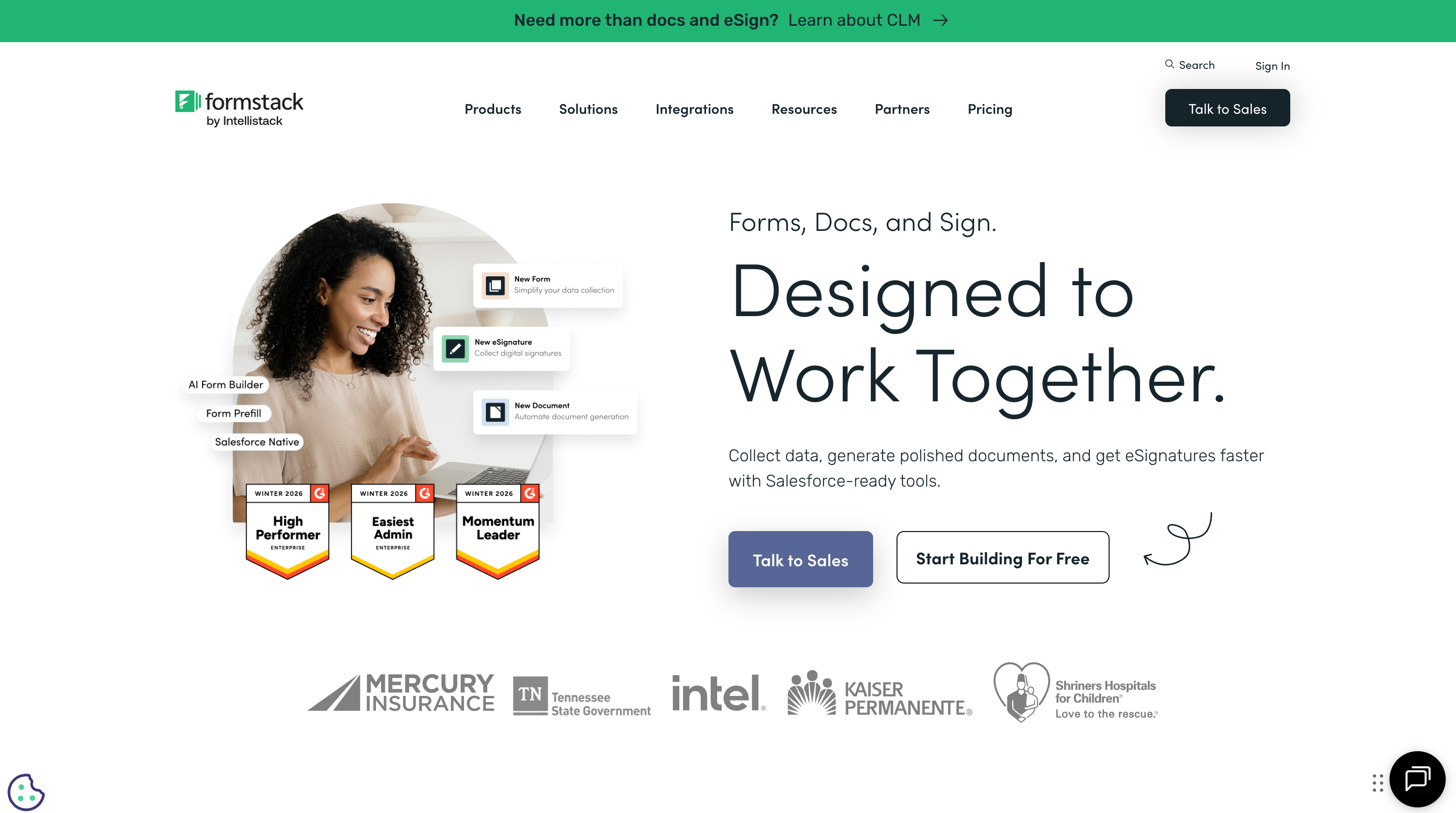
Formstack's SOC 2 Type II, HIPAA with BAA, SSO/SAML, and encryption are mature, well-documented enterprise features with years of audit history. Zoho has been expanding its compliance offerings across the platform, but Formstack's enterprise compliance track record is longer and more established in the US market. For organisations where compliance certification maturity and audit history matter, Formstack has the edge.
Document Generation Pipeline
Formstack Documents merges form data into templated documents (contracts, invoices, reports) with conditional logic and multi-format output. Formstack Sign adds e-signature routing. Zoho has Zoho Writer and Zoho Sign as separate products, but the forms-to-documents integration isn't as streamlined as Formstack's purpose-built pipeline. For teams that need automated document generation from form submissions, Formstack's integrated approach is more efficient.
Salesforce-Native Integration
Formstack offers a Salesforce-native product that builds forms directly from Salesforce objects — no data leaves Salesforce. For Salesforce-centric organisations, this native integration is a significant differentiator. Zoho Forms integrates with Zoho CRM natively but has limited Salesforce connectivity. If Salesforce is your CRM, Formstack is the clear choice.
Where Zoho Forms Wins
Zoho Ecosystem Integration
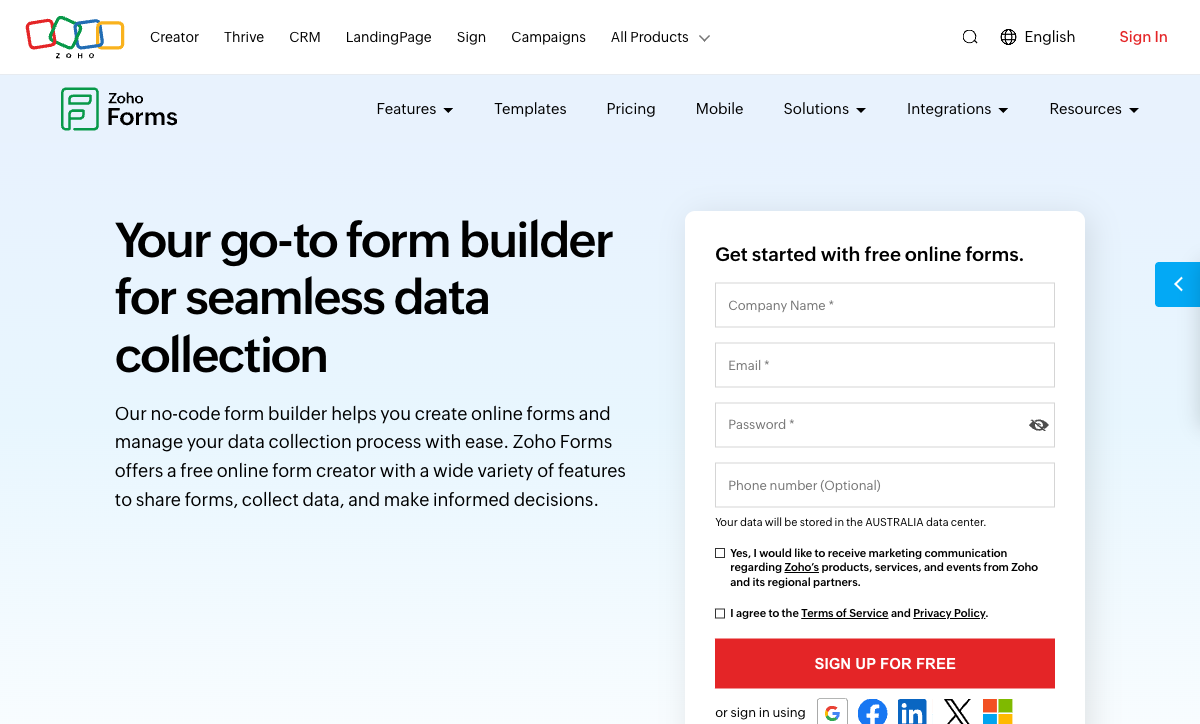
This is Zoho Forms' decisive advantage for Zoho users. Native integration with Zoho CRM, Zoho Desk, Zoho Analytics, Zoho Projects, Zoho Campaigns, Zoho Sign, and 40+ other Zoho applications creates seamless data flows. A form submission can create a CRM contact, open a support ticket, trigger an email campaign, and update a project task — all within the Zoho ecosystem without third-party connectors. Formstack requires Zapier or custom integrations to achieve comparable cross-platform automation.
Price: 3-8x Less Expensive
Zoho Forms' free plan offers 3 forms with 500 submissions/month. The Basic plan starts at $10/month. Even the Premium plan ($30/month) costs less than Formstack's $83/month entry tier. For Zoho One subscribers ($45/user/month for 50+ Zoho apps), Zoho Forms is essentially included at no additional cost. The value proposition for Zoho users is exceptional — you get a capable form builder as part of a comprehensive business platform.
Bootstrapped Stability at Scale
Zoho is one of the largest bootstrapped software companies in the world — founded in 1996, profitable, with thousands of employees and millions of users. No venture capital, no private equity, no public market pressure. This is rare at Zoho's scale and means pricing decisions are driven by customer value rather than investor returns. Formstack is PE-backed (Silversmith Capital Partners), which creates pressure for price increases and margin expansion. For long-term platform stability, Zoho's bootstrap model is a meaningful advantage.
Mobile App for Data Collection
Zoho Forms includes a native mobile app for offline data collection — forms work without internet connectivity and sync when back online. This is valuable for field teams, event registrations, and locations with unreliable connectivity. Formstack's mobile experience is responsive web forms, not a dedicated offline-capable app. For field data collection, Zoho Forms' mobile app is a genuine differentiator.
Pricing Comparison
| Tier | Formstack | Zoho Forms | Key Difference |
|---|---|---|---|
| Free | No free plan | 3 forms, 500 submissions/month | Zoho has a free tier; Formstack doesn't |
| Entry | $83/mo — forms + basic workflows | $10/mo — 10 forms, 5,000 submissions | Zoho entry is 88% cheaper than Formstack |
| Professional | $125/mo — more features and submissions | $30/mo — unlimited forms, 50,000 submissions | Zoho Premium costs less than one-quarter of Formstack Pro |
Formstack
Zoho Forms
| Product | Plan | Monthly Price | Annual Price (per month) | Free Plan | Free Trial | Limits |
|---|---|---|---|---|---|---|
| Formstack | Forms | $99/mo | $83/mo billed annually | No | 14 days | forms: 25, submissions: 1,000/form, storage: 2 GB, users: 1, file uploads: 2 GB |
| Formstack | Suite | $299/mo | $250/mo billed annually | forms: 100, submissions: 5,000/form, storage: 10 GB, users: 3, file uploads: 10 GB | ||
| Zoho Forms | Free | Free | Free | Yes | 15 days | forms: 3, submissions: 500/month, storage: 200 MB, users: 1 |
| Zoho Forms | Basic | $12/mo | $10/mo billed annually | forms: Unlimited, submissions: 10,000/month, storage: 500 MB, users: 1 | ||
| Zoho Forms | Standard | $30/mo | $25/mo billed annually | forms: Unlimited, submissions: 25,000/month, storage: 2 GB, users: 10 | ||
| Zoho Forms | Professional | $60/mo | $50/mo billed annually | forms: Unlimited, submissions: 75,000/month, storage: 5 GB, users: 25 | ||
| Zoho Forms | Premium | $110/mo | $90/mo billed annually | forms: Unlimited, submissions: 150,000/month, storage: 10 GB, users: 100 |
What Users Say
Zoho Forms receives strong reviews from Zoho ecosystem users who value the seamless CRM and app integrations. Common praise: native Zoho connectivity, mobile offline support, and competitive pricing. Common criticism: the form builder's design capabilities are basic, and the interface can feel dated compared to newer tools. Formstack averages around 4.2/5 on G2, with strengths in compliance and document workflows but consistent criticism of high pricing. The pattern is clear: Zoho users love Zoho Forms; teams outside the ecosystem find it less compelling.
Where Both Fall Short
- Design quality: Neither produces visually stunning forms. Both create functional layouts without document-style editing or rich design freedom.
- Calculation engine: Neither offers Excel-style formulas for dynamic pricing, conditional scoring, or computed outputs across form elements and integrations.
- Payment breadth: Formstack supports Stripe and PayPal. Zoho Forms supports PayPal and Stripe via Zoho Checkout. Neither offers five or more gateways or comprehensive eCommerce capabilities.
Consider Paperform
If neither enterprise pricing (Formstack) nor ecosystem lock-in (Zoho) fits your needs, Paperform offers a standalone alternative. Its document-style editor creates forms that look like designed landing pages. An Excel-style calculation engine powers dynamic pricing, scoring, and conditional logic across questions, pages, emails, and integrations. Five payment gateways (Stripe, PayPal, Square, Braintree, Google Pay) come standard on every plan including free.
Paperform is bootstrapped and profitable since 2016, starting at $29/month with a free tier, 30,000+ templates, built-in e-signatures (Papersign), and 2,000+ integrations via Zapier and Make — connecting to both Zoho and Salesforce ecosystems.
Try Paperform free | Formstack alternatives | Zoho Forms alternatives
The Verdict
Choose Zoho Forms if you use the Zoho ecosystem. The native integration with 45+ Zoho apps, competitive pricing (free to $30/month), mobile offline support, and bootstrapped company stability make it the obvious choice for Zoho-centric organisations. Adding Formstack when you already have Zoho would be paying 3-8x more for less integration.
Choose Formstack if you need enterprise compliance or Salesforce integration. SOC 2 Type II, mature HIPAA support, document generation, e-signatures, and Salesforce-native forms justify the premium for organisations outside the Zoho ecosystem that need enterprise infrastructure.
The decision largely reduces to ecosystem alignment. Zoho users should use Zoho Forms. Salesforce users should consider Formstack. Teams committed to neither ecosystem should evaluate both on features and pricing — where Zoho Forms wins on cost and Formstack wins on compliance depth. Both parent companies are long-established: Zoho since 1996 (bootstrapped), Formstack since 2006 (PE-backed).
Frequently Asked Questions
Is Zoho Forms worth it if I already use Zoho CRM?
Absolutely. If you're invested in the Zoho ecosystem, Zoho Forms is the obvious choice. Native integration with Zoho CRM, Zoho Desk, Zoho Analytics, Zoho Projects, and 45+ other Zoho apps creates seamless data flows without third-party connectors. Form submissions map directly to CRM contacts, deals, and custom modules. The pricing is also favourable — Zoho Forms is significantly cheaper than Formstack, and bundled Zoho One subscriptions ($45/user/month for the entire Zoho suite) make it essentially free if you're already paying for Zoho. Formstack would require Zapier or custom integrations to achieve the same Zoho connectivity.
Does Zoho Forms support HIPAA compliance?
Zoho has introduced HIPAA compliance across several products, and Zoho Forms supports HIPAA-compliant data collection as part of Zoho's broader compliance framework. However, the implementation and BAA processes may differ from Formstack's more established enterprise compliance offering. Formstack has SOC 2 Type II and HIPAA with BAA as mature, well-documented platform features. For organisations where HIPAA compliance is a primary requirement, evaluate both platforms' current compliance documentation. Formstack's enterprise compliance track record is longer, but Zoho's is improving rapidly.
Can Formstack match Zoho Forms on pricing?
Not even close. Zoho Forms' free plan offers 3 forms with 500 submissions/month. Its Basic plan starts at $10/month (billed annually). Formstack starts at $83/month with no free tier. Even Zoho Forms' Premium plan ($30/month) costs less than Formstack's entry price. The pricing gap is 3-8x depending on tier. Formstack justifies its premium through enterprise compliance, document generation, and e-signatures — features Zoho Forms doesn't fully replicate. But for basic-to-intermediate form needs, Zoho Forms delivers strong value at a fraction of the cost.
Which integrates better with third-party tools?
Formstack has broader third-party integration support. It connects natively with Salesforce (including a Salesforce-native product), Microsoft 365, and major CRMs, plus Zapier for everything else. Zoho Forms integrates deeply with the Zoho ecosystem (45+ apps) but has fewer native third-party integrations. Zoho does support Zapier and webhooks, but if your primary tools are outside the Zoho ecosystem (Salesforce, HubSpot, Slack), Formstack typically has more direct integration options. If your stack is Zoho-centric, Zoho Forms' native integrations are superior to anything Formstack offers.
Sources & References
- Zoho Forms Review: Features, Pricing, Alternatives — G2, 2026
- Best Online Form Builders Compared — EmailToolTester, 2026
Last updated March 21, 2026
Ready to try Paperform?
Create beautiful forms, payment pages, and workflows — no code required.