Formstack vs Typeform: Which Is Better in 2026?
Formstack and Typeform are solving fundamentally different problems. Formstack is an enterprise workflow platform — forms feed into document generation and e-signatures, wrapped in SOC 2 and HIPAA compliance. It starts at $83/month with no free tier. Typeform is a design-first form builder famous for its one-question-at-a-time conversational format — beautiful, engaging forms that prioritise respondent experience over back-office workflow.
The tension is enterprise function versus consumer design. Formstack asks: "How do we automate the workflow after the form?" Typeform asks: "How do we make the form experience itself delightful?" The answer to which is better depends entirely on which question matters more to your business.
Who Are These Platforms?
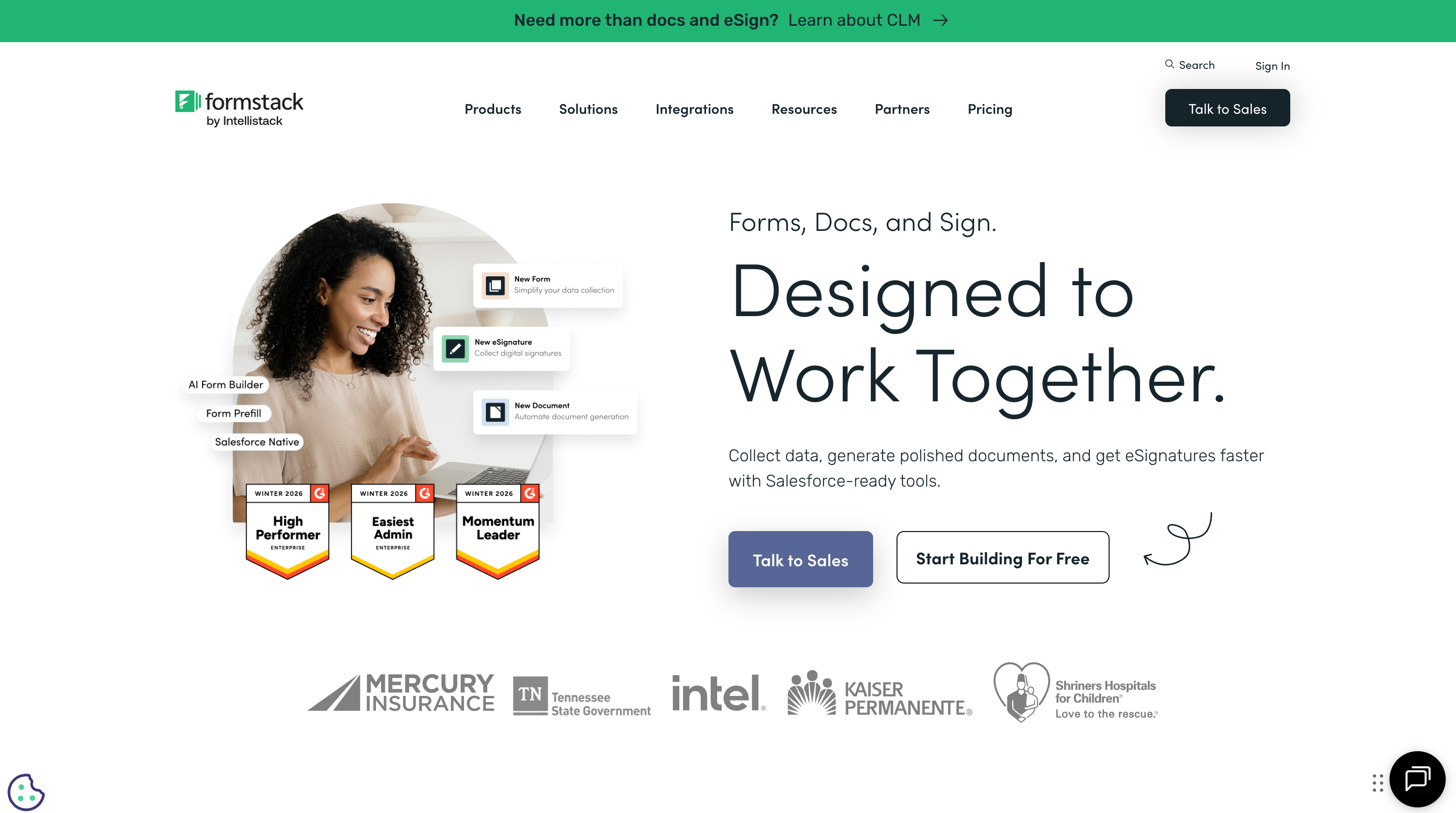
Formstack was founded in 2006 in Indianapolis, Indiana. It has evolved from a form builder into a workplace productivity suite covering forms, document generation (Formstack Documents), and e-signatures (Formstack Sign). Venture-funded and enterprise-focused, Formstack targets regulated industries and mid-to-large organisations that need compliance certifications and integrated document workflows.
Typeform was founded in 2012 in Barcelona, Spain by David Okuniev and Robert Muoz. It popularised the one-question-at-a-time conversational form format and built a strong brand around design quality and respondent experience. HubSpot acquired Typeform in 2024, integrating it into the HubSpot marketing ecosystem. Typeform has raised significant venture capital and serves primarily marketing teams, agencies, and product teams who prioritise form aesthetics and completion rates.
Quick Verdict
Choose Formstack if:
- You need SOC 2 or HIPAA compliance
- You need integrated document generation from form data
- You want forms, documents, and e-signatures in one platform
- Enterprise security (SSO, audit trails) is a requirement
Choose Typeform if:
- Form design and respondent experience are top priorities
- You're building surveys, quizzes, or lead generation forms
- You want the conversational one-at-a-time format
- You're in the HubSpot ecosystem for marketing automation
Feature Comparison
Side-by-side across every feature category.
| Feature | Formstack | Typeform |
|---|---|---|
| Form Building | ||
| Drag-and-drop builder | Yes forms | No |
| AI form creation | Yes forms | Yes |
| Field types | 15 | 20+ |
| Multi-page forms | Yes forms | Yes basic |
| Guided mode (one question at a time) | Yes forms | Yes |
| Conditional logic | Yes forms | Yes basic |
| Calculations field | Yes forms | Yes plus |
| AI calculations assistant | No | No |
| Scoring | No | Yes plus |
| Answer piping | Yes forms | Yes basic |
| Pre-filling and hidden fields | Yes forms | Yes basic |
| Save and resume | Yes forms | No |
| Auto-close by number | No | Yes basic |
| Auto-close by date | No | Yes basic |
| Appointment/booking field | No | Yes basic |
| Signature field | Yes suite | No |
| Color picker field | No | No |
| API-powered dropdowns | Yes forms | No |
| Google address search | No | No |
| Document-style editor | No | No |
| File uploads | No | Yes basic |
| AI follow-up questions | No | Yes business |
| Video questions | No | Yes basic |
| Payments | ||
| Stripe payments | Yes forms | Yes basic |
| PayPal payments | Yes forms | No |
| Square payments | No | No |
| Braintree payments | No | No |
| Google Pay | No | No |
| Product sales (eCommerce) | No | No |
| Subscriptions | No | Yes basic |
| Coupons and discounts | Yes forms | No |
| Custom pricing rules | Yes forms | No |
| Tax calculations | No | No |
| Quotes/invoices | No | No |
| Refunds | No | No |
| 3D Secure | No | Yes basic |
| Design & Customization | ||
| Template gallery | Yes forms | 1,500+ |
| Rich media (images, GIFs, videos) | Yes forms | Yes |
| Unsplash and Giphy integration | No | Yes |
| Image editor | No | No |
| Adobe Creative Cloud | No | No |
| Language translation | No | Yes basic |
| Advanced theming | Yes forms | Yes plus |
| Custom form URL | Yes forms | Yes plus |
| Custom domains | Yes forms | No |
| Custom HTML & CSS | Yes forms | Yes business |
| Remove branding | Yes forms | Yes plus |
| Custom email domains | No | No |
| Analytics | ||
| Submission results and reports | Yes forms | Yes |
| AI report insights | No | Yes business |
| Paperform analytics | Yes forms | No |
| Google Analytics & Facebook Pixel | Yes forms | Yes basic |
| Custom analytics scripts | No | Yes basic |
| Partial submissions | Yes forms | Yes plus |
| Drop-off analysis | No | Yes business |
| Collaboration | ||
| Multi-user accounts | Yes forms | Yes plus |
| User permissions and management | Yes forms | Yes plus |
| Advanced permissions & admin | Yes enterprise | Yes enterprise |
| Form sharing (templates) | Yes forms | Yes |
| Spaces and tag management | Yes forms | No |
| Workspace organization | No | Yes |
| Security | ||
| SOC 2 Type II | No | Yes |
| GDPR compliant | Yes forms | Yes |
| SSL encryption | Yes forms | Yes |
| Two-factor authentication | Yes forms | Yes |
| Enforce 2FA for all users | Yes enterprise | No |
| SSO (SAML) | Yes enterprise | Yes enterprise |
| reCAPTCHA | Yes forms | Yes business |
| Local data residency | No | No |
| Custom S3 storage (BYO) | No | No |
| HIPAA compliant | No | Yes enterprise |
| ISO 27001 | No | Yes |
| PCI DSS | No | Yes |
| Integrations & API | ||
| 2000+ integrations | No | No |
| Zapier | Yes forms | Yes basic |
| Make (Integromat) | No | Yes basic |
| Webhooks | Yes forms | Yes basic |
| Standard API | Yes forms | No |
| Business API | Yes enterprise | No |
| WordPress plugin | Yes forms | Yes |
| oEmbed support | No | No |
| Native integrations | No | 120+ (basic) |
| API | No | Yes basic |
| Embed options | No | Yes |
Where Formstack Wins
Enterprise Compliance
Formstack offers SOC 2 Type II certification and HIPAA compliance with Business Associate Agreements — certifications that Typeform does not provide. For organisations in healthcare, finance, government, or any sector where compliance certifications are procurement requirements, this alone can determine the choice. Formstack also provides encryption at rest, audit trails, and role-based access controls that meet enterprise security review standards.
Document Generation
Formstack Documents automates the creation of contracts, proposals, invoices, and reports from form submission data. Templates with merge fields, conditional logic, batch generation, and multi-format output (PDF, Word, Excel) turn form data into professional documents automatically. Typeform has no document generation capability — submissions stay as raw data. For workflows where the form is just the first step before a document needs to be produced, Formstack provides the complete pipeline.
Native E-Signatures
Formstack Sign provides built-in e-signature collection integrated directly with Formstack Forms and Documents. A form submission can trigger a document merge, which generates a contract, which is sent for signature — all within the platform. Typeform has no e-signature capability. Businesses using Typeform for contracts or agreements need a separate tool (DocuSign, HelloSign) and a Zapier workflow to connect them.
Workflow Automation Depth
Formstack's workflow capabilities extend beyond simple form submission routing. Conditional logic can trigger different document templates, route submissions to different approval chains, and cascade actions across forms, documents, and signatures. Typeform's Logic Jump feature handles conditional question routing within a form, but post-submission workflow automation is limited to external integrations via Zapier or the HubSpot connection.
Where Typeform Wins

Design and Respondent Experience
Typeform's core strength is making forms feel less like forms. The one-question-at-a-time conversational format reduces cognitive load, increases engagement, and produces notably higher completion rates for surveys and marketing forms. Custom fonts, brand colours, images, videos, and GIFs between questions create an experience that feels designed, not generated. For customer-facing forms where brand impression matters — lead generation, feedback surveys, product research — Typeform's design quality is unmatched by Formstack's functional but visually utilitarian forms.
Higher Completion Rates
The conversational format genuinely improves completion rates. By showing one question at a time with smooth transitions, Typeform reduces form abandonment — particularly for longer surveys. Typeform claims up to 4x higher completion rates, and while real-world results vary, the directional advantage is well-documented. Formstack's traditional multi-field layout can feel dense and overwhelming for longer forms, leading to higher drop-off rates in marketing and survey contexts.
HubSpot Integration
Since HubSpot's acquisition of Typeform in 2024, the integration between the two platforms has deepened significantly. Typeform submissions flow directly into HubSpot CRM, marketing workflows, and analytics with native — not Zapier-dependent — connectivity. For marketing teams already in the HubSpot ecosystem, Typeform is the natural form builder. Formstack integrates with HubSpot through Zapier, but the connection isn't as seamless or deep.
More Accessible Pricing
Typeform's Basic plan starts at approximately $29/month — less than half of Formstack's $83/month entry point. Typeform also offers a limited free plan, while Formstack offers none. For individuals, small teams, or organisations that don't need enterprise compliance, Typeform delivers a polished product at a substantially lower price point.
Quiz and Survey Specialisation
Typeform excels at interactive quizzes, personality assessments, and engaging surveys. The conversational format, combined with logic jumps, calculator variables, and visual media, creates quiz experiences that feel more like interactive content than data collection. Formstack can build surveys, but they're functional rather than engaging — the format doesn't lend itself to the same level of interactivity.
Pricing Comparison
Formstack's enterprise pricing versus Typeform's more accessible tiers.
| Tier | Formstack | Typeform | Key Difference |
|---|---|---|---|
| Free | No free plan | Limited: 10 questions/form, 10 responses/month | Typeform offers a starter free tier; Formstack has nothing |
| ~$29-39/mo | N/A (cheapest is $83/mo) | Basic: unlimited forms, 100 responses/month | Typeform's mid-tier costs less than Formstack's entry point |
| ~$83-99/mo | Starter: 20 forms, 1,000 submissions (forms only) | Business: 10,000 responses, custom branding, priority support | Same price, very different products: workflow suite vs design tool |
| Enterprise | Custom: SOC 2, HIPAA, docs, e-sign, SSO | Custom: SSO, dedicated support, advanced analytics | Formstack bundles compliance + docs; Typeform focuses on scale |
Formstack
Typeform
| Product | Plan | Monthly Price | Annual Price (per month) | Free Plan | Free Trial | Limits |
|---|---|---|---|---|---|---|
| Formstack | Forms | $99/mo | $83/mo billed annually | No | 14 days | forms: 25, submissions: 1,000/form, storage: 2 GB, users: 1, file uploads: 2 GB |
| Formstack | Suite | $299/mo | $250/mo billed annually | forms: 100, submissions: 5,000/form, storage: 10 GB, users: 3, file uploads: 10 GB | ||
| Typeform | Free | Free | Free | Yes | No | forms: 10, submissions: 10/month, users: 1 |
| Typeform | Basic | $39/mo | $28/mo billed annually | forms: Unlimited, submissions: 100/month, users: 1 | ||
| Typeform | Plus | $79/mo | $56/mo billed annually | forms: Unlimited, submissions: 1,000/month, users: 3 | ||
| Typeform | Business | $129/mo | $91/mo billed annually | forms: Unlimited, submissions: 10,000/month, users: 5 | ||
| Typeform | Growth Pro | $379/mo | $266/mo billed annually | forms: Unlimited, submissions: Expanded, users: Expanded |
What Users Say
Typeform averages around 4.5/5 on G2 and Capterra, with consistent praise for design quality and user experience. Common criticism targets the response limits on lower tiers and the lack of advanced data processing. Formstack averages around 4.4/5, with strengths in compliance and document workflows noted by enterprise reviewers. Common Formstack complaints centre on pricing complexity and the learning curve for the documents product. Both platforms have loyal user bases, but they serve fundamentally different audiences.
Where Both Fall Short
- No Excel-style calculations: Neither platform offers a deep calculation engine for dynamic pricing, scoring models, or conditional computed outputs. Both handle basic field calculations but lack formula-driven computational layers.
- No document-style editor: Neither lets you build forms as designed pages with free-flowing text, images, and fields coexisting. Formstack uses traditional drag-and-drop; Typeform uses one-question-at-a-time. Neither is a page builder.
- Limited payment breadth: Both support Stripe and PayPal, but neither offers the gateway diversity (5+ processors) or full eCommerce features (subscriptions, coupons, product catalogues) that dedicated payment-focused form builders provide.
The Verdict
Choose Formstack if your workflow extends beyond the form. If form data needs to become documents, documents need signatures, and the entire pipeline requires compliance certification, Formstack is purpose-built for that use case. The premium pricing ($83+/month) reflects a suite of three products, not just a form builder.
Choose Typeform if the form experience is the product. For lead generation, surveys, quizzes, and any context where respondent engagement drives results, Typeform's conversational format and design quality create a measurably better experience. The HubSpot integration makes it especially compelling for marketing teams.
These are genuinely different products for different buyers. Formstack is a back-office workflow platform that starts with forms. Typeform is a front-office engagement tool that happens to collect data. Choosing between them is less about features and more about which problem you're actually solving.
Consider Paperform
If you want the design quality of Typeform with more functional depth than either platform offers, Paperform is worth evaluating. Its document-style editor creates forms that look like branded landing pages — combining the visual appeal Typeform is known for with an Excel-style calculation engine that powers dynamic pricing, conditional scoring, and computed outputs across every part of the form.
Five payment gateways (Stripe, PayPal, Square, Braintree, Google Pay) come standard on every plan including free, plus built-in e-signatures (Papersign) and workflow automation (Stepper). Bootstrapped and profitable since 2016, Paperform offers the design-first approach of Typeform with the workflow capabilities that Formstack charges enterprise prices for.
Try Paperform free | Formstack alternatives | Paperform vs Typeform
Frequently Asked Questions
Is Typeform cheaper than Formstack?
Significantly. Typeform's Basic plan starts at approximately $29/month (billed annually), while Formstack's cheapest plan begins at $83/month. Even Typeform's Business plan (~$99/month) is comparable to Formstack's entry-level pricing. However, the products serve different markets: Typeform optimises for respondent experience and design, while Formstack optimises for enterprise workflow automation. Comparing prices without comparing use cases is misleading — they're priced for different buyers.
Can Typeform handle enterprise compliance needs?
Partially. Typeform offers GDPR compliance, data encryption, and SSO on enterprise plans. However, it lacks SOC 2 Type II certification and HIPAA compliance — both of which Formstack offers. For organisations in regulated industries (healthcare, finance, government) where compliance certifications are procurement requirements, Formstack meets standards that Typeform currently doesn't. For standard business data collection without regulatory mandates, Typeform's security is typically sufficient.
Which has better completion rates?
Typeform's one-question-at-a-time format is specifically designed to maximise completion rates. Their research claims 4x higher completion rates compared to traditional forms, though real-world results vary by form length and context. The conversational format reduces cognitive load — respondents see one question, answer it, and move on. Formstack uses traditional multi-field forms, which can feel dense for longer surveys. For surveys and feedback forms where completion rates are the key metric, Typeform's format has a measurable advantage. For data-heavy intake forms where respondents need to see all fields, Formstack's traditional layout may actually perform better.
Does Formstack include document generation?
Yes — Formstack Documents (formerly WebMerge) is a dedicated document automation engine. It merges form data into templates to generate contracts, proposals, invoices, and reports with conditional logic, batch processing, and multi-format output. This is a separate product within the Formstack suite, typically requiring a higher-tier plan or add-on purchase. Typeform has no document generation capability — form submissions stay as data. If your workflow requires generating formatted documents from form data, this is a major Formstack advantage.
Which is better for lead generation?
Typeform, generally. Its conversational format is purpose-built for marketing and lead generation — high engagement, low friction, visually appealing forms that match brand identity. Typeform integrates natively with HubSpot (which owns Typeform) and most marketing automation tools. Formstack can absolutely collect leads, but its forms are more functional than engaging. For top-of-funnel marketing where the form itself is part of the brand experience, Typeform's design-first approach tends to convert better. For internal workflows where aesthetics matter less, Formstack's functional approach is fine.
Sources & References
- Formstack vs Typeform: Feature and Pricing Comparison — G2, 2026
- Best Form Builders for Business — 2026 Edition — EmailToolTester, 2026
Last updated March 21, 2026
Ready to try Paperform?
Create beautiful forms, payment pages, and workflows — no code required.