Formstack vs SurveyMonkey: Which Is Better in 2026?
This is a comparison between two tools that sound similar but serve fundamentally different purposes. Formstack is an enterprise workflow platform that bundles online forms, document generation, and electronic signatures into a single product suite. SurveyMonkey is a survey specialist — purpose-built for research, feedback collection, and data analysis with over 20 years of methodological expertise.
The overlap is narrow: both collect data through online forms. But Formstack routes that data into business processes and document workflows, while SurveyMonkey analyses it for research insights. Choosing between them depends on whether you need operational workflows or research-grade surveys.
Who Are These Platforms?
Formstack was founded in 2006 in Indianapolis, originally as a simple form builder. Over nearly two decades, it evolved into a workflow automation platform through acquisitions — adding document generation (Formstack Documents, formerly WebMerge) and electronic signatures (Formstack Sign). Now private-equity-backed, Formstack targets mid-market and enterprise teams who need forms, documents, and signatures in a unified system. Pricing starts at $83/month, reflecting its enterprise positioning.
SurveyMonkey was founded in 1999 — one of the earliest web survey tools. Now part of Momentive (rebranded in 2021), it serves over 17 million active users across 300,000+ organisations. SurveyMonkey's strength is its survey methodology: question bank, benchmarking data, statistical analysis, and AI-powered insights. Individual plans start at $25/month, with team and enterprise tiers scaling to $75+/user/month. Its focus has remained consistent for over two decades: surveys and feedback.
Quick Verdict
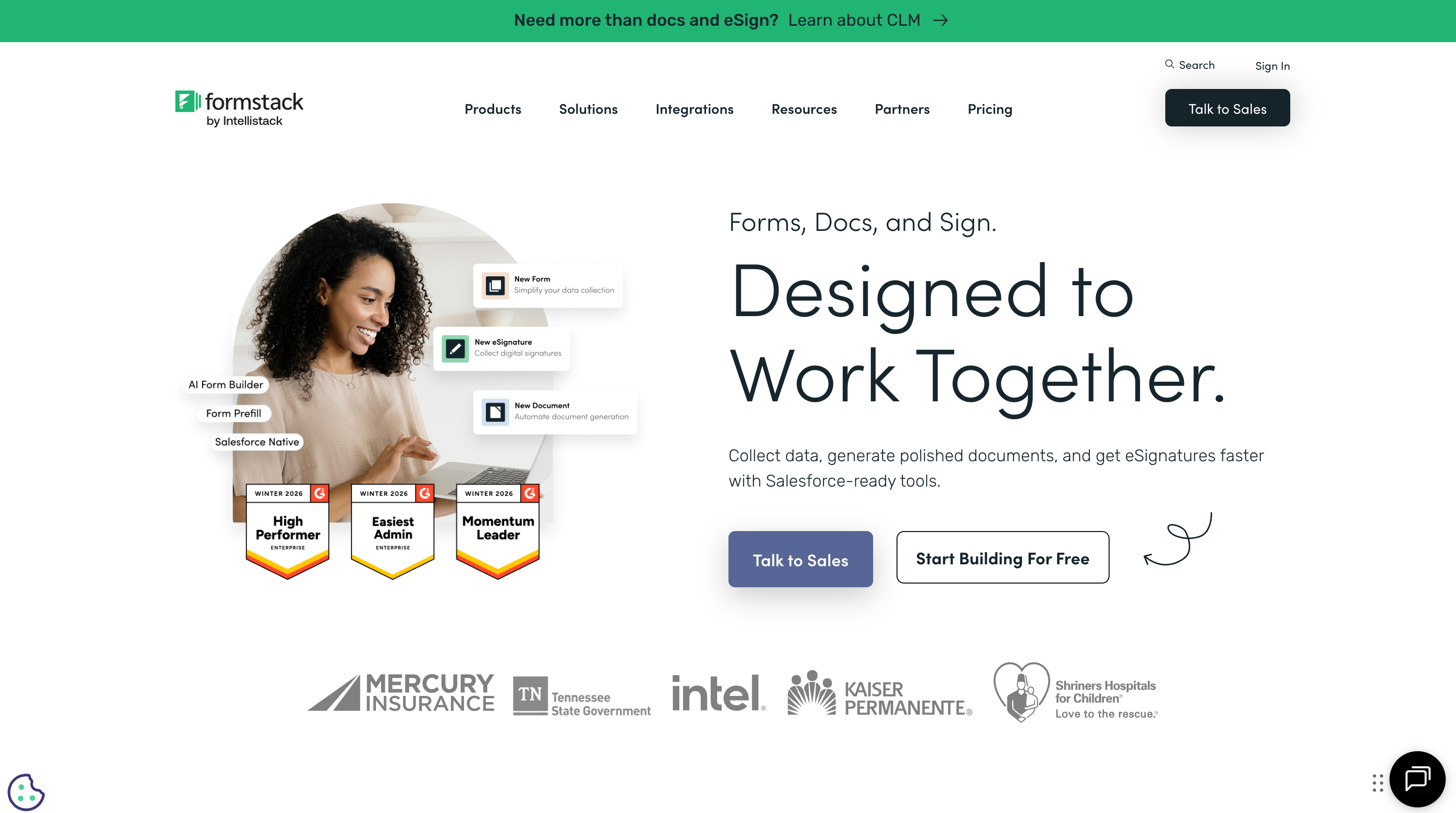
Choose Formstack if:
- You need forms + document generation + e-signatures in one platform
- Your workflow involves routing form data into contracts, agreements, or PDFs
- You're an enterprise team needing HIPAA compliance and SSO
- You want conditional logic-driven operational forms, not research surveys
Choose SurveyMonkey if:
- Your primary need is surveys — customer feedback, NPS, employee engagement
- You need research-grade analysis: cross-tabs, benchmarking, significance testing
- Budget matters — individual plans start at $25/month vs Formstack's $83/month
- You want AI-powered survey insights and a massive question bank
Feature Comparison
Side-by-side across every feature category.
| Feature | Formstack | SurveyMonkey |
|---|---|---|
| Form Building | ||
| Drag-and-drop builder | Yes forms | No |
| AI form creation | Yes forms | Yes |
| Field types | 15 | 15+ |
| Multi-page forms | Yes forms | Yes |
| Guided mode (one question at a time) | Yes forms | Yes |
| Conditional logic | Yes forms | Yes Individual Standard |
| Calculations field | Yes forms | No |
| AI calculations assistant | No | No |
| Scoring | No | Yes |
| Answer piping | Yes forms | Yes Individual Standard |
| Pre-filling and hidden fields | Yes forms | Yes Individual Standard |
| Save and resume | Yes forms | Yes Individual Standard |
| Auto-close by number | No | Yes Individual Standard |
| Auto-close by date | No | Yes Individual Standard |
| Appointment/booking field | No | No |
| Signature field | Yes suite | No |
| Color picker field | No | No |
| API-powered dropdowns | Yes forms | No |
| Google address search | No | No |
| Document-style editor | No | No |
| File uploads | No | Yes |
| Payments | ||
| Stripe payments | Yes forms | Yes Individual Advantage |
| PayPal payments | Yes forms | Yes Individual Advantage |
| Square payments | No | No |
| Braintree payments | No | No |
| Google Pay | No | No |
| Product sales (eCommerce) | No | No |
| Subscriptions | No | No |
| Coupons and discounts | Yes forms | No |
| Custom pricing rules | Yes forms | No |
| Tax calculations | No | No |
| Quotes/invoices | No | No |
| Refunds | No | No |
| 3D Secure | No | No |
| Design & Customization | ||
| Template gallery | Yes forms | 500+ |
| Rich media (images, GIFs, videos) | Yes forms | Yes |
| Unsplash and Giphy integration | No | No |
| Image editor | No | No |
| Adobe Creative Cloud | No | No |
| Language translation | No | Yes Individual Premier |
| Advanced theming | Yes forms | Yes Individual Standard |
| Custom form URL | Yes forms | Yes Individual Standard |
| Custom domains | Yes forms | No |
| Custom HTML & CSS | Yes forms | No |
| Remove branding | Yes forms | Yes Individual Standard |
| Custom email domains | No | No |
| Analytics | ||
| Submission results and reports | Yes forms | Yes |
| AI report insights | No | Yes Individual Standard |
| Paperform analytics | Yes forms | No |
| Google Analytics & Facebook Pixel | Yes forms | No |
| Custom analytics scripts | No | No |
| Partial submissions | Yes forms | Yes Individual Standard |
| Collaboration | ||
| Multi-user accounts | Yes forms | Yes Team Advantage |
| User permissions and management | Yes forms | Yes Team Advantage |
| Advanced permissions & admin | Yes enterprise | Yes enterprise |
| Form sharing (templates) | Yes forms | Yes Team Advantage |
| Spaces and tag management | Yes forms | No |
| Security | ||
| SOC 2 Type II | No | Yes |
| GDPR compliant | Yes forms | Yes |
| SSL encryption | Yes forms | Yes |
| Two-factor authentication | Yes forms | Yes |
| Enforce 2FA for all users | Yes enterprise | Yes enterprise |
| SSO (SAML) | Yes enterprise | Yes enterprise |
| reCAPTCHA | Yes forms | Yes |
| Local data residency | No | Yes enterprise |
| Custom S3 storage (BYO) | No | No |
| Integrations & API | ||
| 2000+ integrations | No | No |
| Zapier | Yes forms | Yes |
| Make (Integromat) | No | Yes |
| Webhooks | Yes forms | Yes Individual Standard |
| Standard API | Yes forms | Yes Individual Standard |
| Business API | Yes enterprise | Yes enterprise |
| WordPress plugin | Yes forms | No |
| oEmbed support | No | No |
| Native integrations | No | 200+ |
Where Formstack Wins
Unified Workflow Platform
Formstack's biggest advantage is that forms are just the starting point. A single submission can trigger document generation (Formstack Documents creates PDFs, contracts, and letters from templates), route to electronic signature (Formstack Sign), and feed into downstream systems via integrations. SurveyMonkey collects survey responses and analyses them — it has no document workflow, no e-signatures, and no process automation beyond basic notifications and integrations.
Conditional Logic and Operational Forms
Formstack's conditional logic is built for operational complexity: show/hide fields, skip sections, route submissions to different teams, pre-populate from CRM data, and create multi-step approval workflows. These are operational forms — applications, intake processes, registrations, and compliance forms. SurveyMonkey has skip logic and branching for surveys, but its logic is designed for survey flow, not business process routing.
HIPAA Compliance
Formstack offers HIPAA-compliant form collection on its enterprise plans — critical for healthcare organisations collecting patient data. SurveyMonkey also offers HIPAA compliance on enterprise tiers, but Formstack's document generation and e-signature chain means the entire workflow (collect data, generate consent form, get signature) can remain HIPAA-compliant end-to-end.
Document Generation
Formstack Documents (formerly WebMerge) generates polished PDFs, Word documents, and spreadsheets from form submission data using templates. An HR team collects new hire information and auto-generates an employment contract. A real estate office creates offer letters from inquiry forms. SurveyMonkey has zero document generation capability — it was never designed for this workflow.
Where SurveyMonkey Wins
Survey Methodology and Question Bank
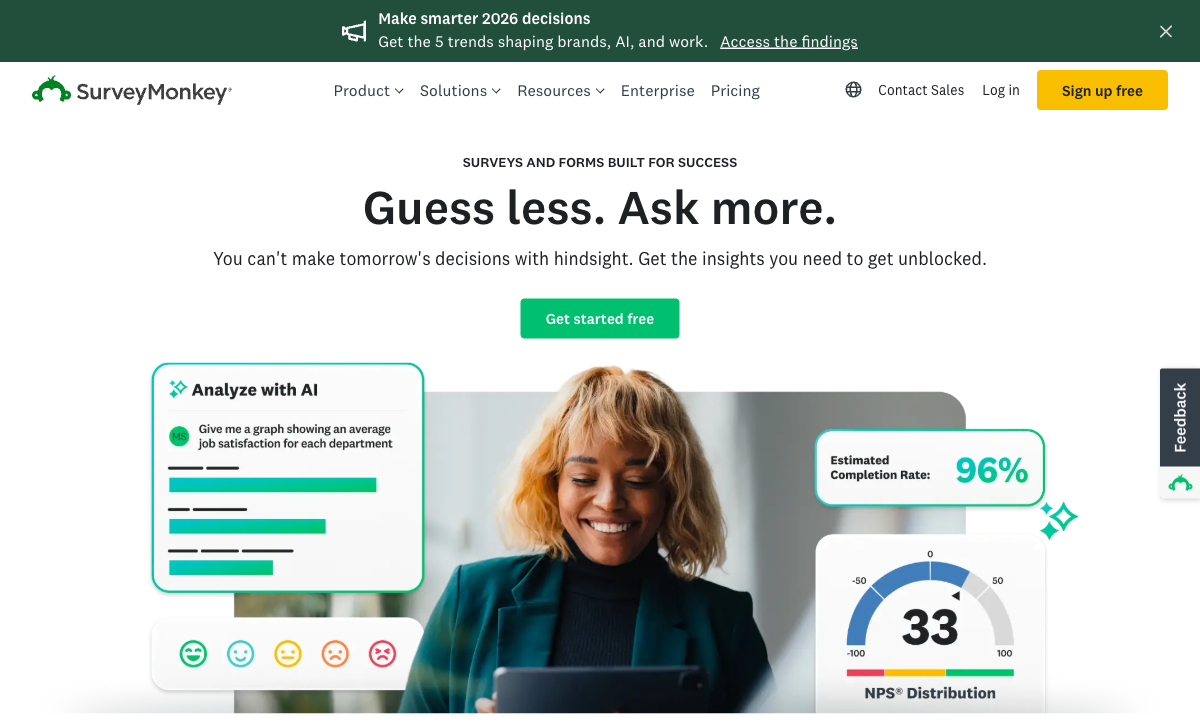
SurveyMonkey has spent over two decades refining survey methodology. Its question bank includes hundreds of expert-written, methodologically validated questions across categories: customer satisfaction, employee engagement, market research, healthcare, education, and events. Questions are pre-tested for bias and clarity. Formstack has no equivalent — you write every question from scratch without methodological guidance.
Analytical Depth
SurveyMonkey's analysis tools are purpose-built for research: cross-tabulation, filtering, trend tracking, sentiment analysis, word clouds, statistical significance testing, and industry benchmarking (compare your NPS against sector averages). Formstack provides basic submission reports and charts. If your goal is to draw conclusions from response data rather than simply collect it, SurveyMonkey's analytics are in a fundamentally different category.
Price for Survey Use Cases
SurveyMonkey's individual Advantage plan costs $39/month and includes unlimited surveys, custom branding, skip logic, and data exports. Formstack's cheapest plan is $83/month — more than double — and doesn't include the analytical depth SurveyMonkey offers. For organisations whose primary need is surveys and feedback, SurveyMonkey delivers more relevant functionality at a lower price point.
Brand Recognition and Response Rates
SurveyMonkey is arguably the most recognised survey brand in the world. Recipients trust SurveyMonkey-branded survey links, which can positively impact response rates. The platform's email distribution, reminder system, and audience panel (SurveyMonkey Audience — recruit respondents from a 175M+ person panel) are all built for maximising survey participation. Formstack has no equivalent audience panel or brand recognition advantage for survey distribution.
AI-Powered Insights
SurveyMonkey has invested heavily in AI: automated survey design suggestions, AI-generated analysis summaries, sentiment detection in open-text responses, and recommended actions based on results. These features are tuned specifically for survey data. Formstack's automation is workflow-oriented (route data, generate documents), not insight-oriented.
Where Formstack Falls Short
- Expensive for simple use cases: Starting at $83/month, Formstack is overpriced if you only need basic forms or surveys. The price reflects the documents + signatures bundle, which not everyone needs.
- No survey methodology: No question bank, no benchmarking, no statistical analysis tools. Building research surveys in Formstack means starting from scratch without methodological guidance.
- Limited analytics: Basic submission reports and charts. No cross-tabulation, no significance testing, no sentiment analysis. Data analysis requires exporting to external tools.
- Private-equity ownership: Formstack is PE-backed, which historically correlates with price increases and cost-cutting. Long-term platform stability is less certain than bootstrapped competitors.
- No audience panel: If you need to reach respondents beyond your own contact list, Formstack offers no built-in solution. SurveyMonkey's Audience panel reaches 175M+ people.
Where SurveyMonkey Falls Short
- No document workflows: SurveyMonkey collects and analyses data. It cannot generate documents, create PDFs from responses, or handle electronic signatures. Any post-survey document workflow requires separate tools.
- Limited as a form builder: SurveyMonkey is a survey tool, not a general-purpose form builder. Complex conditional logic, multi-step approval processes, payment collection, and operational forms are not its strength.
- No payment processing: SurveyMonkey cannot collect payments through surveys. If your form needs to process transactions — event registrations, order forms, donations — SurveyMonkey requires integration with external payment tools.
- Response limits on lower tiers: Free and basic plans impose response limits that can frustrate growing teams. Unlimited responses require paid plans at $39+/month.
- Per-user pricing for teams: Team plans charge per user ($75+/user/month), which scales expensively for larger organisations. A 10-person team could pay $750+/month.
- Corporate ownership concerns: Now part of Momentive (public company), SurveyMonkey's direction is driven by public market pressures. Frequent rebranding and strategic pivots create platform uncertainty.
Pricing Comparison
| Tier | Formstack | SurveyMonkey | Key Difference |
|---|---|---|---|
| Free | No free plan | Basic: 10 questions, 25 responses per survey | SurveyMonkey has a free tier; Formstack does not |
| Entry Paid | Starter: $83/mo — forms only, 20 forms, 1,000 submissions | Individual Advantage: $39/mo — unlimited surveys, data exports | SurveyMonkey is less than half the price for individual use |
| Team | Teams: $208/mo — 50 forms, 5 users, documents + signatures | Team Advantage: $75/user/mo — shared library, collaboration | Formstack flat fee vs SurveyMonkey per-user; cost depends on team size |
| Enterprise | Enterprise: custom pricing — SSO, HIPAA, unlimited | Enterprise: custom — admin controls, API, integrations | Both offer enterprise tiers with custom pricing and compliance features |
Formstack's pricing reflects its broader scope (forms + documents + signatures). SurveyMonkey is cheaper for pure survey use cases but scales expensively on per-user team plans.
Formstack
SurveyMonkey
| Product | Plan | Monthly Price | Annual Price (per month) | Free Plan | Free Trial | Limits |
|---|---|---|---|---|---|---|
| Formstack | Forms | $99/mo | $83/mo billed annually | No | 14 days | forms: 25, submissions: 1,000/form, storage: 2 GB, users: 1, file uploads: 2 GB |
| Formstack | Suite | $299/mo | $250/mo billed annually | forms: 100, submissions: 5,000/form, storage: 10 GB, users: 3, file uploads: 10 GB | ||
| SurveyMonkey | Basic (Free) | Free | Free | Yes | No | forms: Unlimited, submissions: 25 per survey, storage: N/A, users: 1 |
| SurveyMonkey | Individual Standard | $99/mo | $39/mo billed annually | forms: Unlimited, submissions: 1,000 per month, storage: N/A, users: 1 | ||
| SurveyMonkey | Individual Advantage | Free | $32/mo billed annually | forms: Unlimited, submissions: 15,000 per year, storage: N/A, users: 1 | ||
| SurveyMonkey | Individual Premier | Free | $99/mo billed annually | forms: Unlimited, submissions: 40,000 per year, storage: N/A, users: 1 | ||
| SurveyMonkey | Team Advantage | Free | $30/mo billed annually | forms: Unlimited, submissions: 50,000 per year (shared), storage: N/A, users: 3 minimum | ||
| SurveyMonkey | Team Premier | Free | $92/mo billed annually | forms: Unlimited, submissions: 100,000 per year (shared), storage: N/A, users: 3 minimum |
What Users Say
Formstack averages around 4.4/5 on G2, with praise for its workflow automation and document generation but criticism of pricing and a learning curve. SurveyMonkey averages around 4.4/5 on G2, lauded for ease of use and survey design but criticised for limitations on free/basic plans and per-user team pricing. Both platforms have vocal user bases — the sentiment splits along use-case lines. Users who need surveys love SurveyMonkey. Users who need operational workflows prefer Formstack.
Consider Paperform: The Best of Both Worlds
If you're torn between Formstack's workflow capabilities and SurveyMonkey's survey features, Paperform might be the answer. Paperform combines beautiful, design-first forms with an Excel-style calculation engine, five payment gateways (Stripe, PayPal, Square, Braintree, Google Pay), built-in e-signatures via Papersign, and conditional logic powerful enough for both operational forms and research surveys.
At $29/month for Essentials, Paperform costs a fraction of Formstack ($83/month) while offering payment processing, calculations, and 30,000+ templates that SurveyMonkey can't match. It's a single platform for forms, surveys, payments, quizzes, and bookings — without the per-user pricing that makes SurveyMonkey expensive for teams.
Founded in 2016 and bootstrapped since day one, Paperform is profitable and independent — no PE ownership (Formstack) or public market pressures (SurveyMonkey). For teams who need more than surveys but less complexity than Formstack's enterprise suite, Paperform is worth a serious look.
The Verdict
Formstack is the right choice for enterprise document workflows. If your process involves collecting data, generating documents from that data, and getting electronic signatures — all within a HIPAA-compliant environment — Formstack's unified platform eliminates the need to stitch together separate tools. The $83+/month price reflects this enterprise scope.
SurveyMonkey is the right choice for research and feedback. If your primary need is creating methodologically sound surveys, analysing response data with statistical tools, and benchmarking against industry standards, SurveyMonkey's two decades of survey-specific expertise make it the more capable tool at a lower price point.
These are genuinely different products that happen to share a "collects data online" description. Using Formstack for surveys is like using a Swiss Army knife to cut bread — it works, but a bread knife is better. Using SurveyMonkey for document workflows is impossible — it simply doesn't have those features. Match the tool to your actual use case, and the choice becomes obvious. For details on more options, see our Formstack alternatives or SurveyMonkey alternatives analysis.
Frequently Asked Questions
Is Formstack or SurveyMonkey better for customer feedback surveys?
SurveyMonkey is the stronger choice for dedicated survey work. It was built specifically for research-grade surveys: skip logic, randomization, quotas, benchmarking data, statistical significance testing, and a massive question bank backed by methodological expertise. Formstack can build surveys, but its strength lies in operational forms, document workflows, and data routing. If your primary use case is collecting structured feedback, running NPS programmes, or conducting market research, SurveyMonkey's survey-specific tooling is more refined.
Can Formstack replace SurveyMonkey for all use cases?
Not realistically. Formstack excels at forms that feed into business processes — intake forms, applications, registrations, and document workflows with e-signatures. SurveyMonkey excels at research and feedback — employee engagement, customer satisfaction, market research, and academic surveys. They overlap in basic data collection, but their advanced features serve fundamentally different purposes. Most organisations that need both operational forms and research surveys end up using both tools or finding a single platform like Paperform that bridges both worlds.
Which is more expensive: Formstack or SurveyMonkey?
Formstack is significantly more expensive. Formstack Forms starts at $83/month (billed annually) for their Starter plan, with the Teams plan at $208/month. SurveyMonkey's individual plans start at $25/month, with team plans from $75/user/month. The price difference reflects scope: Formstack bundles forms, documents, and electronic signatures into an enterprise workflow platform. SurveyMonkey is a focused survey tool. If you only need surveys, SurveyMonkey is far more cost-effective. If you need forms + document generation + e-signatures, Formstack's higher price covers a broader product suite.
Does SurveyMonkey have document signing like Formstack?
No. SurveyMonkey is purely a survey and feedback platform — it has no document generation or e-signature capabilities. Formstack includes Formstack Documents (document automation) and Formstack Sign (electronic signatures) as part of its platform. If your workflow involves collecting form data, generating a contract or agreement from that data, and getting it signed, Formstack handles the entire chain. SurveyMonkey would require integrating with separate tools like DocuSign or PandaDoc for anything involving documents or signatures.
Which platform has better analytics and reporting?
For survey-specific analytics, SurveyMonkey wins convincingly. It offers cross-tabulation, sentiment analysis, word clouds, trend tracking, statistical significance testing, and benchmarking against industry datasets. Formstack provides submission data, basic charts, and integrations with analytics tools — functional but not purpose-built for research analysis. For operational reporting (form conversion rates, submission volumes, workflow completion), Formstack is adequate. For drawing research conclusions from response data, SurveyMonkey's analytical depth is in a different league.
Sources & References
- Formstack vs SurveyMonkey Comparison — G2, 2026
- Best Online Survey Tools in 2026 — PCMag, 2026
- Formstack Review: Pricing, Features & Alternatives — TechRadar, 2025
Last updated March 21, 2026
Ready to try Paperform?
Create beautiful forms, payment pages, and workflows — no code required.