Formstack vs Gravity Forms: Which Is Better in 2026?
Formstack and Gravity Forms solve the same core problem — collecting data through online forms — but from fundamentally different architectures. Formstack is a standalone SaaS platform with enterprise compliance, document generation, and e-signatures, starting at $83/month. Gravity Forms is a WordPress plugin that extends your existing WordPress site with advanced form capabilities, starting at $59/year.
The real question isn't which is "better" — it's whether you want a managed enterprise platform or a WordPress-native solution. This comparison breaks down where each approach genuinely excels and where it falls short.
Who Are These Platforms?
Formstack was founded in 2006 in Indianapolis. Originally a simple form builder, it evolved through acquisitions into an enterprise workflow platform spanning forms, document generation (Formstack Documents), and e-signatures (Formstack Sign). Silversmith Capital Partners acquired a majority stake, positioning the company firmly in enterprise territory. Pricing starts at $83/month with no free tier.
Gravity Forms launched in 2009 as a premium WordPress form plugin built by Rocketgenius. It quickly became the go-to form solution for WordPress developers and agencies. Unlike freemium competitors, Gravity Forms has always been premium-only — you pay an annual license fee for the plugin and its add-ons. The company remains independent and focused exclusively on WordPress, with a mature ecosystem of official and third-party extensions.
Quick Verdict
Choose Formstack if:
- You need SOC 2 Type II or HIPAA compliance out of the box
- You want document generation and e-signatures in one platform
- You don't use WordPress or want a platform-independent solution
- Enterprise SSO, audit trails, and team management are requirements
Choose Gravity Forms if:
- You already run WordPress and want native integration
- Budget matters — $59-259/year vs $996+/year
- You need the WordPress add-on ecosystem (hundreds of extensions)
- You want full control over data, hosting, and customisation
Feature Comparison
Side-by-side across every feature category.
| Feature | Formstack | Gravity Forms |
|---|---|---|
| Form Building | ||
| Drag-and-drop builder | Yes forms | Yes Basic |
| AI form creation | Yes forms | No |
| Field types | 15 | No |
| Multi-page forms | Yes forms | Yes Basic |
| Guided mode (one question at a time) | Yes forms | Yes Elite |
| Conditional logic | Yes forms | Yes Basic |
| Calculations field | Yes forms | Yes Basic |
| AI calculations assistant | No | No |
| Scoring | No | Yes Elite |
| Answer piping | Yes forms | Yes Basic |
| Pre-filling and hidden fields | Yes forms | Yes Basic |
| Save and resume | Yes forms | Yes Basic |
| Auto-close by number | No | No |
| Auto-close by date | No | No |
| Appointment/booking field | No | No |
| Signature field | Yes suite | Yes Elite |
| Color picker field | No | No |
| API-powered dropdowns | Yes forms | No |
| Google address search | No | No |
| 30+ field types | No | Yes Basic |
| Payments | ||
| Stripe payments | Yes forms | Yes Pro |
| PayPal payments | Yes forms | Yes Pro |
| Square payments | No | Yes Pro |
| Braintree payments | No | No |
| Google Pay | No | Yes Pro |
| Product sales (eCommerce) | No | Yes Basic |
| Subscriptions | No | Yes Pro |
| Coupons and discounts | Yes forms | Yes Elite |
| Custom pricing rules | Yes forms | No |
| Tax calculations | No | No |
| Quotes/invoices | No | No |
| Refunds | No | Yes Pro |
| 3D Secure | No | Yes Pro |
| Design & Customization | ||
| Template gallery | Yes forms | Yes Basic |
| Rich media (images, GIFs, videos) | Yes forms | Yes Basic |
| Unsplash and Giphy integration | No | No |
| Image editor | No | No |
| Adobe Creative Cloud | No | No |
| Language translation | No | Yes Basic |
| Advanced theming | Yes forms | Yes Basic |
| Custom form URL | Yes forms | No |
| Custom domains | Yes forms | No |
| Custom HTML & CSS | Yes forms | Yes Basic |
| Remove branding | Yes forms | Yes Basic |
| Custom email domains | No | Yes Elite |
| Analytics | ||
| Submission results and reports | Yes forms | Yes Basic |
| AI report insights | No | No |
| Paperform analytics | Yes forms | No |
| Google Analytics & Facebook Pixel | Yes forms | Yes Elite |
| Custom analytics scripts | No | Yes Basic |
| Partial submissions | Yes forms | Yes Elite |
| Collaboration | ||
| Multi-user accounts | Yes forms | Yes Basic |
| User permissions and management | Yes forms | Yes Basic |
| Advanced permissions & admin | Yes enterprise | No |
| Form sharing (templates) | Yes forms | Yes Basic |
| Spaces and tag management | Yes forms | No |
| Security | ||
| SOC 2 Type II | No | No |
| GDPR compliant | Yes forms | Yes Basic |
| SSL encryption | Yes forms | Yes Basic |
| Two-factor authentication | Yes forms | No |
| Enforce 2FA for all users | Yes enterprise | No |
| SSO (SAML) | Yes enterprise | No |
| reCAPTCHA | Yes forms | Yes Basic |
| Local data residency | No | Yes Basic |
| Custom S3 storage (BYO) | No | No |
| Integrations & API | ||
| 2000+ integrations | No | No |
| Zapier | Yes forms | Yes Pro |
| Make (Integromat) | No | No |
| Webhooks | Yes forms | Yes Elite |
| Standard API | Yes forms | Yes Basic |
| Business API | Yes enterprise | No |
| WordPress plugin | Yes forms | Yes Basic |
| oEmbed support | No | No |
| 50+ official add-ons | No | Yes Basic |
| Stepper workflow automation | No | No |
Where Formstack Wins
Enterprise Compliance Out of the Box
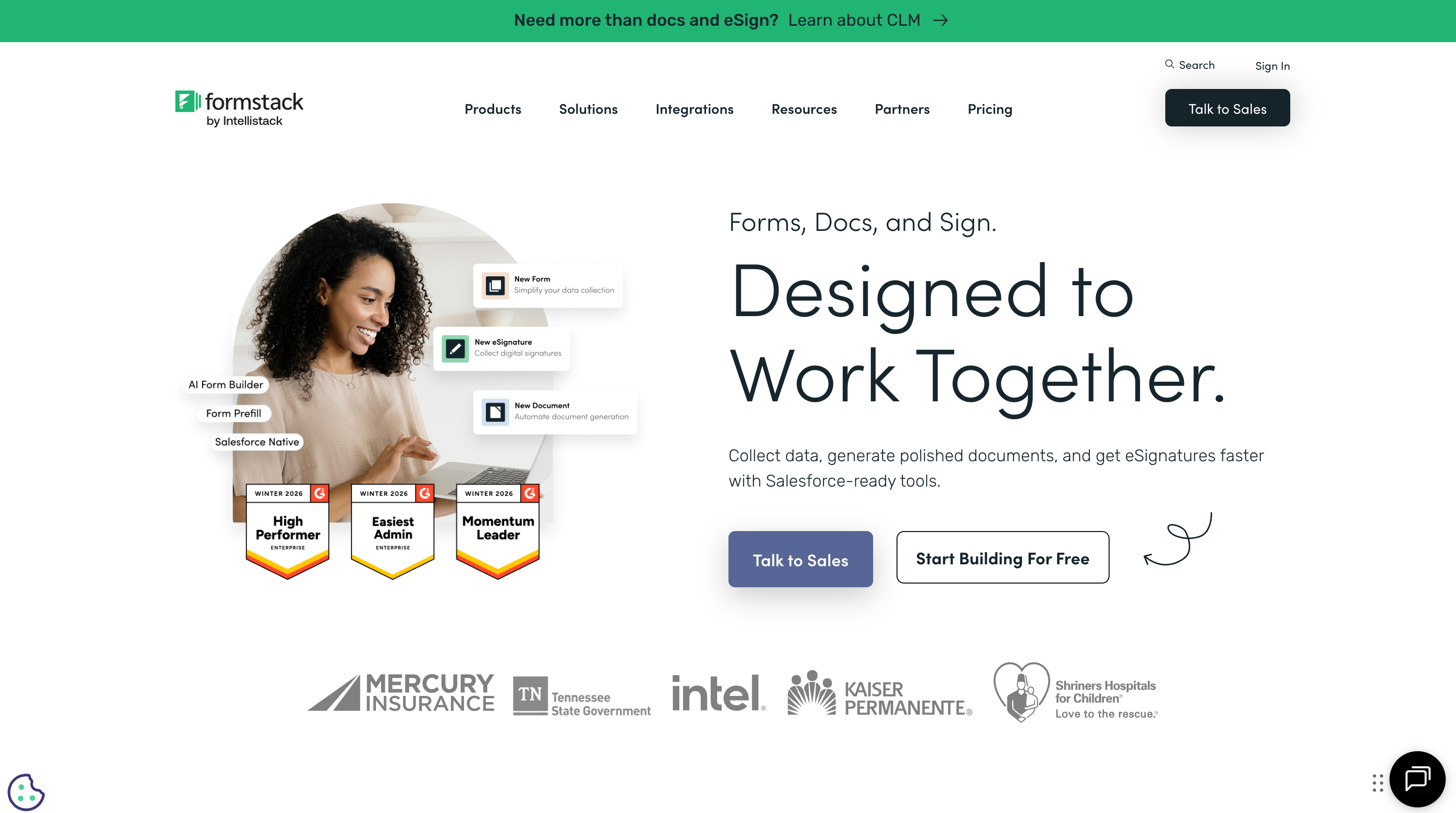
Formstack delivers SOC 2 Type II, HIPAA with BAA, SSO/SAML, data encryption at rest and in transit, and granular role-based access controls as platform features. You don't need to configure anything — compliance is baked into the infrastructure. With Gravity Forms, HIPAA compliance requires assembling a compliant hosting environment, managing encryption, and coordinating BAAs across multiple vendors. For regulated industries, Formstack's turnkey compliance saves hundreds of hours of infrastructure work.
Document Generation and E-Signatures
Formstack Documents merges form data into PDF, Word, and Excel templates — generating contracts, invoices, and reports automatically. Formstack Sign adds multi-party e-signature workflows with signing order enforcement and audit trails. This forms-to-documents-to-signatures pipeline is Formstack's core differentiator. Gravity Forms can integrate with third-party document and signature tools, but you're connecting separate services rather than using a unified platform.
No WordPress Required
Formstack works anywhere — embed forms on any website, share standalone links, or use the Salesforce-native product. You don't need WordPress, a hosting provider, or plugin management. Gravity Forms is WordPress-only. If your organisation doesn't use WordPress, or uses multiple web platforms, Formstack's platform independence is a significant advantage.
Where Gravity Forms Wins
Price: 75-90% Less Expensive
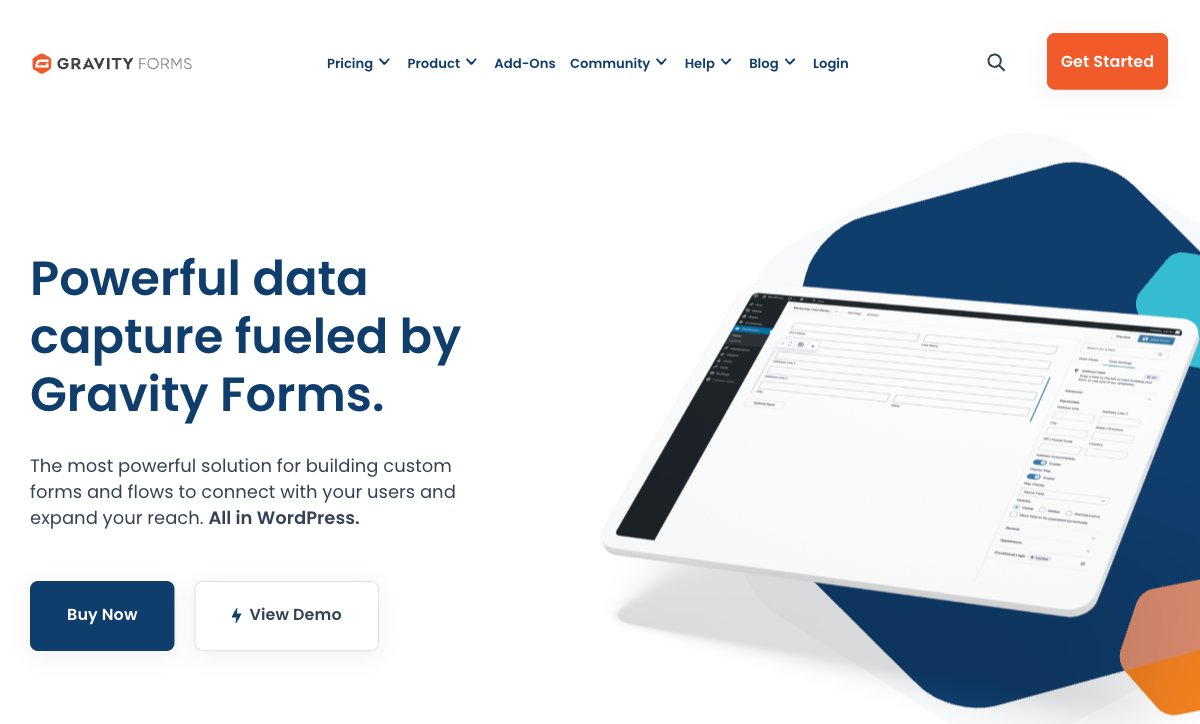
Gravity Forms Elite costs $259/year for unlimited forms, unlimited sites, and all official add-ons. Formstack starts at $83/month ($996/year) for forms alone — documents and e-signatures are additional. The annual cost difference is $700-2,000+ depending on Formstack tier. For WordPress-based businesses, Gravity Forms delivers comparable form-building capabilities at a fraction of the cost. The savings compound over years.
WordPress-Native Performance
Gravity Forms runs inside WordPress — form data stays in your database, forms render with your theme, and everything integrates with your existing WordPress plugins and workflows. There's no iframe embedding, no external redirects, no third-party data handling. Page load speeds are faster because forms are server-rendered, not loaded from an external service. For WordPress sites where performance and SEO matter, native forms outperform embedded SaaS widgets.
Developer Ecosystem and Extensibility
Gravity Forms has an extensive API, hundreds of hooks and filters, and a massive ecosystem of official and third-party add-ons. Developers can customise every aspect of form behaviour, validation, submission handling, and display. The add-on marketplace includes advanced features like Gravity Flow (workflow automation), GravityView (front-end data display), and dozens of CRM/email/payment integrations. Formstack's API exists but is more limited — it's designed for enterprise use, not developer extensibility.
Data Ownership and Control
With Gravity Forms, your form data lives in your WordPress database on your server. You control backups, encryption, retention policies, and access. With Formstack, your data lives on Formstack's servers — you trust their security and data handling practices. For organisations with strict data sovereignty requirements or who simply prefer owning their data infrastructure, Gravity Forms gives you complete control.
Pricing Comparison
The pricing models are fundamentally different — SaaS subscription vs annual WordPress license.
| Tier | Formstack | Gravity Forms | Key Difference |
|---|---|---|---|
| Entry | $83/mo ($996/yr) — forms only | $59/yr — 1 site, basic add-ons | Gravity Forms is 94% cheaper at entry level |
| Mid-Tier | $125/mo ($1,500/yr) — more submissions | $159/yr — 3 sites, more add-ons | Gravity Forms Pro costs less than one month of Formstack |
| Full | $250+/mo — forms + docs + e-sign | $259/yr — unlimited sites, all add-ons | Gravity Forms Elite annual equals one month of Formstack Suite |
Formstack
Gravity Forms
| Product | Plan | Monthly Price | Annual Price (per month) | Free Plan | Free Trial | Limits |
|---|---|---|---|---|---|---|
| Formstack | Forms | $99/mo | $83/mo billed annually | No | 14 days | forms: 25, submissions: 1,000/form, storage: 2 GB, users: 1, file uploads: 2 GB |
| Formstack | Suite | $299/mo | $250/mo billed annually | forms: 100, submissions: 5,000/form, storage: 10 GB, users: 3, file uploads: 10 GB | ||
| Gravity Forms | Basic | Not listed | $59/mo billed annually | No | 14 days | forms: Unlimited, submissions: Unlimited, storage: WordPress database (self-hosted), users: Unlimited (WordPress users) |
| Gravity Forms | Pro | Not listed | $159/mo billed annually | forms: Unlimited, submissions: Unlimited, storage: WordPress database (self-hosted), users: Unlimited (WordPress users) | ||
| Gravity Forms | Elite | Not listed | $259/mo billed annually | forms: Unlimited, submissions: Unlimited, storage: WordPress database (self-hosted), users: Unlimited (WordPress users) | ||
| Gravity Forms | Nonprofit | Not listed | $129/mo billed annually | forms: Unlimited, submissions: Unlimited, storage: WordPress database (self-hosted), users: Unlimited (WordPress users) |
What Users Say
Gravity Forms holds strong ratings among WordPress users, praised for reliability, developer-friendliness, and the depth of its add-on ecosystem. Common criticism: no free plan, and the learning curve for advanced conditional logic. Formstack averages around 4.2/5 on G2, with positive marks for enterprise compliance and document workflows but recurring criticism of high pricing and complexity. WordPress developers overwhelmingly prefer Gravity Forms for its native integration; enterprise IT teams favour Formstack for turnkey compliance.
Where Both Fall Short
- No free plans: Neither offers a free tier. Gravity Forms is premium-only for WordPress; Formstack starts at $83/month with no trial readily available.
- Design limitations: Neither produces forms that look like designed landing pages. Both create functional form layouts without rich document-style editing.
- No calculation engine: Neither offers Excel-style formulas for dynamic pricing, conditional scoring, or computed outputs that flow across questions, pages, and integrations.
- Payment depth: Both support Stripe and PayPal, but neither offers a full eCommerce stack with product catalogues, subscription management, coupon engines, and tax calculations.
Consider Paperform
If neither enterprise SaaS pricing (Formstack) nor WordPress dependency (Gravity Forms) fits your needs, Paperform offers a different approach. Its document-style editor creates forms that look like designed landing pages. An Excel-style calculation engine powers dynamic pricing, scoring, and conditional logic across questions, pages, emails, and integrations. Five payment gateways (Stripe, PayPal, Square, Braintree, Google Pay) come standard on every plan including free.
Paperform is bootstrapped and profitable since 2016, starting at $29/month with a free tier. Built-in e-signatures (Papersign), workflow automation, and 30,000+ templates make it a strong middle ground between enterprise cost and WordPress lock-in.
Try Paperform free | Formstack alternatives | Gravity Forms alternatives
The Verdict
Choose Formstack if you need enterprise compliance without infrastructure work. SOC 2, HIPAA, document generation, and e-signatures as managed services justify the premium for regulated industries. The platform-independent architecture works for organisations that don't use WordPress.
Choose Gravity Forms if you run WordPress and value cost efficiency. At $59-259/year versus $996+/year, the savings are dramatic. WordPress-native performance, developer extensibility, and full data ownership make it the rational choice for WordPress-based businesses that don't need enterprise compliance certifications.
The deciding factor is simple: WordPress or not? If your organisation runs on WordPress, Gravity Forms delivers comparable form capabilities at 75-90% less cost. If you need a standalone platform with enterprise compliance, Formstack is built for that. Both are mature products from companies founded over 15 years ago — stability isn't a concern with either choice.
Frequently Asked Questions
Can Gravity Forms replace Formstack for enterprise workflows?
Not easily. Gravity Forms is a WordPress plugin — it lives inside your WordPress installation and depends on your hosting environment. Formstack is a standalone SaaS platform with enterprise compliance (SOC 2 Type II, HIPAA), document generation, and e-signatures built in. Gravity Forms can approximate some of these workflows through add-ons and third-party plugins, but you're assembling a stack rather than buying a platform. For enterprise teams that need compliance certifications and unified audit trails, Formstack is purpose-built for that role. For WordPress-native teams comfortable managing plugins, Gravity Forms can handle sophisticated form workflows at a lower cost.
Which is cheaper: Formstack or Gravity Forms?
Gravity Forms is significantly cheaper. A Gravity Forms Elite license costs $259/year (unlimited forms, unlimited sites) compared to Formstack's $83/month starting price ($996/year). Even Gravity Forms' basic license at $59/year is a fraction of Formstack's cost. However, these are different pricing models — Gravity Forms is a one-time annual license for a WordPress plugin, while Formstack is a SaaS subscription that includes hosting, compliance, and a full product suite. If you already run WordPress, Gravity Forms delivers enormous value per dollar. If you don't, the WordPress hosting and maintenance costs narrow the gap.
Does Gravity Forms support HIPAA compliance?
Not natively. Gravity Forms is a WordPress plugin, and HIPAA compliance depends on your entire hosting stack — the WordPress host, SSL configuration, database encryption, access controls, and BAA agreements with every vendor in the chain. Some managed WordPress hosts (like Pantheon or Flywheel) offer HIPAA-compliant environments, but you're responsible for the full compliance posture. Formstack offers HIPAA compliance as a platform feature with BAAs, SOC 2 Type II, and encryption built in. For healthcare or regulated industries, Formstack's turnkey compliance is significantly less complex than assembling a HIPAA-compliant WordPress stack.
Which has better integrations?
Both integrate broadly but differently. Formstack connects to 100+ tools natively and works with Zapier for thousands more. Gravity Forms has a rich ecosystem of official and third-party add-ons — CRMs (Salesforce, HubSpot, Zoho), email marketing (Mailchimp, ActiveCampaign), payment processors (Stripe, PayPal, Square), and hundreds of WordPress-specific integrations. Gravity Forms' open-source add-on architecture means the community has built integrations Formstack doesn't offer. However, Formstack's integrations are maintained by one company with SLA guarantees; Gravity Forms' third-party add-ons vary in quality and support. Choose based on whether you prefer a curated, supported integration set or a broader, community-driven ecosystem.
Sources & References
- Best WordPress Form Plugins Compared — WPBeginner, 2026
- Formstack Reviews and Ratings — G2, 2026
Last updated March 21, 2026
Ready to try Paperform?
Create beautiful forms, payment pages, and workflows — no code required.