Formsite vs SurveyMonkey: Dated Forms vs Survey Specialist in 2026
Formsite and SurveyMonkey are frequently compared but serve fundamentally different primary purposes. Formsite, founded in 1998 and acquired by Formstack in December 2023, is a general-purpose form builder — contact forms, registration forms, order forms, data collection. SurveyMonkey, founded in 1999 and now part of Momentive (acquired by Symphony Technology Group), is a survey and research platform — employee engagement, market research, customer feedback, academic studies.
Both can create questionnaires. But SurveyMonkey brings research methodology, analytics, and audience panels that Formsite does not. Formsite brings payment processing, workflow automation, and HIPAA compliance that SurveyMonkey does not prioritise. Choosing between them depends entirely on whether your primary need is surveys and research or forms and data collection.
Quick Verdict
Choose Formsite if:
- You need payment processing built into forms
- You need HIPAA compliance for healthcare data
- You need workflow automation with conditional routing
- Your use case is transactional forms, not research surveys
Choose SurveyMonkey if:
- Professional surveys and research are your primary need
- You need advanced analytics, benchmarking, and sentiment analysis
- You want audience panels to reach specific demographics
- You need team collaboration and shared survey libraries
- You want a modern, regularly updated survey platform
Feature Comparison
A general-purpose form builder versus the world's leading survey platform.
| Feature | Formsite | SurveyMonkey |
|---|---|---|
| Form Building | ||
| Document-style editor | No | No |
| AI form creation | Yes professional | Yes |
| Field types | Yes | 15+ |
| Multi-page forms | Yes | Yes |
| Guided mode (one question at a time) | No | Yes |
| Conditional logic | Yes | Yes Individual Standard |
| Calculations field | Yes | No |
| AI calculations assistant | No | No |
| Scoring | Yes | Yes |
| Answer piping | Yes | Yes Individual Standard |
| Pre-filling and hidden fields | Yes | Yes Individual Standard |
| Save and resume | Yes professional | Yes Individual Standard |
| Auto-close by number | Yes | Yes Individual Standard |
| Auto-close by date | Yes | Yes Individual Standard |
| Appointment/booking field | No | No |
| Signature field | Yes professional | No |
| Color picker field | No | No |
| API-powered dropdowns | No | No |
| Google address search | No | No |
| File uploads | No | Yes |
| Payments | ||
| Stripe payments | Yes professional | Yes Individual Advantage |
| PayPal payments | Yes professional | Yes Individual Advantage |
| Square payments | No | No |
| Braintree payments | Yes professional | No |
| Google Pay | No | No |
| Product sales (eCommerce) | No | No |
| Subscriptions | No | No |
| Coupons and discounts | No | No |
| Custom pricing rules | Yes | No |
| Tax calculations | No | No |
| Quotes/invoices | No | No |
| Refunds | No | No |
| 3D Secure | No | No |
| Design & Customization | ||
| Template gallery | Yes | 500+ |
| Rich media (images, GIFs, videos) | Yes professional | Yes |
| Unsplash and Giphy integration | No | No |
| Image editor | No | No |
| Adobe Creative Cloud | No | No |
| Language translation | No | Yes Individual Premier |
| Advanced theming | Yes | Yes Individual Standard |
| Custom form URL | No | Yes Individual Standard |
| Custom domains | No | No |
| Custom HTML & CSS | Yes | No |
| Remove branding | Yes professional | Yes Individual Standard |
| Custom email domains | No | No |
| Analytics | ||
| Submission results and reports | Yes | Yes |
| AI report insights | No | Yes Individual Standard |
| Paperform analytics | No | No |
| Google Analytics & Facebook Pixel | No | No |
| Custom analytics scripts | No | No |
| Partial submissions | No | Yes Individual Standard |
| Collaboration | ||
| Multi-user accounts | Yes business | Yes Team Advantage |
| User permissions and management | Yes business | Yes Team Advantage |
| Advanced permissions & admin | No | Yes enterprise |
| Form sharing (templates) | Yes | Yes Team Advantage |
| Spaces and tag management | No | No |
| Security | ||
| SOC 2 Type II | No | Yes |
| GDPR compliant | Yes | Yes |
| SSL encryption | Yes | Yes |
| Two-factor authentication | Yes enterprise | Yes |
| Enforce 2FA for all users | No | Yes enterprise |
| SSO (SAML) | No | Yes enterprise |
| reCAPTCHA | Yes professional | Yes |
| Local data residency | No | Yes enterprise |
| Custom S3 storage | No | No |
| HIPAA compliance | Yes enterprise | No |
| Custom S3 storage (BYO) | No | No |
| Integrations & API | ||
| 2000+ integrations | Yes professional | No |
| Zapier | Yes professional | Yes |
| Make (Integromat) | No | Yes |
| Webhooks | Yes professional | Yes Individual Standard |
| Standard API | Yes professional | Yes Individual Standard |
| Business API | No | Yes enterprise |
| WordPress plugin | Yes | No |
| oEmbed support | No | No |
| Native integrations | No | 200+ |
Where Formsite Wins
Payment Processing
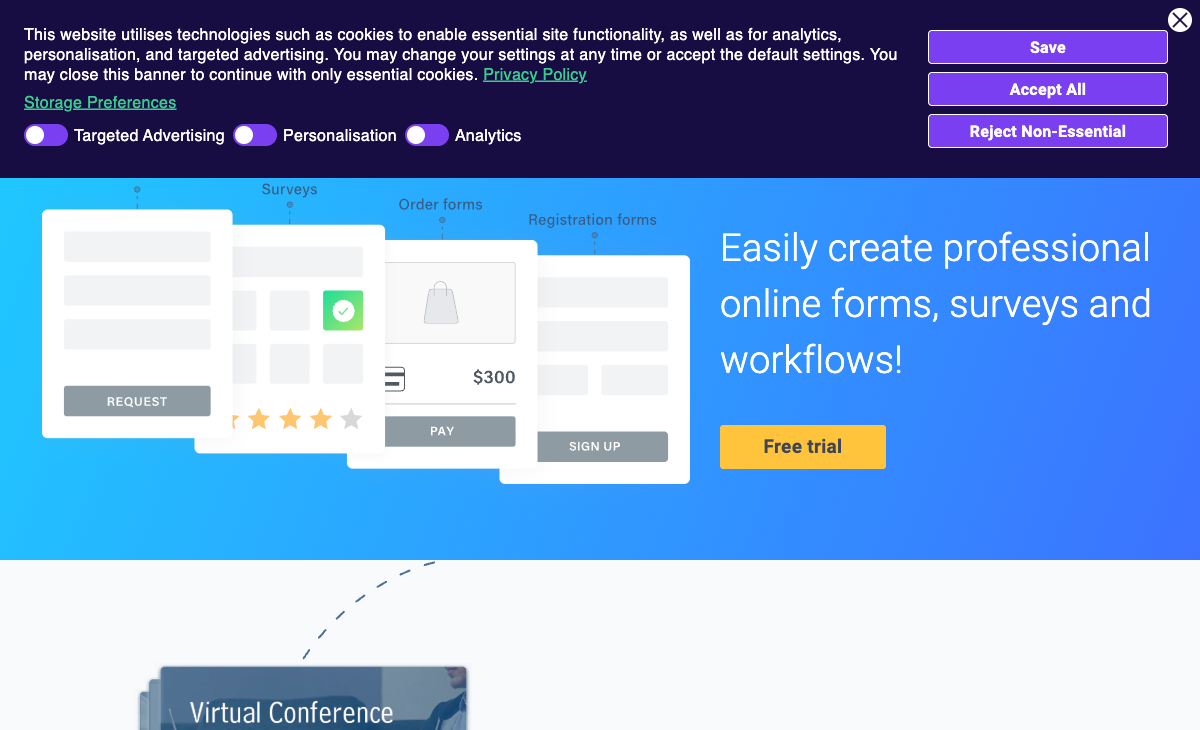
Formsite supports Stripe, PayPal, Braintree, and Authorize.Net on Professional ($34/month) and above. SurveyMonkey has limited payment capabilities — it is a survey tool, not a payment form builder. For order forms, registration fees, event tickets, or any form that collects money, Formsite handles transactions natively. SurveyMonkey would require external tools to process payments.
HIPAA Compliance
Formsite offers HIPAA compliance on the Enterprise plan ($209/month). SurveyMonkey offers HIPAA features on its Enterprise plan as well, but its HIPAA offering is focused on survey data rather than the broader form and payment data that Formsite handles. For healthcare organisations collecting patient intake data through forms (not just surveys), Formsite's HIPAA compliance covers a wider range of data collection scenarios.
Workflow Automation
Formsite includes conditional routing and approval workflows on Business plans. SurveyMonkey is designed for data collection and analysis, not process automation. For internal workflows requiring approvals, routing, or sequential processing of form submissions, Formsite offers capabilities SurveyMonkey does not.
Save and Return
Formsite's Save and Return lets respondents save progress on long forms and return later. SurveyMonkey allows respondents to finish later only on certain plan tiers and with specific survey settings. Formsite's implementation is more reliable and available on more plans.
Where SurveyMonkey Wins
Survey Methodology and Analytics
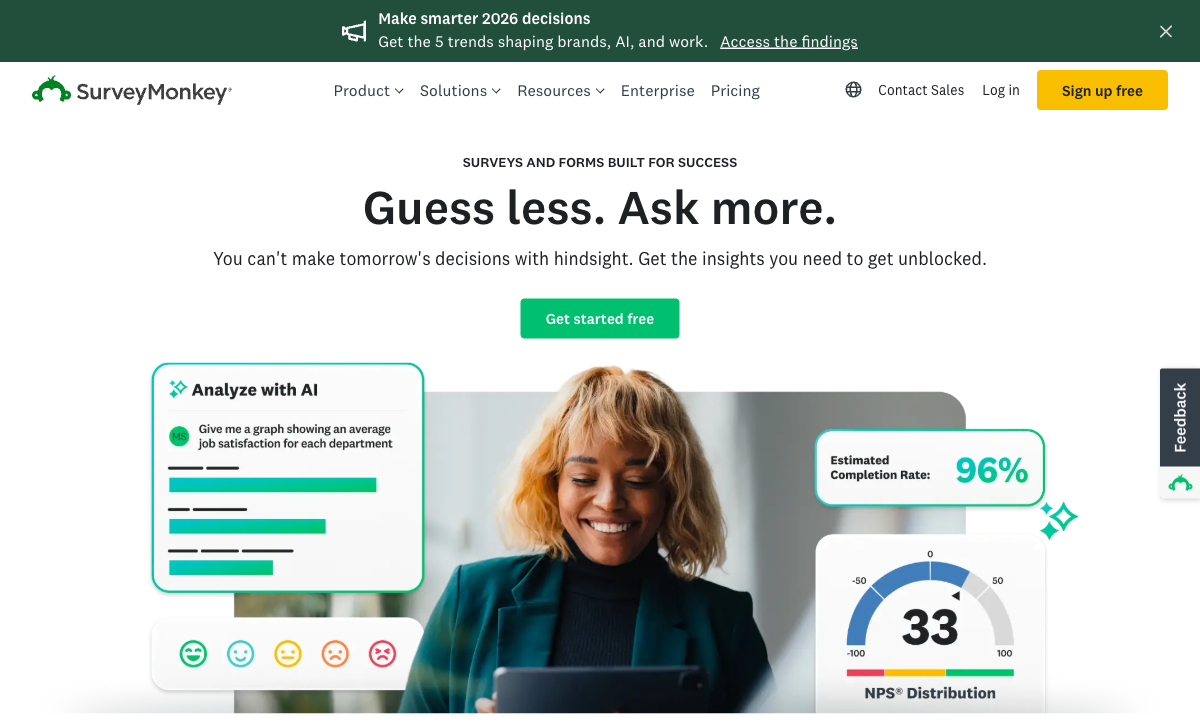
SurveyMonkey is built for research. Question randomisation prevents order bias. A/B testing compares question variations. Sentiment analysis interprets open-text responses. Statistical significance calculations validate findings. Cross-tabulation and filtering enable deep data exploration. Industry benchmarks contextualise results. Formsite has basic results tables and export — no analytical layer. For any research or feedback programme where data quality and insights matter, SurveyMonkey's analytics are in a different category.
Audience Panels
SurveyMonkey Audience lets you reach specific demographics — age, location, income, industry, job title — without having your own distribution list. Need 500 responses from UK-based marketing managers? SurveyMonkey can deliver that. Formsite has no audience panel. For market research, product validation, or any survey targeting specific populations, SurveyMonkey's panel is a unique capability.
Modern Interface and User Experience
SurveyMonkey's builder is modern, intuitive, and regularly updated. Formsite's interface looks like a product from the mid-2000s. For teams creating surveys regularly, the day-to-day experience of using SurveyMonkey is significantly more pleasant and productive. The design quality of survey output also favours SurveyMonkey — respondents see a polished, branded experience versus Formsite's dated layouts.
Template Library and Question Bank
SurveyMonkey offers hundreds of expert-designed survey templates plus a question bank of pre-validated questions written by survey methodologists. These are not just sample questions — they are methodologically sound instruments validated for specific use cases (NPS, employee engagement, event feedback, customer satisfaction). Formsite has ~100 templates without the methodological rigour.
Brand Recognition and Trust
SurveyMonkey is one of the most recognised brands in online research. When respondents receive a SurveyMonkey link, there is inherent trust and familiarity. Formsite is relatively unknown outside its niche user base. For external-facing surveys where response rates matter, SurveyMonkey's brand recognition can improve completion rates.
Team and Enterprise Features
SurveyMonkey Team and Enterprise plans include shared survey libraries, team analytics dashboards, admin controls, SSO, and collaboration features. Formsite's team features are minimal — limited sub-user accounts on Business plans and above. For organisations running survey programmes at scale, SurveyMonkey's team infrastructure is far more mature.
Where Formsite Falls Short
- No survey analytics: Basic results tables and CSV export. No statistical analysis, benchmarking, sentiment analysis, or cross-tabulation.
- Dated interface: Builder and output feel like products from the mid-2000s.
- Acquired by Formstack: Uncertain product future under new ownership since December 2023.
- No audience panels: Cannot reach targeted demographics for research surveys.
- Restrictive free plan: 5 forms, 10 results per form versus SurveyMonkey's free surveys with more responses.
- No AI capabilities: No AI-powered survey creation or analysis.
- Tiny team: 2-10 employees limits development velocity.
- No brand recognition: Unknown to most respondents, which can affect completion rates.
Where SurveyMonkey Falls Short
- Not a form builder: Optimised for surveys, not transactional forms, payment collection, or data intake.
- Limited payment processing: Basic Stripe support on select plans. Not designed for eCommerce forms.
- No workflow automation: No approval chains, conditional routing, or process automation.
- Expensive for basic use: Individual Advantage at $39/month is steep for simple questionnaires.
- Response limits on lower plans: Free plan limits responses visible per survey. Paid plans have annual caps.
- Corporate ownership uncertainty: Acquired by Symphony Technology Group (via Momentive). Multiple ownership changes raise similar long-term questions as Formsite.
Pricing Comparison
Different products at different price points. Formsite charges for form building; SurveyMonkey charges for survey research.
| Tier | Formsite | SurveyMonkey | Key Difference |
|---|---|---|---|
| Free | 5 forms, 10 results/form | Unlimited surveys, 25 responses/survey visible | Both are limited; SurveyMonkey is more usable for surveys |
| $21-39/mo | Personal: $21/mo, 5 forms, 500 results/form | Advantage: $39/mo, unlimited surveys, 15K responses/yr | Formsite is cheaper; SurveyMonkey includes analytics |
| $34-99/mo | Professional: $34/mo, payments, API | Premier: $99/mo, advanced analytics, phone support | Different features — payments vs research analytics |
| Enterprise | $209/mo, HIPAA, SLA | Enterprise: custom pricing, SSO, HIPAA, admin controls | Both offer enterprise features at premium pricing |
Formsite
SurveyMonkey
| Product | Plan | Monthly Price | Annual Price (per month) | Free Plan | Free Trial | Limits |
|---|---|---|---|---|---|---|
| Formsite | Free | Free | Free | Yes | 14 days | forms: 5, submissions: 10 per form, storage: 50 MB, users: 1 |
| Formsite | Personal | $21/mo | $20.83/mo billed annually | forms: 5, submissions: 500 per form, storage: 500 MB, users: 1 | ||
| Formsite | Professional | $34/mo | $33.33/mo billed annually | forms: 10, submissions: 1,000 per form, storage: 1 GB, users: 1 | ||
| Formsite | Business | $59/mo | $58.33/mo billed annually | forms: 25, submissions: 2,500 per form, storage: 2 GB, users: 2 | ||
| Formsite | Business + | $84/mo | $83.33/mo billed annually | forms: 100, submissions: 10,000 per form, storage: 4 GB, users: 6 | ||
| Formsite | Enterprise | $209/mo | $208.33/mo billed annually | forms: 1000, submissions: 50,000 per form, storage: 10 GB, users: 21 | ||
| SurveyMonkey | Basic (Free) | Free | Free | Yes | No | forms: Unlimited, submissions: 25 per survey, storage: N/A, users: 1 |
| SurveyMonkey | Individual Standard | $99/mo | $39/mo billed annually | forms: Unlimited, submissions: 1,000 per month, storage: N/A, users: 1 | ||
| SurveyMonkey | Individual Advantage | Free | $32/mo billed annually | forms: Unlimited, submissions: 15,000 per year, storage: N/A, users: 1 | ||
| SurveyMonkey | Individual Premier | Free | $99/mo billed annually | forms: Unlimited, submissions: 40,000 per year, storage: N/A, users: 1 | ||
| SurveyMonkey | Team Advantage | Free | $30/mo billed annually | forms: Unlimited, submissions: 50,000 per year (shared), storage: N/A, users: 3 minimum | ||
| SurveyMonkey | Team Premier | Free | $92/mo billed annually | forms: Unlimited, submissions: 100,000 per year (shared), storage: N/A, users: 3 minimum |
What Users Say
SurveyMonkey has one of the largest review footprints in the survey space — thousands of reviews praising ease of use, analytics, and template quality. Common complaints focus on pricing and response limits. Formsite's smaller review base (~180 reviews) praises reliability and criticises the dated interface. The platforms serve different audiences, which their reviews reflect — SurveyMonkey users are researchers and marketers; Formsite users are form builders and data collectors.
Consider Paperform
If you need more than SurveyMonkey's survey focus but do not want Formsite's dated experience, Paperform combines beautiful form design with serious business functionality. Its document-style editor creates forms that look like designed landing pages. Every plan includes five payment gateways, an Excel-style calculation engine for scoring and dynamic pricing, built-in e-signatures via Papersign, and 30,000+ templates. Paperform handles surveys, payment forms, calculators, and intake forms in one modern platform. Founded in 2016, bootstrapped and profitable — no corporate ownership uncertainty. See the full form builders ranking.
Frequently Asked Questions
Which is better for professional surveys — Formsite or SurveyMonkey?
SurveyMonkey is the clear winner for professional survey work. It offers advanced survey methodology tools: question randomisation, A/B testing, sentiment analysis, statistical significance calculations, skip logic with branching, panel integration for audience targeting, and industry benchmarking. Formsite can build surveys with basic question types and conditional logic, but it lacks the analytical depth that makes SurveyMonkey the industry standard for research-grade surveys. If your primary need is surveys, SurveyMonkey is purpose-built for it.
Is Formsite cheaper than SurveyMonkey?
At the entry level, yes. Formsite Personal costs $21/month versus SurveyMonkey Individual Advantage at $39/month. But the comparison is misleading because the products serve different purposes. Formsite's $21 plan gets you 5 forms with 500 results per form — basic form building. SurveyMonkey's $39 plan gets you unlimited surveys with 15,000 responses/year plus advanced survey analytics. Dollar-per-survey-response, SurveyMonkey provides more value for survey-focused use cases. For simple contact forms, Formsite is cheaper — but SurveyMonkey is not competing in that market.
Does SurveyMonkey support payment collection?
SurveyMonkey added payment collection via Stripe on select plans. However, it is not a core feature — SurveyMonkey is a survey and research platform, not a form builder with payment processing. Formsite supports Stripe, PayPal, Braintree, and Authorize.Net on Professional ($34/month) and above. For payment forms, neither SurveyMonkey nor Formsite is the best option — purpose-built tools like Paperform, Jotform, or Typeform handle eCommerce forms with more gateways and richer payment features.
Can I use Formsite instead of SurveyMonkey for employee surveys?
Technically yes, but SurveyMonkey is far better suited. SurveyMonkey offers employee engagement templates, anonymous response collection, sentiment analysis, benchmarking against industry standards, and team analytics dashboards. Formsite can collect the same answers but lacks the analytical layer that makes employee survey data actionable. For one-off internal forms (IT requests, expense approvals), Formsite works fine. For structured employee feedback programs, SurveyMonkey delivers insights Formsite cannot.
Sources & References
- SurveyMonkey vs Formsite Comparison — G2, 2026
- Best Survey Tools for Business — TechRadar, 2026
Last updated March 21, 2026
Ready to try Paperform?
Create beautiful forms, payment pages, and workflows — no code required.