Formsite vs Microsoft Forms: Dated Paid vs Ecosystem Free in 2026
If your organisation uses Microsoft 365, you already have a form builder. Microsoft Forms is included at no additional cost with every Microsoft 365 subscription — and it is a capable tool for surveys, quizzes, feedback forms, and basic data collection. Formsite, founded in 1998 and acquired by Formstack in December 2023, charges $21-209/month for a product with a visibly older interface.
The core question is whether Formsite's paid features — payment processing, HIPAA compliance, Save and Return, workflow automation — justify the cost on top of a Microsoft 365 subscription that already includes form building. For most organisations, the answer is no. But for specific compliance and payment needs, Formsite fills gaps Microsoft Forms does not address.
Quick Verdict
Choose Formsite if:
- You need HIPAA compliance for healthcare data collection
- You need payment processing built into forms
- You need Save and Return for long multi-session forms
- You need workflow automation with conditional routing
Choose Microsoft Forms if:
- You already have Microsoft 365 and want forms at no extra cost
- You need forms for internal company use with Azure AD auth
- You want native integration with Excel, Teams, and SharePoint
- You need quizzes with auto-grading for education or training
- You want Power Automate integration for workflow triggers
Feature Comparison
A paid legacy tool versus a modern free option included in the world's most popular productivity suite.
| Feature | Formsite | Microsoft Forms |
|---|---|---|
| Form Building | ||
| Document-style editor | No | No |
| AI form creation | Yes professional | Yes copilot |
| Field types | Yes | No |
| Multi-page forms | Yes | Yes |
| Guided mode (one question at a time) | No | No |
| Conditional logic | Yes | Yes |
| Calculations field | Yes | No |
| AI calculations assistant | No | No |
| Scoring | Yes | Yes |
| Answer piping | Yes | No |
| Pre-filling and hidden fields | Yes | No |
| Save and resume | Yes professional | No |
| Auto-close by number | Yes | Yes |
| Auto-close by date | Yes | Yes |
| Appointment/booking field | No | No |
| Signature field | Yes professional | No |
| Color picker field | No | No |
| API-powered dropdowns | No | No |
| Google address search | No | No |
| Payments | ||
| Stripe payments | Yes professional | No |
| PayPal payments | Yes professional | No |
| Square payments | No | No |
| Braintree payments | Yes professional | No |
| Google Pay | No | No |
| Product sales (eCommerce) | No | No |
| Subscriptions | No | No |
| Coupons and discounts | No | No |
| Custom pricing rules | Yes | No |
| Tax calculations | No | No |
| Quotes/invoices | No | No |
| Refunds | No | No |
| 3D Secure | No | No |
| Design & Customization | ||
| Template gallery | Yes | Yes |
| Rich media (images, GIFs, videos) | Yes professional | Yes |
| Unsplash and Giphy integration | No | No |
| Image editor | No | No |
| Adobe Creative Cloud | No | No |
| Language translation | No | Yes |
| Advanced theming | Yes | No |
| Custom form URL | No | No |
| Custom domains | No | No |
| Custom HTML & CSS | Yes | No |
| Remove branding | Yes professional | No |
| Custom email domains | No | No |
| Analytics | ||
| Submission results and reports | Yes | Yes |
| AI report insights | No | Yes |
| Paperform analytics | No | No |
| Google Analytics & Facebook Pixel | No | No |
| Custom analytics scripts | No | No |
| Partial submissions | No | No |
| Collaboration | ||
| Multi-user accounts | Yes business | Yes |
| User permissions and management | Yes business | Yes |
| Advanced permissions & admin | No | Yes enterprise |
| Form sharing (templates) | Yes | Yes |
| Spaces and tag management | No | No |
| Security | ||
| SOC 2 Type II | No | Yes |
| GDPR compliant | Yes | Yes |
| SSL encryption | Yes | Yes |
| Two-factor authentication | Yes enterprise | Yes |
| Enforce 2FA for all users | No | Yes enterprise |
| SSO (SAML) | No | Yes |
| reCAPTCHA | Yes professional | No |
| Local data residency | No | Yes enterprise |
| Custom S3 storage | No | No |
| HIPAA compliance | Yes enterprise | No |
| Custom S3 storage (BYO) | No | No |
| Integrations & API | ||
| 2000+ integrations | Yes professional | No |
| Zapier | Yes professional | No |
| Make (Integromat) | No | No |
| Webhooks | Yes professional | No |
| Standard API | Yes professional | No |
| Business API | No | No |
| WordPress plugin | Yes | No |
| oEmbed support | No | Yes |
Where Formsite Wins
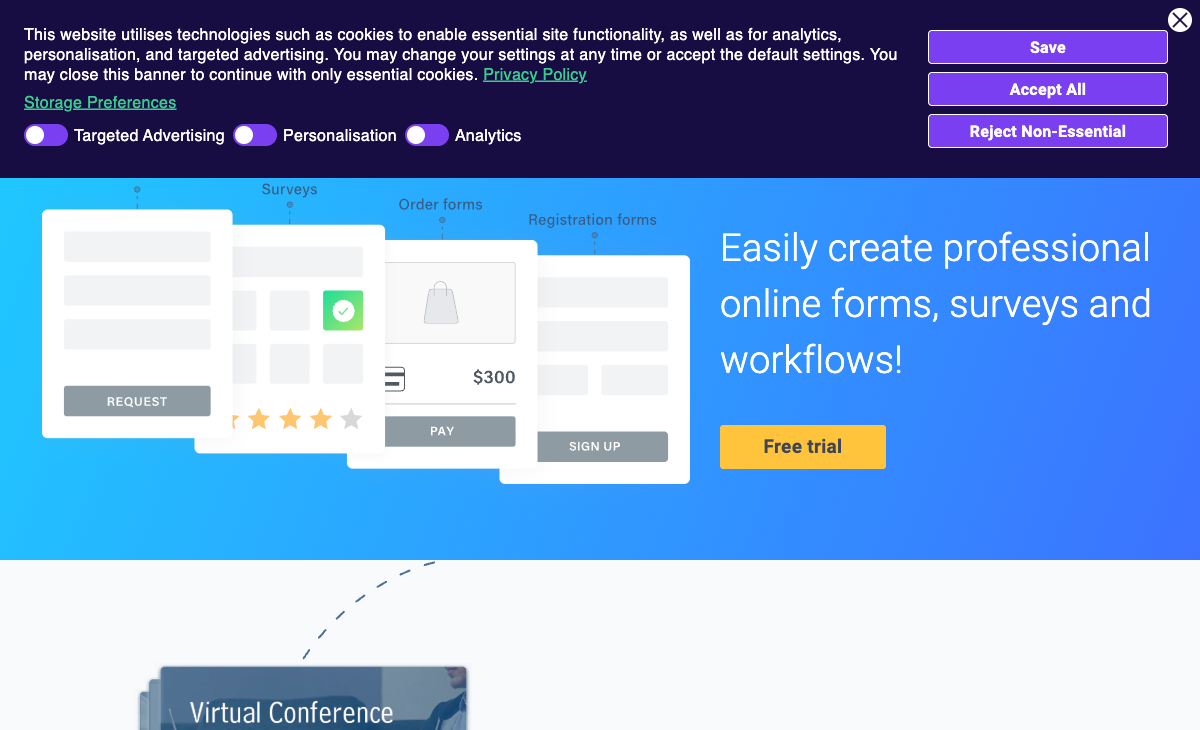
Payment Processing
Microsoft Forms cannot collect payments. Formsite supports Stripe, PayPal, Braintree, and Authorize.Net on Professional ($34/month) and above. For registration fees, order forms, event tickets, or any transactional form, Formsite handles payments natively. Microsoft Forms would require Power Automate connected to a separate payment tool — a complex workaround that is fragile and difficult to maintain.
HIPAA Compliance
Formsite offers HIPAA compliance on the Enterprise plan ($209/month). Microsoft Forms within Microsoft 365 can be configured for HIPAA with a BAA (Business Associate Agreement) from Microsoft, but the compliance responsibility falls on the organisation's M365 admin to configure correctly. Formsite provides HIPAA as a turnkey feature on its Enterprise plan, which may be simpler for organisations without dedicated IT compliance staff.
Save and Return
Formsite's Save and Return lets respondents save progress and come back later to finish long forms. Microsoft Forms does not have save-and-return functionality — if a respondent closes the browser, they lose their progress. For lengthy application forms, multi-page intake processes, or any form requiring research between sections, Formsite's Save and Return is a genuine differentiator.
More Advanced Conditional Logic
Formsite offers field-level conditional logic, calculations, piping, and workflow routing. Microsoft Forms supports section-level branching only — show or skip entire sections based on multiple-choice answers. For complex forms with many interdependent fields, Formsite's logic capabilities are deeper. Microsoft Forms handles simple branching well but struggles with intricate conditional requirements.
Where Microsoft Forms Wins
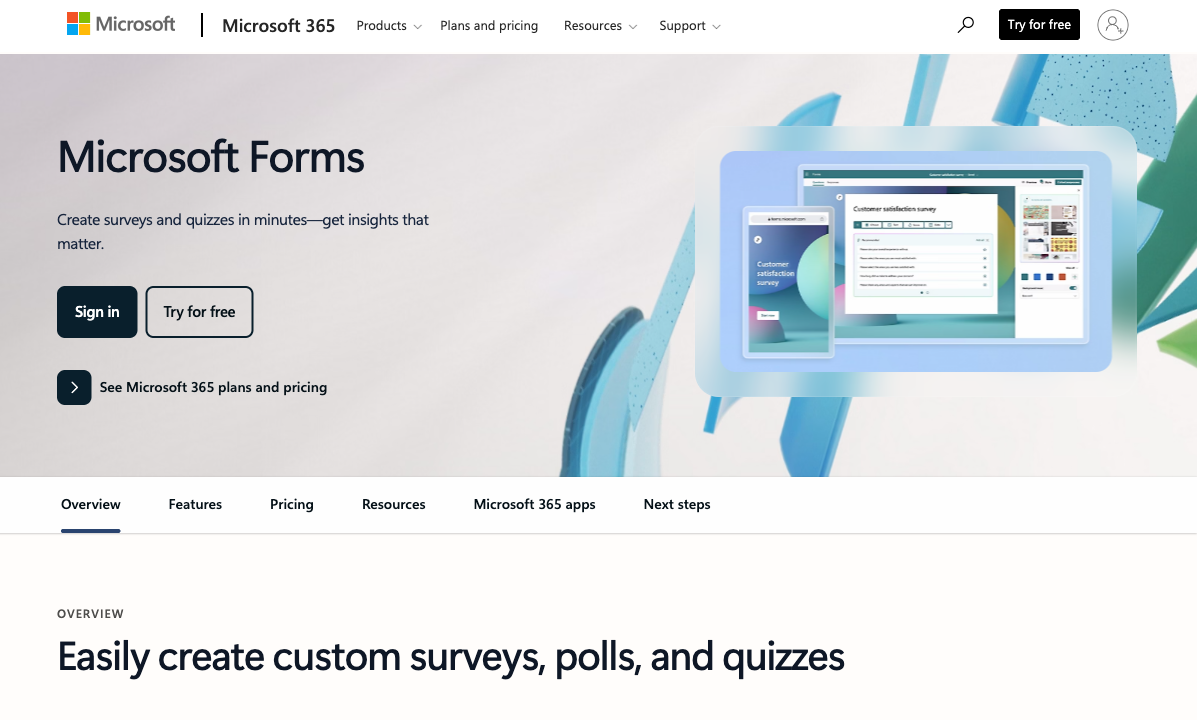
Included With Microsoft 365 — No Extra Cost
Microsoft Forms is free with Microsoft 365. If your organisation already pays for Microsoft 365 (and hundreds of millions of users do), form building costs nothing extra. Formsite adds $21-209/month on top of existing subscriptions. For budget-conscious organisations, the cost savings are immediate and significant. A form tool you already have is always cheaper than one you need to buy separately.
Deep Microsoft Ecosystem Integration
Responses automatically sync to Excel. Forms embed in Teams channels. Power Automate triggers workflows from form submissions. SharePoint stores response data. Azure AD controls access and authentication. For Microsoft-centric organisations, Forms is a native citizen of the ecosystem — not an external tool requiring integration middleware. Formsite connects to Microsoft tools via Zapier or Power Automate, but it is always a third-party tool looking in from outside.
Modern, Clean Interface
Microsoft Forms has a clean, modern interface consistent with Microsoft 365's Fluent Design System. Formsite's interface looks like a product from the mid-2000s. For ease of use, onboarding speed, and pleasant day-to-day form building, Microsoft Forms provides a significantly better user experience. Non-technical team members can create forms quickly without training.
Quiz Mode With Auto-Grading
Microsoft Forms includes a dedicated quiz mode with automatic grading, point values, answer explanations, and integration with Microsoft Teams for Education. Formsite has no quiz-specific features. For educators, corporate trainers, and anyone creating assessments, Microsoft Forms' quiz capabilities are purpose-built and included at no cost.
Real-Time Collaboration
Multiple people can edit a Microsoft Form simultaneously — just like co-editing a Word document. Formsite has no real-time collaboration. For teams building forms together, Microsoft Forms' collaborative editing is a natural extension of the Microsoft 365 collaboration model.
Enterprise Security and Compliance
Microsoft Forms inherits Microsoft 365's enterprise security: data residency controls, encryption at rest and in transit, audit logs, DLP policies, and compliance certifications (SOC 2, ISO 27001, GDPR). Formsite's security is adequate but cannot match the breadth of Microsoft's enterprise compliance infrastructure, particularly for organisations already managing compliance through Microsoft 365 admin centre.
Where Formsite Falls Short
- Costs money for less: $21-209/month for a product with a dated interface, when Microsoft Forms is free and more modern.
- No ecosystem integration: A standalone tool that requires middleware to connect to Microsoft 365 services.
- Dated interface: Builder and output feel like products from 2005. Microsoft Forms feels contemporary.
- Acquired by Formstack: Uncertain product future under new ownership since December 2023.
- No real-time collaboration: No co-editing. Microsoft Forms supports simultaneous editing.
- No AI capabilities: No AI form generation. Microsoft is investing heavily in Copilot AI across Forms.
- Tiny team: 2-10 employees versus Microsoft's thousands of engineers.
- Restrictive free plan: 5 forms, 10 results per form versus Microsoft Forms' unlimited.
Where Microsoft Forms Falls Short
- No payment processing: Cannot collect payments natively. Requires Power Automate workarounds.
- Basic conditional logic: Section-level branching only. No field-level conditions or complex rules.
- No Save and Return: Respondents cannot save and resume long forms.
- Limited design customisation: Clean but generic. No custom CSS, limited branding options, forms look like Microsoft Forms.
- Requires Microsoft 365: Free only within the Microsoft ecosystem. Not a standalone option for non-Microsoft users.
- No file uploads for external respondents: File upload questions can be restricted or unavailable for respondents outside the organisation.
Pricing Comparison
Microsoft Forms is included with Microsoft 365. Formsite is an additional expense.
| Tier | Formsite | Microsoft Forms | Key Difference |
|---|---|---|---|
| Free | 5 forms, 10 results/form | Free with Microsoft 365 (or free personal account) | Microsoft Forms is included; Formsite's free tier is a demo |
| $6-21/mo | Personal: $21/mo, 5 forms, 500 results/form | M365 Basic: $6/user/mo, includes Forms | M365 Basic costs less and includes the full productivity suite |
| $12-34/mo | Professional: $34/mo, payments, API | M365 Business Standard: $12.50/user/mo, includes Forms | Formsite adds payments; M365 adds Teams, desktop apps, and more |
| Enterprise | $209/mo, HIPAA, SLA | M365 E3/E5: $36-57/user/mo, full enterprise suite | Different models — Formsite is per-account; M365 is per-user |
Formsite
Microsoft Forms
| Product | Plan | Monthly Price | Annual Price (per month) | Free Plan | Free Trial | Limits |
|---|---|---|---|---|---|---|
| Formsite | Free | Free | Free | Yes | 14 days | forms: 5, submissions: 10 per form, storage: 50 MB, users: 1 |
| Formsite | Personal | $21/mo | $20.83/mo billed annually | forms: 5, submissions: 500 per form, storage: 500 MB, users: 1 | ||
| Formsite | Professional | $34/mo | $33.33/mo billed annually | forms: 10, submissions: 1,000 per form, storage: 1 GB, users: 1 | ||
| Formsite | Business | $59/mo | $58.33/mo billed annually | forms: 25, submissions: 2,500 per form, storage: 2 GB, users: 2 | ||
| Formsite | Business + | $84/mo | $83.33/mo billed annually | forms: 100, submissions: 10,000 per form, storage: 4 GB, users: 6 | ||
| Formsite | Enterprise | $209/mo | $208.33/mo billed annually | forms: 1000, submissions: 50,000 per form, storage: 10 GB, users: 21 | ||
| Microsoft Forms | Free (Personal Microsoft Account) | Free | Free | Yes | 1 month | forms: 400, submissions: 200/form, storage: N/A, users: 1 |
| Microsoft Forms | Microsoft 365 Business Basic | $6/mo | $6/mo billed annually | forms: 400, submissions: 5,000,000/form, storage: 1 TB OneDrive, users: Per user | ||
| Microsoft Forms | Microsoft 365 Business Standard | $12.5/mo | $12.5/mo billed annually | forms: 400, submissions: 5,000,000/form, storage: 1 TB OneDrive, users: Per user | ||
| Microsoft Forms | Microsoft 365 Business Premium | $22/mo | $22/mo billed annually | forms: 400, submissions: 5,000,000/form, storage: 1 TB OneDrive, users: Per user |
What Users Say
Microsoft Forms benefits from being part of the Microsoft 365 ecosystem — many users discover it as a "free bonus" and find it sufficient for their needs. Reviews praise simplicity and integration while noting limited advanced features. Formsite's smaller review base praises reliability but consistently criticises the dated interface. The platforms target different audiences: Microsoft Forms serves organisations already in the Microsoft ecosystem; Formsite targets users needing standalone form capabilities.
Consider Paperform
If Microsoft Forms is too basic and Formsite too dated, Paperform offers the best of both worlds: modern design with serious form-building depth. Its document-style editor produces forms that look like designed landing pages. Every plan includes five payment gateways (Stripe, PayPal, Square, Braintree, Google Pay), an Excel-style calculation engine, built-in e-signatures via Papersign, and 30,000+ templates. It integrates with Microsoft 365 via Zapier and Power Automate. Founded in 2016, bootstrapped and profitable — no acquisition uncertainty. For teams that need more than Microsoft Forms offers without paying for dated software, Paperform is the modern alternative. See the full form builders ranking.
Frequently Asked Questions
Is Formsite worth paying for if I already have Microsoft 365?
For most Microsoft 365 users, no. Microsoft Forms is included in your existing subscription at no additional cost. It handles surveys, quizzes, feedback forms, and basic data collection with automatic Excel integration. Formsite would cost $21-209/month on top of your Microsoft 365 subscription. The only scenarios where Formsite adds value are: HIPAA compliance (Enterprise at $209/month), payment processing (Professional at $34/month), or Save and Return for long forms. For standard form building, Microsoft Forms does the job without any added cost.
Which is better for internal company forms?
Microsoft Forms, clearly. It integrates with Microsoft 365 admin controls, Azure AD authentication, Teams, SharePoint, OneDrive, and Power Automate. Internal users can sign in with their corporate Microsoft accounts, responses flow to Excel or SharePoint, and IT administrators manage access through existing Microsoft 365 governance. Formsite is a standalone external tool that requires separate credentials and has no native integration with Microsoft's identity or management infrastructure. For internal forms — employee surveys, IT requests, HR intake — Microsoft Forms is the natural choice within a Microsoft ecosystem.
Does Microsoft Forms support payment processing?
No. Microsoft Forms has no native payment capability. For payment collection, you would need to use Power Automate to connect to a payment processor, which adds complexity. Formsite supports Stripe, PayPal, Braintree, and Authorize.Net on Professional ($34/month) and above. If payment forms are a core need, Formsite has an advantage — but dedicated form builders like Paperform, Jotform, or Typeform offer more payment gateways at lower or comparable price points.
Can Microsoft Forms handle complex conditional logic?
Microsoft Forms supports basic branching — show or skip sections based on answers to multiple-choice questions. Formsite offers more complex conditional logic: show/hide fields, skip logic, calculations, and workflow routing on Business plans. For simple surveys with a few branching paths, Microsoft Forms is sufficient. For complex intake forms with many conditional rules, Formsite (or more modern alternatives like Paperform or Jotform) provides deeper logic capabilities.
Sources & References
- Microsoft Forms: Overview and Features — Microsoft, 2026
- Best Form Builder Software Comparison — G2, 2026
Last updated March 21, 2026
Ready to try Paperform?
Create beautiful forms, payment pages, and workflows — no code required.