Formsite vs HubSpot Forms: Dated Forms vs CRM-Powered Forms in 2026
Formsite and HubSpot Forms serve fundamentally different purposes despite both being "form builders." Formsite, founded in 1998 and acquired by Formstack in December 2023, is a standalone form tool — it collects data and stores it. HubSpot Forms is the form-building component of HubSpot's CRM platform — every submission creates or enriches a contact record, triggers automation workflows, and feeds into marketing, sales, and service pipelines.
Comparing them is less about form features and more about what happens after the form is submitted. Formsite collects data. HubSpot activates it. For lead generation, marketing, and sales workflows, that distinction is decisive. For pure data collection without CRM needs, the comparison is more nuanced.
Quick Verdict
Choose Formsite if:
- You need HIPAA compliance for healthcare data collection
- You need Save and Return for long, multi-session forms
- You need Authorize.Net payment processing specifically
- Your use case is pure data collection with no CRM requirement
Choose HubSpot Forms if:
- Lead capture and CRM integration are your primary goals
- You want forms that feed directly into marketing automation
- You need a free form tool with unlimited submissions
- You already use or plan to use HubSpot's CRM platform
- You want progressive profiling and smart form fields
Feature Comparison
A standalone form tool versus forms embedded in a complete CRM platform.
| Feature | Formsite | HubSpot Forms |
|---|---|---|
| Form Building | ||
| Document-style editor | No | No |
| AI form creation | Yes professional | No |
| Field types | Yes | No |
| Multi-page forms | Yes | Yes starter |
| Guided mode (one question at a time) | No | No |
| Conditional logic | Yes | Yes professional |
| Calculations field | Yes | No |
| AI calculations assistant | No | No |
| Scoring | Yes | No |
| Answer piping | Yes | No |
| Pre-filling and hidden fields | Yes | Yes |
| Save and resume | Yes professional | No |
| Auto-close by number | Yes | No |
| Auto-close by date | Yes | No |
| Appointment/booking field | No | No |
| Signature field | Yes professional | No |
| Color picker field | No | No |
| API-powered dropdowns | No | No |
| Google address search | No | No |
| Question types | No | Yes |
| File uploads | No | Yes |
| Form unpublishing | No | Yes |
| Automatic lead enrichment | No | Yes professional |
| Automatic deal creation from forms | No | Yes professional |
| Payments | ||
| Stripe payments | Yes professional | Yes starter |
| PayPal payments | Yes professional | No |
| Square payments | No | No |
| Braintree payments | Yes professional | No |
| Google Pay | No | No |
| Product sales (eCommerce) | No | No |
| Subscriptions | No | No |
| Coupons and discounts | No | No |
| Custom pricing rules | Yes | No |
| Tax calculations | No | No |
| Quotes/invoices | No | No |
| Refunds | No | No |
| 3D Secure | No | No |
| Design & Customization | ||
| Template gallery | Yes | Yes |
| Rich media (images, GIFs, videos) | Yes professional | No |
| Unsplash and Giphy integration | No | No |
| Image editor | No | No |
| Adobe Creative Cloud | No | No |
| Language translation | No | No |
| Advanced theming | Yes | Yes starter |
| Custom form URL | No | No |
| Custom domains | No | No |
| Custom HTML & CSS | Yes | Yes starter |
| Remove branding | Yes professional | Yes starter |
| Custom email domains | No | No |
| Analytics | ||
| Submission results and reports | Yes | Yes |
| AI report insights | No | No |
| Paperform analytics | No | No |
| Google Analytics & Facebook Pixel | No | Yes |
| Custom analytics scripts | No | No |
| Partial submissions | No | No |
| Drop-off analysis | No | No |
| Conversion analytics | No | Yes professional |
| Collaboration | ||
| Multi-user accounts | Yes business | Yes |
| User permissions and management | Yes business | Yes starter |
| Advanced permissions & admin | No | Yes enterprise |
| Form sharing (templates) | Yes | Yes |
| Spaces and tag management | No | No |
| Workspace organization | No | No |
| Security | ||
| SOC 2 Type II | No | Yes |
| GDPR compliant | Yes | Yes |
| SSL encryption | Yes | Yes |
| Two-factor authentication | Yes enterprise | Yes |
| Enforce 2FA for all users | No | No |
| SSO (SAML) | No | Yes enterprise |
| reCAPTCHA | Yes professional | No |
| Local data residency | No | No |
| Custom S3 storage | No | No |
| HIPAA compliance | Yes enterprise | No |
| HIPAA compliant | No | No |
| Data residency | No | Yes enterprise |
| Integrations & API | ||
| 2000+ integrations | Yes professional | No |
| Zapier | Yes professional | Yes starter |
| Make (Integromat) | No | Yes starter |
| Webhooks | Yes professional | Yes starter |
| Standard API | Yes professional | No |
| Business API | No | No |
| WordPress plugin | Yes | Yes |
| oEmbed support | No | No |
| Native integrations | No | Yes |
| API | No | Yes |
| Embed options | No | Yes |
Where Formsite Wins
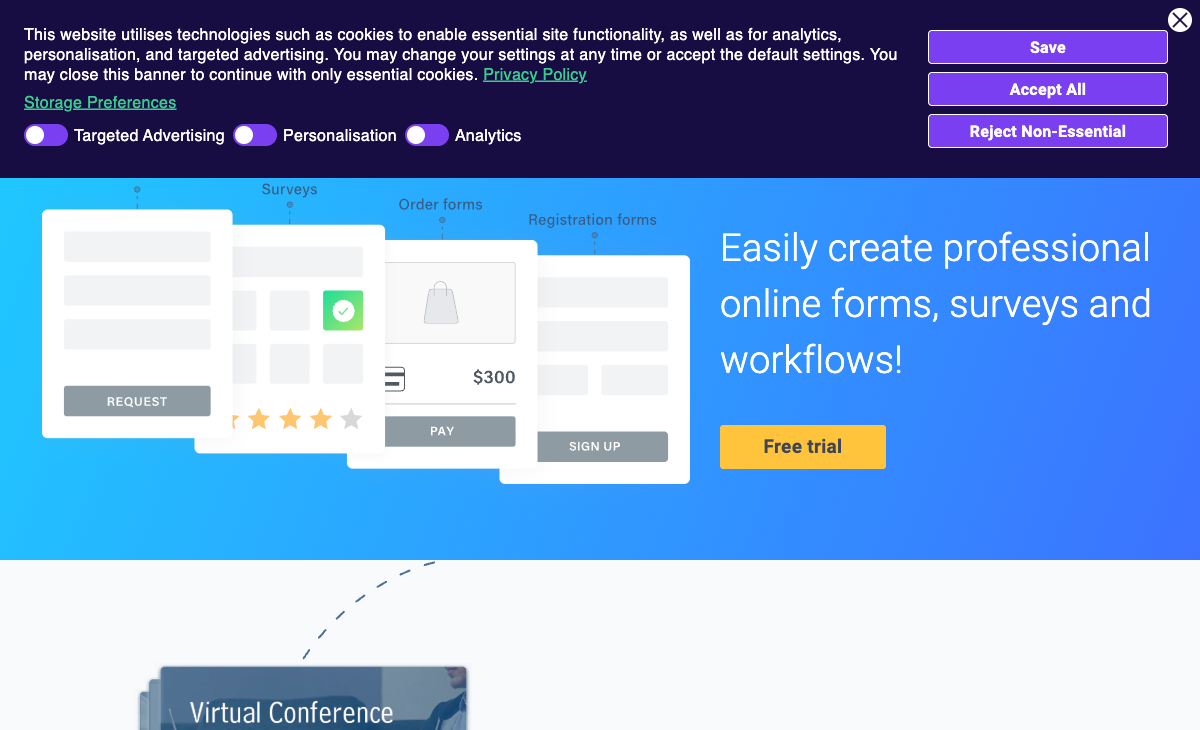
HIPAA Compliance
Formsite offers HIPAA compliance on the Enterprise plan ($209/month). HubSpot does not offer HIPAA-compliant forms on any plan. For healthcare organisations collecting Protected Health Information — patient intake, medical surveys, consent forms — Formsite addresses a compliance need HubSpot cannot. This is one of Formsite's few clear advantages over modern platforms.
More Form Field Types
As a dedicated form builder, Formsite offers more specialised field types: matrix questions, ranking fields, file uploads with multiple format support, calculation fields, and signature fields. HubSpot Forms is optimised for lead capture — name, email, phone, company, custom properties — but has fewer field types for complex data collection. For detailed surveys, applications, or intake forms that need varied field types, Formsite's form builder is more versatile.
Save and Return
Formsite's Save and Return lets respondents save progress on long forms and come back later. HubSpot Forms does not support save-and-return — if a respondent closes the form, they start over. For lengthy intake processes, application forms, or any form requiring information the respondent needs to gather, Formsite handles multi-session completion natively.
Payment Processing
Formsite supports Stripe, PayPal, Braintree, and Authorize.Net on Professional plans ($34/month) and above. HubSpot has added payment capabilities (HubSpot Payments, Stripe) on Starter plans, but its payment features are basic compared to dedicated form builders. For order forms, registration fees, or invoicing, Formsite offers more payment gateway options and deeper transaction handling.
Where HubSpot Forms Wins
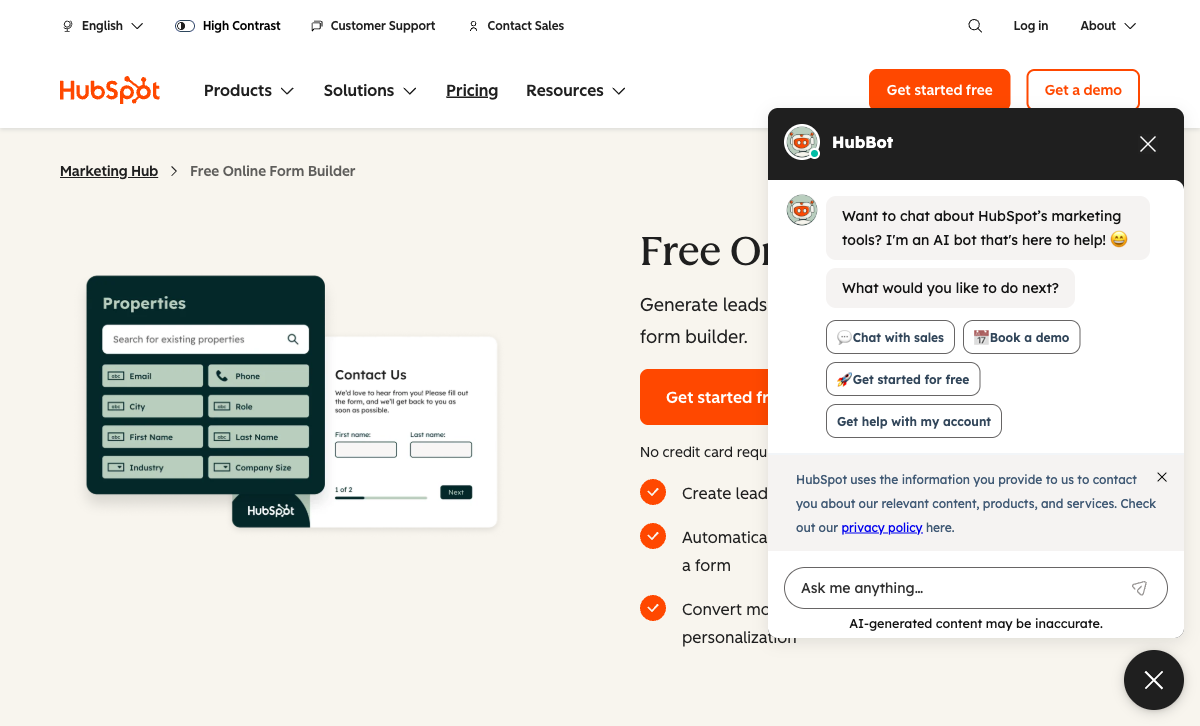
CRM Integration — The Decisive Advantage
Every HubSpot Form submission automatically creates or updates a CRM contact record. No export, no middleware, no delay. The contact record tracks every page view, email open, form submission, and interaction across the entire customer journey. Formsite has no CRM — data sits in Formsite's results table until you manually export it or push it through Zapier. For businesses where leads are the product of forms, HubSpot's native CRM integration is not just better — it is a different category of capability.
Marketing Automation
Form submissions in HubSpot trigger email sequences, workflow automations, deal creation, task assignments, list segmentation, and lead scoring. A contact form submission can automatically send a follow-up email, notify the sales team, add the contact to a nurture sequence, and create a deal in the pipeline — all without leaving HubSpot. Formsite can trigger email notifications on submission, but the automation depth is not comparable.
Free Tier With Unlimited Submissions
HubSpot's free CRM plan includes forms with unlimited submissions. Formsite's free plan caps at 5 forms with 10 results per form. HubSpot's free forms include embedded forms, pop-up forms, standalone pages, and basic CRM tracking. The free tier alone outperforms Formsite's paid Personal plan ($21/month) for lead capture use cases.
Progressive Profiling and Smart Fields
HubSpot Forms can dynamically show different fields based on what it already knows about a visitor. If a returning contact has already provided their company name, the form shows a different question instead. This progressive profiling builds richer contact profiles over time without asking the same questions twice. Formsite has conditional logic, but no concept of progressive profiling tied to a contact database.
Modern Interface and Continuous Development
HubSpot is a publicly traded company (NYSE: HUBS) with thousands of engineers continuously developing the platform. Formsite has 2-10 employees and an interface that has not materially changed in years. The development velocity gap is enormous and widening. HubSpot regularly ships new form features, AI capabilities, and platform improvements.
Where Formsite Falls Short
- No CRM: Data goes into tables, not a customer relationship management system. For lead-driven businesses, this is a fundamental limitation.
- Dated interface: Builder and form output feel like products from the mid-2000s.
- Acquired by Formstack: Uncertain product future under new ownership since December 2023.
- Severely restrictive free plan: 5 forms, 10 results per form versus HubSpot's unlimited.
- No marketing automation: Email notifications only. No sequences, workflows, or pipeline automation.
- Limited AI capabilities: AI survey generation exists on Professional, but no broader intelligent features.
- Tiny team: 2-10 employees versus HubSpot's thousands of engineers.
Where HubSpot Forms Falls Short
- Not a dedicated form builder: Form features are secondary to CRM functionality. For complex surveys, applications, or data collection, purpose-built form tools offer more.
- No HIPAA compliance: Cannot be used for healthcare PHI collection.
- Limited field types: Optimised for lead capture fields, not complex form layouts.
- HubSpot branding on free tier: Requires paid plans to remove branding.
- Expensive at scale: HubSpot's paid plans (Marketing Hub Professional at $890/month) are far more expensive than any form builder if you need advanced features.
- Platform lock-in: Forms are deeply integrated with HubSpot CRM. Migrating away means losing the CRM integration that makes them valuable.
Pricing Comparison
Different pricing models for different products: Formsite charges for forms; HubSpot includes forms in its CRM platform pricing.
| Tier | Formsite | HubSpot Forms | Key Difference |
|---|---|---|---|
| Free | 5 forms, 10 results/form | Unlimited forms, unlimited subs, CRM included | HubSpot's free plan is dramatically more capable |
| $20-34/mo | Personal/Professional: forms, payments, API | Starter: $20/mo, no branding, email marketing, automation | HubSpot includes marketing tools; Formsite is forms only |
| Enterprise | $209/mo, HIPAA, SLA | Professional: $890/mo, advanced automation, ABM | HubSpot is far more expensive but includes full marketing suite |
Formsite
HubSpot Forms
| Product | Plan | Monthly Price | Annual Price (per month) | Free Plan | Free Trial | Limits |
|---|---|---|---|---|---|---|
| Formsite | Free | Free | Free | Yes | 14 days | forms: 5, submissions: 10 per form, storage: 50 MB, users: 1 |
| Formsite | Personal | $21/mo | $20.83/mo billed annually | forms: 5, submissions: 500 per form, storage: 500 MB, users: 1 | ||
| Formsite | Professional | $34/mo | $33.33/mo billed annually | forms: 10, submissions: 1,000 per form, storage: 1 GB, users: 1 | ||
| Formsite | Business | $59/mo | $58.33/mo billed annually | forms: 25, submissions: 2,500 per form, storage: 2 GB, users: 2 | ||
| Formsite | Business + | $84/mo | $83.33/mo billed annually | forms: 100, submissions: 10,000 per form, storage: 4 GB, users: 6 | ||
| Formsite | Enterprise | $209/mo | $208.33/mo billed annually | forms: 1000, submissions: 50,000 per form, storage: 10 GB, users: 21 | ||
| HubSpot Forms | Free | Free | Free | Yes | 14 days | forms: Unlimited, submissions: Unlimited, users: 2 |
| HubSpot Forms | Marketing Hub Starter | $20/mo | $20/mo billed annually | forms: Unlimited, submissions: Unlimited, users: Per seat | ||
| HubSpot Forms | Marketing Hub Professional | $890/mo | $890/mo billed annually | forms: Unlimited, submissions: Unlimited, users: 3 included (additional seats extra) | ||
| HubSpot Forms | Marketing Hub Enterprise | $3600/mo | $3600/mo billed annually | forms: Unlimited, submissions: Unlimited, users: 5 included (additional seats extra) |
What Users Say
HubSpot is one of the most-reviewed platforms in B2B software, with thousands of reviews praising its CRM integration and marketing automation. Criticism focuses on pricing complexity and the steep cost of advanced tiers. Formsite's smaller review base (~120 reviews) consistently praises reliability and criticises the dated interface. The platforms serve fundamentally different audiences, which their review patterns reflect.
Consider Paperform
If you need better forms than HubSpot offers but do not want Formsite's dated experience, Paperform is worth considering. Its document-style editor produces forms that look like designed landing pages, with five payment gateways on every plan, an Excel-style calculation engine for dynamic pricing and scoring, and 2,000+ integrations including HubSpot CRM. Paperform connects to HubSpot via native integration and Zapier — giving you beautiful, powerful forms that feed into HubSpot's CRM without being limited by HubSpot's own form builder. Founded in 2016, bootstrapped and profitable. See the full form builders ranking.
Frequently Asked Questions
Should I use Formsite or HubSpot Forms for lead capture?
HubSpot Forms is the clear winner for lead capture. Every form submission feeds directly into HubSpot CRM — contacts are created automatically with full tracking of page views, email opens, and form interactions. Formsite captures data but has no CRM. You would need to export CSV files or connect via Zapier to get Formsite data into a CRM, adding complexity and latency. If your goal is generating and nurturing leads, HubSpot Forms is purpose-built for that workflow. Formsite is a general-purpose form tool that happens to collect data.
Is Formsite cheaper than HubSpot Forms?
HubSpot Forms is free with no submission limits on the free CRM plan. Formsite's free plan limits you to 5 forms with 10 results per form. At the paid level, Formsite starts at $21/month for basic forms. HubSpot's paid Marketing Hub starts at $20/month (Starter) and includes forms plus email marketing, ad management, and CRM automation. Dollar-for-dollar, HubSpot's free plan delivers more form functionality than Formsite's paid Personal plan, and HubSpot's Starter plan includes an entire marketing platform for roughly the same price as Formsite's basic forms-only plan.
Does HubSpot Forms support payment collection?
HubSpot added payment processing (HubSpot Payments and Stripe integration) on Starter plans and above. It is not as robust as a dedicated payment form builder, but it handles basic transactions. Formsite supports Stripe, PayPal, Braintree, and Authorize.Net on Professional ($34/month) and above. For complex eCommerce forms, neither is ideal — purpose-built tools like Paperform or Jotform offer more payment gateways and features. For simple payment collection alongside CRM data, HubSpot's native integration is more seamless.
Can I use HubSpot Forms without the rest of HubSpot?
Yes. HubSpot's free CRM plan includes forms, and you can use forms without purchasing any paid HubSpot Hub. The free plan includes unlimited forms with HubSpot branding, pop-up forms, embedded forms, and standalone form pages. You get a basic CRM for free alongside the forms. The catch is HubSpot branding on free forms and limited customisation. If you want to remove branding or access advanced form features (smart fields, progressive profiling), you need a paid plan. But for basic form building with CRM tracking, the free tier is genuinely functional.
Sources & References
- HubSpot Forms Review and Comparison — G2, 2026
- Best Online Form Builders for Small Business — TechRadar, 2026
Updates
We re-audit the form builders we compare on a regular cadence and log every change here — a public record of what changed and when.
- Updated June 4, 2026 — Updated Formsite details: noted that AI survey generation is available on its Professional plan (previously described as having no AI capabilities), and corrected its review base from roughly 180 to roughly 120 reviews.
Last updated June 25, 2026
Ready to try Paperform?
Create beautiful forms, payment pages, and workflows — no code required.