FormAssembly vs WPForms: SaaS Enterprise or WordPress Plugin? (2026)
FormAssembly and WPForms occupy entirely different market segments. FormAssembly is a standalone SaaS enterprise platform at $59/month — built around Salesforce integration and compliance certifications like FedRAMP and HIPAA. WPForms is the most popular WordPress form plugin — designed for beginners and small businesses with a free version and paid plans starting at $49.50/year.
These tools share almost no target audience. The comparison matters when WordPress-based organisations evaluate whether they need enterprise Salesforce forms or a simpler WordPress-native solution.
Quick Verdict
Choose FormAssembly if:
- You need deep Salesforce integration (native multi-object sync)
- You need FedRAMP, HIPAA, or PCI DSS compliance
- You want a standalone SaaS independent of WordPress
- Enterprise procurement requires managed security certifications
Choose WPForms if:
- You run WordPress and want the easiest form plugin
- You want a free version (WPForms Lite) or affordable paid plans
- You need drag-and-drop simplicity with no learning curve
- Budget matters — $49.50/yr vs $59/month
Feature Comparison
Side-by-side across feature categories — enterprise SaaS vs WordPress ease of use.
| Feature | FormAssembly | WPForms |
|---|---|---|
| Form Building | ||
| Document-style editor | No | No |
| AI form creation | Yes explorer | Yes basic |
| Field types | Yes explorer | Yes basic |
| Multi-page forms | Yes explorer | Yes basic |
| Guided mode (one question at a time) | No | Yes pro |
| Conditional logic | Yes explorer | Yes basic |
| Calculations field | Yes explorer | Yes pro |
| AI calculations assistant | No | No |
| Scoring | No | Yes pro |
| Answer piping | Yes explorer | No |
| Pre-filling and hidden fields | Yes explorer | Yes basic |
| Save and resume | Yes explorer | Yes pro |
| Auto-close by number | Yes explorer | Yes basic |
| Auto-close by date | Yes explorer | Yes basic |
| Appointment/booking field | No | No |
| Signature field | Yes explorer | Yes pro |
| Color picker field | No | No |
| API-powered dropdowns | Yes team | No |
| Google address search | No | Yes pro |
| Payments | ||
| Stripe payments | Yes explorer | Yes pro |
| PayPal payments | Yes explorer | Yes pro |
| Square payments | No | Yes pro |
| Braintree payments | No | No |
| Google Pay | No | No |
| Product sales (eCommerce) | Yes explorer | No |
| Subscriptions | No | Yes pro |
| Coupons and discounts | No | Yes pro |
| Custom pricing rules | Yes explorer | Yes pro |
| Tax calculations | No | No |
| Quotes/invoices | No | No |
| Refunds | No | No |
| 3D Secure | No | No |
| Design & Customization | ||
| Template gallery | Yes explorer | Yes pro |
| Rich media (images, GIFs, videos) | Yes explorer | Yes basic |
| Unsplash and Giphy integration | No | No |
| Image editor | No | No |
| Adobe Creative Cloud | No | No |
| Language translation | No | Yes basic |
| Advanced theming | Yes team | Yes basic |
| Custom form URL | Yes explorer | Yes pro |
| Custom domains | No | Yes basic |
| Custom HTML & CSS | Yes team | Yes basic |
| Remove branding | Yes team | Yes basic |
| Custom email domains | No | No |
| Analytics | ||
| Submission results and reports | Yes explorer | Yes basic |
| AI report insights | No | No |
| Workflow analytics | Yes explorer | No |
| Google Analytics & Facebook Pixel | No | No |
| Custom analytics scripts | No | No |
| Partial submissions | No | Yes pro |
| Paperform analytics | No | No |
| Collaboration | ||
| Multi-user accounts | Yes team | Yes basic |
| User permissions and management | Yes team | Yes pro |
| Advanced permissions & admin | Yes enterprise | Yes elite |
| Form sharing (templates) | Yes explorer | Yes basic |
| Spaces and tag management | No | No |
| Security | ||
| SOC 2 Type II | Yes explorer | No |
| GDPR compliant | Yes explorer | Yes basic |
| SSL encryption | Yes explorer | Yes basic |
| Two-factor authentication | Yes explorer | No |
| Enforce 2FA for all users | Yes enterprise | No |
| SSO (SAML) | Yes enterprise | No |
| reCAPTCHA | Yes explorer | Yes basic |
| Local data residency | Yes enterprise | Yes |
| Custom S3 storage (BYO) | No | No |
| Custom S3 storage | No | No |
| Integrations & API | ||
| 2000+ integrations | No | Yes pro |
| Zapier | No | Yes pro |
| Make (Integromat) | No | Yes pro |
| Webhooks | Yes explorer | Yes elite |
| Standard API | Yes explorer | No |
| Business API | No | No |
| WordPress plugin | Yes explorer | Yes |
| oEmbed support | Yes explorer | No |
Where FormAssembly Wins
Salesforce Integration
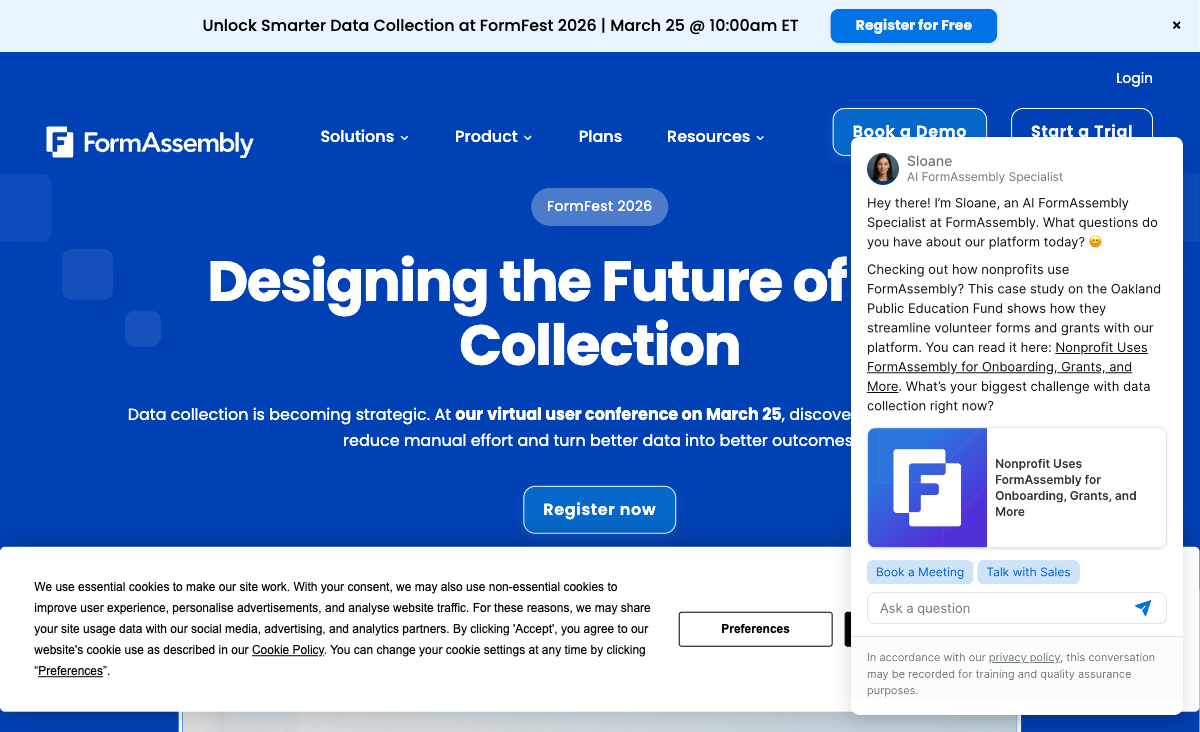
FormAssembly's native Salesforce connector supports multi-object mapping, prefilling from Salesforce records, and Agentforce support. WPForms has no native Salesforce connector — connection requires Zapier for basic single-object mapping. For organisations running complex Salesforce data models, FormAssembly is the only viable option between these two.
Platform-Level Compliance
FormAssembly holds HIPAA with BAA, PCI DSS Level 1, SOC 2, GDPR, FERPA, and FedRAMP High as a managed SaaS platform. WPForms is a WordPress plugin — compliance depends on your hosting environment, server configuration, and security practices. For regulated industries where vendor-managed compliance simplifies procurement, FormAssembly's certifications are a decisive advantage.
CMS Independence
FormAssembly works independently of any CMS — embed forms anywhere, share via links, or use in standalone workflows. WPForms requires WordPress. If you ever migrate away from WordPress, WPForms stays behind. FormAssembly's platform independence provides future flexibility.
eSignatures and Advanced Workflows
FormAssembly offers native eSignatures, workflow automation tied to Salesforce, and AI form creation from PDFs and images. WPForms focuses on straightforward form building — eSignatures require third-party plugins. For complex document and data workflows, FormAssembly has deeper capabilities.
Where WPForms Wins
Price: Free Plugin vs $59/Month SaaS
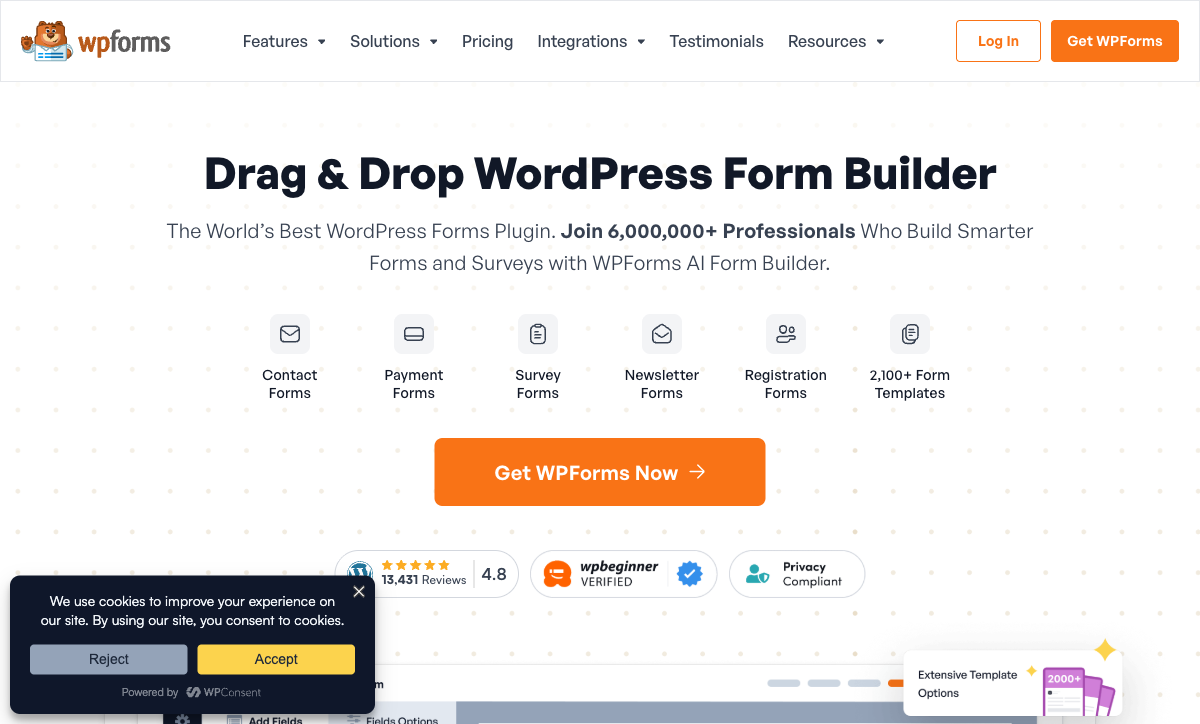
WPForms Lite is free with core form building features. Paid plans start at $49.50/year (Basic). FormAssembly starts at $59/month with no free option. WPForms' Elite plan at $299.50/year still costs less than six months of FormAssembly. For WordPress-based businesses without enterprise Salesforce needs, the cost difference is enormous.
Ease of Use
WPForms is the most beginner-friendly WordPress form plugin. Its drag-and-drop builder requires zero training — anyone who can navigate WordPress can create a form. FormAssembly's G2 ease of use is 4.1/5 with a learning curve tied to Salesforce concepts. For teams where non-technical staff need to create forms, WPForms removes the barrier entirely.
WordPress Ecosystem
WPForms integrates natively with WordPress themes, page builders (Elementor, Divi, Gutenberg), and the broader WordPress plugin ecosystem. Over 6 million active installations. FormAssembly can be embedded in WordPress via iframe, but the integration is surface-level. For WordPress sites, WPForms is the native choice.
600+ Templates
WPForms offers 600+ pre-built templates for contact forms, registration forms, payment forms, surveys, and more. One-click template installation gets forms live in minutes. FormAssembly's template collection is smaller and less varied. For quick WordPress form deployment, WPForms' templates save significant time.
Payment Processing
WPForms supports Stripe, PayPal, Square, and Authorize.Net for payment collection within WordPress. FormAssembly supports Stripe and PayPal. WPForms' broader payment gateway options are valuable for WordPress-based eCommerce and donation collection.
Where FormAssembly Falls Short
- Expensive: $59/month vs free or $49.50/year. The price gap is 14x+ annually for basic form needs.
- Steep learning curve: G2 ease of use 4.1/5. Non-Salesforce users find the interface unintuitive.
- No WordPress integration: Can be embedded but doesn't integrate natively with themes, page builders, or plugins.
- Limited integrations: Roughly 20 native connectors, no Zapier or Make. Poor connectivity outside Salesforce.
Where WPForms Falls Short
- WordPress dependency: Cannot function without WordPress. Not a standalone form solution.
- No Salesforce depth: No native connector. Basic Zapier mapping only.
- No platform-level compliance: No managed HIPAA, FedRAMP, or PCI DSS. Compliance depends on your hosting stack.
- No eSignatures: Requires third-party plugins for document signing.
- Limited advanced logic: Conditional logic is available but less sophisticated than enterprise form builders.
- Hosting overhead: You need WordPress hosting, security, and maintenance on top of the plugin cost.
Pricing Comparison
The largest pricing gap in this comparison set — free/annual plugin vs monthly enterprise SaaS:
| Tier | FormAssembly | WPForms | Key Difference |
|---|---|---|---|
| Free | No free plan (14-day trial) | WPForms Lite — free, core features | WPForms has a free version; FormAssembly doesn't |
| Entry | Explorer: $59/mo — Salesforce, workflows | Basic: $49.50/yr — templates, basic features | WPForms costs 14x less annually |
| Mid-Tier | Team: Custom pricing | Pro: $199.50/yr — payments, surveys, add-ons | WPForms transparent annual pricing; FormAssembly custom |
| Top Tier | Enterprise: Custom — HIPAA, FedRAMP | Elite: $299.50/yr — all add-ons, priority support | FormAssembly adds compliance; WPForms adds WordPress features |
FormAssembly
WPForms
| Product | Plan | Monthly Price | Annual Price (per month) | Free Plan | Free Trial | Limits |
|---|---|---|---|---|---|---|
| FormAssembly | Explorer | $59/mo | Not listed | No | 14 days | forms: Unlimited, submissions: Unlimited, storage: Unlimited, users: 1 standard user |
| FormAssembly | Team | Custom | Not listed | forms: Unlimited, submissions: Unlimited, storage: Unlimited, users: 3 standard + 5 limited users | ||
| FormAssembly | Enterprise | Custom | Not listed | forms: Unlimited, submissions: Unlimited, storage: Unlimited, users: 5 standard + 10 limited users | ||
| FormAssembly | Gov Cloud | Custom | Not listed | forms: Unlimited, submissions: Unlimited, storage: Unlimited, users: 5 standard + 10 limited users | ||
| WPForms | Lite (Free) | Free | Free | Yes | 14 days | forms: Unlimited, submissions: Unlimited, users: Unlimited |
| WPForms | Basic | Not listed | $4.13/mo billed annually | forms: Unlimited, submissions: Unlimited, users: Unlimited | ||
| WPForms | Plus | Not listed | $8.29/mo billed annually | forms: Unlimited, submissions: Unlimited, users: Unlimited | ||
| WPForms | Pro | Not listed | $16.63/mo billed annually | forms: Unlimited, submissions: Unlimited, users: Unlimited | ||
| WPForms | Elite | Not listed | $24.96/mo billed annually | forms: Unlimited, submissions: Unlimited, users: Unlimited |
What Users Say
WPForms earns universal praise for ease of use — it's considered the most beginner-friendly WordPress form plugin. FormAssembly reviews focus on Salesforce integration quality and compliance. The audiences don't overlap: WordPress site owners choose WPForms; Salesforce enterprises in regulated industries choose FormAssembly. Cost is the most cited difference.
Consider Paperform
If WPForms' WordPress dependency is a limitation and FormAssembly's Salesforce focus doesn't match your needs, Paperform offers a standalone SaaS alternative. Paperform's document-style editor creates forms that look like designed landing pages, with an Excel-style calculation engine for dynamic pricing, scoring, and conditional logic.
At $24/month (annual), Paperform costs less than FormAssembly ($59/mo) and works without WordPress. It includes five payment gateways, 2,000+ integrations, 30,000+ templates, and a free plan. For businesses that need more than a WordPress plugin but less than a Salesforce enterprise tool, Paperform is worth evaluating. See our full ranking for details.
The Verdict
Choose FormAssembly for Salesforce-centric enterprises with compliance requirements. Its native Salesforce connector, FedRAMP + HIPAA + PCI DSS compliance, and 20 years of operation (founded 2006) serve regulated industries where form-to-CRM precision matters.
Choose WPForms for WordPress-based businesses that need simple, affordable forms. With 6+ million installations, a free version, and paid plans from $49.50/year, WPForms is the easiest and most affordable form solution for WordPress. Founded by the team behind WPBeginner, WPForms has deep WordPress community trust.
Frequently Asked Questions
Can WPForms integrate with Salesforce?
Not natively. WPForms can connect to Salesforce through Zapier for basic field mapping — pushing form entries to Salesforce contacts or leads. FormAssembly's native Salesforce connector supports multi-object mapping, prefilling from records, and Agentforce support. For complex Salesforce data models, FormAssembly is the only real option. For basic lead capture to Salesforce from a WordPress site, WPForms with Zapier may suffice.
Do I need WordPress to use WPForms?
Yes. WPForms is a WordPress plugin and requires a WordPress installation. FormAssembly is a standalone SaaS platform. If you don't use WordPress, WPForms isn't an option. If you do use WordPress, WPForms integrates natively with your site's theme, page builder, and other plugins — a benefit FormAssembly can't match.
Which is more beginner-friendly?
WPForms is significantly easier to use. Its drag-and-drop builder is designed for WordPress users with no coding experience — it consistently earns high ease-of-use ratings. FormAssembly's G2 ease of use is 4.1/5, with reviewers noting the Salesforce-centric interface requires training. For WordPress users who want simple form creation, WPForms is the more accessible choice.
Which is more affordable?
WPForms is dramatically more affordable. WPForms Lite is free, and paid plans start at $49.50/year (Basic). FormAssembly starts at $59/month with no free plan. Even WPForms' Elite plan at $299.50/year costs less than six months of FormAssembly's entry tier. For WordPress-based businesses without Salesforce needs, WPForms delivers more value per dollar.
Sources & References
- FormAssembly vs WPForms: Comparison — G2, 2026
- WPForms Pricing — WPForms, 2026
Last updated March 21, 2026
Ready to try Paperform?
Create beautiful forms, payment pages, and workflows — no code required.