FormAssembly vs SurveyMonkey: Salesforce Forms or Survey Specialist? (2026)
FormAssembly and SurveyMonkey serve fundamentally different purposes. FormAssembly is a Salesforce-focused enterprise form builder — designed for data collection that feeds into complex CRM workflows with HIPAA and FedRAMP compliance. SurveyMonkey is the world's most popular survey platform — built for research, feedback, and opinion gathering with advanced survey analytics.
These tools overlap only at the surface level: both collect data through online forms. Beneath that, they diverge completely. FormAssembly is a CRM data pipeline. SurveyMonkey is a research and feedback tool.
Quick Verdict
Choose FormAssembly if:
- You need deep Salesforce integration (native multi-object sync)
- You need FedRAMP, HIPAA, or PCI DSS compliance
- Your primary use case is CRM data collection, not surveys
- You need eSignatures and Salesforce workflow automation
Choose SurveyMonkey if:
- You need research surveys with advanced analytics
- You want pre-validated question banks and survey methodology
- You need panel sampling (SurveyMonkey Audience)
- You want a free plan to start with basic surveys
Feature Comparison
Side-by-side across feature categories — Salesforce forms vs survey research.
| Feature | FormAssembly | SurveyMonkey |
|---|---|---|
| Form Building | ||
| Document-style editor | No | No |
| AI form creation | Yes explorer | Yes |
| Field types | Yes explorer | 15+ |
| Multi-page forms | Yes explorer | Yes |
| Guided mode (one question at a time) | No | Yes |
| Conditional logic | Yes explorer | Yes Individual Standard |
| Calculations field | Yes explorer | No |
| AI calculations assistant | No | No |
| Scoring | No | Yes |
| Answer piping | Yes explorer | Yes Individual Standard |
| Pre-filling and hidden fields | Yes explorer | Yes Individual Standard |
| Save and resume | Yes explorer | Yes Individual Standard |
| Auto-close by number | Yes explorer | Yes Individual Standard |
| Auto-close by date | Yes explorer | Yes Individual Standard |
| Appointment/booking field | No | No |
| Signature field | Yes explorer | No |
| Color picker field | No | No |
| API-powered dropdowns | Yes team | No |
| Google address search | No | No |
| File uploads | No | Yes |
| Payments | ||
| Stripe payments | Yes explorer | Yes Individual Advantage |
| PayPal payments | Yes explorer | Yes Individual Advantage |
| Square payments | No | No |
| Braintree payments | No | No |
| Google Pay | No | No |
| Product sales (eCommerce) | Yes explorer | No |
| Subscriptions | No | No |
| Coupons and discounts | No | No |
| Custom pricing rules | Yes explorer | No |
| Tax calculations | No | No |
| Quotes/invoices | No | No |
| Refunds | No | No |
| 3D Secure | No | No |
| Design & Customization | ||
| Template gallery | Yes explorer | 500+ |
| Rich media (images, GIFs, videos) | Yes explorer | Yes |
| Unsplash and Giphy integration | No | No |
| Image editor | No | No |
| Adobe Creative Cloud | No | No |
| Language translation | No | Yes Individual Premier |
| Advanced theming | Yes team | Yes Individual Standard |
| Custom form URL | Yes explorer | Yes Individual Standard |
| Custom domains | No | No |
| Custom HTML & CSS | Yes team | No |
| Remove branding | Yes team | Yes Individual Standard |
| Custom email domains | No | No |
| Analytics | ||
| Submission results and reports | Yes explorer | Yes |
| AI report insights | No | Yes Individual Standard |
| Workflow analytics | Yes explorer | No |
| Google Analytics & Facebook Pixel | No | No |
| Custom analytics scripts | No | No |
| Partial submissions | No | Yes Individual Standard |
| Paperform analytics | No | No |
| Collaboration | ||
| Multi-user accounts | Yes team | Yes Team Advantage |
| User permissions and management | Yes team | Yes Team Advantage |
| Advanced permissions & admin | Yes enterprise | Yes enterprise |
| Form sharing (templates) | Yes explorer | Yes Team Advantage |
| Spaces and tag management | No | No |
| Security | ||
| SOC 2 Type II | Yes explorer | Yes |
| GDPR compliant | Yes explorer | Yes |
| SSL encryption | Yes explorer | Yes |
| Two-factor authentication | Yes explorer | Yes |
| Enforce 2FA for all users | Yes enterprise | Yes enterprise |
| SSO (SAML) | Yes enterprise | Yes enterprise |
| reCAPTCHA | Yes explorer | Yes |
| Local data residency | Yes enterprise | Yes enterprise |
| Custom S3 storage (BYO) | No | No |
| Integrations & API | ||
| 2000+ integrations | No | No |
| Zapier | No | Yes |
| Make (Integromat) | No | Yes |
| Webhooks | Yes explorer | Yes Individual Standard |
| Standard API | Yes explorer | Yes Individual Standard |
| Business API | No | Yes enterprise |
| WordPress plugin | Yes explorer | No |
| oEmbed support | Yes explorer | No |
| Native integrations | No | 200+ |
Where FormAssembly Wins
Salesforce Integration Depth
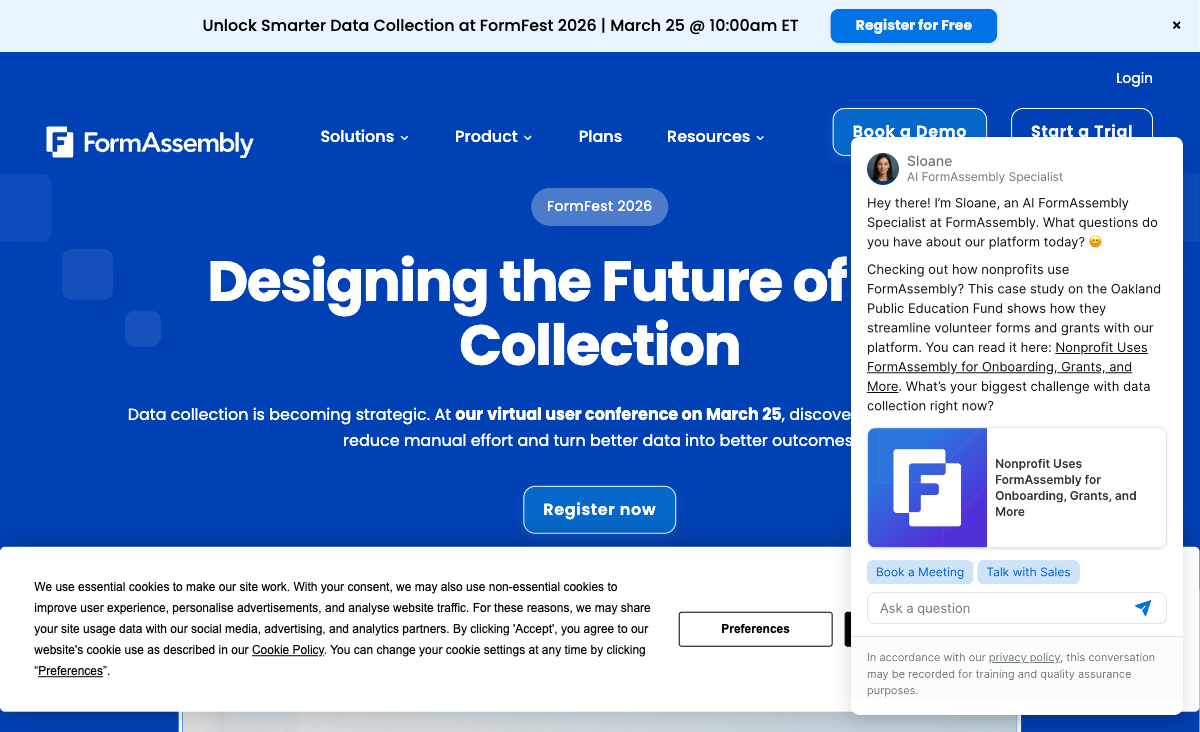
FormAssembly's native Salesforce connector supports multi-object mapping, prefilling from Salesforce records, and Agentforce support. SurveyMonkey has a Salesforce integration that links survey responses to contacts, but it's designed for feedback data — not complex multi-object form submissions. For form-to-CRM data workflows with multiple related Salesforce objects, FormAssembly is significantly deeper.
Enterprise Compliance
FormAssembly holds HIPAA with BAA, PCI DSS Level 1, SOC 2, GDPR, FERPA, and FedRAMP High. SurveyMonkey offers HIPAA on Enterprise, SOC 2, and GDPR but lacks PCI DSS Level 1 and FedRAMP. For government agencies (FedRAMP) and organisations needing combined compliance certifications, FormAssembly's portfolio is broader.
eSignatures and Document Workflows
FormAssembly includes native eSignatures for consent forms, agreements, and compliance documentation — linked directly to Salesforce records. SurveyMonkey is a survey tool and does not offer eSignatures or document signing workflows.
Form-Specific Capabilities
FormAssembly offers conditional logic tied to Salesforce data, workflow automation, payment processing (Stripe and PayPal), and AI form creation from PDFs and images. These are form builder features that SurveyMonkey, as a survey platform, doesn't prioritise.
Where SurveyMonkey Wins
Survey Research and Analytics
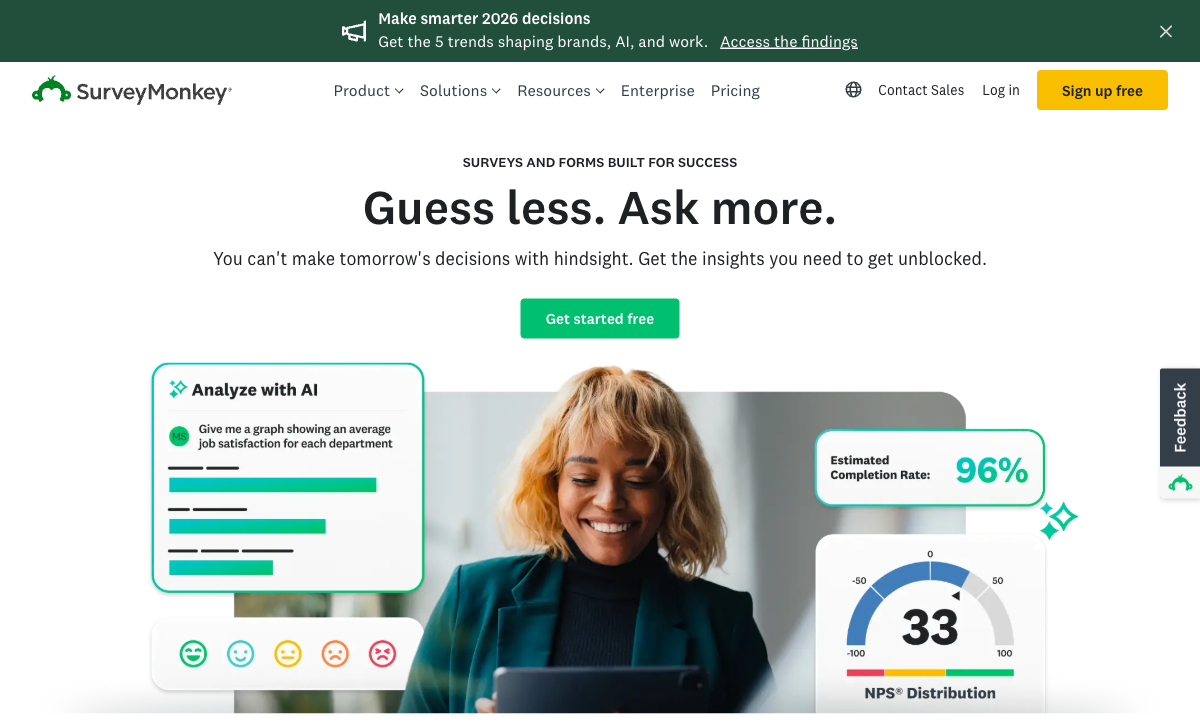
SurveyMonkey is the gold standard for online surveys. Pre-validated question banks, skip logic, randomisation, response quotas, cross-tabulation, statistical significance testing, sentiment analysis, and word clouds provide research-grade analytics. FormAssembly collects data — SurveyMonkey analyses it. For market research, customer satisfaction, employee engagement, and academic surveys, SurveyMonkey's analytical depth is unmatched.
SurveyMonkey Audience (Panel Sampling)
Need respondents? SurveyMonkey Audience gives access to millions of pre-screened panellists filtered by demographics, geography, and interests. FormAssembly has no respondent panel — you need to bring your own audience. For market research teams that need statistically representative samples, SurveyMonkey Audience is a unique capability.
Free Plan and Affordable Entry
SurveyMonkey offers a free plan with 10 questions per survey and 25 responses. Paid plans start at $25/month (Individual Advantage). FormAssembly starts at $59/month with no free option. For individuals and small teams, SurveyMonkey's pricing is significantly more accessible.
Integration Breadth
SurveyMonkey offers 100+ native integrations including Salesforce, HubSpot, Marketo, Slack, Microsoft Teams, Mailchimp, and Zapier connectivity. FormAssembly has roughly 20 native integrations with no Zapier or Make support. Outside Salesforce, SurveyMonkey's connectivity is vastly broader.
Brand Recognition and Trust
SurveyMonkey (now Momentive) is the world's most recognised survey brand — founded in 1999 with 27 years of operation. 98% of the Fortune 500 use SurveyMonkey. FormAssembly (founded 2006) has strong enterprise customers but less brand recognition. For survey-specific use cases, SurveyMonkey's brand carries weight with respondents and stakeholders.
Where FormAssembly Falls Short
- Not a survey tool: No question banks, no survey analytics, no panel sampling, no cross-tabulation. Wrong tool for research.
- No free plan: $59/month minimum. SurveyMonkey's free plan and $25/month entry are more accessible.
- Limited integrations: Roughly 20 native connectors, no Zapier or Make. Poor connectivity outside Salesforce.
- Steep learning curve: G2 ease of use 4.1/5. SurveyMonkey is more intuitive for non-technical users.
Where SurveyMonkey Falls Short
- No deep Salesforce integration: Links responses to contacts but can't do multi-object mapping or Agentforce support.
- No form-specific compliance: HIPAA on Enterprise, SOC 2, GDPR — but no PCI DSS Level 1 or FedRAMP.
- No eSignatures: Cannot collect signed documents. Not designed for compliance document workflows.
- No payment processing: SurveyMonkey collects survey data, not payments. FormAssembly supports Stripe and PayPal.
- Response limits: Free plan caps at 25 responses per survey. Even paid plans have response tiers that can get expensive at scale.
- Not a form builder: Limited conditional logic, no calculated fields, no workflow automation beyond survey triggers.
Pricing Comparison
Salesforce enterprise tool vs survey platform — different pricing for different needs:
| Tier | FormAssembly | SurveyMonkey | Key Difference |
|---|---|---|---|
| Free | No free plan (14-day trial) | Free — 10 questions, 25 responses/survey | SurveyMonkey offers a free tier; FormAssembly doesn't |
| Entry | Explorer: $59/mo — Salesforce, workflows | Individual Advantage: $25/mo — unlimited questions | SurveyMonkey costs 58% less for basic paid features |
| Team | Team: Custom pricing | Team Advantage: $25/user/mo — collaboration, shared library | SurveyMonkey per-user; FormAssembly custom enterprise |
| Enterprise | Enterprise: Custom — HIPAA, FedRAMP | Enterprise: Custom — HIPAA, SSO, advanced analytics | FormAssembly adds FedRAMP; SurveyMonkey adds research tools |
FormAssembly
SurveyMonkey
| Product | Plan | Monthly Price | Annual Price (per month) | Free Plan | Free Trial | Limits |
|---|---|---|---|---|---|---|
| FormAssembly | Explorer | $59/mo | Not listed | No | 14 days | forms: Unlimited, submissions: Unlimited, storage: Unlimited, users: 1 standard user |
| FormAssembly | Team | Custom | Not listed | forms: Unlimited, submissions: Unlimited, storage: Unlimited, users: 3 standard + 5 limited users | ||
| FormAssembly | Enterprise | Custom | Not listed | forms: Unlimited, submissions: Unlimited, storage: Unlimited, users: 5 standard + 10 limited users | ||
| FormAssembly | Gov Cloud | Custom | Not listed | forms: Unlimited, submissions: Unlimited, storage: Unlimited, users: 5 standard + 10 limited users | ||
| SurveyMonkey | Basic (Free) | Free | Free | Yes | No | forms: Unlimited, submissions: 25 per survey, storage: N/A, users: 1 |
| SurveyMonkey | Individual Standard | $99/mo | $39/mo billed annually | forms: Unlimited, submissions: 1,000 per month, storage: N/A, users: 1 | ||
| SurveyMonkey | Individual Advantage | Free | $32/mo billed annually | forms: Unlimited, submissions: 15,000 per year, storage: N/A, users: 1 | ||
| SurveyMonkey | Individual Premier | Free | $99/mo billed annually | forms: Unlimited, submissions: 40,000 per year, storage: N/A, users: 1 | ||
| SurveyMonkey | Team Advantage | Free | $30/mo billed annually | forms: Unlimited, submissions: 50,000 per year (shared), storage: N/A, users: 3 minimum | ||
| SurveyMonkey | Team Premier | Free | $92/mo billed annually | forms: Unlimited, submissions: 100,000 per year (shared), storage: N/A, users: 3 minimum |
What Users Say
SurveyMonkey is the default survey tool for millions — users praise its ease of use, question banks, and analytics. FormAssembly users value Salesforce integration above all else. The divide is clear: researchers and feedback teams choose SurveyMonkey; Salesforce admins in regulated industries choose FormAssembly. These platforms serve different jobs.
Consider Paperform
If you need both form building and survey capabilities without Salesforce lock-in, Paperform bridges the gap. Paperform's document-style editor handles surveys, forms, quizzes, and payments in one tool, with an Excel-style calculation engine for dynamic scoring, pricing, and conditional logic.
At $24/month (annual), Paperform costs less than both FormAssembly ($59/mo) and SurveyMonkey's team plans. It includes five payment gateways, 2,000+ integrations, 30,000+ templates, and a free plan. For businesses that need versatile data collection without specialising in Salesforce or research surveys, Paperform is worth evaluating. See our full ranking for details.
The Verdict
Choose FormAssembly for Salesforce data collection in regulated industries. Its native Salesforce connector, combined HIPAA + FedRAMP + PCI DSS compliance, and eSignatures serve enterprise use cases that SurveyMonkey doesn't address. Founded in 2006, FormAssembly has 20 years of Salesforce specialisation.
Choose SurveyMonkey for research, feedback, and surveys. Its question banks, analytics, panel sampling, and 27 years of survey expertise (founded 1999) make it the definitive survey platform. For market research, customer satisfaction, and employee engagement surveys, SurveyMonkey is the industry standard.
Frequently Asked Questions
Can SurveyMonkey integrate with Salesforce?
Yes. SurveyMonkey offers a native Salesforce integration that maps survey responses to Salesforce contacts and sends response data into CRM records. However, it's designed for survey data — not multi-object form submissions. FormAssembly's Salesforce connector supports native multi-object mapping, prefilling, and Agentforce support for complex data collection. For survey feedback linked to Salesforce contacts, SurveyMonkey works. For complex form-to-CRM data workflows, FormAssembly is deeper.
Which is better for research surveys?
SurveyMonkey, decisively. It's the world's most popular survey platform with 20+ years of survey methodology expertise. Features include question banks with pre-validated questions, survey logic, response quotas, panel sampling (SurveyMonkey Audience), cross-tabulation, statistical significance testing, and sentiment analysis. FormAssembly is a form builder, not a survey platform — it lacks survey-specific analytics, question banks, and panel sampling. For research, SurveyMonkey is purpose-built.
Does SurveyMonkey have a free plan?
Yes. SurveyMonkey offers a free plan with up to 10 questions per survey and 25 responses per survey. It's limited but functional for basic surveys. FormAssembly has no free plan — $59/month after a 14-day trial. For individuals or small teams testing survey tools, SurveyMonkey's free tier provides a starting point that FormAssembly lacks.
Which has better compliance certifications?
FormAssembly has the broader form-specific compliance portfolio: HIPAA with BAA, PCI DSS Level 1, SOC 2, GDPR, FERPA, and FedRAMP High. SurveyMonkey offers HIPAA compliance on Enterprise plans, SOC 2, and GDPR, but lacks PCI DSS Level 1 and FedRAMP. For government agencies needing FedRAMP or organisations requiring combined HIPAA + PCI DSS + FedRAMP, FormAssembly's certifications are more comprehensive.
Sources & References
- FormAssembly vs SurveyMonkey: Comparison — G2, 2026
- SurveyMonkey Pricing — SurveyMonkey, 2026
Last updated March 21, 2026
Ready to try Paperform?
Create beautiful forms, payment pages, and workflows — no code required.