FormAssembly vs HubSpot Forms: Salesforce Integration or HubSpot Integration? (2026)
FormAssembly and HubSpot Forms are both CRM-native form tools — but for different CRMs. FormAssembly is built for Salesforce: deep object mapping, multi-object sync, and enterprise compliance. HubSpot Forms is built for HubSpot: native contact creation, lead scoring, progressive profiling, and marketing automation. Choosing between them is primarily a CRM decision.
If your CRM is Salesforce, use FormAssembly. If your CRM is HubSpot, use HubSpot Forms. The overlap where either tool makes sense for the other's CRM is minimal. This comparison helps you understand the trade-offs for edge cases and organisations evaluating both CRMs.
Quick Verdict
Choose FormAssembly if:
- Your CRM is Salesforce and you need native multi-object sync
- You need FedRAMP, HIPAA + PCI DSS combined compliance
- You need eSignatures and advanced workflow automation
- You operate in government, healthcare, or financial services
Choose HubSpot Forms if:
- Your CRM is HubSpot and you want native lead capture
- You want free forms with free CRM integration
- You need progressive profiling and marketing automation
- Lead generation and nurturing are your primary use case
Feature Comparison
Side-by-side across feature categories — Salesforce depth vs HubSpot ecosystem.
| Feature | FormAssembly | HubSpot Forms |
|---|---|---|
| Form Building | ||
| Document-style editor | No | No |
| AI form creation | Yes explorer | No |
| Field types | Yes explorer | No |
| Multi-page forms | Yes explorer | Yes starter |
| Guided mode (one question at a time) | No | No |
| Conditional logic | Yes explorer | Yes professional |
| Calculations field | Yes explorer | No |
| AI calculations assistant | No | No |
| Scoring | No | No |
| Answer piping | Yes explorer | No |
| Pre-filling and hidden fields | Yes explorer | Yes |
| Save and resume | Yes explorer | No |
| Auto-close by number | Yes explorer | No |
| Auto-close by date | Yes explorer | No |
| Appointment/booking field | No | No |
| Signature field | Yes explorer | No |
| Color picker field | No | No |
| API-powered dropdowns | Yes team | No |
| Google address search | No | No |
| Question types | No | Yes |
| File uploads | No | Yes |
| Payments | ||
| Stripe payments | Yes explorer | Yes starter |
| PayPal payments | Yes explorer | No |
| Square payments | No | No |
| Braintree payments | No | No |
| Google Pay | No | No |
| Product sales (eCommerce) | Yes explorer | No |
| Subscriptions | No | No |
| Coupons and discounts | No | No |
| Custom pricing rules | Yes explorer | No |
| Tax calculations | No | No |
| Quotes/invoices | No | No |
| Refunds | No | No |
| 3D Secure | No | No |
| Design & Customization | ||
| Template gallery | Yes explorer | Yes |
| Rich media (images, GIFs, videos) | Yes explorer | No |
| Unsplash and Giphy integration | No | No |
| Image editor | No | No |
| Adobe Creative Cloud | No | No |
| Language translation | No | No |
| Advanced theming | Yes team | Yes starter |
| Custom form URL | Yes explorer | No |
| Custom domains | No | No |
| Custom HTML & CSS | Yes team | Yes starter |
| Remove branding | Yes team | Yes starter |
| Custom email domains | No | No |
| Analytics | ||
| Submission results and reports | Yes explorer | Yes |
| AI report insights | No | No |
| Workflow analytics | Yes explorer | No |
| Google Analytics & Facebook Pixel | No | Yes |
| Custom analytics scripts | No | No |
| Partial submissions | No | No |
| Drop-off analysis | No | No |
| Conversion analytics | No | Yes professional |
| Collaboration | ||
| Multi-user accounts | Yes team | Yes |
| User permissions and management | Yes team | Yes starter |
| Advanced permissions & admin | Yes enterprise | Yes enterprise |
| Form sharing (templates) | Yes explorer | Yes |
| Spaces and tag management | No | No |
| Workspace organization | No | No |
| Security | ||
| SOC 2 Type II | Yes explorer | Yes |
| GDPR compliant | Yes explorer | Yes |
| SSL encryption | Yes explorer | Yes |
| Two-factor authentication | Yes explorer | Yes |
| Enforce 2FA for all users | Yes enterprise | No |
| SSO (SAML) | Yes enterprise | Yes enterprise |
| reCAPTCHA | Yes explorer | No |
| Local data residency | Yes enterprise | No |
| Custom S3 storage (BYO) | No | No |
| HIPAA compliant | No | No |
| Data residency | No | Yes enterprise |
| Custom S3 storage | No | No |
| Integrations & API | ||
| 2000+ integrations | No | No |
| Zapier | No | Yes starter |
| Make (Integromat) | No | Yes starter |
| Webhooks | Yes explorer | Yes starter |
| Standard API | Yes explorer | No |
| Business API | No | No |
| WordPress plugin | Yes explorer | Yes |
| oEmbed support | Yes explorer | No |
| Native integrations | No | Yes |
| API | No | Yes |
| Embed options | No | Yes |
Where FormAssembly Wins
Salesforce Integration Depth
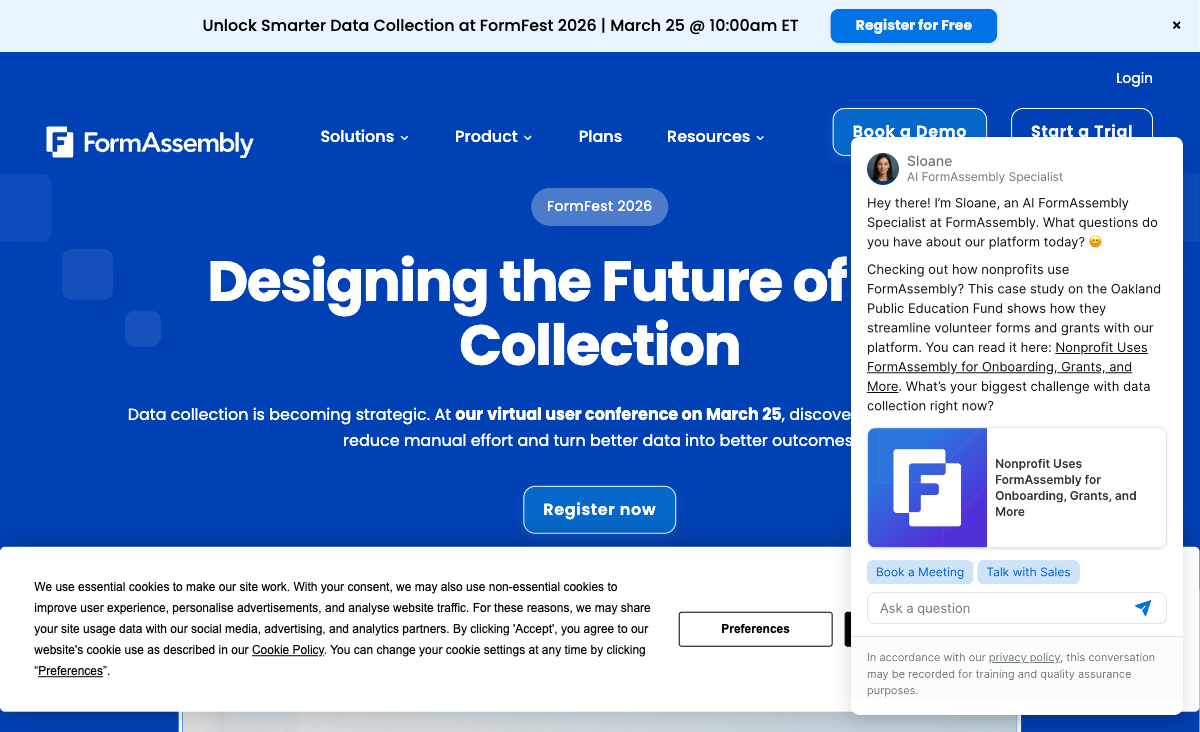
FormAssembly's Salesforce connector is the deepest available: native multi-object mapping, prefilling from Salesforce records, Agentforce support, and field-level synchronisation. HubSpot Forms has no Salesforce integration — it's built exclusively for HubSpot CRM. For Salesforce organisations, FormAssembly is the only CRM-native form option. HubSpot's Salesforce sync exists at the CRM level but doesn't extend to form-level precision.
Enterprise Compliance Breadth
FormAssembly holds HIPAA with BAA, PCI DSS Level 1, SOC 2, GDPR, FERPA, and FedRAMP High. HubSpot provides SOC 2, GDPR, and general enterprise security but lacks form-specific HIPAA with BAA, PCI DSS Level 1, and FedRAMP certifications. For government agencies (FedRAMP), healthcare (HIPAA), and payment-processing organisations (PCI DSS), FormAssembly's dedicated form-level certifications reduce vendor risk.
eSignatures and Document Workflows
FormAssembly includes native eSignatures for consent forms, agreements, and compliance documents — directly tied to Salesforce records. HubSpot Forms does not offer eSignatures; you'd need a separate tool like DocuSign or PandaDoc. For organisations that need signed documents as part of their data collection workflow, FormAssembly's built-in capability simplifies the process.
Company Longevity
Founded in 2006, FormAssembly has 20 years of continuous operation serving enterprises including Southwest Airlines, Amazon, and Harvard University. HubSpot (founded 2006) is a larger company, but HubSpot Forms is one feature within a marketing platform — not a dedicated form builder. FormAssembly's entire company focuses on form building and Salesforce integration, providing deeper specialisation.
Where HubSpot Forms Wins
Free with Native CRM Integration
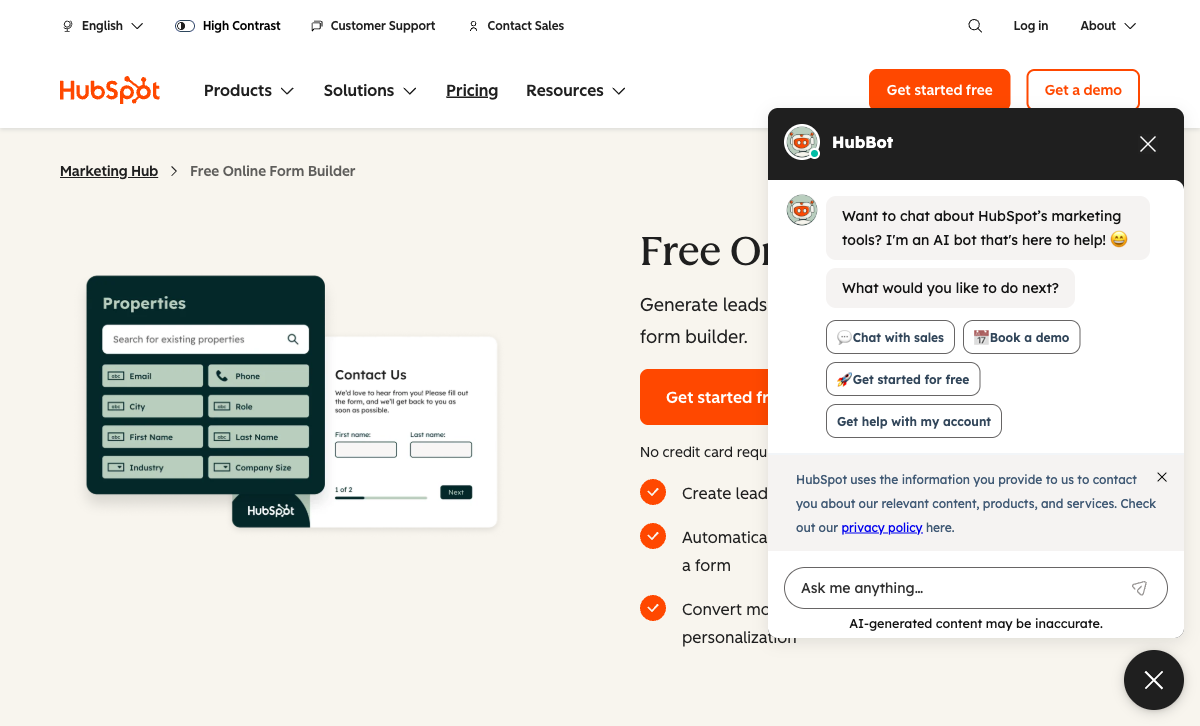
HubSpot Forms is free as part of HubSpot's free CRM — unlimited forms, unlimited submissions, with native contact creation and CRM data flow at no cost. FormAssembly starts at $59/month with no free plan. For businesses already on HubSpot (or considering it), the free forms with CRM integration represent extraordinary value. The cost difference is $708/year minimum.
Marketing Automation and Lead Nurturing
HubSpot Forms connects directly to HubSpot's marketing automation: email sequences, lead scoring, lifecycle stage tracking, and nurture workflows trigger automatically from form submissions. FormAssembly collects data for Salesforce but doesn't offer native marketing automation — you'd need Salesforce Marketing Cloud or Pardot on top. For marketing teams, HubSpot Forms is a lead generation tool; FormAssembly is a data collection tool.
Progressive Profiling
HubSpot's smart forms dynamically adjust questions based on what you already know about a contact. Returning visitors see new questions instead of repeating information already in the CRM. This progressive profiling increases conversion rates and data richness over time. FormAssembly supports prefilling from Salesforce but doesn't have the same dynamic question rotation based on CRM data.
Broader Ecosystem
HubSpot Forms is part of HubSpot's complete platform — CRM, marketing, sales, service, and CMS. Forms data flows into every HubSpot tool natively. FormAssembly's ecosystem is focused on Salesforce with roughly 20 additional integrations and no Zapier or Make support. For organisations using HubSpot's full stack, the ecosystem advantage is significant.
Where FormAssembly Falls Short
- No free plan: $59/month entry vs HubSpot's free forms. The cost gap is the largest for CRM-native form tools.
- No HubSpot integration: Built for Salesforce. If your CRM is HubSpot, FormAssembly provides minimal value.
- No marketing automation: Collects data but doesn't nurture leads. You need separate marketing tools.
- Limited integrations: Roughly 20 native connectors, no Zapier or Make. Outside Salesforce, connectivity is thin.
- Steep learning curve: G2 ease of use rated 4.1/5. HubSpot Forms is more intuitive for marketing teams.
Where HubSpot Forms Falls Short
- No Salesforce-native integration: Built for HubSpot CRM. Cannot provide multi-object Salesforce mapping.
- Limited as a standalone form builder: HubSpot Forms is a feature within HubSpot, not a dedicated form platform. Advanced form logic, calculations, and eSignatures are absent.
- Branding on free plan: HubSpot branding appears on free forms. Removing it requires Marketing Hub Starter ($20/mo).
- No form-specific compliance: No dedicated HIPAA with BAA, PCI DSS Level 1, or FedRAMP for form-level compliance.
- Advanced features are expensive: Progressive profiling and A/B testing require Marketing Hub Professional at $890/month — a steep jump from free.
- No eSignatures: Requires third-party integrations for document signing workflows.
Pricing Comparison
CRM-native form tools at opposite ends of the pricing spectrum:
| Tier | FormAssembly | HubSpot Forms | Key Difference |
|---|---|---|---|
| Free | No free plan (14-day trial only) | Free — unlimited forms, CRM integration | HubSpot Forms is free with CRM; FormAssembly has no free tier |
| Entry | Explorer: $59/mo — Salesforce, workflows | Starter: $20/mo — remove branding, basic automation | HubSpot Starter costs 66% less than FormAssembly entry |
| Professional | Team: Custom pricing | Professional: $890/mo — progressive profiling, A/B testing | HubSpot Pro is expensive but includes full marketing platform |
| Enterprise | Enterprise: Custom — HIPAA, FedRAMP | Enterprise: $3,600/mo — advanced reporting, SSO | Different scales — FormAssembly is forms-only; HubSpot is full platform |
FormAssembly
HubSpot Forms
| Product | Plan | Monthly Price | Annual Price (per month) | Free Plan | Free Trial | Limits |
|---|---|---|---|---|---|---|
| FormAssembly | Explorer | $59/mo | Not listed | No | 14 days | forms: Unlimited, submissions: Unlimited, storage: Unlimited, users: 1 standard user |
| FormAssembly | Team | Custom | Not listed | forms: Unlimited, submissions: Unlimited, storage: Unlimited, users: 3 standard + 5 limited users | ||
| FormAssembly | Enterprise | Custom | Not listed | forms: Unlimited, submissions: Unlimited, storage: Unlimited, users: 5 standard + 10 limited users | ||
| FormAssembly | Gov Cloud | Custom | Not listed | forms: Unlimited, submissions: Unlimited, storage: Unlimited, users: 5 standard + 10 limited users | ||
| HubSpot Forms | Free | Free | Free | Yes | 14 days | forms: Unlimited, submissions: Unlimited, users: 2 |
| HubSpot Forms | Marketing Hub Starter | $20/mo | $20/mo billed annually | forms: Unlimited, submissions: Unlimited, users: Per seat | ||
| HubSpot Forms | Marketing Hub Professional | $890/mo | $890/mo billed annually | forms: Unlimited, submissions: Unlimited, users: 3 included (additional seats extra) | ||
| HubSpot Forms | Marketing Hub Enterprise | $3600/mo | $3600/mo billed annually | forms: Unlimited, submissions: Unlimited, users: 5 included (additional seats extra) |
What Users Say
HubSpot Forms earns praise for its seamless CRM integration and the fact that it's free to start. Marketing teams appreciate the progressive profiling and automation triggers. FormAssembly users praise the Salesforce integration as unmatched but cite the learning curve and cost. The fundamental divide: marketing teams prefer HubSpot Forms; Salesforce admins in regulated industries prefer FormAssembly.
Consider Paperform
If neither Salesforce nor HubSpot is your CRM — or you need a form builder that works with any tech stack — Paperform is a strong CRM-agnostic alternative. Paperform's document-style editor creates forms that look like designed landing pages, with an Excel-style calculation engine for dynamic pricing, scoring, and conditional logic.
At $24/month (annual), Paperform connects to both Salesforce and HubSpot (via Zapier and Make), plus 2,000+ other tools. It includes five payment gateways, 30,000+ templates, and a free plan. For businesses that don't want to be locked into one CRM ecosystem, Paperform provides the flexibility that neither FormAssembly nor HubSpot Forms can offer. See our full ranking for details.
The Verdict
This comparison is really a CRM decision. If your CRM is Salesforce and you need native multi-object mapping with HIPAA + FedRAMP compliance, FormAssembly is the right tool. If your CRM is HubSpot and you want free forms with native lead capture and marketing automation, HubSpot Forms is the obvious choice.
Both companies were founded in 2006 — FormAssembly as a dedicated form builder, HubSpot as a marketing platform. FormAssembly is privately held with 20 years of Salesforce specialisation. HubSpot is publicly traded (NYSE: HUBS) with a massive ecosystem. Both are stable long-term bets, but for different CRM ecosystems.
Frequently Asked Questions
Can FormAssembly integrate with HubSpot?
Only through limited third-party connectors. FormAssembly's integration ecosystem is built around Salesforce — it has roughly 20 native integrations with no Zapier or Make support. HubSpot is not a native connector. If your CRM is HubSpot, FormAssembly is the wrong tool. HubSpot Forms feeds data directly into HubSpot CRM with native contact creation, deal tracking, and marketing automation — the same kind of CRM depth that FormAssembly provides for Salesforce.
Is HubSpot Forms really free?
Yes. HubSpot Forms is free as part of HubSpot's free CRM. You get unlimited forms, unlimited submissions, and native CRM integration at no cost. The free tier includes HubSpot branding on forms. Removing branding and accessing advanced features (smart forms, progressive profiling, A/B testing) requires HubSpot Marketing Hub Starter ($20/mo) or Professional ($890/mo). FormAssembly has no free plan — $59/month minimum after a 14-day trial.
Which is better for lead generation?
HubSpot Forms, decisively. Forms feed directly into HubSpot CRM with automatic contact creation, lead scoring, lifecycle stage tracking, and marketing automation workflows. Progressive profiling collects more data over time without repeating questions. FormAssembly can create Salesforce leads but lacks native marketing automation — it's a data collection tool, not a lead nurturing platform. For marketing teams focused on lead generation and conversion, HubSpot Forms is purpose-built.
Which has better compliance for regulated industries?
FormAssembly has the broadest form-specific compliance: HIPAA with BAA, PCI DSS Level 1, SOC 2, GDPR, FERPA, and FedRAMP High. HubSpot offers SOC 2, GDPR, and general enterprise security, but lacks form-specific HIPAA with BAA, PCI DSS Level 1, and FedRAMP certifications. For healthcare, government, and financial services with strict form-level compliance requirements, FormAssembly's certifications are stronger.
Sources & References
- FormAssembly vs HubSpot: Comparison — G2, 2026
- HubSpot Forms — Free Online Form Builder — HubSpot, 2026
Last updated March 21, 2026
Ready to try Paperform?
Create beautiful forms, payment pages, and workflows — no code required.