FormAssembly vs Formstack: CRM-First or Document-First? (2026)
FormAssembly and Formstack are both enterprise-grade form builders, both expensive, and both founded in 2006. But they solve different enterprise problems. FormAssembly is a Salesforce specialist — its entire value proposition revolves around native CRM integration, multi-object data mapping, and compliance certifications for regulated industries. Formstack is a workplace productivity suite — forms, document generation, eSignatures, and workflow automation bundled into a no-code platform.
The question isn't which is "better" — it's whether your enterprise challenge is CRM data precision or document workflow automation. These are two distinct approaches to enterprise form building, and the right choice depends entirely on which problem dominates your day.
Quick Verdict
Choose FormAssembly if:
- Salesforce is your CRM and you need native multi-object mapping
- You need FedRAMP High authorisation (unique to FormAssembly)
- Compliance breadth matters — HIPAA + PCI DSS + FedRAMP combined
- Your Salesforce data model is complex and middleware won't cut it
Choose Formstack if:
- You need form → document generation → eSignature workflows
- You want a broader productivity suite beyond just forms
- Your team includes non-technical users who need an intuitive builder
- You need Salesforce integration but not multi-object depth
- Document automation (contracts, proposals, invoices) is a core need
Feature Comparison
Side-by-side across feature categories — CRM depth vs document workflow breadth.
| Feature | FormAssembly | Formstack |
|---|---|---|
| Form Building | ||
| Document-style editor | No | No |
| AI form creation | Yes explorer | Yes forms |
| Field types | Yes explorer | 15 |
| Multi-page forms | Yes explorer | Yes forms |
| Guided mode (one question at a time) | No | Yes forms |
| Conditional logic | Yes explorer | Yes forms |
| Calculations field | Yes explorer | Yes forms |
| AI calculations assistant | No | No |
| Scoring | No | No |
| Answer piping | Yes explorer | Yes forms |
| Pre-filling and hidden fields | Yes explorer | Yes forms |
| Save and resume | Yes explorer | Yes forms |
| Auto-close by number | Yes explorer | No |
| Auto-close by date | Yes explorer | No |
| Appointment/booking field | No | No |
| Signature field | Yes explorer | Yes suite |
| Color picker field | No | No |
| API-powered dropdowns | Yes team | Yes forms |
| Google address search | No | No |
| Drag-and-drop builder | No | Yes forms |
| Payments | ||
| Stripe payments | Yes explorer | Yes forms |
| PayPal payments | Yes explorer | Yes forms |
| Square payments | No | No |
| Braintree payments | No | No |
| Google Pay | No | No |
| Product sales (eCommerce) | Yes explorer | No |
| Subscriptions | No | No |
| Coupons and discounts | No | Yes forms |
| Custom pricing rules | Yes explorer | Yes forms |
| Tax calculations | No | No |
| Quotes/invoices | No | No |
| Refunds | No | No |
| 3D Secure | No | No |
| Design & Customization | ||
| Template gallery | Yes explorer | Yes forms |
| Rich media (images, GIFs, videos) | Yes explorer | Yes forms |
| Unsplash and Giphy integration | No | No |
| Image editor | No | No |
| Adobe Creative Cloud | No | No |
| Language translation | No | No |
| Advanced theming | Yes team | Yes forms |
| Custom form URL | Yes explorer | Yes forms |
| Custom domains | No | Yes forms |
| Custom HTML & CSS | Yes team | Yes forms |
| Remove branding | Yes team | Yes forms |
| Custom email domains | No | No |
| Analytics | ||
| Submission results and reports | Yes explorer | Yes forms |
| AI report insights | No | No |
| Workflow analytics | Yes explorer | No |
| Google Analytics & Facebook Pixel | No | Yes forms |
| Custom analytics scripts | No | No |
| Partial submissions | No | Yes forms |
| Paperform analytics | No | Yes forms |
| Collaboration | ||
| Multi-user accounts | Yes team | Yes forms |
| User permissions and management | Yes team | Yes forms |
| Advanced permissions & admin | Yes enterprise | Yes enterprise |
| Form sharing (templates) | Yes explorer | Yes forms |
| Spaces and tag management | No | Yes forms |
| Security | ||
| SOC 2 Type II | Yes explorer | No |
| GDPR compliant | Yes explorer | Yes forms |
| SSL encryption | Yes explorer | Yes forms |
| Two-factor authentication | Yes explorer | Yes forms |
| Enforce 2FA for all users | Yes enterprise | Yes enterprise |
| SSO (SAML) | Yes enterprise | Yes enterprise |
| reCAPTCHA | Yes explorer | Yes forms |
| Local data residency | Yes enterprise | No |
| Custom S3 storage (BYO) | No | No |
| Integrations & API | ||
| 2000+ integrations | No | No |
| Zapier | No | Yes forms |
| Make (Integromat) | No | No |
| Webhooks | Yes explorer | Yes forms |
| Standard API | Yes explorer | Yes forms |
| Business API | No | Yes enterprise |
| WordPress plugin | Yes explorer | Yes forms |
| oEmbed support | Yes explorer | No |
Where FormAssembly Wins
Deepest Salesforce Integration in the Market
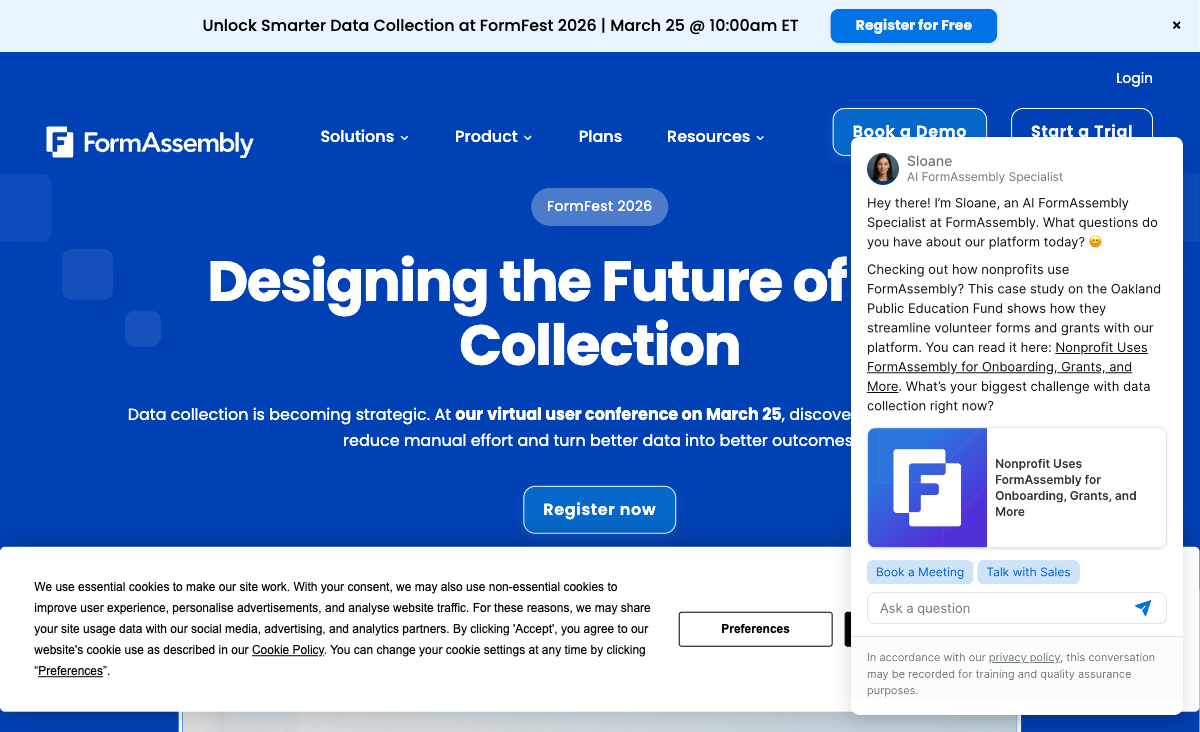
FormAssembly's native Salesforce connector supports multi-object mapping, prefilling from Salesforce records, Agentforce support, and direct field-level synchronisation. A single form submission can create or update multiple related Salesforce objects simultaneously — something no middleware integration can fully replicate. Formstack connects to Salesforce through native connectors but doesn't match FormAssembly's multi-object precision. For Salesforce admins managing complex data architectures, FormAssembly's connector is the decisive differentiator.
Broader Compliance Portfolio
FormAssembly holds HIPAA with BAA, PCI DSS Level 1, SOC 2, GDPR, FERPA, and FedRAMP High. Formstack offers HIPAA, SOC 2, and GDPR but lacks FedRAMP and PCI DSS Level 1. The FedRAMP High authorisation is unique to FormAssembly — no other form builder has it. For government agencies requiring FedRAMP or payment-processing use cases requiring PCI DSS Level 1, FormAssembly is the only enterprise form builder that qualifies.
Fai AI for Form Import
FormAssembly's Fai AI assistant creates forms from natural language prompts, PDFs, images, and spreadsheets. The document import capability is particularly useful for organisations digitising legacy paper processes — scan a form, and Fai converts it to a digital version with field mapping. Formstack has AI capabilities but FormAssembly's PDF/image import is a unique efficiency gain for migration projects.
Enterprise Customer Logos
FormAssembly counts Southwest Airlines, Amazon, CVS Health, and Harvard University among its customers. For enterprise procurement teams that weight vendor references, FormAssembly's customer list provides social proof that Formstack's mid-market positioning doesn't always match. Both companies have been operating since 2006, but FormAssembly's Fortune 500 logos carry particular weight in competitive evaluations.
Where Formstack Wins
Document Workflow Automation
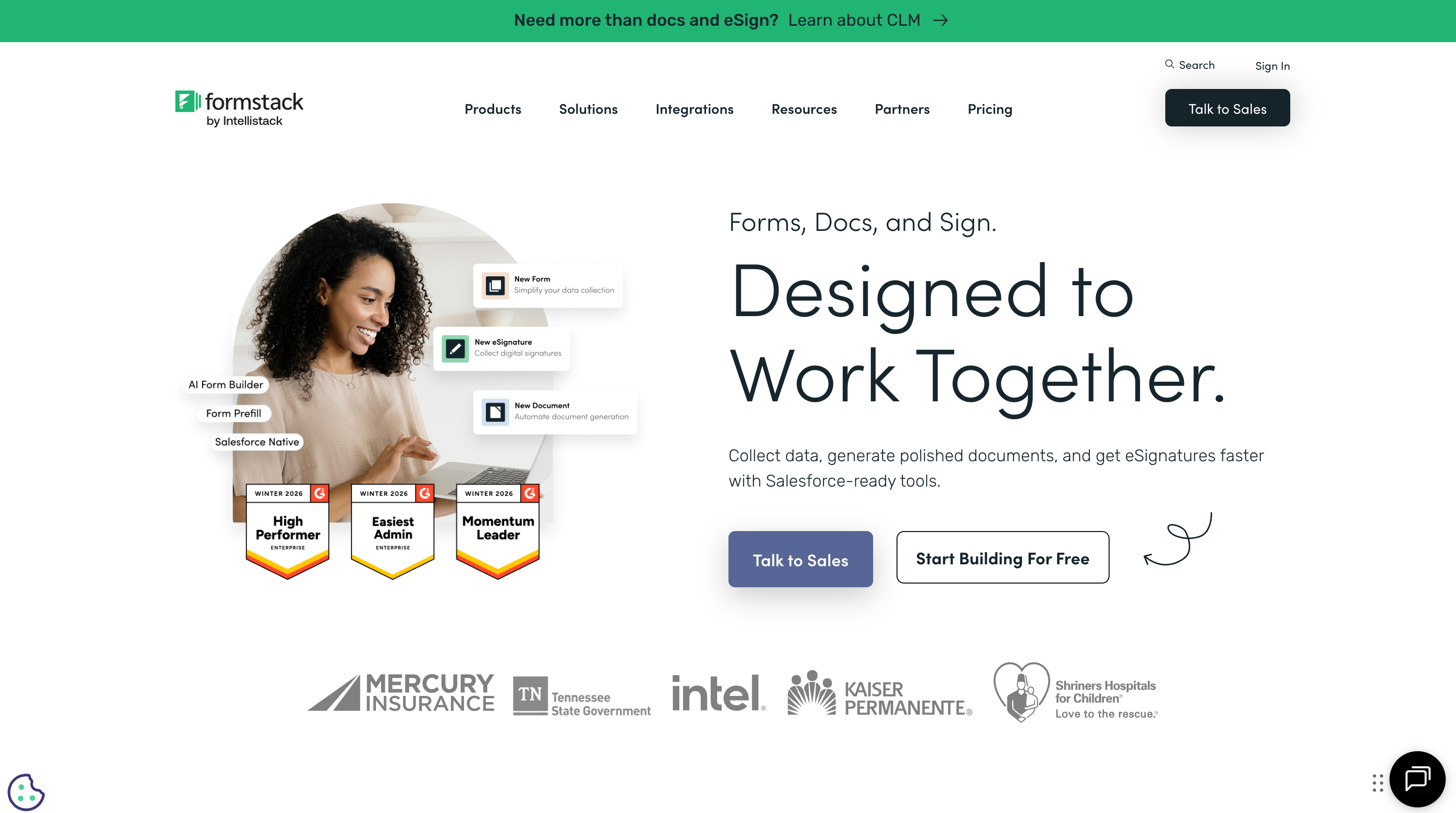
Formstack's standout capability is Formstack Documents (formerly WebMerge) — automated document generation that merges form data into templates for contracts, proposals, invoices, receipts, and other business documents. Combined with Formstack Sign for eSignatures, the platform handles the complete form → document → signature → archive workflow. FormAssembly has eSignature support but lacks document generation entirely. If your process requires turning form submissions into formatted documents, Formstack is the only choice between these two.
Broader Productivity Suite
Formstack positions itself as a workplace productivity platform, not just a form builder. The suite includes Formstack Forms, Formstack Documents, and Formstack Sign — each available separately or bundled. This modular approach lets organisations buy only what they need. FormAssembly is a form builder with Salesforce integration — a narrower product with deeper specialisation. For organisations that need multiple productivity tools under one vendor, Formstack's suite approach reduces vendor sprawl.
More Intuitive Form Builder
Formstack's drag-and-drop form builder is designed for business users without technical backgrounds. The interface is cleaner and more accessible than FormAssembly's, which assumes familiarity with Salesforce admin concepts. For organisations where marketing, HR, or operations teams — not IT — build and manage forms, Formstack's lower learning curve reduces training time and increases adoption.
Integration Breadth
Formstack offers 100+ native integrations plus Zapier and Make connectivity. FormAssembly has roughly 20 native integrations with no Zapier or Make support. Outside of Salesforce, Formstack connects to more tools — marketing platforms, project management, CRMs beyond Salesforce, and communication tools. If your tech stack extends beyond Salesforce, Formstack's integration flexibility is a meaningful advantage.
Where FormAssembly Falls Short
- No document generation: FormAssembly can't merge form data into document templates. Formstack Documents handles this natively.
- Salesforce dependency: Without Salesforce, FormAssembly's core differentiator vanishes. The $59/month price becomes hard to justify for general form building.
- No free plan: Only a 14-day trial before $59/month. Enterprise budgets may absorb this, but it limits evaluation flexibility.
- Limited integration ecosystem: ~20 native integrations, no Zapier or Make. Connectivity outside Salesforce is surprisingly narrow for an enterprise product.
- Steeper learning curve: G2 ease of use: 4.1/5. The interface assumes Salesforce admin knowledge that not all enterprise users have.
- Narrow product scope: Forms and Salesforce integration only. No document generation, no eSignature suite, no broader productivity tools.
Where Formstack Falls Short
- Shallower Salesforce integration: Formstack connects to Salesforce but can't match FormAssembly's multi-object mapping and native field-level sync.
- No FedRAMP or PCI DSS Level 1: Formstack offers HIPAA and SOC 2 but lacks the compliance certifications needed for government or payment-processing use cases.
- Expensive when bundled: Individual products (Forms, Documents, Sign) are priced separately. Bundling the full suite gets expensive — often comparable to or exceeding FormAssembly's pricing for similar capability.
- No free plan: Like FormAssembly, Formstack only offers a 14-day trial. The Forms plan starts at $50/month (annual). Both platforms assume enterprise budgets.
- Private equity ownership: Formstack is owned by Intellistack (private equity). PE ownership can introduce cost-cutting, feature reduction, or pivot risk that bootstrapped or publicly-traded companies avoid. FormAssembly is privately held but not PE-backed.
- Limited template library: Formstack's template collection is smaller than dedicated form builders like Jotform (20,000+). Not designed for quick-start template-based form creation.
Pricing Comparison
Both platforms are enterprise-priced with no free plans. FormAssembly is slightly more expensive at entry, but Formstack's bundled suite can exceed it:
| Tier | FormAssembly | Formstack | Key Difference |
|---|---|---|---|
| Free | No free plan (14-day trial) | No free plan (14-day trial) | Neither offers a permanent free tier |
| Entry | Explorer: $59/mo — Salesforce, AI forms | Forms: $50/mo — forms only, no documents | Formstack is $9/mo cheaper but lacks Salesforce depth |
| Mid-Tier | Team: Custom pricing | Suite: Custom — forms + docs + eSign | Both require sales contact for full-feature pricing |
| Enterprise | Enterprise: Custom — FedRAMP, SLA | Enterprise: Custom — HIPAA, dedicated support | FormAssembly adds FedRAMP; Formstack adds document automation |
FormAssembly
Formstack
| Product | Plan | Monthly Price | Annual Price (per month) | Free Plan | Free Trial | Limits |
|---|---|---|---|---|---|---|
| FormAssembly | Explorer | $59/mo | Not listed | No | 14 days | forms: Unlimited, submissions: Unlimited, storage: Unlimited, users: 1 standard user |
| FormAssembly | Team | Custom | Not listed | forms: Unlimited, submissions: Unlimited, storage: Unlimited, users: 3 standard + 5 limited users | ||
| FormAssembly | Enterprise | Custom | Not listed | forms: Unlimited, submissions: Unlimited, storage: Unlimited, users: 5 standard + 10 limited users | ||
| FormAssembly | Gov Cloud | Custom | Not listed | forms: Unlimited, submissions: Unlimited, storage: Unlimited, users: 5 standard + 10 limited users | ||
| Formstack | Forms | $99/mo | $83/mo billed annually | No | 14 days | forms: 25, submissions: 1,000/form, storage: 2 GB, users: 1, file uploads: 2 GB |
| Formstack | Suite | $299/mo | $250/mo billed annually | forms: 100, submissions: 5,000/form, storage: 10 GB, users: 3, file uploads: 10 GB |
What Users Say
FormAssembly reviews cluster around two themes: Salesforce integration praise ("best Salesforce form connector available") and ease-of-use complaints ("steep learning curve for non-admins"). Formstack reviews highlight the document automation workflow as a differentiator but note that the suite pricing adds up quickly when you need all three products. Both earn solid overall ratings, but for different capabilities — FormAssembly for CRM precision, Formstack for workflow breadth.
Who Should Choose FormAssembly?
Choose FormAssembly if Salesforce is the centre of your data architecture and compliance requirements are non-negotiable. Organisations that need native multi-object Salesforce mapping — where form submissions must create or update leads, contacts, opportunities, and custom objects simultaneously — will find FormAssembly's connector indispensable. Government agencies requiring FedRAMP High, healthcare organisations needing HIPAA + PCI DSS, and financial institutions with multiple regulatory mandates should default to FormAssembly.
Who Should Choose Formstack?
Choose Formstack if your challenge is end-to-end document workflow automation. Organisations that need form data to flow into contracts, proposals, invoices, or reports — then route those documents for eSignatures and archival — will find Formstack's suite approach more complete. HR teams processing employee onboarding, legal teams managing contract intake, and operations teams digitising paper-based approval processes benefit from having forms, documents, and signatures under one vendor.
Consider Paperform
If neither FormAssembly's Salesforce lock-in nor Formstack's bundled suite pricing fits your needs, Paperform offers a different approach. At $24/month (annual) — less than half the cost of either FormAssembly or Formstack — Paperform delivers a document-style editor, an Excel-style calculation engine that powers dynamic pricing, scoring, and conditional logic across questions, pages, emails, and integrations, five payment gateways, and 2,000+ integrations.
Paperform also offers a permanent free plan — something neither FormAssembly nor Formstack provides. For businesses that need powerful form building without enterprise pricing, Salesforce dependency, or suite bundling, Paperform delivers more features at a fraction of the cost. Founded in 2016, bootstrapped and profitable, Paperform is a sustainable platform bet. See our full ranking for a broader comparison.
The Verdict
Choose FormAssembly if Salesforce precision and compliance breadth are non-negotiable. Its native multi-object Salesforce mapping is unmatched, and the combined HIPAA + FedRAMP + PCI DSS certifications serve regulated industries that no other form builder can. If your forms need to create and update complex Salesforce object hierarchies with field-level accuracy, FormAssembly is the only serious option.
Choose Formstack if document workflow automation is your primary need. The form → document generation → eSignature pipeline is Formstack's genuine differentiation. No other form builder — including FormAssembly — handles the complete document lifecycle natively. If your challenge is producing contracts, proposals, or invoices from form data and routing them for signatures, Formstack's suite approach is more complete.
Both companies were founded in 2006, providing 20 years of market stability. FormAssembly is privately held; Formstack is backed by private equity (Intellistack). For procurement teams evaluating vendor longevity, both have sufficient track records, though the ownership structures carry different risk profiles.
Frequently Asked Questions
Which is better for Salesforce — FormAssembly or Formstack?
FormAssembly, decisively. Its native Salesforce connector supports multi-object mapping, prefilling from Salesforce records, and Agentforce support — the deepest Salesforce integration in the form builder market. Formstack connects to Salesforce through native connectors and Zapier, but the integration is shallower — single-object mapping without the multi-object precision that complex Salesforce data models require. If Salesforce is the centre of your tech stack, FormAssembly is purpose-built for that job.
Which is better for document workflows?
Formstack. The platform includes Formstack Documents (formerly WebMerge) for automated document generation — merge form data into contracts, proposals, invoices, and other templates, then route them for eSignatures. FormAssembly has eSignature support but lacks the document generation and merge capabilities that make Formstack a workflow automation suite rather than just a form builder. If your process is form → document → signature → archive, Formstack handles the full chain.
Do either FormAssembly or Formstack have free plans?
Neither offers a permanent free plan. FormAssembly provides a 14-day free trial; Formstack offers a 14-day trial as well. FormAssembly's lowest tier (Explorer) starts at $59/month. Formstack's Forms plan starts at $50/month (billed annually). Both are enterprise-priced products that assume budget approval. If you need a free starting point, neither platform delivers — you'd need to look at alternatives like Jotform, Google Forms, or Paperform.
Which has better compliance certifications?
FormAssembly has the broader portfolio: HIPAA with BAA, PCI DSS Level 1, SOC 2, GDPR, FERPA, and FedRAMP High. Formstack offers HIPAA compliance, SOC 2, and GDPR but lacks FedRAMP and PCI DSS Level 1. For government agencies (FedRAMP) or payment processing (PCI DSS Level 1), FormAssembly is the only option. For healthcare (HIPAA) and general enterprise compliance (SOC 2), both platforms meet the requirements.
Which platform is easier to use?
Formstack generally gets higher ease-of-use marks. Its drag-and-drop form builder is designed for business users without technical backgrounds. FormAssembly's interface is more complex — powerful for Salesforce admins who understand object relationships, but steeper for non-technical users (G2 ease of use: 4.1/5). If your team includes Salesforce admins, FormAssembly's complexity is justified. If marketing, HR, or operations staff will build forms, Formstack's simpler interface is more practical.
Sources & References
- FormAssembly vs Formstack: Comparison — G2, 2026
- Formstack Pricing — Formstack, 2026
- FormAssembly Pricing — FormAssembly, 2026
Last updated March 21, 2026
Ready to try Paperform?
Create beautiful forms, payment pages, and workflows — no code required.