Cognito Forms vs Wufoo: Active Development vs Stagnant Legacy in 2026
This comparison has a clear directional verdict. Cognito Forms is an actively developed platform shipping new features regularly — calculations, workflows, e-signatures, client portals, document generation. Wufoo is a legacy form builder acquired by SurveyMonkey in 2011 that has been in effective maintenance mode for years. The interface is dated, new features are nonexistent, and the platform feels frozen in time.
Wufoo pioneered online form building in the late 2000s, and its simplicity still has fans. But for anyone choosing a form builder today, Cognito Forms offers more features, a better free tier, and active development at comparable pricing. This page helps Wufoo users understand what they'd gain by switching and helps new users avoid a platform with an uncertain future.
Who Is Cognito Forms?
Cognito Forms was founded in 2013 in Columbia, South Carolina. Now private equity-backed, the platform delivers workflow-oriented forms with built-in calculations, e-signatures, Stripe payments on the free plan, and HIPAA compliance. Cognito Forms continues active development with regular feature releases, positioning itself as a capable and affordable alternative to both legacy and enterprise form builders.
Who Is Wufoo?
Wufoo was founded in 2006 in Tampa, Florida, and was one of the original web-based form builders. It was acquired by SurveyMonkey in 2011 for $35 million. Since the acquisition, Wufoo's development has effectively stalled — the interface retains its 2010s-era design, feature additions are rare, and SurveyMonkey (now part of Momentive/Symphony Technology Group) appears to maintain Wufoo primarily for its existing customer base rather than investing in its growth. Wufoo's longevity (founded 2006) would normally be a trust signal, but stagnant development under corporate ownership works against it.
Quick Verdict
Choose Cognito Forms if:
- You want a platform with active development and a feature roadmap
- Calculations, e-signatures, or workflows are requirements
- Free-tier generosity matters (100 subs vs Wufoo's 5 forms/100 entries)
- You need HIPAA compliance
Choose Wufoo if:
- You're already on Wufoo and migration isn't worth the effort
- You need an extremely simple form builder with no learning curve
- You use Wufoo's report builder for basic data visualisation
- Simplicity matters more than features
Feature Comparison
Side-by-side across every feature category.
| Feature | Cognito Forms | Wufoo |
|---|---|---|
| Form Building | ||
| Document-style editor | No | No |
| AI form creation | No | No |
| Field types | 20+ | Yes |
| Multi-page forms | Yes | Yes starter |
| Guided mode (one question at a time) | No | No |
| Conditional logic | Yes | Yes starter |
| Calculations field | Yes | No |
| AI calculations assistant | No | No |
| Scoring | Yes | No |
| Answer piping | Yes | No |
| Pre-filling and hidden fields | Yes | Yes starter |
| Save and resume | Yes pro | No |
| Auto-close by number | Yes | Yes starter |
| Auto-close by date | Yes | Yes starter |
| Appointment/booking field | No | No |
| Signature field | Yes team | No |
| Color picker field | No | No |
| API-powered dropdowns | Yes | No |
| Google address search | Yes | No |
| File uploads | Yes | Yes starter |
| 400+ templates | No | Yes |
| Payments | ||
| Stripe payments | Yes | Yes professional |
| PayPal payments | Yes team | Yes professional |
| Square payments | Yes team | Yes professional |
| Braintree payments | No | Yes professional |
| Google Pay | No | No |
| Product sales (eCommerce) | Yes | No |
| Subscriptions | No | No |
| Coupons and discounts | Yes | No |
| Custom pricing rules | Yes | No |
| Tax calculations | Yes | No |
| Quotes/invoices | Yes team | No |
| Refunds | No | No |
| 3D Secure | No | No |
| Authorize.net payments | No | Yes professional |
| Design & Customization | ||
| Template gallery | Yes | Yes |
| Rich media (images, GIFs, videos) | Yes | No |
| Unsplash and Giphy integration | No | No |
| Image editor | No | No |
| Adobe Creative Cloud | No | No |
| Language translation | Yes pro | No |
| Advanced theming | Yes pro | Yes starter |
| Custom form URL | No | Yes starter |
| Custom domains | No | No |
| Custom HTML & CSS | Yes pro | Yes starter |
| Remove branding | Yes pro | Yes starter |
| Custom email domains | No | No |
| Theme designer | No | Yes |
| Analytics | ||
| Submission results and reports | Yes | Yes |
| AI report insights | No | No |
| Paperform analytics | No | No |
| Google Analytics & Facebook Pixel | Yes pro | No |
| Custom analytics scripts | No | No |
| Partial submissions | No | No |
| Google Analytics integration | No | Yes professional |
| Collaboration | ||
| Multi-user accounts | Yes pro | Yes professional |
| User permissions and management | Yes team | Yes professional |
| Advanced permissions & admin | Yes enterprise | No |
| Form sharing (templates) | Yes | No |
| Spaces and tag management | No | No |
| Form sharing | No | Yes |
| Security | ||
| SOC 2 Type II | No | Yes |
| GDPR compliant | Yes | Yes |
| SSL encryption | Yes | Yes |
| Two-factor authentication | Yes | No |
| Enforce 2FA for all users | No | No |
| SSO (SAML) | Yes enterprise | No |
| reCAPTCHA | Yes | Yes |
| Local data residency | No | No |
| Custom S3 storage (BYO) | No | No |
| HIPAA compliant | No | No |
| Field encryption | No | Yes professional |
| Password protection | No | Yes professional |
| PCI DSS | No | Yes |
| Integrations & API | ||
| Native integrations | No | Yes starter |
| Zapier | Yes | Yes starter |
| Make (Integromat) | Yes | No |
| Webhooks | Yes | Yes starter |
| Standard API | No | No |
| Business API | No | No |
| WordPress plugin | Yes | Yes |
| oEmbed support | Yes | No |
| API | No | Yes |
| Embed options | No | Yes |
Where Cognito Forms Wins
Active Development
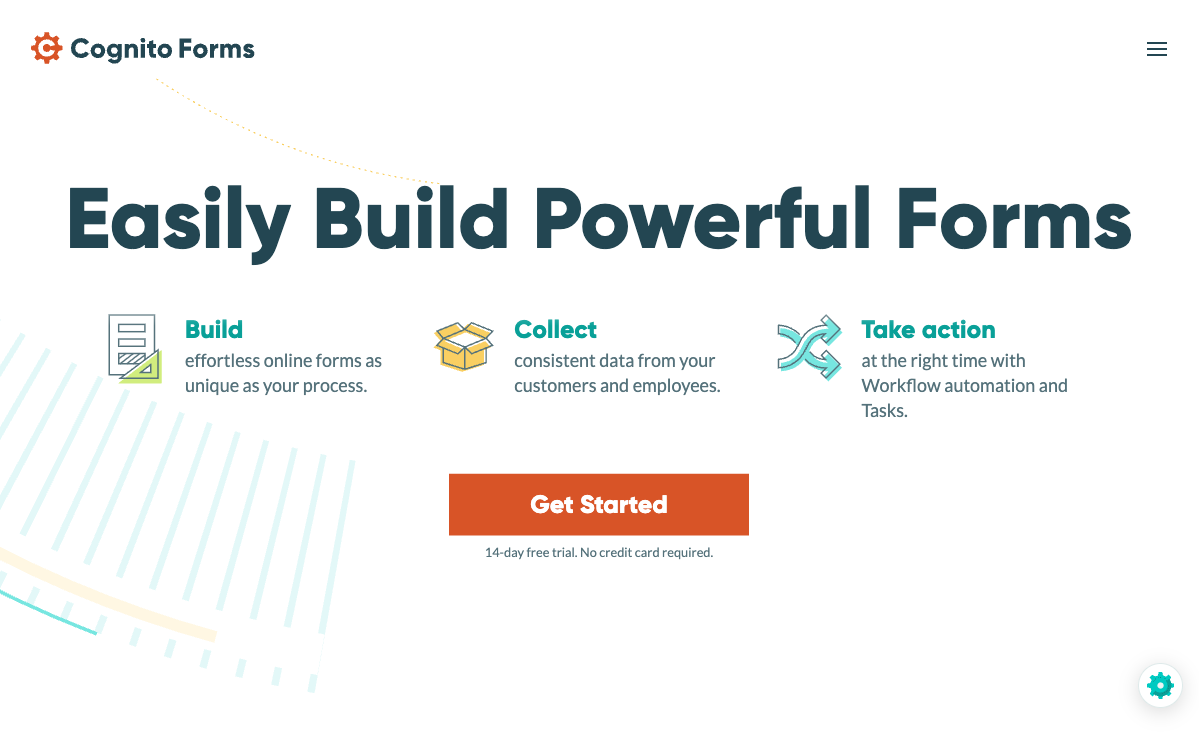
Cognito Forms ships regular updates — workflow automation, document generation, client portals, and calculation engine improvements have all been added in recent years. Wufoo's last significant feature addition is difficult to identify. For anyone evaluating a platform for the next 3-5 years, Cognito Forms' development trajectory suggests continued improvement while Wufoo's trajectory suggests continued stagnation.
Calculation Engine
Cognito Forms includes formula-based calculations on all plans, including free — dynamic pricing, conditional values, order totals, and computed fields. Wufoo has no calculation engine. For pricing forms, order processing, quote generation, or any form that needs to compute values, Cognito Forms is the only option. Wufoo users needing calculations must export to spreadsheets and compute manually.
E-Signatures
Cognito Forms includes e-signature fields on its free plan for contracts, consent forms, and waivers. Wufoo has no signature capability. For any use case requiring legally binding signatures, Cognito Forms handles it natively while Wufoo requires a separate tool.
Better Free Tier
Cognito Forms' free plan includes unlimited forms, 100 submissions/month, Stripe payments, e-signatures, and calculations. Wufoo's free plan limits you to 5 forms and 100 entries total (not per month). Cognito Forms' free tier is production-ready; Wufoo's is barely functional for testing.
Workflow Automation
Cognito Forms offers workflow features on its Team plan — approval workflows, conditional routing, and multi-step processes. Wufoo has no built-in workflow automation. For teams that need forms to trigger business processes, Cognito Forms provides capabilities that Wufoo can't match without third-party tools.
Where Wufoo Wins
Extreme Simplicity
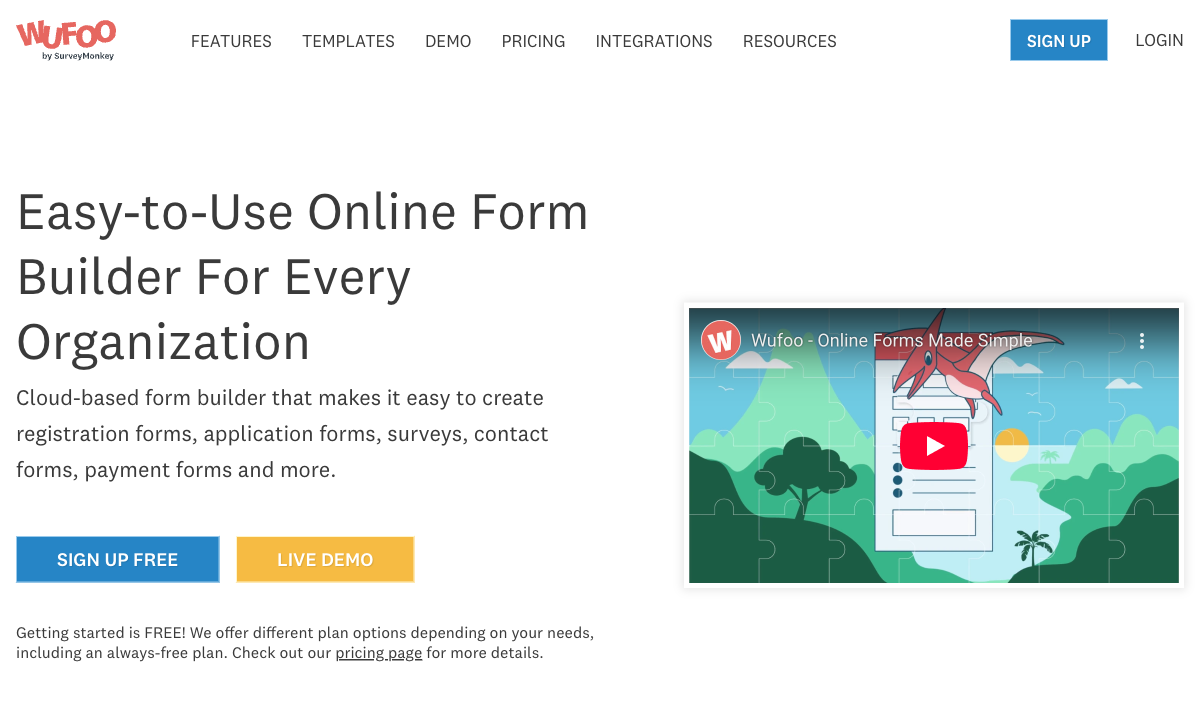
Wufoo's interface is simple to the point of being limiting — but for basic contact forms and feedback collection, that simplicity means zero learning curve. There are fewer features to navigate, fewer options to configure, and fewer decisions to make. For users who genuinely only need a basic form and find Cognito Forms' calculation engine and workflow features overwhelming, Wufoo's stripped-down approach is arguably an advantage.
Built-In Report Builder
Wufoo includes a basic report builder that visualises form data with charts and graphs. For simple data reporting without exporting to Excel, Wufoo's reports are functional. Cognito Forms offers basic submission views and data exports but doesn't have an equivalent built-in charting tool. This is a niche advantage for Wufoo, though most serious data analysis requires export regardless.
Multiple Payment Gateways on Paid Plans
Wufoo supports Stripe, PayPal, and Authorize.net on its paid plans. While Cognito Forms also supports Stripe (free) and PayPal (paid), Wufoo adds Authorize.net as an option. For businesses using Authorize.net specifically, this matters.
Pricing Comparison
| Tier | Cognito Forms | Wufoo | Key Difference |
|---|---|---|---|
| Free | Unlimited forms, 100 subs/mo, Stripe, e-sigs, calculations | 5 forms, 100 entries total | Cognito's free tier is far more generous and capable |
| Entry Paid | Pro: $15/mo — 500 subs, custom CSS | Starter: $15/mo — 5 forms, 100 entries/mo | Same price; Cognito offers unlimited forms and 5x submissions |
| Mid-Tier | Team: $39/mo — workflows, documents, 5 users | Professional: $29/mo — 10 forms, 500 entries/mo | Cognito adds workflows and documents; Wufoo adds form volume |
| Enterprise | Enterprise: $129/mo — HIPAA, SSO, 20 users | Advanced: $74/mo — 100 forms, 5,000 entries/mo | Cognito adds HIPAA and SSO; Wufoo just adds volume |
All prices shown are monthly billing rates. Annual billing discounts may apply.
Cognito Forms
Wufoo
| Product | Plan | Monthly Price | Annual Price (per month) | Free Plan | Free Trial | Limits |
|---|---|---|---|---|---|---|
| Cognito Forms | Individual (Free) | Free | Free | Yes | 14 days | forms: Unlimited, submissions: 100/month, storage: 100 MB, users: 1 |
| Cognito Forms | Pro | $19/mo | $16/mo billed annually | forms: Unlimited, submissions: 2,000/month, storage: 1 GB, users: 2 | ||
| Cognito Forms | Team | $39/mo | $33/mo billed annually | forms: Unlimited, submissions: 10,000/month, storage: 10 GB, users: 5 | ||
| Cognito Forms | Enterprise | $129/mo | $109/mo billed annually | forms: Unlimited, submissions: Unlimited, storage: 100 GB, users: 20 | ||
| Wufoo | Free | Free | Free | Yes | No | forms: 5, submissions: 100/month, storage: N/A, users: 1 |
| Wufoo | Starter | $16.25/mo | $16.25/mo billed annually | forms: 10, submissions: 1,000/month, storage: 1 GB, users: 1 | ||
| Wufoo | Professional | $33.25/mo | $33.25/mo billed annually | forms: Unlimited, submissions: 5,000/month, storage: 5 GB, users: 5 | ||
| Wufoo | Advanced | $83.25/mo | $83.25/mo billed annually | forms: Unlimited, submissions: 25,000/month, storage: 10 GB, users: 20 | ||
| Wufoo | Ultimate | $210.25/mo | $210.25/mo billed annually | forms: Unlimited, submissions: 200,000/month, storage: 20 GB, users: 60 |
What Users Say
Cognito Forms earns strong reviews for value, calculations, and the generous free tier. Wufoo reviews are increasingly mixed — long-time users appreciate its simplicity but newer reviewers note the dated interface and lack of modern features. The common Wufoo reviewer sentiment: "it used to be great, but it hasn't kept up." Cognito Forms reviewers highlight the platform as a modern alternative that delivers real value. The review trajectory tells the story — Cognito Forms' ratings are stable or improving while Wufoo's are declining.
Consider Paperform
If Cognito Forms' utilitarian design feels limiting and Wufoo's stagnation concerns you, Paperform offers a design-forward alternative with active development. At $29/month (Essentials), Paperform's document-style editor creates forms that look like landing pages, powered by an Excel-style calculation engine driving logic across questions, pages, emails, integrations, and success pages. Five payment gateways (Stripe, PayPal, Square, Braintree, Google Pay), built-in eSignatures (Papersign), and workflow automation (Stepper) come included.
Founded in 2016, Paperform is bootstrapped and profitable — no corporate parent, no stagnation risk. For teams migrating away from Wufoo or choosing between Cognito Forms and something with more design polish, Paperform delivers both capability and visual quality. See the Cognito Forms alternatives or Wufoo alternatives pages for deeper analysis.
Frequently Asked Questions
Is Wufoo still being actively developed?
Wufoo is maintained but development has largely stalled since its acquisition by SurveyMonkey (now Momentive). The interface hasn't received major updates in years, new features are rare, and the platform feels frozen in its 2015 state. SurveyMonkey appears to maintain Wufoo primarily for existing customers rather than investing in its future. Cognito Forms, by contrast, ships regular updates — workflow automation, document generation, client portals, and other features added in recent years. If you're choosing a platform for the next 3-5 years, Cognito Forms' active development is a significant advantage.
Why would anyone still choose Wufoo over Cognito Forms?
The main reasons are inertia and simplicity. Existing Wufoo users with forms already built and integrated may not see enough reason to migrate. Wufoo's interface, while dated, is genuinely simple — for basic contact forms and feedback collection, it works with minimal effort. Some users also value Wufoo's report builder for basic data visualisation. However, for anyone starting fresh, Cognito Forms offers more features, a better free tier, and active development at comparable or lower pricing. New users choosing Wufoo over Cognito Forms in 2026 are making a suboptimal decision.
How do I migrate from Wufoo to Cognito Forms?
Export your Wufoo data as CSV from the entry manager. Rebuild forms in Cognito Forms — most Wufoo field types have direct equivalents, and Cognito Forms adds calculations, e-signatures, and conditional logic that Wufoo lacks. Redirect any webhooks or Zapier integrations from Wufoo to Cognito Forms triggers. Update embed codes on your website. The migration is straightforward for most users — Cognito Forms' feature set is a superset of Wufoo's, so you're not losing functionality and likely gaining capabilities you didn't have before.
Which platform has better payment processing?
Cognito Forms wins clearly. It includes Stripe payments on its free plan with calculations for dynamic pricing and order totals. Wufoo supports Stripe, PayPal, and Authorize.net on paid plans but lacks a calculation engine for computed totals. Cognito Forms' combination of payment processing and calculations makes it substantially more capable for order forms, donation pages, and registration forms with variable pricing. Wufoo's payment fields are functional but static — no dynamic computation.
Sources & References
- Wufoo vs Cognito Forms — Feature Comparison — G2, 2026
- Wufoo Alternatives: Better Form Builders to Consider — Zapier, 2025
Last updated March 21, 2026
Ready to try Paperform?
Create beautiful forms, payment pages, and workflows — no code required.