Cognito Forms vs Microsoft Forms: Feature-Rich Standalone vs Ecosystem Free in 2026
This comparison pits a purpose-built form builder against a basic form tool bundled inside an ecosystem. Cognito Forms is a dedicated platform with calculations, payments, e-signatures, workflows, and HIPAA compliance. Microsoft Forms is a lightweight survey tool included free with Microsoft 365 — simple, convenient, and deeply integrated with Microsoft's product suite, but limited in scope.
The question is whether Microsoft Forms' convenience and zero cost are enough for your use case, or whether you need the dedicated form-building capabilities that Cognito Forms provides. For basic surveys and feedback collection within a Microsoft organisation, Microsoft Forms works. For anything requiring calculations, payments, or compliance, it doesn't.
Who Is Cognito Forms?
Cognito Forms was founded in 2013 in Columbia, South Carolina. Now private equity-backed, the platform focuses on workflow-oriented forms with built-in calculations, e-signatures, Stripe payments on the free plan, and HIPAA compliance on enterprise tiers. It's a standalone SaaS platform used by small businesses, nonprofits, healthcare organisations, and anyone who needs form capabilities beyond basic data collection.
Who Is Microsoft Forms?
Microsoft Forms launched in 2016 as part of the Microsoft 365 suite. It's a lightweight form and survey tool designed for quick data collection within Microsoft's ecosystem — responses flow to Excel, automation connects through Power Automate, and sharing works through Teams and SharePoint. Microsoft Forms is free with any Microsoft account and included in all Microsoft 365 plans. It's not a dedicated form builder — it's a survey tool that Microsoft bundles with its productivity suite.
Quick Verdict
Choose Cognito Forms if:
- You need calculations, payments, or e-signatures in your forms
- HIPAA compliance or regulatory requirements apply
- Forms serve external audiences (customers, patients, clients)
- Workflow automation beyond basic Power Automate flows is needed
Choose Microsoft Forms if:
- You only need basic surveys, quizzes, and feedback forms
- Your organisation is fully invested in Microsoft 365
- Zero cost is the primary requirement
- Forms are for internal use within your Microsoft tenant
Feature Comparison
Side-by-side across every feature category.
| Feature | Cognito Forms | Microsoft Forms |
|---|---|---|
| Form Building | ||
| Document-style editor | No | No |
| AI form creation | No | Yes copilot |
| Field types | 20+ | No |
| Multi-page forms | Yes | Yes |
| Guided mode (one question at a time) | No | No |
| Conditional logic | Yes | Yes |
| Calculations field | Yes | No |
| AI calculations assistant | No | No |
| Scoring | Yes | Yes |
| Answer piping | Yes | No |
| Pre-filling and hidden fields | Yes | No |
| Save and resume | Yes pro | No |
| Auto-close by number | Yes | Yes |
| Auto-close by date | Yes | Yes |
| Appointment/booking field | No | No |
| Signature field | Yes team | No |
| Color picker field | No | No |
| API-powered dropdowns | Yes | No |
| Google address search | Yes | No |
| File uploads | Yes | No |
| Payments | ||
| Stripe payments | Yes | No |
| PayPal payments | Yes team | No |
| Square payments | Yes team | No |
| Braintree payments | No | No |
| Google Pay | No | No |
| Product sales (eCommerce) | Yes | No |
| Subscriptions | No | No |
| Coupons and discounts | Yes | No |
| Custom pricing rules | Yes | No |
| Tax calculations | Yes | No |
| Quotes/invoices | Yes team | No |
| Refunds | No | No |
| 3D Secure | No | No |
| Design & Customization | ||
| Template gallery | Yes | Yes |
| Rich media (images, GIFs, videos) | Yes | Yes |
| Unsplash and Giphy integration | No | No |
| Image editor | No | No |
| Adobe Creative Cloud | No | No |
| Language translation | Yes pro | Yes |
| Advanced theming | Yes pro | No |
| Custom form URL | No | No |
| Custom domains | No | No |
| Custom HTML & CSS | Yes pro | No |
| Remove branding | Yes pro | No |
| Custom email domains | No | No |
| Analytics | ||
| Submission results and reports | Yes | Yes |
| AI report insights | No | Yes |
| Paperform analytics | No | No |
| Google Analytics & Facebook Pixel | Yes pro | No |
| Custom analytics scripts | No | No |
| Partial submissions | No | No |
| Collaboration | ||
| Multi-user accounts | Yes pro | Yes |
| User permissions and management | Yes team | Yes |
| Advanced permissions & admin | Yes enterprise | Yes enterprise |
| Form sharing (templates) | Yes | Yes |
| Spaces and tag management | No | No |
| Security | ||
| SOC 2 Type II | No | Yes |
| GDPR compliant | Yes | Yes |
| SSL encryption | Yes | Yes |
| Two-factor authentication | Yes | Yes |
| Enforce 2FA for all users | No | Yes enterprise |
| SSO (SAML) | Yes enterprise | Yes |
| reCAPTCHA | Yes | No |
| Local data residency | No | Yes enterprise |
| Custom S3 storage (BYO) | No | No |
| Integrations & API | ||
| Native integrations | No | No |
| Zapier | Yes | No |
| Make (Integromat) | Yes | No |
| Webhooks | Yes | No |
| Standard API | No | No |
| Business API | No | No |
| WordPress plugin | Yes | No |
| oEmbed support | Yes | Yes |
| 2000+ integrations | No | No |
Where Cognito Forms Wins
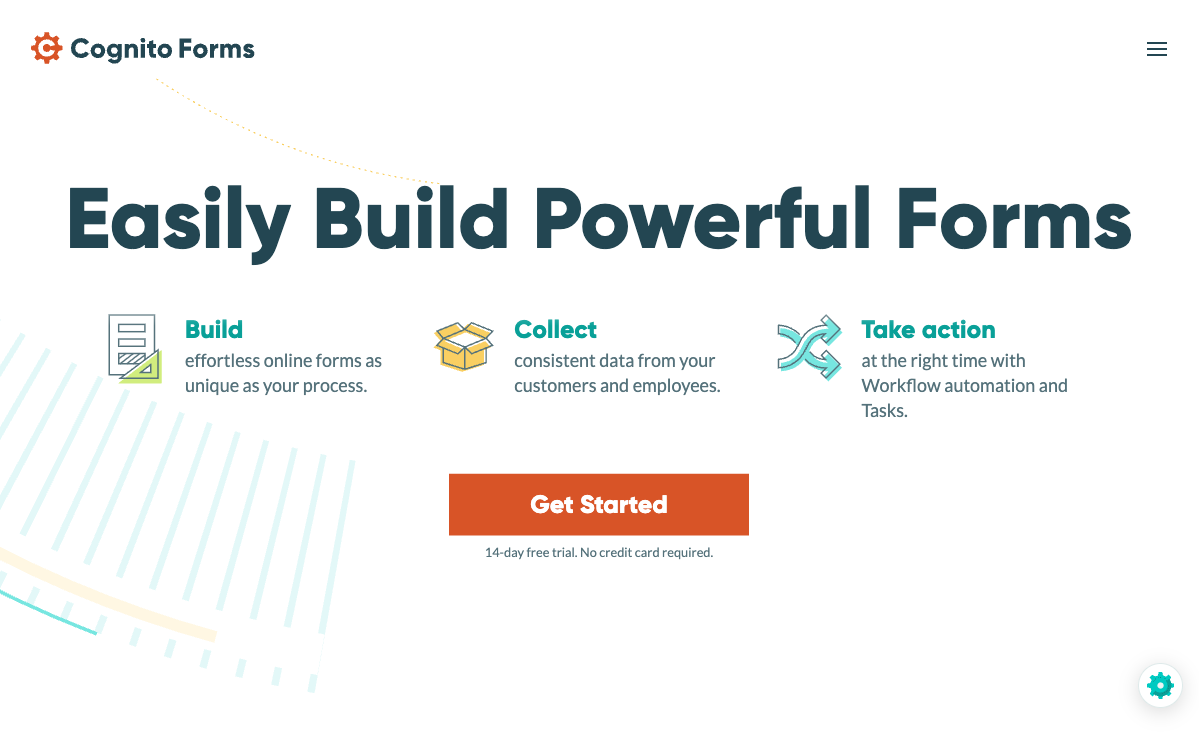
Calculation Engine
Cognito Forms includes formula-based calculations on every plan — dynamic pricing, order totals, conditional values, and complex field math. Microsoft Forms has zero calculation capability. For pricing calculators, order forms, quote generators, or any form that needs to compute values, Cognito Forms is the only option. Microsoft Forms users who need calculations export data to Excel and compute manually — a workaround that defeats the purpose of interactive forms.
Payment Processing
Cognito Forms includes Stripe payments on its free plan and PayPal on paid plans. Collect orders, donations, and registrations directly through forms with calculated totals. Microsoft Forms has no payment processing capability whatsoever. For any use case involving money — event registrations, product orders, donations — Cognito Forms handles the entire workflow while Microsoft Forms can only collect the data (you'd process payment separately).
E-Signatures
Cognito Forms includes e-signature fields on its free plan — collect legally binding signatures directly on forms for contracts, consent forms, waivers, and agreements. Microsoft Forms has no signature capability. For any document that requires a signature, Cognito Forms handles it natively while Microsoft Forms requires a separate tool (typically Adobe Sign or DocuSign at additional cost).
HIPAA Compliance
Cognito Forms offers HIPAA compliance with BAA on its Enterprise plan ($129/month). Microsoft Forms within Microsoft 365 can be part of a HIPAA-compliant Microsoft 365 environment, but Microsoft Forms itself isn't independently certified for HIPAA — the compliance depends on your Microsoft 365 tenant configuration and BAA with Microsoft. Cognito Forms provides a more straightforward path to form-level HIPAA compliance.
Form Design and Customisation
Cognito Forms offers custom themes, CSS customisation on paid plans, branding control, and a variety of field types including repeating sections, data lookups, and file uploads. Microsoft Forms provides minimal design customisation — a handful of themes and background images. For customer-facing or branded forms, Cognito Forms offers meaningfully more control over presentation.
Where Microsoft Forms Wins
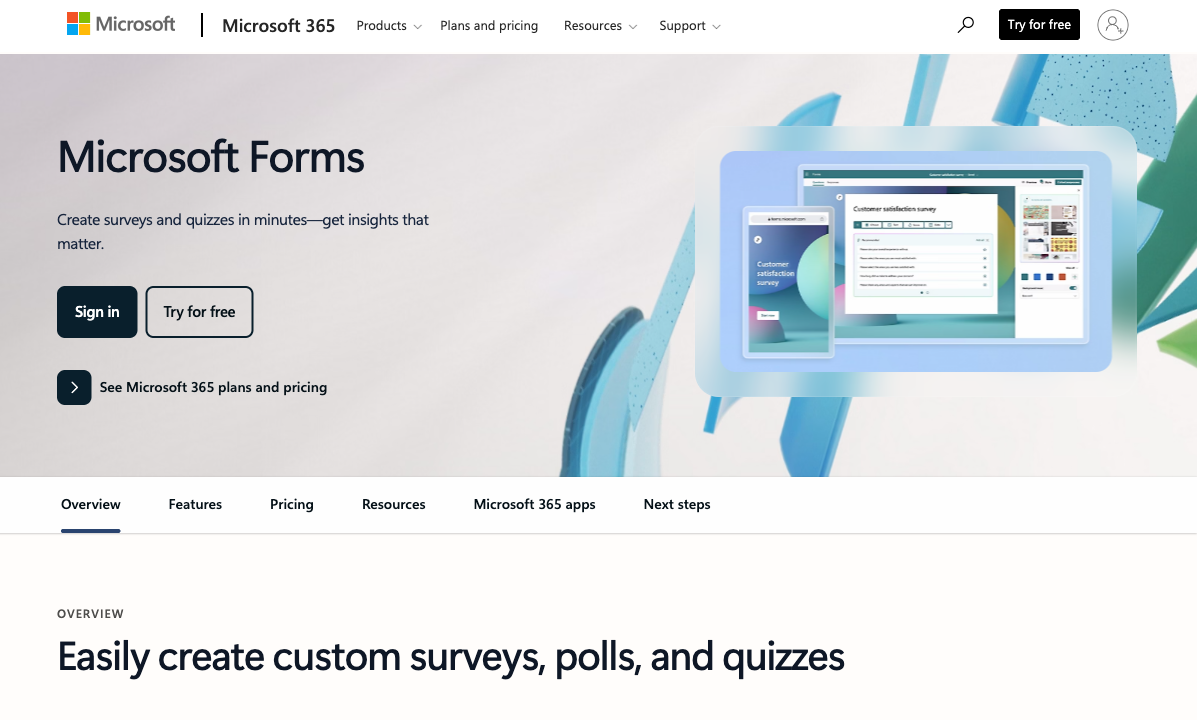
Zero Additional Cost
If your organisation already pays for Microsoft 365, Microsoft Forms is included at no extra cost. No new subscription, no budget approval, no procurement process. For organisations that only need basic surveys and feedback forms, this eliminates the cost conversation entirely. Cognito Forms' free tier is generous, but it's still a separate platform to evaluate and approve.
Microsoft 365 Ecosystem Integration
Microsoft Forms connects natively to the entire Microsoft ecosystem: responses auto-populate Excel spreadsheets, Power Automate triggers workflows to Teams, SharePoint, Outlook, and Dynamics 365 without third-party connectors. Forms embed in Teams channels and SharePoint sites seamlessly. Cognito Forms integrates with Microsoft through Power Automate, but Microsoft Forms' native embedding and data flow within the ecosystem is smoother for organisations already living in Microsoft tools.
Simplicity for Basic Use Cases
Microsoft Forms is genuinely simple — create a survey in 2 minutes with no learning curve for anyone familiar with Microsoft products. For quick polls, employee feedback, event RSVPs, and basic data collection, its simplicity is an advantage. Cognito Forms is more capable but requires more time to explore its features. When you need a simple survey fast, Microsoft Forms' stripped-down approach gets the job done with minimal effort.
Pricing Comparison
| Tier | Cognito Forms | Microsoft Forms | Key Difference |
|---|---|---|---|
| Free | Unlimited forms, 100 subs, Stripe, e-sigs, calculations | Free with Microsoft account, basic surveys | Both free; Cognito has far more features |
| Paid | Pro: $15/mo — 500 subs, custom CSS, branding | Included in Microsoft 365 ($6-22/user/mo) | Microsoft Forms doesn't have standalone paid tiers |
| Team | Team: $39/mo — workflows, documents, 5 users | Same features as basic (no premium tier) | Cognito adds workflows and documents; MS Forms stays basic |
| Enterprise | Enterprise: $129/mo — HIPAA, SSO, 20 users | Enterprise features through Microsoft 365 E3/E5 | Cognito adds form-specific compliance; MS relies on tenant-level |
Microsoft Forms pricing is bundled within Microsoft 365 subscriptions and has no standalone pricing tiers.
Cognito Forms
Microsoft Forms
| Product | Plan | Monthly Price | Annual Price (per month) | Free Plan | Free Trial | Limits |
|---|---|---|---|---|---|---|
| Cognito Forms | Individual (Free) | Free | Free | Yes | 14 days | forms: Unlimited, submissions: 100/month, storage: 100 MB, users: 1 |
| Cognito Forms | Pro | $19/mo | $16/mo billed annually | forms: Unlimited, submissions: 2,000/month, storage: 1 GB, users: 2 | ||
| Cognito Forms | Team | $39/mo | $33/mo billed annually | forms: Unlimited, submissions: 10,000/month, storage: 10 GB, users: 5 | ||
| Cognito Forms | Enterprise | $129/mo | $109/mo billed annually | forms: Unlimited, submissions: Unlimited, storage: 100 GB, users: 20 | ||
| Microsoft Forms | Free (Personal Microsoft Account) | Free | Free | Yes | 1 month | forms: 400, submissions: 200/form, storage: N/A, users: 1 |
| Microsoft Forms | Microsoft 365 Business Basic | $6/mo | $6/mo billed annually | forms: 400, submissions: 5,000,000/form, storage: 1 TB OneDrive, users: Per user | ||
| Microsoft Forms | Microsoft 365 Business Standard | $12.5/mo | $12.5/mo billed annually | forms: 400, submissions: 5,000,000/form, storage: 1 TB OneDrive, users: Per user | ||
| Microsoft Forms | Microsoft 365 Business Premium | $22/mo | $22/mo billed annually | forms: 400, submissions: 5,000,000/form, storage: 1 TB OneDrive, users: Per user |
What Users Say
Cognito Forms earns strong reviews for value-for-money, calculations, and the generous free tier. Microsoft Forms reviews are mixed — users appreciate the convenience and zero cost but frequently note limitations in customisation, design, and feature depth. The common Microsoft Forms complaint: "great for quick surveys, frustrating when you need anything beyond basics." Cognito Forms reviewers consistently highlight that the platform punches well above its price point.
Consider Paperform
If Cognito Forms' utilitarian design feels limiting and Microsoft Forms' feature constraints are too restrictive, Paperform offers a design-forward alternative that combines visual quality with serious functionality. At $29/month (Essentials), Paperform provides a document-style editor creating forms that look like landing pages, an Excel-style calculation engine powering logic across the entire platform, five payment gateways (Stripe, PayPal, Square, Braintree, Google Pay), built-in eSignatures (Papersign), and workflow automation (Stepper).
Founded in 2016, Paperform is bootstrapped and profitable — no private equity or investor involvement. For teams that have outgrown Microsoft Forms and want more design polish than Cognito Forms, Paperform delivers both. See the Cognito Forms alternatives or Microsoft Forms alternatives pages for deeper analysis.
Frequently Asked Questions
Is Microsoft Forms really free?
Microsoft Forms is free with any Microsoft account (personal or business). With a Microsoft 365 business subscription, you get higher response limits and additional features like branching logic and response sharing. However, "free" comes with Microsoft ecosystem lock-in — responses flow to Excel, automation runs through Power Automate, and the tool is designed to keep you within Microsoft's product suite. Cognito Forms is also free (with more features on the free tier) and is platform-independent.
Which platform has better calculations?
Cognito Forms wins decisively on calculations. Its formula-based engine handles dynamic pricing, conditional values, order totals, and complex field math across all plans including free. Microsoft Forms has no calculation engine — it collects data but doesn't compute within the form. If you need calculated fields, pricing formulas, or dynamic totals, Cognito Forms is the only choice between these two. Microsoft Forms users who need calculations typically export to Excel and compute there — a manual workaround, not a solution.
Can Cognito Forms integrate with Microsoft 365?
Yes. Cognito Forms integrates natively with Microsoft Power Automate (formerly Microsoft Flow), which connects to the entire Microsoft 365 ecosystem — SharePoint, Teams, Outlook, OneDrive, Dynamics 365. This means Cognito Forms can trigger Microsoft workflows just like Microsoft Forms can, while also offering calculations, payments, and e-signatures that Microsoft Forms lacks. For Microsoft 365 organisations that need more than basic surveys, Cognito Forms with Power Automate gives you the best of both worlds.
Should I switch from Microsoft Forms to Cognito Forms?
If you only use Microsoft Forms for simple surveys and feedback collection within your Microsoft 365 organisation, switching may not be necessary — Microsoft Forms does that job adequately. Switch to Cognito Forms if you need: calculations and computed fields, payment collection, e-signatures, HIPAA compliance, workflow automation beyond Power Automate basics, or forms for external (non-Microsoft) audiences. The migration is manual — rebuild forms and redirect any Power Automate flows — but Cognito Forms' broader feature set justifies the effort for most use cases beyond basic surveys.
Sources & References
- Microsoft Forms vs Cognito Forms — Comparison — G2, 2026
- Best Free Form Builders in 2026 — Zapier, 2026
Last updated March 21, 2026
Ready to try Paperform?
Create beautiful forms, payment pages, and workflows — no code required.