Best Free Form Builders for 2026
You don't need to spend $30, $50, or $80 per month to collect form submissions. The best free form builders in 2026 offer conditional logic, payment processing, and integrations that would have cost hundreds of dollars a few years ago — all on plans that charge nothing.
But "free" doesn't mean equal. Some platforms hand you unlimited responses with basic features. Others gate the powerful stuff behind a generous-looking free tier that caps out fast. And a few use "free" as a dressed-up trial that's practically useless for real work — Typeform's 10 responses per month, for instance, won't even survive a single contact form on a modestly trafficked site.
We tested every major form builder's free plan against real-world needs: collecting leads, processing payments, building multi-step workflows, and embedding forms across different sites. Here's how they rank when you're spending exactly zero.
| Feature | Paperform | Google Forms | Cognito Forms | Jotform | HubSpot Forms | Microsoft Forms | Zoho Forms | 123FormBuilder | Typeform | Wufoo | WPForms | Gravity Forms |
|---|---|---|---|---|---|---|---|---|---|---|---|---|
| Form Building | ||||||||||||
| Document-style editor | Yes | No | No | No | No | No | No | No | No | No | No | No |
| AI form creation | Yes | Yes | No | Yes starter | No | Yes copilot | Yes basic | No | Yes | No | Yes basic | No |
| Field types | 26+ | 11 | 20+ | 30+ (starter) | No | No | Yes | Yes | 20+ | Yes | Yes basic | No |
| File uploads | Yes | Yes | Yes | Yes starter | Yes | No | No | No | Yes basic | Yes starter | No | No |
| Guided mode (one question at a time) | Yes | No | No | Yes starter | No | No | No | No | Yes | No | Yes pro | Yes Elite |
| Payments | ||||||||||||
| Stripe payments | Yes | No | Yes | Yes starter | Yes starter | No | No | Yes basic | Yes basic | Yes professional | Yes pro | Yes Pro |
| PayPal payments | Yes | No | Yes team | Yes starter | No | No | No | Yes basic | No | Yes professional | Yes pro | Yes Pro |
| Square payments | Yes | No | Yes team | Yes starter | No | No | No | No | No | Yes professional | Yes pro | Yes Pro |
| Braintree payments | Yes | No | No | Yes starter | No | No | No | No | No | Yes professional | No | No |
| Google Pay | Yes | No | No | Yes starter | No | No | No | No | No | No | No | Yes Pro |
| Design & Customization | ||||||||||||
| Template gallery | 30,000+ | 20+ | Yes | 20,000+ (starter) | Yes | Yes | Yes | Yes | 1,500+ | Yes | Yes pro | Yes Basic |
| Rich media (images, GIFs, videos) | Yes | Yes | Yes | Yes starter | No | Yes | No | Yes | Yes | No | Yes basic | Yes Basic |
| Unsplash and Giphy integration | Yes | No | No | No | No | No | No | No | Yes | No | No | No |
| Image editor | Yes | No | No | No | No | No | No | No | No | No | No | No |
| Adobe Creative Cloud | Yes | No | No | No | No | No | No | No | No | No | No | No |
| Analytics | ||||||||||||
| Submission results and reports | Yes | Yes | Yes | Yes starter | Yes | Yes | No | No | Yes | Yes | Yes basic | Yes Basic |
| AI report insights | Yes pro | No | No | No | No | Yes | No | No | Yes business | No | No | No |
| Paperform analytics | Yes pro | No | No | No | No | No | No | No | No | No | No | No |
| Drop-off analysis | Yes pro | No | No | No | No | No | No | No | Yes business | No | No | No |
| Google Analytics & Facebook Pixel | Yes essentials | No | Yes pro | No | Yes | No | No | No | Yes basic | No | No | Yes Elite |
| Collaboration | ||||||||||||
| Multi-user accounts | Yes pro | Yes | Yes pro | Yes bronze | Yes | Yes | No | Yes basic | Yes plus | Yes professional | Yes basic | Yes Basic |
| User permissions and management | Yes pro | Yes | Yes team | Yes enterprise | Yes starter | Yes | No | Yes basic | Yes plus | Yes professional | Yes pro | Yes Basic |
| Advanced permissions & admin | Yes enterprise | Yes Business Starter | Yes enterprise | Yes enterprise | Yes enterprise | Yes enterprise | No | Yes enterprise | Yes enterprise | No | Yes elite | No |
| Form sharing (templates) | Yes | Yes | Yes | No | Yes | Yes | No | No | Yes | No | Yes basic | Yes Basic |
| Spaces and tag management | Yes | No | No | No | No | No | No | No | No | No | No | No |
| Security | ||||||||||||
| SOC 2 Type II | Yes | Yes | No | Yes enterprise | Yes | Yes | No | No | Yes | Yes | No | No |
| GDPR compliant | Yes | Yes | Yes | Yes starter | Yes | Yes | No | Yes | Yes | Yes | Yes basic | Yes Basic |
| SSL encryption | Yes | Yes | Yes | Yes starter | Yes | Yes | No | Yes | Yes | Yes | Yes basic | Yes Basic |
| Two-factor authentication | Yes | Yes | Yes | Yes starter | Yes | Yes | No | Yes | Yes | No | No | No |
| Enforce 2FA for all users | Yes business | Yes Business Starter | No | No | No | Yes enterprise | No | No | No | No | No | No |
| Integrations & API | ||||||||||||
| Native integrations | 2,000+ | No | No | 150+ (starter) | Yes | No | No | No | 120+ (basic) | Yes starter | No | No |
| Zapier | Yes | Yes | Yes | Yes starter | Yes starter | No | Yes basic | Yes | Yes basic | Yes starter | Yes pro | Yes Pro |
| Make (Integromat) | Yes | Yes | Yes | No | Yes starter | No | No | No | Yes basic | No | Yes pro | No |
| Webhooks | Yes pro | No | Yes | Yes starter | Yes starter | No | Yes standard | Yes basic | Yes basic | Yes starter | Yes elite | Yes Elite |
| Standard API | Yes pro | Yes | No | No | No | No | Yes basic | No | No | No | No | Yes Basic |
| Additional Products | ||||||||||||
| Jotform Tables | No | No | No | Yes starter | No | No | No | No | No | No | No | No |
| Jotform Sign | No | No | No | Yes starter | No | No | No | No | No | No | No | No |
| Jotform Apps | No | No | No | Yes starter | No | No | No | No | No | No | No | No |
| Jotform Workflows | No | No | No | Yes starter | No | No | No | No | No | No | No | No |
| Jotform Report Builder | No | No | No | Yes starter | No | No | No | No | No | No | No | No |
 #1 Paperform — Best Free Form Builder Overall
Most free form builders make you choose between beautiful design and real functionality. Paperform's document-style editor doesn't force that trade-off. You write your form like a document — headings, paragraphs, images, and form fields live on the same canvas — which means every form doubles as a landing page without touching a separate page builder.

What makes the free tier unusually complete is the breadth it doesn't strip out. You still get five payment gateways (Stripe, PayPal, Square, Braintree, Google Pay), Excel-style calculations that power logic across questions, pages, emails, and success pages, plus access to 2,000+ integrations via Zapier and Make. The 30-submission monthly cap is the main constraint — but for a freelancer's booking form or a nonprofit's donation page, that's often enough.
Paperform has been bootstrapped and profitable since its founding in 2016. There's no venture capital clock ticking toward a pricing overhaul — the free plan exists because the product earns its paid upgrades on merit, not by crippling the entry tier.
- Free plan: Unlimited forms, 30 submissions/month, payment processing, calculations, 2,000+ integrations
- Best for: Freelancers and small businesses who want a polished, all-in-one form without paying
- Limitations: 30 submissions/month is tight for high-traffic sites; some advanced features (custom domains, priority support) require paid plans
 #2 Google Forms — Best for Unlimited Free Responses
Google Forms is the only form builder where "free" means genuinely unlimited — unlimited forms, unlimited responses, no monthly caps, no branding upsells. If all you need is to collect data and dump it into a spreadsheet, nothing else comes close to the sheer lack of friction. You open it, build a form, share a link, and responses flow into Google Sheets automatically.

The trade-off is that Google Forms hasn't evolved much since 2008. There's no payment processing, no conditional logic beyond basic section routing, minimal design customisation (you're choosing from pre-set colour themes), and no native integrations outside the Google ecosystem. It's a data collection tool, not a form builder — and that distinction matters the moment you need a branded checkout page, a multi-step application, or a form that triggers workflows in your CRM.
- Free plan: Unlimited forms, unlimited responses, 15 GB shared Google Drive storage
- Best for: Internal surveys, quick polls, classroom quizzes, and anyone already embedded in Google Workspace
- Limitations: No payments, no advanced logic, no custom branding, no integrations beyond Google, limited field types (~11)
 #3 Cognito Forms — Best Free Plan for Calculations and Logic
Cognito Forms is the quiet overachiever of free form builders. While flashier platforms gate conditional logic and calculations behind paid tiers, Cognito gives them away — unlimited forms with repeating sections, multi-page flows, electronic signatures, data encryption, and a calculation engine that handles order totals, dynamic pricing, and field-level math without writing code.
The free plan caps at 100 submissions per month and 100 MB of storage, which is more than enough for most small-business workflows. Stripe payment processing is included (up to 500 payments/month on free), and you can connect to Zapier and Make for integrations. The main knock is design — Cognito's forms are functional but won't win any beauty contests. If aesthetics matter, you'll need to invest time in custom CSS or accept a more utilitarian look.
Founded in 2013 and backed by private equity, Cognito Forms has been steadily building a workflow-oriented form platform for over a decade. The product evolves slowly but reliably — there's no risk of a "free plan sunset" driven by VC pressure.
- Free plan: Unlimited forms, 100 submissions/month, calculations, e-signatures, Stripe payments (up to 500), no branding
- Best for: Order forms, registration workflows, and anyone who needs calculations without paying
- Limitations: Dated design options, limited templates, slower product evolution compared to newer platforms
 #4 Jotform — Largest Free Feature Set (With Caveats)
Jotform's free plan is a paradox: it offers more raw features than almost any competitor — 40+ payment gateways, 20,000+ templates, conditional logic, file uploads, e-signatures — but wraps them in a 5-form, 100-submission monthly ceiling and an interface that's accumulated two decades of feature sprawl. Finding what you need sometimes takes longer than building the form itself.

The 5-form limit is the real constraint. If you need a contact form, a registration form, and a feedback survey, you've used 60% of your quota. Heavy template users will appreciate the library, but the sheer volume means quality varies — many templates look dated or are poorly structured. Still, if you need a specific niche form (medical intake, nonprofit donation, event RSVP), Jotform probably has a template for it.
Jotform has been bootstrapped since 2006 and now serves 35 million+ users with $144.9M in revenue. It's a stable platform that's not going anywhere — but the product's age shows in its UI density and occasional performance sluggishness. For a deeper comparison, see our Jotform alternatives breakdown.
- Free plan: 5 forms, 100 submissions/month, 100 MB storage, 40+ payment gateways (10 payments/month), 20,000+ templates
- Best for: Users who need a specific niche template or broad payment gateway support without paying
- Limitations: 5-form cap, cluttered interface, Jotform branding on forms, slower load times, inconsistent template quality
 #5 HubSpot Forms — Best Free for CRM-Connected Lead Capture
HubSpot Forms is technically unlimited — unlimited forms, unlimited submissions, no monthly cap — which sounds incredible until you realise what's behind the curtain. The forms themselves are basic: no conditional logic, no payment processing, no calculations, and every submission is branded with "Powered by HubSpot." What you're really getting is a free lead capture funnel directly into HubSpot's CRM.
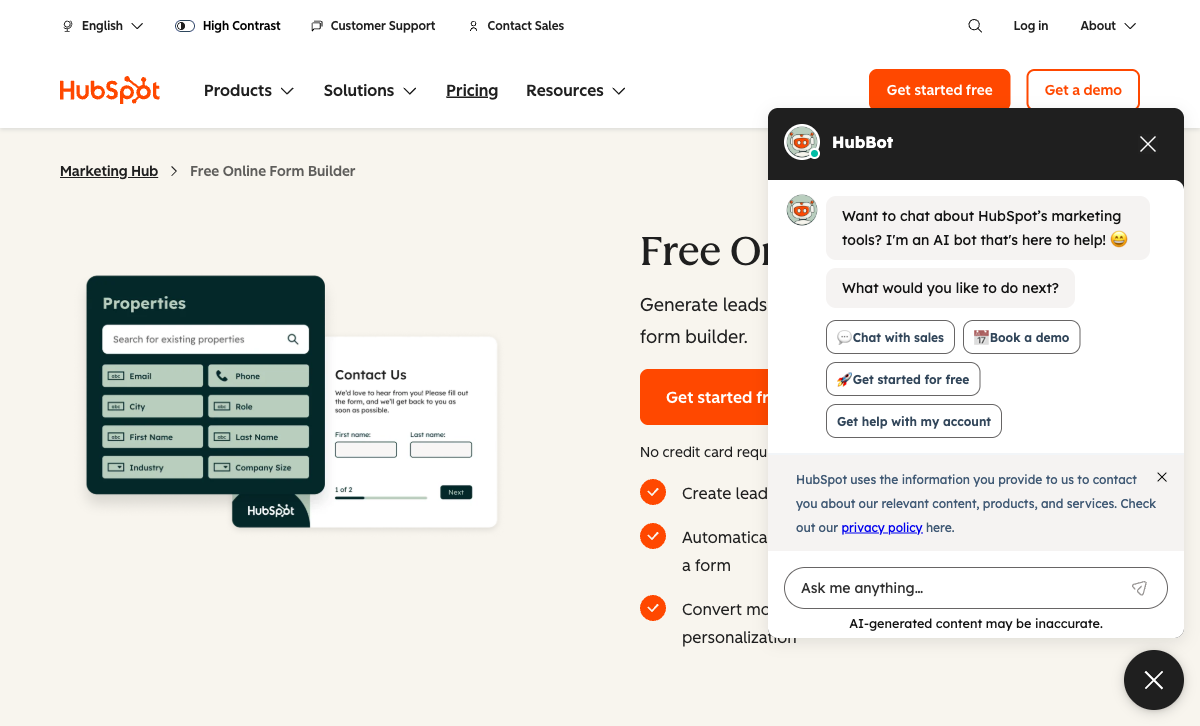
If you're already running HubSpot for marketing or sales, the forms integration is seamless — submissions populate contact records, trigger workflows, and feed deal pipelines without any manual export. But if you don't use HubSpot, the free forms offer less functionality than almost every other option on this list. It's a gateway, not a destination.
- Free plan: Unlimited forms, unlimited submissions, HubSpot CRM integration, 2 user seats
- Best for: Teams already using HubSpot who want forms that auto-populate their CRM
- Limitations: No conditional logic, no payments, HubSpot branding required, no standalone value outside HubSpot ecosystem
 #6 Microsoft Forms — Best Free for Microsoft 365 Teams
Microsoft Forms occupies the same niche as Google Forms, just for the other ecosystem. Free with any personal Microsoft account, it handles surveys, quizzes, and basic data collection with tight integration into Excel, Teams, SharePoint, and Power Automate. If your organisation already runs on Microsoft 365, it's the path of least resistance.
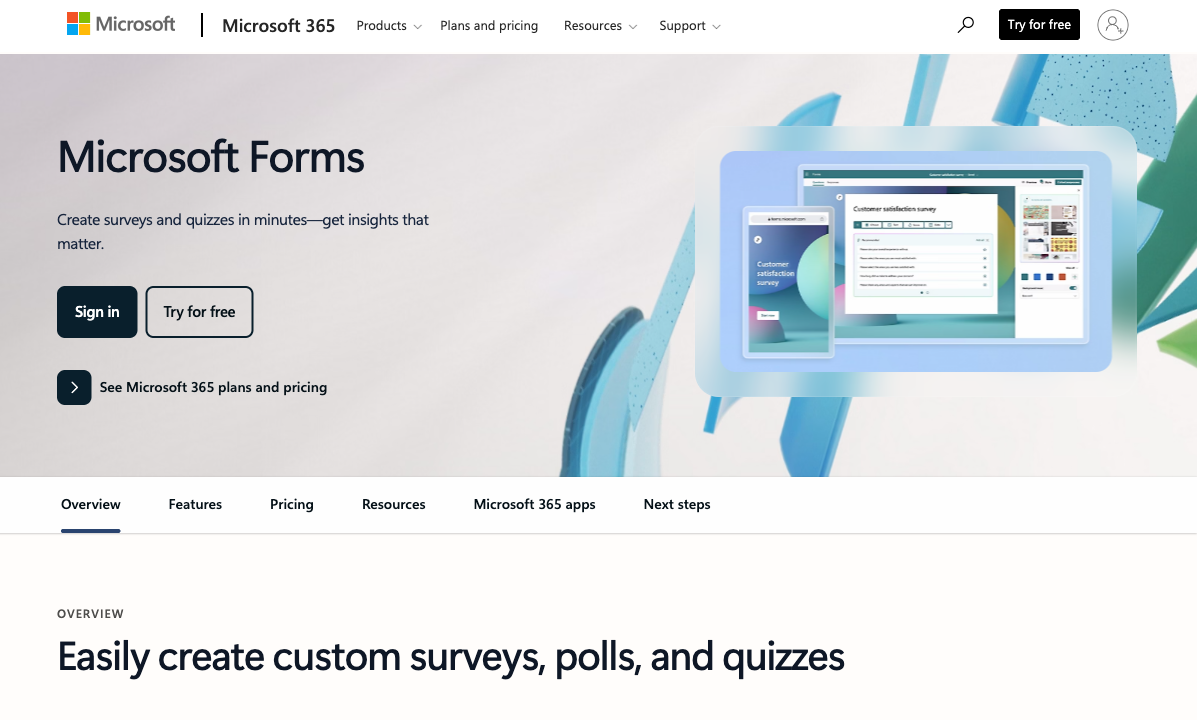
The cap is 400 forms and 200 responses per form (5,000 for Microsoft 365 subscribers), which is generous for internal use. But like Google Forms, there's no payment processing, limited conditional logic, and virtually no design flexibility. It's built for internal processes — employee feedback, IT requests, event RSVPs — not for customer-facing forms where branding and experience matter.
- Free plan: 400 forms, 200 responses/form, Excel/Teams/Power Automate integration
- Best for: Internal surveys, quizzes, and data collection within Microsoft-powered organisations
- Limitations: No payments, minimal design control, limited outside the Microsoft ecosystem, 200-response cap per form
 #7 Zoho Forms — Best Free Within the Zoho Ecosystem
Zoho Forms gives you 3 forms with 500 submissions per month on its free plan — a decent response cap but a tight form limit. The standout is its mobile-first approach: Zoho has invested more in offline data collection and mobile form-filling than most competitors, making it a strong choice for field teams who need to collect data without reliable internet access.
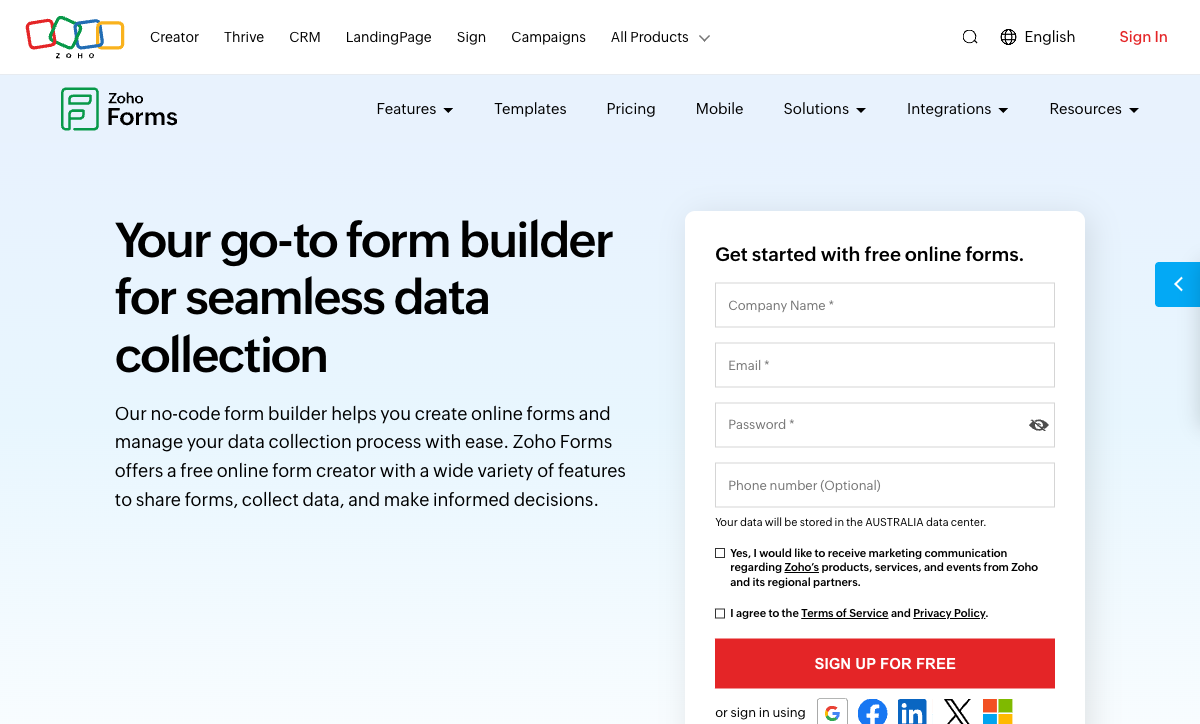
The deeper value unlocks if you're already using Zoho CRM, Zoho Desk, or Zoho Analytics — form submissions flow directly into those systems. Outside the Zoho ecosystem, the 3-form limit and relatively basic design options make it hard to justify over Cognito Forms or Paperform. Zoho launched its forms product in 2016 and remains bootstrapped, with forms as one piece of its massive 45+ app suite.
- Free plan: 3 forms, 500 submissions/month, 200 MB storage, mobile/offline support
- Best for: Field data collection and teams already running Zoho's business suite
- Limitations: 3-form cap, limited design flexibility, best value only inside the Zoho ecosystem
 #8 123FormBuilder — Reliable Legacy Option
123FormBuilder has been building forms since 2008 — nearly two decades in the space. The free plan offers 5 forms with 100 submissions per month and 100 MB of storage, which is respectable but not remarkable. What sets it apart from similarly limited free tiers is HIPAA compliance availability on paid plans and a Salesforce integration that's earned it a niche in healthcare and enterprise workflows.
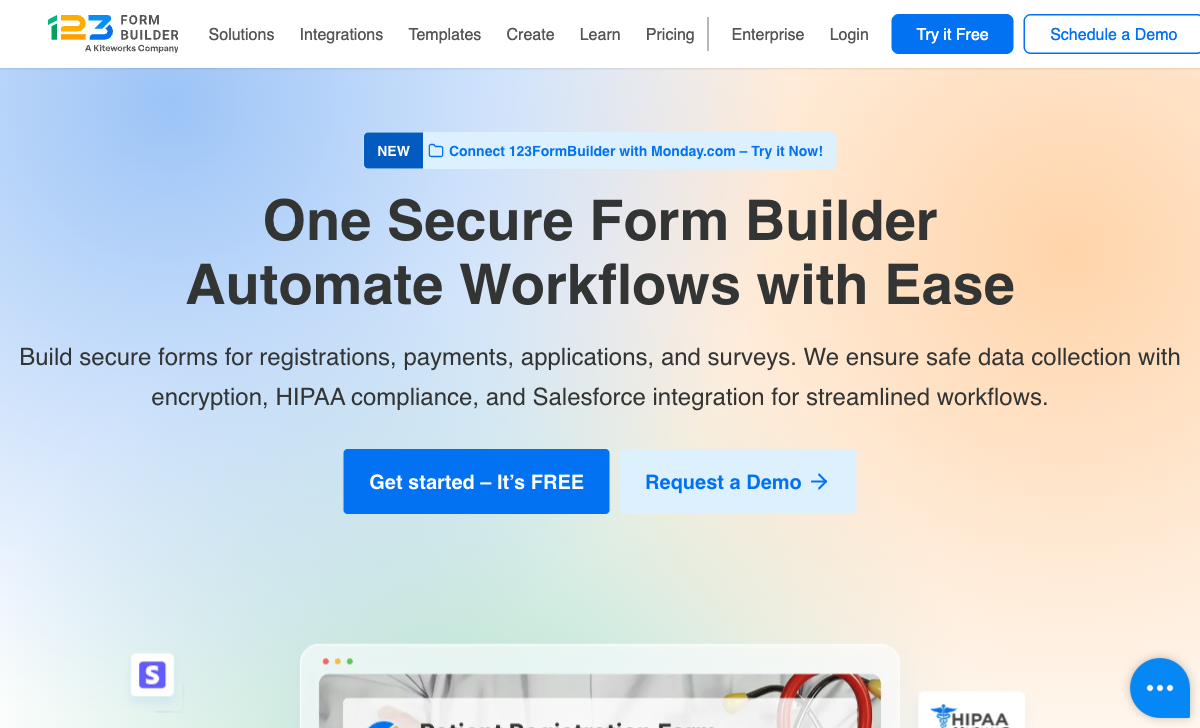
On the free plan specifically, you're getting a functional but dated drag-and-drop builder with basic conditional logic. The interface hasn't kept pace with modern competitors — it feels more like a 2015-era tool than a 2026 one. If you're evaluating free plans, Cognito Forms offers more features at the same price (free), and Paperform offers a more polished experience. 123FormBuilder's real value is in its paid enterprise tiers.
- Free plan: 5 forms, 100 submissions/month, 100 MB storage, basic conditional logic
- Best for: Users testing the platform before committing to paid HIPAA or Salesforce tiers
- Limitations: Dated interface, no payment processing on free, limited templates, branding required
 #9 Typeform — Beautiful Design, Barely a Free Plan
Typeform's one-question-at-a-time format made it famous — and the design is still gorgeous. But calling its free tier a "plan" stretches the definition. You get 10 forms and just 10 responses per month. That's not a free form builder; it's an extended demo. A single contact form on a modestly trafficked website will burn through the monthly cap before lunch.

Backed by $193M in venture capital, Typeform's pricing reflects its VC-funded business model — the free tier exists to convert you to paid plans starting at $25/month. The one-question-at-a-time format also means longer forms become tedious for respondents, and there's no way to show multiple fields per page. If you love the conversational style, Paperform's guided mode delivers a similar experience with a far more usable free tier.
- Free plan: 10 forms, 10 responses/month, basic conditional logic, Typeform branding
- Best for: Previewing the conversational form format before deciding whether to pay
- Limitations: 10 responses/month makes it unusable for production, no payments on free, one-question-at-a-time format limits complex forms
 #10 Wufoo — Simple but Stagnant
Wufoo was a pioneer — one of the first web form builders when it launched in 2006. SurveyMonkey acquired it in 2011 for $35 million, and product development has largely stalled since. The free plan offers 5 forms with 100 submissions per month, but with a hard ceiling of 10 fields per form. That's not a minor limitation — a basic contact form (name, email, phone, company, message) uses half your field allowance.
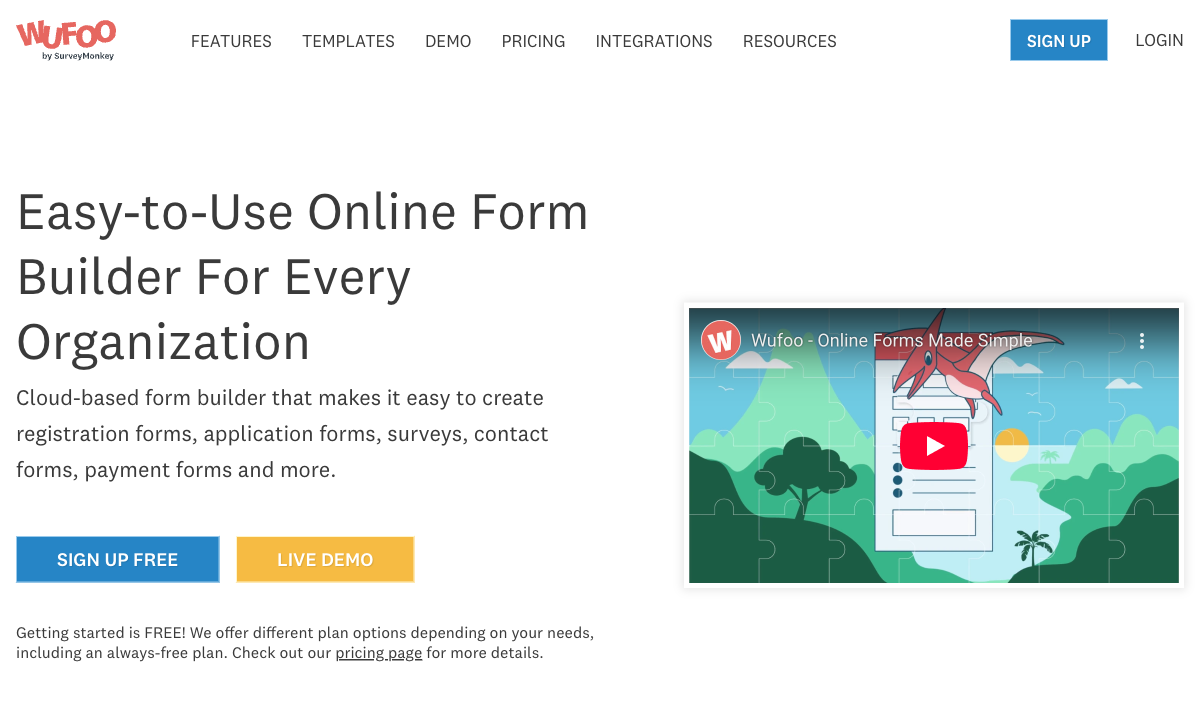
If simplicity is your top priority and you need something quick and disposable, Wufoo still works. But with Cognito Forms offering unlimited forms, more submissions, and no field limits — all for free — it's hard to recommend Wufoo for new projects in 2026. For a full comparison, see our Wufoo alternatives page.
- Free plan: 5 forms, 100 submissions/month, 10 fields per form, basic reports
- Best for: Quick, disposable forms where simplicity matters more than features
- Limitations: 10-field cap per form, stagnant development, dated interface, no payment processing
WordPress-Only Options Worth Noting
If your site runs on WordPress, two free plugins deserve a mention: WPForms Lite provides a clean drag-and-drop builder for basic contact forms and surveys, and the free Gravity Forms plugin (available on WordPress.org since 2008) offers more advanced fields. Both are solid — but they only work within WordPress, so they're not standalone form builders. If you outgrow WordPress or need forms on other platforms, you'll need to migrate.
See Them in Action
Full Feature Comparison
The table below compares every feature across all 12 form builders. Expand categories to see the detail — Paperform is highlighted for reference.
| Feature | Paperform | Google Forms | Cognito Forms | Jotform | HubSpot Forms | Microsoft Forms | Zoho Forms | 123FormBuilder | Typeform | Wufoo | WPForms | Gravity Forms |
|---|---|---|---|---|---|---|---|---|---|---|---|---|
| Form Building | ||||||||||||
| Document-style editor | Yes | No | No | No | No | No | No | No | No | No | No | No |
| AI form creation | Yes | Yes | No | Yes starter | No | Yes copilot | Yes basic | No | Yes | No | Yes basic | No |
| Field types | 26+ | 11 | 20+ | 30+ (starter) | No | No | Yes | Yes | 20+ | Yes | Yes basic | No |
| File uploads | Yes | Yes | Yes | Yes starter | Yes | No | No | No | Yes basic | Yes starter | No | No |
| Multi-page forms | Yes | Yes | Yes | Yes starter | Yes starter | Yes | Yes | Yes | Yes basic | Yes starter | Yes basic | Yes Basic |
| Guided mode (one question at a time) | Yes | No | No | Yes starter | No | No | No | No | Yes | No | Yes pro | Yes Elite |
| Conditional logic | Yes | Yes | Yes | Yes starter | Yes professional | Yes | Yes | Yes | Yes basic | Yes starter | Yes basic | Yes Basic |
| Calculations field | Yes essentials | No | Yes | Yes starter | No | No | Yes basic | Yes basic | Yes plus | No | Yes pro | Yes Basic |
| AI calculations assistant | Yes essentials | No | No | No | No | No | No | No | No | No | No | No |
| Scoring | Yes essentials | Yes | Yes | Yes starter | No | Yes | No | No | Yes plus | No | Yes pro | Yes Elite |
| Answer piping | Yes | No | Yes | Yes starter | No | No | Yes basic | Yes basic | Yes basic | No | No | Yes Basic |
| Pre-filling and hidden fields | Yes essentials | Yes | Yes | Yes starter | Yes | No | Yes | Yes | Yes basic | Yes starter | Yes basic | Yes Basic |
| Save and resume | Yes | No | Yes pro | Yes starter | No | No | Yes basic | Yes basic | No | No | Yes pro | Yes Basic |
| Auto-close by number | Yes essentials | Yes | Yes | Yes starter | No | Yes | Yes | Yes | Yes basic | Yes starter | Yes basic | No |
| Auto-close by date | Yes pro | Yes | Yes | Yes starter | No | Yes | Yes | Yes | Yes basic | Yes starter | Yes basic | No |
| Appointment/booking field | Yes | No | No | Yes starter | No | No | No | No | Yes basic | No | No | No |
| Signature field | Yes | No | Yes team | Yes starter | No | No | Yes | Yes basic | No | No | Yes pro | Yes Elite |
| Color picker field | Yes | No | No | No | No | No | No | No | No | No | No | No |
| API-powered dropdowns | Yes business | No | Yes | No | No | No | No | No | No | No | No | No |
| Google address search | Yes business | No | Yes | No | No | No | No | No | No | No | Yes pro | No |
| Drag-and-drop builder | No | No | No | Yes starter | No | No | No | No | No | No | No | Yes Basic |
| Form widgets | No | No | No | Yes starter | No | No | No | No | No | No | No | No |
| Template gallery | No | No | No | 20,000+ (starter) | No | No | No | No | No | No | No | No |
| Question types | No | No | No | No | Yes | No | No | No | No | No | No | No |
| AI follow-up questions | No | No | No | No | No | No | No | No | Yes business | No | No | No |
| Video questions | No | No | No | No | No | No | No | No | Yes basic | No | No | No |
| 400+ templates | No | No | No | No | No | No | No | No | No | Yes | No | No |
| 30+ field types | No | No | No | No | No | No | No | No | No | No | No | Yes Basic |
| Payments | ||||||||||||
| Stripe payments | Yes | No | Yes | Yes starter | Yes starter | No | No | Yes basic | Yes basic | Yes professional | Yes pro | Yes Pro |
| PayPal payments | Yes | No | Yes team | Yes starter | No | No | No | Yes basic | No | Yes professional | Yes pro | Yes Pro |
| Square payments | Yes | No | Yes team | Yes starter | No | No | No | No | No | Yes professional | Yes pro | Yes Pro |
| Braintree payments | Yes | No | No | Yes starter | No | No | No | No | No | Yes professional | No | No |
| Google Pay | Yes | No | No | Yes starter | No | No | No | No | No | No | No | Yes Pro |
| Product sales (eCommerce) | Yes essentials | No | Yes | Yes starter | No | No | No | Yes basic | No | No | No | Yes Basic |
| Subscriptions | Yes essentials | No | No | Yes starter | No | No | No | No | Yes basic | No | Yes pro | Yes Pro |
| Coupons and discounts | Yes essentials | No | Yes | Yes starter | No | No | No | No | No | No | Yes pro | Yes Elite |
| Custom pricing rules | Yes essentials | No | Yes | Yes starter | No | No | No | Yes basic | No | No | Yes pro | No |
| Tax calculations | Yes | No | Yes | Yes starter | No | No | No | No | No | No | No | No |
| Quotes/invoices | Yes | No | Yes team | No | No | No | Yes standard | Yes basic | No | No | No | No |
| Refunds | Yes | No | No | No | No | No | No | No | No | No | No | Yes Pro |
| 3D Secure | Yes | No | No | No | No | No | No | No | Yes basic | No | No | Yes Pro |
| 40+ payment gateways | No | No | No | Yes starter | No | No | No | No | No | No | No | No |
| No transaction fees | No | No | No | Yes starter | No | No | No | No | No | No | No | No |
| Stripe | No | No | No | No | No | No | Yes | No | No | No | No | No |
| PayPal | No | No | No | No | No | No | Yes | No | No | No | No | No |
| Square | No | No | No | No | No | No | No | No | No | No | No | No |
| Braintree | No | No | No | No | No | No | No | No | No | No | No | No |
| Product sales | No | No | No | No | No | No | Yes basic | No | No | No | No | No |
| Coupons | No | No | No | No | No | No | No | No | No | No | No | No |
| Custom pricing | No | No | No | No | No | No | Yes basic | No | No | No | No | No |
| Authorize.net payments | No | No | No | No | No | No | No | No | No | Yes professional | No | No |
| Design & Customization | ||||||||||||
| Template gallery | 30,000+ | 20+ | Yes | 20,000+ (starter) | Yes | Yes | Yes | Yes | 1,500+ | Yes | Yes pro | Yes Basic |
| Rich media (images, GIFs, videos) | Yes | Yes | Yes | Yes starter | No | Yes | No | Yes | Yes | No | Yes basic | Yes Basic |
| Unsplash and Giphy integration | Yes | No | No | No | No | No | No | No | Yes | No | No | No |
| Image editor | Yes | No | No | No | No | No | No | No | No | No | No | No |
| Adobe Creative Cloud | Yes | No | No | No | No | No | No | No | No | No | No | No |
| Language translation | Yes | No | Yes pro | Yes starter | No | Yes | Yes standard | No | Yes basic | No | Yes basic | Yes Basic |
| Advanced theming | Yes pro | No | Yes pro | Yes starter | Yes starter | No | Yes basic | Yes basic | Yes plus | Yes starter | Yes basic | Yes Basic |
| Custom form URL | Yes pro | No | No | No | No | No | No | No | Yes plus | Yes starter | Yes pro | No |
| Custom domains | Yes pro | No | No | Yes enterprise | No | No | No | No | No | No | Yes basic | No |
| Custom HTML & CSS | Yes pro | No | Yes pro | Yes starter | Yes starter | No | No | Yes basic | Yes business | Yes starter | Yes basic | Yes Basic |
| Remove branding | Yes pro | No | Yes pro | Yes bronze | Yes starter | No | Yes basic | Yes basic | Yes plus | Yes starter | Yes basic | Yes Basic |
| Custom email domains | Yes business | Yes Business Starter | No | No | No | No | No | No | No | No | No | Yes Elite |
| Form themes | No | No | No | Yes starter | No | No | No | No | No | No | No | No |
| Rich media | No | No | No | No | No | No | Yes | No | No | No | No | No |
| Unsplash/Giphy | No | No | No | No | No | No | No | No | No | No | No | No |
| Adobe CC | No | No | No | No | No | No | No | No | No | No | No | No |
| Custom HTML/CSS | No | No | No | No | No | No | Yes standard | No | No | No | No | No |
| Theme designer | No | No | No | No | No | No | No | No | No | Yes | No | No |
| Analytics | ||||||||||||
| Submission results and reports | Yes | Yes | Yes | Yes starter | Yes | Yes | No | No | Yes | Yes | Yes basic | Yes Basic |
| AI report insights | Yes pro | No | No | No | No | Yes | No | No | Yes business | No | No | No |
| Paperform analytics | Yes pro | No | No | No | No | No | No | No | No | No | No | No |
| Drop-off analysis | Yes pro | No | No | No | No | No | No | No | Yes business | No | No | No |
| Google Analytics & Facebook Pixel | Yes essentials | No | Yes pro | No | Yes | No | No | No | Yes basic | No | No | Yes Elite |
| Custom analytics scripts | Yes pro | No | No | No | No | No | No | No | Yes basic | No | No | Yes Basic |
| Partial submissions | Yes pro | No | No | No | No | No | No | No | Yes plus | No | Yes pro | Yes Elite |
| Form analytics | No | No | No | Yes starter | No | No | Yes standard | Yes basic | No | No | No | No |
| Google Analytics integration | No | No | No | Yes starter | No | No | No | No | No | Yes professional | No | No |
| Conversion analytics | No | No | No | No | Yes professional | No | No | No | No | No | No | No |
| Submission results | No | No | No | No | No | No | Yes | Yes | No | No | No | No |
| AI insights | No | No | No | No | No | No | No | No | No | No | No | No |
| GA/FB Pixel | No | No | No | No | No | No | No | No | No | No | No | No |
| Custom scripts | No | No | No | No | No | No | No | No | No | No | No | No |
| Google Analytics / Facebook Pixel | No | No | No | No | No | No | No | No | No | No | No | No |
| Collaboration | ||||||||||||
| Multi-user accounts | Yes pro | Yes | Yes pro | Yes bronze | Yes | Yes | No | Yes basic | Yes plus | Yes professional | Yes basic | Yes Basic |
| User permissions and management | Yes pro | Yes | Yes team | Yes enterprise | Yes starter | Yes | No | Yes basic | Yes plus | Yes professional | Yes pro | Yes Basic |
| Advanced permissions & admin | Yes enterprise | Yes Business Starter | Yes enterprise | Yes enterprise | Yes enterprise | Yes enterprise | No | Yes enterprise | Yes enterprise | No | Yes elite | No |
| Form sharing (templates) | Yes | Yes | Yes | No | Yes | Yes | No | No | Yes | No | Yes basic | Yes Basic |
| Spaces and tag management | Yes | No | No | No | No | No | No | No | No | No | No | No |
| Form sharing | No | No | No | Yes starter | No | No | Yes | Yes | No | Yes | No | No |
| Assign forms | No | No | No | Yes enterprise | No | No | No | No | No | No | No | No |
| Workspace organization | No | No | No | No | No | No | No | No | Yes | No | No | No |
| Multi-user | No | No | No | No | No | No | Yes standard | No | No | No | No | No |
| Permissions | No | No | No | No | No | No | Yes standard | No | No | No | No | No |
| Advanced permissions | No | No | No | No | No | No | Yes professional | No | No | No | No | No |
| Spaces/tags | No | No | No | No | No | No | No | No | No | No | No | No |
| Security | ||||||||||||
| SOC 2 Type II | Yes | Yes | No | Yes enterprise | Yes | Yes | No | No | Yes | Yes | No | No |
| GDPR compliant | Yes | Yes | Yes | Yes starter | Yes | Yes | No | Yes | Yes | Yes | Yes basic | Yes Basic |
| SSL encryption | Yes | Yes | Yes | Yes starter | Yes | Yes | No | Yes | Yes | Yes | Yes basic | Yes Basic |
| Two-factor authentication | Yes | Yes | Yes | Yes starter | Yes | Yes | No | Yes | Yes | No | No | No |
| Enforce 2FA for all users | Yes business | Yes Business Starter | No | No | No | Yes enterprise | No | No | No | No | No | No |
| SSO (SAML) | Yes business | Yes Business Plus | Yes enterprise | Yes enterprise | Yes enterprise | Yes | No | Yes enterprise | Yes enterprise | No | No | No |
| reCAPTCHA | Yes | No | Yes | Yes starter | No | No | Yes | Yes | Yes business | Yes | Yes basic | Yes Basic |
| Local data residency | Yes enterprise | Yes Business Plus | No | No | No | Yes enterprise | No | No | No | No | Yes | Yes Basic |
| Custom S3 storage (BYO) | Yes business | No | No | No | No | No | No | No | No | No | No | No |
| HIPAA compliant | No | No | No | Yes gold | No | No | No | No | Yes enterprise | No | No | No |
| 256-bit SSL | No | No | No | Yes starter | No | No | No | No | No | No | No | No |
| Data residency | No | No | No | Yes enterprise | Yes enterprise | No | Yes | Yes enterprise | No | No | No | No |
| Form encryption | No | No | No | Yes starter | No | No | No | No | No | No | No | No |
| PCI DSS | No | No | No | Yes starter | No | No | No | No | Yes | Yes | No | No |
| Custom S3 storage | No | No | No | No | No | No | No | No | No | No | No | No |
| SOC 2 | No | No | No | No | No | No | Yes | No | No | No | No | No |
| GDPR | No | No | No | No | No | No | Yes | No | No | No | No | No |
| SSL | No | No | No | No | No | No | Yes | No | No | No | No | No |
| 2FA | No | No | No | No | No | No | Yes | No | No | No | No | No |
| Enforce 2FA | No | No | No | No | No | No | No | No | No | No | No | No |
| SSO SAML | No | No | No | No | No | No | Yes professional | No | No | No | No | No |
| Custom S3 | No | No | No | No | No | No | No | No | No | No | No | No |
| ISO 27001 | No | No | No | No | No | No | No | No | Yes | No | No | No |
| Field encryption | No | No | No | No | No | No | No | No | No | Yes professional | No | No |
| Password protection | No | No | No | No | No | No | No | No | No | Yes professional | No | No |
| Integrations & API | ||||||||||||
| Native integrations | 2,000+ | No | No | 150+ (starter) | Yes | No | No | No | 120+ (basic) | Yes starter | No | No |
| Zapier | Yes | Yes | Yes | Yes starter | Yes starter | No | Yes basic | Yes | Yes basic | Yes starter | Yes pro | Yes Pro |
| Make (Integromat) | Yes | Yes | Yes | No | Yes starter | No | No | No | Yes basic | No | Yes pro | No |
| Webhooks | Yes pro | No | Yes | Yes starter | Yes starter | No | Yes standard | Yes basic | Yes basic | Yes starter | Yes elite | Yes Elite |
| Standard API | Yes pro | Yes | No | No | No | No | Yes basic | No | No | No | No | Yes Basic |
| Business API | Yes business | No | No | No | No | No | No | No | No | No | No | No |
| WordPress plugin | Yes | No | Yes | Yes starter | Yes | No | No | Yes | Yes | Yes | Yes | Yes Basic |
| oEmbed support | Yes | No | Yes | No | No | Yes | No | No | No | No | No | No |
| API | No | No | No | Yes starter | Yes | No | No | Yes basic | Yes basic | Yes | No | No |
| Salesforce AppExchange | No | No | No | Yes starter | No | No | No | No | No | No | No | No |
| Embed options | No | No | No | Yes starter | Yes | No | No | No | Yes | Yes | No | No |
| Mobile apps | No | No | No | Yes starter | No | No | No | No | No | No | No | No |
| 2000+ integrations | No | No | No | No | No | No | No | No | No | No | Yes pro | No |
| 2000+ | No | No | No | No | No | No | No | No | No | No | No | No |
| WordPress | No | No | No | No | No | No | Yes | No | No | No | No | No |
| oEmbed | No | No | No | No | No | No | Yes | Yes | No | No | No | No |
| Native integrations (2000+) | No | No | No | No | No | No | No | Yes | No | No | No | No |
| 50+ official add-ons | No | No | No | No | No | No | No | No | No | No | No | Yes Basic |
| Stepper workflow automation | No | No | No | No | No | No | No | No | No | No | No | No |
| Additional Products | ||||||||||||
| Jotform Tables | No | No | No | Yes starter | No | No | No | No | No | No | No | No |
| Jotform Sign | No | No | No | Yes starter | No | No | No | No | No | No | No | No |
| Jotform Apps | No | No | No | Yes starter | No | No | No | No | No | No | No | No |
| Jotform Workflows | No | No | No | Yes starter | No | No | No | No | No | No | No | No |
| Jotform Report Builder | No | No | No | Yes starter | No | No | No | No | No | No | No | No |
| Jotform AI Agents | No | No | No | Yes starter | No | No | No | No | No | No | No | No |
| Jotform Store Builder | No | No | No | Yes starter | No | No | No | No | No | No | No | No |
Free vs. Paid: What You're Missing
Every free plan has an upgrade path. Here's how the paid tiers compare — useful context for when you outgrow the free tier and need to know where your money goes.
Paperform
Google Forms
| Product | Plan | Monthly Price | Annual Price (per month) | Free Plan | Free Trial | Limits |
|---|---|---|---|---|---|---|
| Paperform | Free | Free | Free | Yes | 14 days | forms: Unlimited, submissions: 30/month, storage: 100 submissions, users: 1, file uploads: 100 MB |
| Paperform | Essentials | $29/mo | $24/mo billed annually | forms: Unlimited, submissions: 100/month, storage: 1,000 submissions, users: 1, file uploads: 1 GB | ||
| Paperform | Pro | $59/mo | $49/mo billed annually | forms: Unlimited, submissions: 1,000/month, storage: 10,000 submissions, users: 3, file uploads: 10 GB | ||
| Paperform | Business | $129/mo | $99/mo billed annually | forms: Unlimited, submissions: 10,000/month, storage: 100,000 submissions, users: 5, file uploads: 100 GB | ||
| Google Forms | Free (Personal) | Free | Free | Yes | 14 days | forms: Unlimited, submissions: Unlimited, storage: 15 GB (shared across Google Drive), users: 1, file uploads: Included in 15 GB storage |
| Google Forms | Business Starter | $7/mo | $7/mo billed annually | forms: Unlimited, submissions: Unlimited, storage: 30 GB per user, users: Up to 300, file uploads: Included in storage | ||
| Google Forms | Business Standard | $14/mo | $14/mo billed annually | forms: Unlimited, submissions: Unlimited, storage: 2 TB per user, users: Up to 300, file uploads: Included in storage | ||
| Google Forms | Business Plus | $22/mo | $22/mo billed annually | forms: Unlimited, submissions: Unlimited, storage: 5 TB per user, users: Up to 300, file uploads: Included in storage | ||
| Cognito Forms | Individual (Free) | Free | Free | Yes | 14 days | forms: Unlimited, submissions: 100/month, storage: 100 MB, users: 1 |
| Cognito Forms | Pro | $19/mo | $16/mo billed annually | forms: Unlimited, submissions: 2,000/month, storage: 1 GB, users: 2 | ||
| Cognito Forms | Team | $39/mo | $33/mo billed annually | forms: Unlimited, submissions: 10,000/month, storage: 10 GB, users: 5 | ||
| Cognito Forms | Enterprise | $129/mo | $109/mo billed annually | forms: Unlimited, submissions: Unlimited, storage: 100 GB, users: 20 | ||
| Jotform | Starter | Free | Free | Yes | No | forms: 5, submissions: 100/month, storage: 100 MB, users: 1 |
| Jotform | Bronze | $39/mo | $34/mo billed annually | forms: 25, submissions: 1,000/month, storage: 1 GB, users: 1 | ||
| Jotform | Silver | $49/mo | $39/mo billed annually | forms: 50, submissions: 2,500/month, storage: 10 GB, users: 1 | ||
| Jotform | Gold | $129/mo | $99/mo billed annually | forms: 100, submissions: 10,000/month, storage: 100 GB, users: 1 | ||
| HubSpot Forms | Free | Free | Free | Yes | 14 days | forms: Unlimited, submissions: Unlimited, users: 2 |
| HubSpot Forms | Marketing Hub Starter | $20/mo | $20/mo billed annually | forms: Unlimited, submissions: Unlimited, users: Per seat | ||
| HubSpot Forms | Marketing Hub Professional | $890/mo | $890/mo billed annually | forms: Unlimited, submissions: Unlimited, users: 3 included (additional seats extra) | ||
| HubSpot Forms | Marketing Hub Enterprise | $3600/mo | $3600/mo billed annually | forms: Unlimited, submissions: Unlimited, users: 5 included (additional seats extra) | ||
| Microsoft Forms | Free (Personal Microsoft Account) | Free | Free | Yes | 1 month | forms: 400, submissions: 200/form, storage: N/A, users: 1 |
| Microsoft Forms | Microsoft 365 Business Basic | $6/mo | $6/mo billed annually | forms: 400, submissions: 5,000,000/form, storage: 1 TB OneDrive, users: Per user | ||
| Microsoft Forms | Microsoft 365 Business Standard | $12.5/mo | $12.5/mo billed annually | forms: 400, submissions: 5,000,000/form, storage: 1 TB OneDrive, users: Per user | ||
| Microsoft Forms | Microsoft 365 Business Premium | $22/mo | $22/mo billed annually | forms: 400, submissions: 5,000,000/form, storage: 1 TB OneDrive, users: Per user | ||
| Zoho Forms | Free | Free | Free | Yes | 15 days | forms: 3, submissions: 500/month, storage: 200 MB, users: 1 |
| Zoho Forms | Basic | $12/mo | $10/mo billed annually | forms: Unlimited, submissions: 10,000/month, storage: 500 MB, users: 1 | ||
| Zoho Forms | Standard | $30/mo | $25/mo billed annually | forms: Unlimited, submissions: 25,000/month, storage: 2 GB, users: 10 | ||
| Zoho Forms | Professional | $60/mo | $50/mo billed annually | forms: Unlimited, submissions: 75,000/month, storage: 5 GB, users: 25 | ||
| Zoho Forms | Premium | $110/mo | $90/mo billed annually | forms: Unlimited, submissions: 150,000/month, storage: 10 GB, users: 100 | ||
| 123FormBuilder | Free | Free | Free | Yes | 30 days | forms: 5, submissions: 100/month, storage: 100 MB, users: 1 |
| 123FormBuilder | Gold | $37/mo | $19/mo billed annually | forms: 20, submissions: 2,000/month, storage: 500 MB, users: 1 | ||
| 123FormBuilder | Platinum | $79/mo | $39/mo billed annually | forms: 100, submissions: 10,000/month, storage: 1 GB, users: 5 | ||
| 123FormBuilder | Diamond | $159/mo | $79/mo billed annually | forms: unlimited, submissions: 50,000/month, storage: 10 GB, users: 25 | ||
| 123FormBuilder | Enterprise | $225/mo | Custom | forms: unlimited, submissions: unlimited, storage: unlimited, users: custom | ||
| Typeform | Free | Free | Free | Yes | No | forms: 10, submissions: 10/month, users: 1 |
| Typeform | Basic | $39/mo | $28/mo billed annually | forms: Unlimited, submissions: 100/month, users: 1 | ||
| Typeform | Plus | $79/mo | $56/mo billed annually | forms: Unlimited, submissions: 1,000/month, users: 3 | ||
| Typeform | Business | $129/mo | $91/mo billed annually | forms: Unlimited, submissions: 10,000/month, users: 5 | ||
| Typeform | Growth Pro | $379/mo | $266/mo billed annually | forms: Unlimited, submissions: Expanded, users: Expanded | ||
| Wufoo | Free | Free | Free | Yes | No | forms: 5, submissions: 100/month, storage: N/A, users: 1 |
| Wufoo | Starter | $16.25/mo | $16.25/mo billed annually | forms: 10, submissions: 1,000/month, storage: 1 GB, users: 1 | ||
| Wufoo | Professional | $33.25/mo | $33.25/mo billed annually | forms: Unlimited, submissions: 5,000/month, storage: 5 GB, users: 5 | ||
| Wufoo | Advanced | $83.25/mo | $83.25/mo billed annually | forms: Unlimited, submissions: 25,000/month, storage: 10 GB, users: 20 | ||
| Wufoo | Ultimate | $210.25/mo | $210.25/mo billed annually | forms: Unlimited, submissions: 200,000/month, storage: 20 GB, users: 60 | ||
| WPForms | Lite (Free) | Free | Free | Yes | 14 days | forms: Unlimited, submissions: Unlimited, users: Unlimited |
| WPForms | Basic | Not listed | $4.13/mo billed annually | forms: Unlimited, submissions: Unlimited, users: Unlimited | ||
| WPForms | Plus | Not listed | $8.29/mo billed annually | forms: Unlimited, submissions: Unlimited, users: Unlimited | ||
| WPForms | Pro | Not listed | $16.63/mo billed annually | forms: Unlimited, submissions: Unlimited, users: Unlimited | ||
| WPForms | Elite | Not listed | $24.96/mo billed annually | forms: Unlimited, submissions: Unlimited, users: Unlimited | ||
| Gravity Forms | Basic | Not listed | $59/mo billed annually | No | 14 days | forms: Unlimited, submissions: Unlimited, storage: WordPress database (self-hosted), users: Unlimited (WordPress users) |
| Gravity Forms | Pro | Not listed | $159/mo billed annually | forms: Unlimited, submissions: Unlimited, storage: WordPress database (self-hosted), users: Unlimited (WordPress users) | ||
| Gravity Forms | Elite | Not listed | $259/mo billed annually | forms: Unlimited, submissions: Unlimited, storage: WordPress database (self-hosted), users: Unlimited (WordPress users) | ||
| Gravity Forms | Nonprofit | Not listed | $129/mo billed annually | forms: Unlimited, submissions: Unlimited, storage: WordPress database (self-hosted), users: Unlimited (WordPress users) |
What Real Users Say
Aggregate ratings from G2, Capterra, Trustpilot, and other review platforms. Higher isn't always better — Google Forms' lower rating reflects its simplicity, not poor quality.
How We Evaluated These Free Plans
We signed up for every free plan on this list and built real forms — contact forms, payment checkout pages, multi-step surveys, and quiz funnels. Our ranking weights five factors:
- Free plan generosity: Response limits, form limits, storage caps, and which features are actually available at $0
- Feature completeness: Conditional logic, calculations, payment processing, file uploads, and integrations — on the free tier specifically, not paid
- Design quality: How professional the resulting forms look, customisation options, branding control
- Standalone usability: Whether the tool works independently or requires a specific ecosystem (Google, Microsoft, HubSpot, Zoho)
- Platform stability: Company age, funding model, and track record — because a free plan that disappears next year isn't actually free
Platforms with genuine free plans that work for real business use cases ranked highest. "Free trials" disguised as free plans (Typeform's 10 responses/month) and ecosystem-locked tools (HubSpot, Microsoft Forms) were ranked lower regardless of feature count.
Frequently Asked Questions
Can I accept payments with a free form builder in 2026?
Yes, but only a handful of free plans include payment processing. Paperform's free tier connects to five payment gateways — Stripe, PayPal, Square, Braintree, and Google Pay — with no per-transaction platform fee. Cognito Forms processes up to 500 Stripe payments per month on its free plan, and Jotform allows 10 payment submissions per month across 40+ gateways. Google Forms, HubSpot Forms, Microsoft Forms, and most other free tiers offer zero payment support — you'd need to pair them with a separate checkout tool.
Is Google Forms really the best free form builder?
It depends what "best" means for your situation. Google Forms is unmatched on one metric: it's completely unlimited — unlimited forms, unlimited responses, 15 GB of shared Google Drive storage — and it will never ask you to upgrade. That makes it the safest choice for simple data collection.
But if you need payment processing, custom branding, advanced conditional logic, calculations, or integrations beyond the Google ecosystem, Google Forms falls short. For those use cases, tools like Paperform or Cognito Forms offer significantly more on their free plans while still costing nothing.
Which free form builder lets me remove branding?
Cognito Forms is the standout here — its free plan includes full branding control with no "Powered by" badge. Paperform also provides clean, professional forms on its free tier. Most other free plans, including Jotform, HubSpot Forms, and Wufoo, display the platform's branding. Typeform's free tier shows its branding and limits you to just 10 responses per month, making it impractical for any public-facing use.
What's the real catch with free form builder plans?
Every free plan has trade-offs — the question is which trade-offs matter for your workflow:
- Response caps: Typeform (10/month) and Paperform (30/month) are the tightest; Cognito Forms (100/month) and HubSpot (unlimited) are the most generous
- Form limits: Jotform caps you at 5 forms; Zoho Forms at 3; Google Forms and HubSpot are unlimited
- Ecosystem lock-in: Google Forms ties you to Google Sheets, HubSpot requires a HubSpot account, Microsoft Forms needs a Microsoft account, and Zoho Forms works best inside Zoho
- Missing features: Most free tiers strip out advanced logic, file uploads, e-signatures, or multi-page forms
The free plans from Paperform, Cognito Forms, and Jotform are the most "complete" — they include conditional logic, calculations or advanced fields, and payment processing without requiring a paid upgrade.
Are free form builders actually usable for a small business?
Absolutely — if your submission volume is low. A freelancer collecting 20–30 leads per month could run entirely on Paperform's free plan, complete with payment collection and 2,000+ integrations. A local business gathering feedback might never outgrow Cognito Forms' 100 monthly submissions. Even Google Forms handles unlimited responses for internal processes like employee surveys or inventory requests.
The tipping point is usually volume. Once you're consistently exceeding 100 submissions per month or need features like HIPAA compliance, conditional redirects, or team collaboration, you'll likely need a paid tier. But for getting started, free plans are more than just demos — they're production-ready tools.
Can I build HIPAA-compliant forms for free?
No. No form builder offers HIPAA compliance on a free plan. HIPAA requires a Business Associate Agreement (BAA), encrypted data handling, and audit logging — features that every platform reserves for paid tiers. If you need HIPAA-compliant forms, the most affordable options are Jotform (from $39/month with HIPAA), Cognito Forms (from $15/month with HIPAA add-on), and FormAssembly (from $59/month). Paperform does not offer HIPAA compliance.
Should I use a WordPress form plugin or a standalone free form builder?
If your website runs on WordPress and you only need forms on that site, WPForms Lite or the free Gravity Forms plugin can work well — they integrate natively with your theme and don't require a third-party account. But if you need forms across multiple sites, want to share standalone form links, or require features like payment processing and advanced logic, a standalone builder like Paperform or Cognito Forms is more versatile. Standalone tools also mean your forms aren't tied to your WordPress hosting — if you ever migrate platforms, your forms survive.
Which free form builder has the best templates?
Jotform leads on sheer volume with over 20,000 templates spanning every industry and use case — though quality varies. Paperform offers 30,000+ templates with a more curated, design-forward approach. Google Forms has roughly 20 basic templates (event RSVP, contact form, quiz), which is fine for simple use cases but won't win any design awards. If starting from a polished template matters to your workflow, Jotform and Paperform are the clear winners on free plans.
Sources & References
- The 13 Best Online Form Builder Apps — Zapier, 2025
- Best Online Form Builder to Use in 2026 — Top 20 Tools — EmailToolTester, 2026
- 12 Best Online Form Builders — Free & Paid — Visme, 2026
- Best 120 Free Online Form Builder Software Picks — G2, 2026
- Paperform — Complete Beginners Guide (YouTube) — AppFind, 2025
- Google Forms Full Course Tutorial (YouTube) — Learnit Training, 2024
Last updated March 21, 2026
Ready to try Paperform?
Create beautiful forms, payment pages, and workflows — no code required.