Best Form Builders for 2026
Form builders have quietly become business operating systems. The best ones now process payments, generate contracts, route approvals, and trigger multi-step automations — all from a single form submission. The worst ones still make you paste a Zapier link into a Google Sheet and hope for the best.
We tested 18 form builders across five dimensions — feature consolidation, design flexibility, pricing fairness, integration depth, and long-term platform stability — then ranked them by how well they serve real business workflows, not just data collection. A tool that replaces your payment processor, booking system, and e-signature app earns a higher spot than one that just captures text inputs.
Looking specifically at free options? See our best free form builders ranking. Need something tailored to your industry? We also have guides for small businesses, agencies, and healthcare.
| Feature | Paperform | Typeform | Jotform | Google Forms | Cognito Forms | SurveyMonkey | Gravity Forms | Zoho Forms | Formstack | HubSpot Forms | WPForms | FormAssembly | Microsoft Forms | Airtable Forms | involve.me | Formsite | 123FormBuilder | Wufoo |
|---|---|---|---|---|---|---|---|---|---|---|---|---|---|---|---|---|---|---|
| Form Building | ||||||||||||||||||
| Document-style editor | Yes | No | No | No | No | No | No | No | No | No | No | No | No | No | No | No | No | No |
| AI form creation | Yes | Yes | Yes starter | Yes | No | Yes | No | Yes basic | Yes forms | No | Yes basic | Yes explorer | Yes copilot | No | Yes starter | Yes professional | No | No |
| Field types | 26+ | 20+ | 30+ (starter) | 11 | 20+ | 15+ | No | Yes | 15 | No | Yes basic | Yes explorer | No | Yes | Yes | Yes | Yes | Yes |
| File uploads | Yes | Yes basic | Yes starter | Yes | Yes | Yes | No | No | No | Yes | No | No | No | No | No | No | No | Yes starter |
| Multi-page forms | Yes | Yes basic | Yes starter | Yes | Yes | Yes | Yes Basic | Yes | Yes forms | Yes starter | Yes basic | Yes explorer | Yes | No | Yes | Yes | Yes | Yes starter |
| Payments | ||||||||||||||||||
| Stripe payments | Yes | Yes basic | Yes starter | No | Yes | Yes Individual Advantage | Yes Pro | No | Yes forms | Yes starter | Yes pro | Yes explorer | No | No | Yes starter | Yes professional | Yes basic | Yes professional |
| PayPal payments | Yes | No | Yes starter | No | Yes team | Yes Individual Advantage | Yes Pro | No | Yes forms | No | Yes pro | Yes explorer | No | No | No | Yes professional | Yes basic | Yes professional |
| Square payments | Yes | No | Yes starter | No | Yes team | No | Yes Pro | No | No | No | Yes pro | No | No | No | No | No | No | Yes professional |
| Braintree payments | Yes | No | Yes starter | No | No | No | No | No | No | No | No | No | No | No | No | Yes professional | No | Yes professional |
| Google Pay | Yes | No | Yes starter | No | No | No | Yes Pro | No | No | No | No | No | No | No | No | No | No | No |
| Design & Customization | ||||||||||||||||||
| Template gallery | 30,000+ | 1,500+ | 20,000+ (starter) | 20+ | Yes | 500+ | Yes Basic | Yes | Yes forms | Yes | Yes pro | Yes explorer | Yes | No | Yes | Yes | Yes | Yes |
| Rich media (images, GIFs, videos) | Yes | Yes | Yes starter | Yes | Yes | Yes | Yes Basic | No | Yes forms | No | Yes basic | Yes explorer | Yes | Yes | Yes | Yes professional | Yes | No |
| Unsplash and Giphy integration | Yes | Yes | No | No | No | No | No | No | No | No | No | No | No | No | No | No | No | No |
| Image editor | Yes | No | No | No | No | No | No | No | No | No | No | No | No | No | No | No | No | No |
| Adobe Creative Cloud | Yes | No | No | No | No | No | No | No | No | No | No | No | No | No | No | No | No | No |
| Analytics | ||||||||||||||||||
| Submission results and reports | Yes | Yes | Yes starter | Yes | Yes | Yes | Yes Basic | No | Yes forms | Yes | Yes basic | Yes explorer | Yes | Yes | Yes | Yes | No | Yes |
| AI report insights | Yes pro | Yes business | No | No | No | Yes Individual Standard | No | No | No | No | No | No | Yes | No | Yes starter | No | No | No |
| Paperform analytics | Yes pro | No | No | No | No | No | No | No | Yes forms | No | No | No | No | No | Yes pro | No | No | No |
| Drop-off analysis | Yes pro | Yes business | No | No | No | No | No | No | No | No | No | No | No | No | No | No | No | No |
| Google Analytics & Facebook Pixel | Yes essentials | Yes basic | No | No | Yes pro | No | Yes Elite | No | Yes forms | Yes | No | No | No | No | Yes | No | No | No |
| Collaboration | ||||||||||||||||||
| Multi-user accounts | Yes pro | Yes plus | Yes bronze | Yes | Yes pro | Yes Team Advantage | Yes Basic | No | Yes forms | Yes | Yes basic | Yes team | Yes | Yes | Yes pro | Yes business | Yes basic | Yes professional |
| User permissions and management | Yes pro | Yes plus | Yes enterprise | Yes | Yes team | Yes Team Advantage | Yes Basic | No | Yes forms | Yes starter | Yes pro | Yes team | Yes | Yes team | Yes pro | Yes business | Yes basic | Yes professional |
| Advanced permissions & admin | Yes enterprise | Yes enterprise | Yes enterprise | Yes Business Starter | Yes enterprise | Yes enterprise | No | No | Yes enterprise | Yes enterprise | Yes elite | Yes enterprise | Yes enterprise | Yes enterprise | Yes enterprise | No | Yes enterprise | No |
| Form sharing (templates) | Yes | Yes | No | Yes | Yes | Yes Team Advantage | Yes Basic | No | Yes forms | Yes | Yes basic | Yes explorer | Yes | Yes | Yes | Yes | No | No |
| Spaces and tag management | Yes | No | No | No | No | No | No | No | Yes forms | No | No | No | No | No | No | No | No | No |
| Security | ||||||||||||||||||
| SOC 2 Type II | Yes | Yes | Yes enterprise | Yes | No | Yes | No | No | No | Yes | No | Yes explorer | Yes | Yes | Yes | No | No | Yes |
| GDPR compliant | Yes | Yes | Yes starter | Yes | Yes | Yes | Yes Basic | No | Yes forms | Yes | Yes basic | Yes explorer | Yes | Yes | Yes | Yes | Yes | Yes |
| SSL encryption | Yes | Yes | Yes starter | Yes | Yes | Yes | Yes Basic | No | Yes forms | Yes | Yes basic | Yes explorer | Yes | Yes | Yes | Yes | Yes | Yes |
| Two-factor authentication | Yes | Yes | Yes starter | Yes | Yes | Yes | No | No | Yes forms | Yes | No | Yes explorer | Yes | Yes | Yes | Yes enterprise | Yes | No |
| Enforce 2FA for all users | Yes business | No | No | Yes Business Starter | No | Yes enterprise | No | No | Yes enterprise | No | No | Yes enterprise | Yes enterprise | No | No | No | No | No |
| Integrations & API | ||||||||||||||||||
| Native integrations | 2,000+ | 120+ (basic) | 150+ (starter) | No | No | 200+ | No | No | No | Yes | No | No | No | No | No | No | No | Yes starter |
| Zapier | Yes | Yes basic | Yes starter | Yes | Yes | Yes | Yes Pro | Yes basic | Yes forms | Yes starter | Yes pro | No | No | Yes | Yes starter | Yes professional | Yes | Yes starter |
| Make (Integromat) | Yes | Yes basic | No | Yes | Yes | Yes | No | No | No | Yes starter | Yes pro | No | No | Yes | No | No | No | No |
| Webhooks | Yes pro | Yes basic | Yes starter | No | Yes | Yes Individual Standard | Yes Elite | Yes standard | Yes forms | Yes starter | Yes elite | Yes explorer | No | Yes team | Yes business | Yes professional | Yes basic | Yes starter |
| Standard API | Yes pro | No | No | Yes | No | Yes Individual Standard | Yes Basic | Yes basic | Yes forms | No | No | Yes explorer | No | No | Yes business | Yes professional | No | No |
| Additional Products | ||||||||||||||||||
| Jotform Tables | No | No | Yes starter | No | No | No | No | No | No | No | No | No | No | No | No | No | No | No |
| Jotform Sign | No | No | Yes starter | No | No | No | No | No | No | No | No | No | No | No | No | No | No | No |
| Jotform Apps | No | No | Yes starter | No | No | No | No | No | No | No | No | No | No | No | No | No | No | No |
| Jotform Workflows | No | No | Yes starter | No | No | No | No | No | No | No | No | No | No | No | No | No | No | No |
| Jotform Report Builder | No | No | Yes starter | No | No | No | No | No | No | No | No | No | No | No | No | No | No | No |
 #1 Paperform — Best All-Round Form Builder

Most form builders ask you to pick between power and simplicity. Paperform skips that trade-off. Its calculation engine — genuine Excel-style formulas, not basic if/then rules — drives dynamic pricing, weighted scoring, tax logic, and conditional routing across every part of the form experience: questions, pages, confirmation emails, integrations, and success pages. No other platform on this list offers that level of computational depth at this price point.
The platform story goes beyond forms. Papersign turns submissions into e-signature-ready contracts. Stepper chains form data into multi-step workflows — approval routing, CRM updates, team handoffs — without leaving the platform. Five payment gateways (Stripe, PayPal, Square, Braintree, Google Pay) handle everything from one-off purchases to recurring subscriptions with coupons, tax, and inventory. What previously required four or five separate SaaS subscriptions now runs from one dashboard.
The editor itself builds forms the way you'd write a document: headings, images, video, and fields coexist on the same canvas, producing forms that double as branded landing pages. Bootstrapped and profitable since 2016 with SOC 2 Type II certification, Paperform's pricing has stayed predictable while VC-funded competitors have steadily raised theirs.
- Pricing: Free tier available; Essentials from $24/month
- Best for: Businesses consolidating forms, payments, signatures, and workflows into one platform
- Key strength: Calculation engine that powers business logic across the entire form lifecycle
 #2 Typeform — Best Conversational Experience

Typeform invented the one-question-at-a-time format that dozens of competitors have since copied, and the original still delivers the most polished version of it. For lead qualification quizzes, quick NPS surveys, and interactive brand experiences under 10 questions, Typeform's completion rates remain hard to beat. Its AI features — Creator AI for form generation, Interaction AI for adaptive follow-ups — are genuinely innovative additions to an already strong UX.
The challenge is everything outside that narrow sweet spot. Longer forms become tedious when every field demands its own screen. Payment collection requires the $91/month Business plan and only works with Stripe — no PayPal, Square, or alternatives. The free plan caps you at 10 responses per month, and the $28/month Basic tier only gets you to 100. With $193M in venture capital behind it, Typeform's pricing reflects growth targets more than SMB budgets. When your needs outgrow short engagement forms, the cost-to-value equation tilts away fast. See our full Typeform alternatives breakdown.
- Pricing: Free (10 responses/month); Basic from $28/month
- Best for: Short engagement forms, brand surveys, and lead quizzes under 10 questions
- Key strength: The most refined conversational form UX on the market
 #3 Jotform — Widest Feature Set

Twenty years of continuous development have made Jotform the most feature-dense form builder in existence. Forty-plus payment gateways — more than anyone else. 20,000+ templates. Native mobile apps. PDF generation, e-signatures, approval workflows, a report builder, and even a no-code app builder. If a form-adjacent feature exists, Jotform probably has a version of it somewhere.
The breadth comes at a cost to depth. Individual features don't always perform as smoothly as the dedicated implementations from more focused competitors — users regularly report glitchy widgets, inconsistent conditional logic behaviour, and a builder interface that becomes visually overwhelming on complex forms. According to a Research.com review, the sheer volume of options creates a steeper learning curve than the drag-and-drop premise suggests. Every feature ships on the free plan (only scale limits change with pricing), which is genuinely generous — but the 5-form cap and single-user restriction across all individual plans limit its viability for teams. Bootstrapped to $144.9M in revenue with 35M+ users, Jotform's stability is unquestionable. The question is whether you need a Swiss Army knife or a sharper blade. See our Jotform alternatives.
- Pricing: Free (5 forms, 100 submissions); Bronze from $34/month
- Best for: Users who need a specific niche feature or obscure payment gateway
- Key strength: Unmatched feature breadth with 40+ payment gateways and a sprawling product ecosystem
 #4 Google Forms — Best Completely Free Option

Google Forms does exactly one thing, and it does it better than anyone: collect structured data into a spreadsheet with zero friction, zero cost, and zero learning curve. Unlimited forms, unlimited responses, real-time collaboration, and automatic Sheets sync. For quick internal polls, classroom quizzes, team feedback, and event RSVPs, nothing else matches the time-from-idea-to-live-form.
The ceiling arrives the moment you need your form to do anything beyond basic data capture. No payment processing — not even through a third-party integration. Roughly 11 question types with section-level branching that barely qualifies as conditional logic. Design options limited to a header image and a colour theme. No custom domains, no analytics beyond response counts, and no integrations outside Google's own ecosystem. Google Forms hasn't meaningfully evolved since its 2008 launch, and Google has shown no interest in changing that. It occupies the same role in 2026 that it did a decade ago: a quick, free starting point you'll graduate from once your forms need to represent a brand or generate revenue. See our Google Forms alternatives.
- Pricing: Completely free (unlimited everything)
- Best for: Internal data collection, team surveys, and anyone who just needs answers in a spreadsheet
- Key strength: Genuinely unlimited free usage with the fastest form creation experience available
 #5 Cognito Forms — Best Value for Money
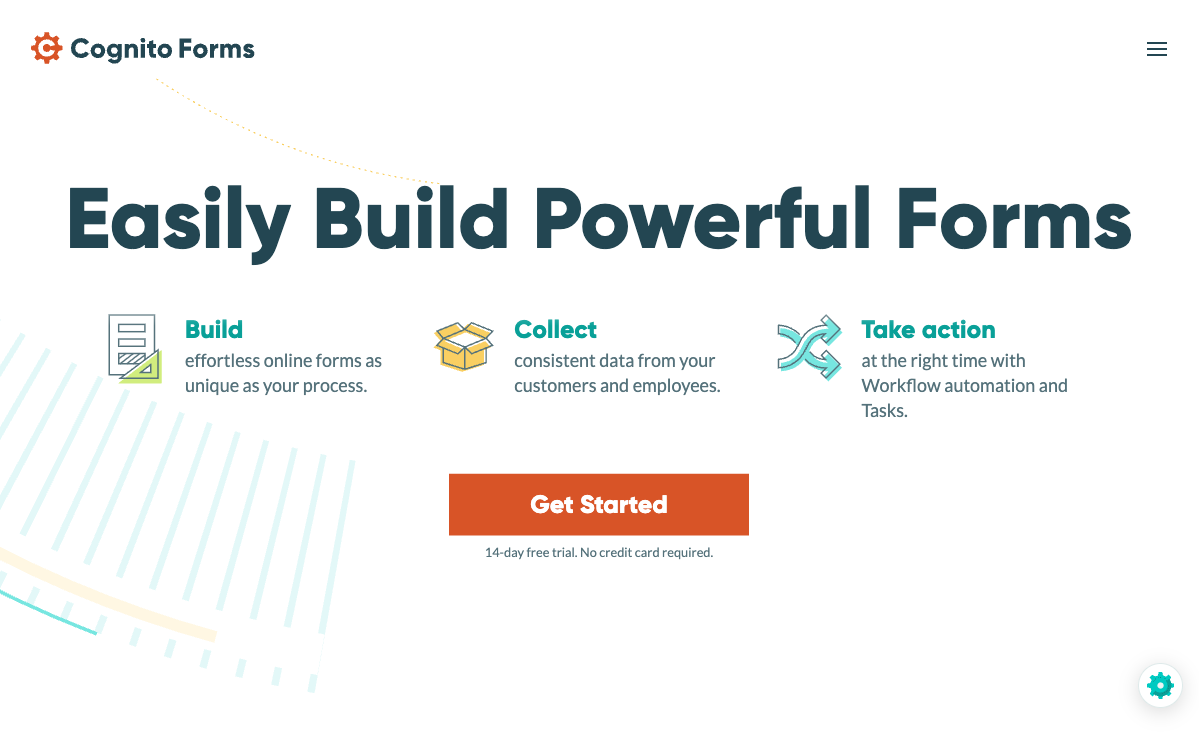
Cognito Forms consistently over-delivers relative to its price. The free plan includes unlimited forms, conditional logic, calculations, e-signatures, document generation, and Stripe payment processing up to 500 transactions per month — a feature set that most competitors charge $30–50/month for. Paid plans at $19/month (Pro) and $39/month (Team) add workflow routing, repeating sections, encrypted storage, and a client portal. For calculation-heavy use cases like order forms, registration systems, and intake workflows, Cognito's formula engine is among the most capable available.
The trade-off is visible immediately: the forms themselves look functional rather than polished. Design flexibility is limited, there's no guided one-at-a-time mode for mobile-optimised experiences, and getting a modern branded result requires custom CSS work. Product updates have slowed in recent years — the platform feels more like a mature, well-maintained utility than an actively evolving product. There's no SOC 2 certification, no REST API, and AI features are absent entirely. For teams where function matters more than form, Cognito punches above its weight. For teams where presentation drives conversion, the utilitarian experience may send visitors elsewhere. See our Cognito Forms alternatives.
- Pricing: Free (100 entries/month, payments included); Pro from $19/month
- Best for: Budget-conscious teams building calculation-heavy order forms and registration workflows
- Key strength: The most feature-rich free plan of any form builder, including payment processing
 #6 SurveyMonkey — Best for Professional Research

SurveyMonkey has been the survey industry standard since 1999 and still offers research capabilities that no general-purpose form builder can match. Expert-designed question banks, built-in methodologies (concept testing, MaxDiff analysis, Van Westendorp pricing studies), AI-powered analytics that accept plain-English queries, and access to SurveyMonkey Audience — a panel of 335M+ respondents for market research. For research teams, HR departments conducting employee engagement surveys, and academic projects, these tools justify the premium.
For anything that isn't structured survey research, SurveyMonkey is an expensive mismatch. The free plan is limited to 10 questions and 25 responses — barely enough to test the interface. Individual plans start at $39/month (Standard, billed annually), with team plans requiring a 3-user minimum at $30/user/month. Payment processing is restricted to Stripe and PayPal on the Advantage tier and above. The platform doesn't support signatures, booking fields, or multi-step form workflows. Its Trustpilot rating sits at 3.2/5 with 62% one-star reviews, driven largely by auto-renewal billing complaints. Since STG Partners acquired the parent company (Momentive), the focus has shifted to enterprise upsells. As a survey tool for professional researchers, it's still best-in-class. As a form builder for anything else, you're overpaying. See SurveyMonkey alternatives.
- Pricing: Free (10 questions, 25 responses); Standard from $39/month
- Best for: Market research teams, HR professionals, and academic survey projects
- Key strength: Research-grade methodology tools, AI analytics, and a 335M-person respondent panel
 #7 Gravity Forms — Best WordPress Plugin
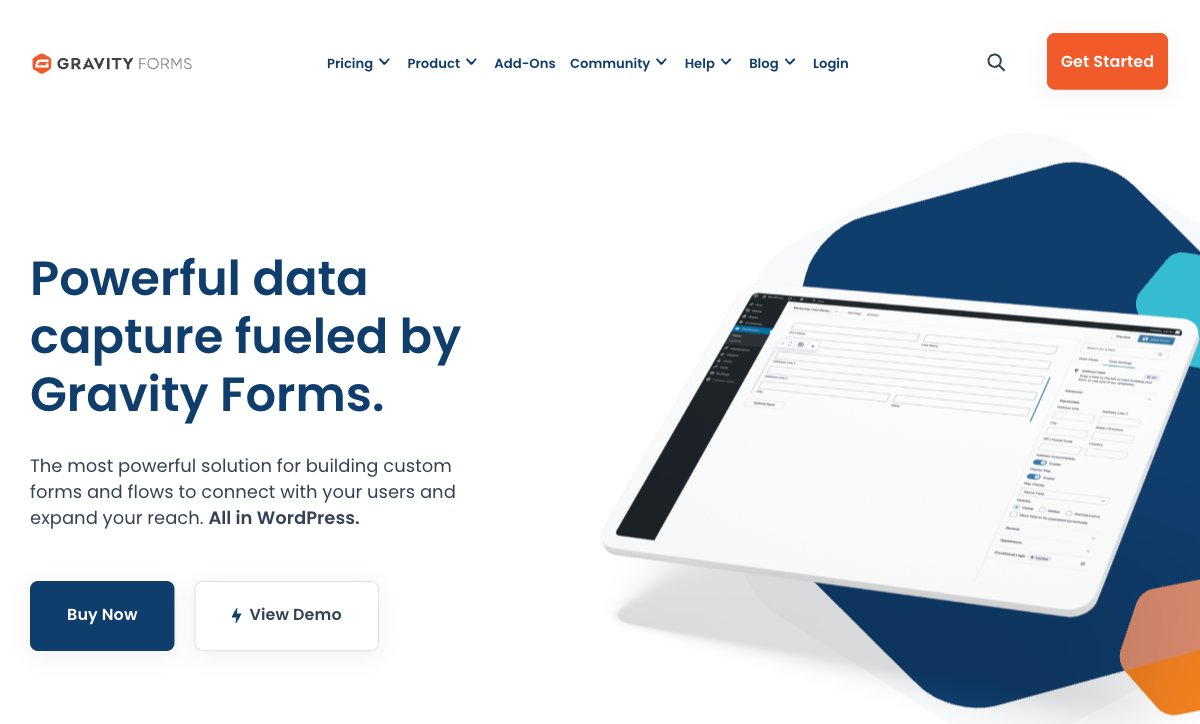
Gravity Forms has been the WordPress form standard for 18 years, and its ecosystem depth remains unmatched. Over 500 developer hooks, a comprehensive REST API, and an add-on marketplace covering payment gateways, CRM integrations, quiz builders, user registration, and post creation. Forms inherit your theme's styling natively, and data stays on your server — complete ownership. Annual pricing ($59 Basic, $159 Pro, $259 Elite) makes it one of the most affordable options for WordPress sites that need advanced form functionality.
The WordPress-only architecture is both the advantage and the constraint. If your site runs on WordPress, Gravity Forms integrates more deeply than any SaaS form builder can. If it doesn't — or if you ever migrate — your forms stay behind. There are no standalone form links, no AI form creation, no built-in compliance certifications (no HIPAA, no SOC 2), and payment processing depends on third-party add-ons rather than native gateways. The template library is small (~15 templates). Bootstrapped by Rocketgenius since 2008 with Fortune 500 customers including ExxonMobil and Mercedes, stability isn't a concern. But WordPress lock-in is a real consideration for growing businesses that may outgrow the CMS. See our Gravity Forms alternatives.
- Pricing: Free basic plugin; licenses from $59/year
- Best for: WordPress sites needing advanced forms with deep CMS integration and data ownership
- Key strength: The deepest WordPress integration of any form solution, with 18 years of ecosystem investment
 #8 Zoho Forms — Best for Mobile & Offline Collection
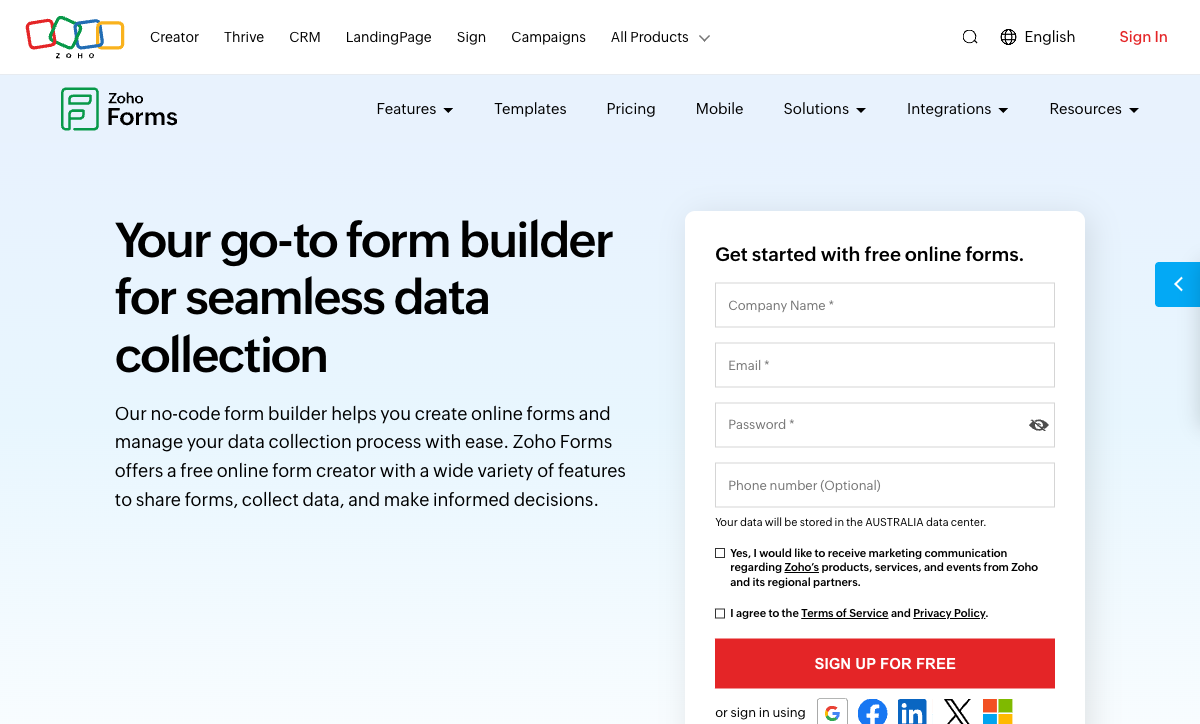
Zoho Forms occupies a unique position in this ranking: it's the only form builder with a dedicated mobile app for full offline data collection. Field teams can capture responses, scan QR codes, tag geolocation, and capture images without an internet connection — data syncs automatically when connectivity returns. If your workflow involves on-site inspections, field surveys, trade show lead capture, or any scenario where Wi-Fi is unreliable, Zoho Forms is purpose-built for it.
The broader value proposition depends on your existing tool stack. Within the Zoho ecosystem (40+ apps, 100M+ users), forms connect natively to Zoho CRM, Zoho Desk, Zoho Analytics, and 14 other Zoho products. Outside that ecosystem, third-party integrations are limited and the standalone form builder feels basic — no doc-style editor, no guided mode, no appointment booking, limited design customisation, and AI features that amount to basic field suggestions. The free plan is restricted to 3 forms and 500 submissions. HIPAA compliance requires the Premium tier at $90/month. Pricing for the Zoho-committed is attractive ($10–90/month), but the ecosystem lock-in is real. See our Zoho Forms alternatives.
- Pricing: Free (3 forms, 500 submissions); Basic from $10/month
- Best for: Field teams collecting data offline and organisations already invested in Zoho's ecosystem
- Key strength: Full offline data collection with native mobile app, QR scanning, and geolocation
 #9 Formstack — Best Enterprise Document Workflow
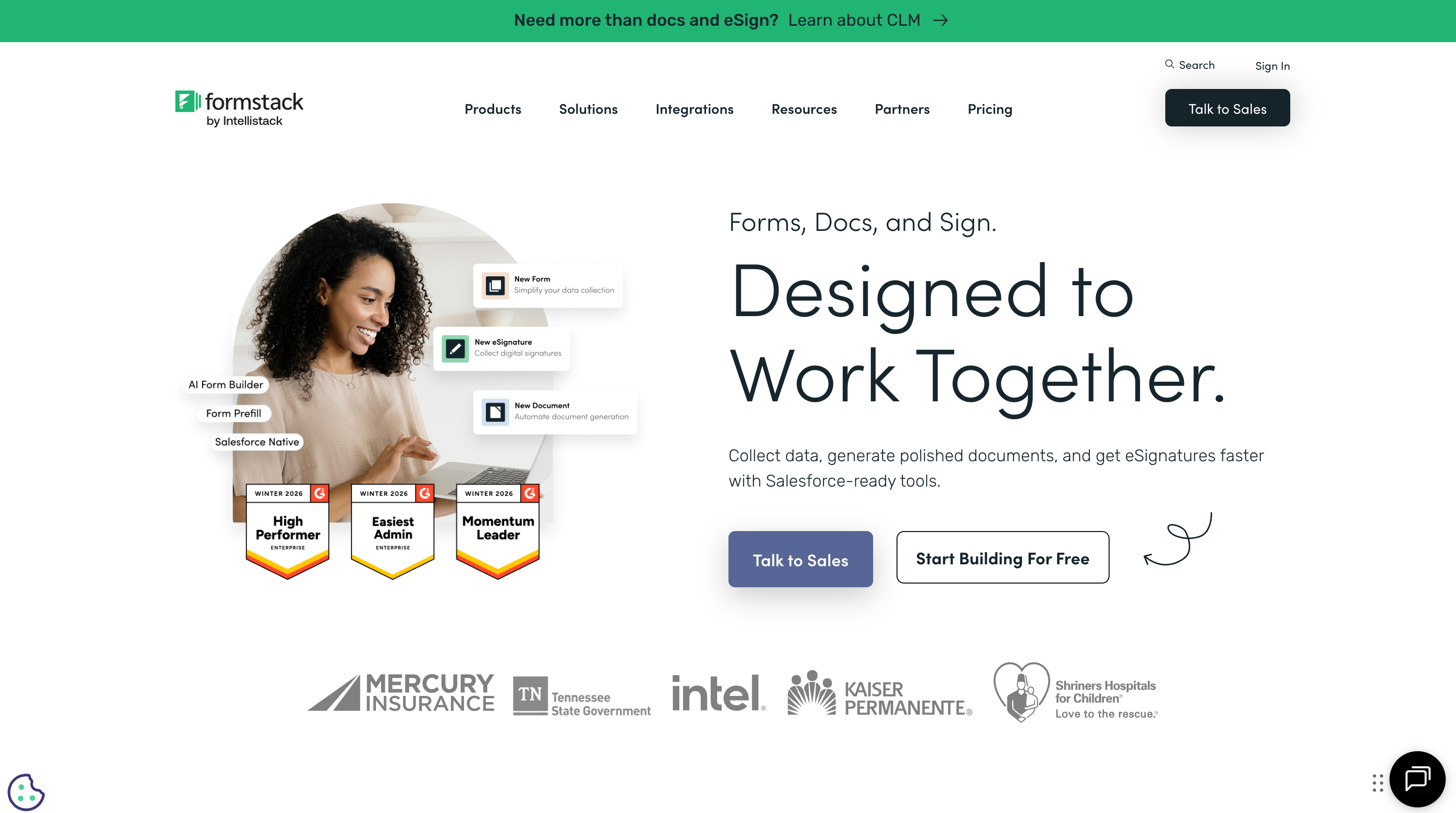
Formstack has assembled a three-part enterprise workflow: collect data with forms, generate documents from that data, and get them signed electronically. For organisations that need this exact pipeline — intake form to contract to signature — the integrated suite eliminates the middleware and vendor management that competitors require. Deep Salesforce integration and HIPAA compliance make it particularly relevant for healthcare, higher education, and enterprise sales teams.
The price of entry is steep: $83/month (annual) for forms alone, with no free tier. The full Suite (forms + documents + e-signatures) runs $250/month. The individual components were largely acquired separately, and the experience doesn't always feel seamless — the form builder itself is functional but dated, the document generator has its own learning curve, and Formstack Sign exists alongside a newer Intellistack CLM product that signals the company's attention is shifting toward larger enterprise deals. Trustpilot reviews average 1.6/5 with recurring support complaints. If you only need forms, Paperform or Jotform deliver significantly more for significantly less. Formstack earns its ranking when the complete collect-generate-sign pipeline matters. See our Formstack alternatives.
- Pricing: No free plan; Forms from $83/month (annual)
- Best for: Enterprise teams that need an integrated form-to-document-to-signature workflow
- Key strength: Tightest integration between data collection, document generation, and e-signatures
 #10 HubSpot Forms — Best CRM-Native Forms
Every HubSpot user already has access to a form builder — the question is whether it's enough. Within HubSpot's ecosystem, forms are seamlessly wired: submissions auto-create CRM contacts, trigger marketing automation sequences, populate deal pipelines, and feed reporting dashboards without a single integration to configure. Progressive profiling on Starter+ plans lets forms adapt based on what you already know about a contact. For marketing teams living in HubSpot, this native data flow is worth more than any standalone form builder's feature list.
Outside HubSpot, the forms are basic — roughly 15 CRM-oriented field types, no calculations, no scoring, no signatures, no booking, no guided mode. Design control is minimal with mandatory HubSpot branding on the free plan. And the pricing escalation is eye-watering: the Professional Marketing Hub tier ($890/month for 3 seats) costs 18 times more than Paperform's Pro plan while offering fewer form-specific features. HubSpot Forms isn't really a form builder you evaluate against this list — it's a form module you accept (or supplement) because you're already paying for the CRM. See our HubSpot Forms alternatives.
- Pricing: Free with HubSpot account; Professional from $890/month
- Best for: Teams already committed to HubSpot for marketing and sales
- Key strength: Zero-configuration CRM data flow with contact auto-creation and workflow triggers
 #11 WPForms — Easiest WordPress Plugin
Where Gravity Forms serves WordPress developers, WPForms serves WordPress beginners. Six million active installations make it the most popular WordPress form plugin, and the reason is speed: a drag-and-drop builder, 2,100+ pre-built templates, and AI form generation that gets a contact form live in minutes without touching code. The free Lite version handles basic forms; paid plans ($99.50–$499.50/year) add payments, surveys, and conditional logic.
The simplicity that makes WPForms approachable also defines its ceiling. Fewer add-ons than Gravity Forms, simpler conditional logic, and no developer-grade extensibility. Like all WordPress plugins, it only works within WordPress — no standalone form links, no compliance certifications, and payment processing runs through add-ons rather than native gateways. Built by Awesome Motive (the company behind WPBeginner and OptinMonster), WPForms benefits from strong WordPress ecosystem distribution but remains a WordPress-only play. For WordPress site owners who want their first form running today without reading documentation, it's the right tool. For anything beyond that, consider a SaaS platform. See our WPForms alternatives.
- Pricing: Free Lite plugin; paid from $99.50/year
- Best for: WordPress site owners who want a working form in minutes with minimal learning curve
- Key strength: The most beginner-friendly WordPress form plugin with 6M+ active installations
 #12 FormAssembly — Best Salesforce Integration
FormAssembly has spent two decades perfecting one thing: getting form data into Salesforce. Forms map directly to Salesforce objects, pre-fill from existing CRM records, and push complex submissions into custom Salesforce workflows without middleware. For Salesforce-heavy organisations — particularly in higher education, healthcare, and financial services — FormAssembly is often written into procurement requirements. Its compliance credentials (PCI DSS Level 1, FedRAMP High, HIPAA, SOC 2) exceed what most form builders can offer, with customers including Southwest Airlines, Amazon, CVS, and Harvard.
The Salesforce focus is simultaneously the product's greatest strength and clearest limitation. Outside that ecosystem, FormAssembly's form builder is functional but unremarkable — limited design flexibility, only ~20 native integrations, and plans starting at $59/month with no free tier. The recently launched Fai AI assistant adds form generation, but the broader product experience feels purpose-built for a single integration rather than designed as a general-purpose tool. Founded in 2006 and privately held, FormAssembly is stable and deeply entrenched in its niche. If Salesforce is your CRM, it's worth evaluating. If it isn't, nearly every other option on this list offers more for less. See our FormAssembly alternatives.
- Pricing: No free plan; Explorer from $59/month
- Best for: Salesforce-dependent organisations needing compliant, native form-to-CRM mapping
- Key strength: The deepest Salesforce integration of any form builder, with enterprise compliance (PCI DSS, FedRAMP, HIPAA)
Also Evaluated
These six tools didn't crack the top 12 but serve specific niches well. All are included in the feature, pricing, and ratings comparisons below.
Microsoft Forms mirrors Google Forms for the Microsoft ecosystem — free with any Microsoft 365 account, native Teams and Power Automate integration, and solid quiz/assessment features. It lacks payment processing, design control, and any utility outside Microsoft's walled garden. See Microsoft Forms alternatives.
Airtable Forms are the simplest way to push data directly into an Airtable base, but the form builder itself is extremely basic — single-page only, no conditional logic, no payments, no design control. They exist to serve Airtable, not to compete as standalone forms. See Airtable Forms alternatives.
involve.me (founded 2016) is purpose-built for interactive lead funnels — quizzes, calculators, and landing pages with scoring and built-in email automation. Strong AI capabilities and enterprise customers (Universal Pictures, Bloomberg), but restrictive funnel limits (5–30 on paid plans), Stripe-only payments, and a pre-seed funding stage that makes long-term stability a legitimate question. See involve.me alternatives.
Formsite has been building forms since 1998 — one of the oldest platforms still operating. Acquired by Formstack in December 2023, the product has historically been reliable for basic workflows but the post-acquisition development trajectory is unclear. Legacy interface, limited free plan (10 results/form), and a read-only API. See Formsite alternatives.
123FormBuilder (founded 2008, acquired by Kiteworks) positions around HIPAA compliance and Salesforce integration for regulated industries. Solid compliance features, but expensive plans ($37–159+/month), limited design customisation, and an acquisition that shifted the product toward enterprise security rather than form-building innovation. See 123FormBuilder alternatives.
Wufoo (founded 2006, acquired by SurveyMonkey in 2011 for $35M) was once a pioneer in web-based form building. Fifteen years post-acquisition, development has essentially stopped — no AI features, no calculations, no scoring, no e-signatures, and a dated interface that multiple reviewers describe as "from another era." Low starting price ($16.25/month), but the feature ceiling is well below modern alternatives. See Wufoo alternatives.
See Them in Action
Full Feature Comparison
Every feature across all 18 form builders, grouped by category. Use this table to compare specific capabilities that matter to your workflow.
| Feature | Paperform | Typeform | Jotform | Google Forms | Cognito Forms | SurveyMonkey | Gravity Forms | Zoho Forms | Formstack | HubSpot Forms | WPForms | FormAssembly | Microsoft Forms | Airtable Forms | involve.me | Formsite | 123FormBuilder | Wufoo |
|---|---|---|---|---|---|---|---|---|---|---|---|---|---|---|---|---|---|---|
| Form Building | ||||||||||||||||||
| Document-style editor | Yes | No | No | No | No | No | No | No | No | No | No | No | No | No | No | No | No | No |
| AI form creation | Yes | Yes | Yes starter | Yes | No | Yes | No | Yes basic | Yes forms | No | Yes basic | Yes explorer | Yes copilot | No | Yes starter | Yes professional | No | No |
| Field types | 26+ | 20+ | 30+ (starter) | 11 | 20+ | 15+ | No | Yes | 15 | No | Yes basic | Yes explorer | No | Yes | Yes | Yes | Yes | Yes |
| File uploads | Yes | Yes basic | Yes starter | Yes | Yes | Yes | No | No | No | Yes | No | No | No | No | No | No | No | Yes starter |
| Multi-page forms | Yes | Yes basic | Yes starter | Yes | Yes | Yes | Yes Basic | Yes | Yes forms | Yes starter | Yes basic | Yes explorer | Yes | No | Yes | Yes | Yes | Yes starter |
| Guided mode (one question at a time) | Yes | Yes | Yes starter | No | No | Yes | Yes Elite | No | Yes forms | No | Yes pro | No | No | No | Yes | No | No | No |
| Conditional logic | Yes | Yes basic | Yes starter | Yes | Yes | Yes Individual Standard | Yes Basic | Yes | Yes forms | Yes professional | Yes basic | Yes explorer | Yes | No | Yes starter | Yes | Yes | Yes starter |
| Calculations field | Yes essentials | Yes plus | Yes starter | No | Yes | No | Yes Basic | Yes basic | Yes forms | No | Yes pro | Yes explorer | No | No | Yes starter | Yes | Yes basic | No |
| AI calculations assistant | Yes essentials | No | No | No | No | No | No | No | No | No | No | No | No | No | No | No | No | No |
| Scoring | Yes essentials | Yes plus | Yes starter | Yes | Yes | Yes | Yes Elite | No | No | No | Yes pro | No | Yes | No | Yes starter | Yes | No | No |
| Answer piping | Yes | Yes basic | Yes starter | No | Yes | Yes Individual Standard | Yes Basic | Yes basic | Yes forms | No | No | Yes explorer | No | No | Yes starter | Yes | Yes basic | No |
| Pre-filling and hidden fields | Yes essentials | Yes basic | Yes starter | Yes | Yes | Yes Individual Standard | Yes Basic | Yes | Yes forms | Yes | Yes basic | Yes explorer | No | Yes | Yes pro | Yes | Yes | Yes starter |
| Save and resume | Yes | No | Yes starter | No | Yes pro | Yes Individual Standard | Yes Basic | Yes basic | Yes forms | No | Yes pro | Yes explorer | No | No | No | Yes professional | Yes basic | No |
| Auto-close by number | Yes essentials | Yes basic | Yes starter | Yes | Yes | Yes Individual Standard | No | Yes | No | No | Yes basic | Yes explorer | Yes | No | No | Yes | Yes | Yes starter |
| Auto-close by date | Yes pro | Yes basic | Yes starter | Yes | Yes | Yes Individual Standard | No | Yes | No | No | Yes basic | Yes explorer | Yes | No | No | Yes | Yes | Yes starter |
| Appointment/booking field | Yes | Yes basic | Yes starter | No | No | No | No | No | No | No | No | No | No | No | Yes starter | No | No | No |
| Signature field | Yes | No | Yes starter | No | Yes team | No | Yes Elite | Yes | Yes suite | No | Yes pro | Yes explorer | No | No | Yes business | Yes professional | Yes basic | No |
| Color picker field | Yes | No | No | No | No | No | No | No | No | No | No | No | No | No | No | No | No | No |
| API-powered dropdowns | Yes business | No | No | No | Yes | No | No | No | Yes forms | No | No | Yes team | No | No | No | No | No | No |
| Google address search | Yes business | No | No | No | Yes | No | No | No | No | No | Yes pro | No | No | No | No | No | No | No |
| AI follow-up questions | No | Yes business | No | No | No | No | No | No | No | No | No | No | No | No | No | No | No | No |
| Video questions | No | Yes basic | No | No | No | No | No | No | No | No | No | No | No | No | No | No | No | No |
| Drag-and-drop builder | No | No | Yes starter | No | No | No | Yes Basic | No | Yes forms | No | No | No | No | No | No | No | No | No |
| Form widgets | No | No | Yes starter | No | No | No | No | No | No | No | No | No | No | No | No | No | No | No |
| Template gallery | No | No | 20,000+ (starter) | No | No | No | No | No | No | No | No | No | No | No | No | No | No | No |
| 30+ field types | No | No | No | No | No | No | Yes Basic | No | No | No | No | No | No | No | No | No | No | No |
| Question types | No | No | No | No | No | No | No | No | No | Yes | No | No | No | No | No | No | No | No |
| 400+ templates | No | No | No | No | No | No | No | No | No | No | No | No | No | No | No | No | No | Yes |
| Payments | ||||||||||||||||||
| Stripe payments | Yes | Yes basic | Yes starter | No | Yes | Yes Individual Advantage | Yes Pro | No | Yes forms | Yes starter | Yes pro | Yes explorer | No | No | Yes starter | Yes professional | Yes basic | Yes professional |
| PayPal payments | Yes | No | Yes starter | No | Yes team | Yes Individual Advantage | Yes Pro | No | Yes forms | No | Yes pro | Yes explorer | No | No | No | Yes professional | Yes basic | Yes professional |
| Square payments | Yes | No | Yes starter | No | Yes team | No | Yes Pro | No | No | No | Yes pro | No | No | No | No | No | No | Yes professional |
| Braintree payments | Yes | No | Yes starter | No | No | No | No | No | No | No | No | No | No | No | No | Yes professional | No | Yes professional |
| Google Pay | Yes | No | Yes starter | No | No | No | Yes Pro | No | No | No | No | No | No | No | No | No | No | No |
| Product sales (eCommerce) | Yes essentials | No | Yes starter | No | Yes | No | Yes Basic | No | No | No | No | Yes explorer | No | No | No | No | Yes basic | No |
| Subscriptions | Yes essentials | Yes basic | Yes starter | No | No | No | Yes Pro | No | No | No | Yes pro | No | No | No | Yes starter | No | No | No |
| Coupons and discounts | Yes essentials | No | Yes starter | No | Yes | No | Yes Elite | No | Yes forms | No | Yes pro | No | No | No | Yes | No | No | No |
| Custom pricing rules | Yes essentials | No | Yes starter | No | Yes | No | No | No | Yes forms | No | Yes pro | Yes explorer | No | No | Yes starter | Yes | Yes basic | No |
| Tax calculations | Yes | No | Yes starter | No | Yes | No | No | No | No | No | No | No | No | No | No | No | No | No |
| Quotes/invoices | Yes | No | No | No | Yes team | No | No | Yes standard | No | No | No | No | No | No | No | No | Yes basic | No |
| Refunds | Yes | No | No | No | No | No | Yes Pro | No | No | No | No | No | No | No | No | No | No | No |
| 3D Secure | Yes | Yes basic | No | No | No | No | Yes Pro | No | No | No | No | No | No | No | No | No | No | No |
| 40+ payment gateways | No | No | Yes starter | No | No | No | No | No | No | No | No | No | No | No | No | No | No | No |
| No transaction fees | No | No | Yes starter | No | No | No | No | No | No | No | No | No | No | No | No | No | No | No |
| Stripe | No | No | No | No | No | No | No | Yes | No | No | No | No | No | No | No | No | No | No |
| PayPal | No | No | No | No | No | No | No | Yes | No | No | No | No | No | No | No | No | No | No |
| Square | No | No | No | No | No | No | No | No | No | No | No | No | No | No | No | No | No | No |
| Braintree | No | No | No | No | No | No | No | No | No | No | No | No | No | No | No | No | No | No |
| Product sales | No | No | No | No | No | No | No | Yes basic | No | No | No | No | No | No | No | No | No | No |
| Coupons | No | No | No | No | No | No | No | No | No | No | No | No | No | No | No | No | No | No |
| Custom pricing | No | No | No | No | No | No | No | Yes basic | No | No | No | No | No | No | No | No | No | No |
| Authorize.net payments | No | No | No | No | No | No | No | No | No | No | No | No | No | No | No | No | No | Yes professional |
| Design & Customization | ||||||||||||||||||
| Template gallery | 30,000+ | 1,500+ | 20,000+ (starter) | 20+ | Yes | 500+ | Yes Basic | Yes | Yes forms | Yes | Yes pro | Yes explorer | Yes | No | Yes | Yes | Yes | Yes |
| Rich media (images, GIFs, videos) | Yes | Yes | Yes starter | Yes | Yes | Yes | Yes Basic | No | Yes forms | No | Yes basic | Yes explorer | Yes | Yes | Yes | Yes professional | Yes | No |
| Unsplash and Giphy integration | Yes | Yes | No | No | No | No | No | No | No | No | No | No | No | No | No | No | No | No |
| Image editor | Yes | No | No | No | No | No | No | No | No | No | No | No | No | No | No | No | No | No |
| Adobe Creative Cloud | Yes | No | No | No | No | No | No | No | No | No | No | No | No | No | No | No | No | No |
| Language translation | Yes | Yes basic | Yes starter | No | Yes pro | Yes Individual Premier | Yes Basic | Yes standard | No | No | Yes basic | No | Yes | No | Yes | No | No | No |
| Advanced theming | Yes pro | Yes plus | Yes starter | No | Yes pro | Yes Individual Standard | Yes Basic | Yes basic | Yes forms | Yes starter | Yes basic | Yes team | No | Yes business | Yes | Yes | Yes basic | Yes starter |
| Custom form URL | Yes pro | Yes plus | No | No | No | Yes Individual Standard | No | No | Yes forms | No | Yes pro | Yes explorer | No | No | Yes starter | No | No | Yes starter |
| Custom domains | Yes pro | No | Yes enterprise | No | No | No | No | No | Yes forms | No | Yes basic | No | No | No | Yes starter | No | No | No |
| Custom HTML & CSS | Yes pro | Yes business | Yes starter | No | Yes pro | No | Yes Basic | No | Yes forms | Yes starter | Yes basic | Yes team | No | No | Yes business | Yes | Yes basic | Yes starter |
| Remove branding | Yes pro | Yes plus | Yes bronze | No | Yes pro | Yes Individual Standard | Yes Basic | Yes basic | Yes forms | Yes starter | Yes basic | Yes team | No | Yes business | Yes pro | Yes professional | Yes basic | Yes starter |
| Custom email domains | Yes business | No | No | Yes Business Starter | No | No | Yes Elite | No | No | No | No | No | No | No | Yes pro | No | No | No |
| Form themes | No | No | Yes starter | No | No | No | No | No | No | No | No | No | No | No | No | No | No | No |
| Rich media | No | No | No | No | No | No | No | Yes | No | No | No | No | No | No | No | No | No | No |
| Unsplash/Giphy | No | No | No | No | No | No | No | No | No | No | No | No | No | No | No | No | No | No |
| Adobe CC | No | No | No | No | No | No | No | No | No | No | No | No | No | No | No | No | No | No |
| Custom HTML/CSS | No | No | No | No | No | No | No | Yes standard | No | No | No | No | No | No | No | No | No | No |
| Theme designer | No | No | No | No | No | No | No | No | No | No | No | No | No | No | No | No | No | Yes |
| Analytics | ||||||||||||||||||
| Submission results and reports | Yes | Yes | Yes starter | Yes | Yes | Yes | Yes Basic | No | Yes forms | Yes | Yes basic | Yes explorer | Yes | Yes | Yes | Yes | No | Yes |
| AI report insights | Yes pro | Yes business | No | No | No | Yes Individual Standard | No | No | No | No | No | No | Yes | No | Yes starter | No | No | No |
| Paperform analytics | Yes pro | No | No | No | No | No | No | No | Yes forms | No | No | No | No | No | Yes pro | No | No | No |
| Drop-off analysis | Yes pro | Yes business | No | No | No | No | No | No | No | No | No | No | No | No | No | No | No | No |
| Google Analytics & Facebook Pixel | Yes essentials | Yes basic | No | No | Yes pro | No | Yes Elite | No | Yes forms | Yes | No | No | No | No | Yes | No | No | No |
| Custom analytics scripts | Yes pro | Yes basic | No | No | No | No | Yes Basic | No | No | No | No | No | No | No | Yes pro | No | No | No |
| Partial submissions | Yes pro | Yes plus | No | No | No | Yes Individual Standard | Yes Elite | No | Yes forms | No | Yes pro | No | No | No | Yes pro | No | No | No |
| Form analytics | No | No | Yes starter | No | No | No | No | Yes standard | No | No | No | No | No | No | No | No | Yes basic | No |
| Google Analytics integration | No | No | Yes starter | No | No | No | No | No | No | No | No | No | No | No | No | No | No | Yes professional |
| Submission results | No | No | No | No | No | No | No | Yes | No | No | No | No | No | No | No | No | Yes | No |
| AI insights | No | No | No | No | No | No | No | No | No | No | No | No | No | No | No | No | No | No |
| GA/FB Pixel | No | No | No | No | No | No | No | No | No | No | No | No | No | No | No | No | No | No |
| Custom scripts | No | No | No | No | No | No | No | No | No | No | No | No | No | No | No | No | No | No |
| Conversion analytics | No | No | No | No | No | No | No | No | No | Yes professional | No | No | No | No | No | No | No | No |
| Workflow analytics | No | No | No | No | No | No | No | No | No | No | No | Yes explorer | No | No | No | No | No | No |
| Google Analytics / Facebook Pixel | No | No | No | No | No | No | No | No | No | No | No | No | No | No | No | No | No | No |
| Collaboration | ||||||||||||||||||
| Multi-user accounts | Yes pro | Yes plus | Yes bronze | Yes | Yes pro | Yes Team Advantage | Yes Basic | No | Yes forms | Yes | Yes basic | Yes team | Yes | Yes | Yes pro | Yes business | Yes basic | Yes professional |
| User permissions and management | Yes pro | Yes plus | Yes enterprise | Yes | Yes team | Yes Team Advantage | Yes Basic | No | Yes forms | Yes starter | Yes pro | Yes team | Yes | Yes team | Yes pro | Yes business | Yes basic | Yes professional |
| Advanced permissions & admin | Yes enterprise | Yes enterprise | Yes enterprise | Yes Business Starter | Yes enterprise | Yes enterprise | No | No | Yes enterprise | Yes enterprise | Yes elite | Yes enterprise | Yes enterprise | Yes enterprise | Yes enterprise | No | Yes enterprise | No |
| Form sharing (templates) | Yes | Yes | No | Yes | Yes | Yes Team Advantage | Yes Basic | No | Yes forms | Yes | Yes basic | Yes explorer | Yes | Yes | Yes | Yes | No | No |
| Spaces and tag management | Yes | No | No | No | No | No | No | No | Yes forms | No | No | No | No | No | No | No | No | No |
| Workspace organization | No | Yes | No | No | No | No | No | No | No | No | No | No | No | Yes | No | No | No | No |
| Form sharing | No | No | Yes starter | No | No | No | No | Yes | No | No | No | No | No | No | No | No | Yes | Yes |
| Assign forms | No | No | Yes enterprise | No | No | No | No | No | No | No | No | No | No | No | No | No | No | No |
| Multi-user | No | No | No | No | No | No | No | Yes standard | No | No | No | No | No | No | No | No | No | No |
| Permissions | No | No | No | No | No | No | No | Yes standard | No | No | No | No | No | No | No | No | No | No |
| Advanced permissions | No | No | No | No | No | No | No | Yes professional | No | No | No | No | No | No | No | No | No | No |
| Spaces/tags | No | No | No | No | No | No | No | No | No | No | No | No | No | No | No | No | No | No |
| Security | ||||||||||||||||||
| SOC 2 Type II | Yes | Yes | Yes enterprise | Yes | No | Yes | No | No | No | Yes | No | Yes explorer | Yes | Yes | Yes | No | No | Yes |
| GDPR compliant | Yes | Yes | Yes starter | Yes | Yes | Yes | Yes Basic | No | Yes forms | Yes | Yes basic | Yes explorer | Yes | Yes | Yes | Yes | Yes | Yes |
| SSL encryption | Yes | Yes | Yes starter | Yes | Yes | Yes | Yes Basic | No | Yes forms | Yes | Yes basic | Yes explorer | Yes | Yes | Yes | Yes | Yes | Yes |
| Two-factor authentication | Yes | Yes | Yes starter | Yes | Yes | Yes | No | No | Yes forms | Yes | No | Yes explorer | Yes | Yes | Yes | Yes enterprise | Yes | No |
| Enforce 2FA for all users | Yes business | No | No | Yes Business Starter | No | Yes enterprise | No | No | Yes enterprise | No | No | Yes enterprise | Yes enterprise | No | No | No | No | No |
| SSO (SAML) | Yes business | Yes enterprise | Yes enterprise | Yes Business Plus | Yes enterprise | Yes enterprise | No | No | Yes enterprise | Yes enterprise | No | Yes enterprise | Yes | Yes business | Yes enterprise | No | Yes enterprise | No |
| reCAPTCHA | Yes | Yes business | Yes starter | No | Yes | Yes | Yes Basic | Yes | Yes forms | No | Yes basic | Yes explorer | No | No | No | Yes professional | Yes | Yes |
| Local data residency | Yes enterprise | No | No | Yes Business Plus | No | Yes enterprise | Yes Basic | No | No | No | Yes | Yes enterprise | Yes enterprise | No | No | No | No | No |
| Custom S3 storage (BYO) | Yes business | No | No | No | No | No | No | No | No | No | No | No | No | No | No | No | No | No |
| HIPAA compliant | No | Yes enterprise | Yes gold | No | No | No | No | No | No | No | No | No | No | No | No | No | No | No |
| ISO 27001 | No | Yes | No | No | No | No | No | No | No | No | No | No | No | No | No | No | No | No |
| PCI DSS | No | Yes | Yes starter | No | No | No | No | No | No | No | No | No | No | No | No | No | No | Yes |
| 256-bit SSL | No | No | Yes starter | No | No | No | No | No | No | No | No | No | No | No | No | No | No | No |
| Data residency | No | No | Yes enterprise | No | No | No | No | Yes | No | Yes enterprise | No | No | No | Yes enterprise | No | No | Yes enterprise | No |
| Form encryption | No | No | Yes starter | No | No | No | No | No | No | No | No | No | No | No | No | No | No | No |
| SOC 2 | No | No | No | No | No | No | No | Yes | No | No | No | No | No | No | No | No | No | No |
| GDPR | No | No | No | No | No | No | No | Yes | No | No | No | No | No | No | No | No | No | No |
| SSL | No | No | No | No | No | No | No | Yes | No | No | No | No | No | No | No | No | No | No |
| 2FA | No | No | No | No | No | No | No | Yes | No | No | No | No | No | No | No | No | No | No |
| Enforce 2FA | No | No | No | No | No | No | No | No | No | No | No | No | No | Yes enterprise | No | No | No | No |
| SSO SAML | No | No | No | No | No | No | No | Yes professional | No | No | No | No | No | No | No | No | No | No |
| Custom S3 | No | No | No | No | No | No | No | No | No | No | No | No | No | No | No | No | No | No |
| Custom S3 storage | No | No | No | No | No | No | No | No | No | No | No | No | No | No | No | No | No | No |
| HIPAA compliance | No | No | No | No | No | No | No | No | No | No | No | No | No | No | No | Yes enterprise | No | No |
| Field encryption | No | No | No | No | No | No | No | No | No | No | No | No | No | No | No | No | No | Yes professional |
| Password protection | No | No | No | No | No | No | No | No | No | No | No | No | No | No | No | No | No | Yes professional |
| Integrations & API | ||||||||||||||||||
| Native integrations | 2,000+ | 120+ (basic) | 150+ (starter) | No | No | 200+ | No | No | No | Yes | No | No | No | No | No | No | No | Yes starter |
| Zapier | Yes | Yes basic | Yes starter | Yes | Yes | Yes | Yes Pro | Yes basic | Yes forms | Yes starter | Yes pro | No | No | Yes | Yes starter | Yes professional | Yes | Yes starter |
| Make (Integromat) | Yes | Yes basic | No | Yes | Yes | Yes | No | No | No | Yes starter | Yes pro | No | No | Yes | No | No | No | No |
| Webhooks | Yes pro | Yes basic | Yes starter | No | Yes | Yes Individual Standard | Yes Elite | Yes standard | Yes forms | Yes starter | Yes elite | Yes explorer | No | Yes team | Yes business | Yes professional | Yes basic | Yes starter |
| Standard API | Yes pro | No | No | Yes | No | Yes Individual Standard | Yes Basic | Yes basic | Yes forms | No | No | Yes explorer | No | No | Yes business | Yes professional | No | No |
| Business API | Yes business | No | No | No | No | Yes enterprise | No | No | Yes enterprise | No | No | No | No | No | No | No | No | No |
| WordPress plugin | Yes | Yes | Yes starter | No | Yes | No | Yes Basic | No | Yes forms | Yes | Yes | Yes explorer | No | No | Yes | Yes | Yes | Yes |
| oEmbed support | Yes | No | No | No | Yes | No | No | No | No | No | No | Yes explorer | Yes | No | No | No | No | No |
| API | No | Yes basic | Yes starter | No | No | No | No | No | No | Yes | No | No | No | Yes | No | No | Yes basic | Yes |
| Embed options | No | Yes | Yes starter | No | No | No | No | No | No | Yes | No | No | No | Yes | No | No | No | Yes |
| Salesforce AppExchange | No | No | Yes starter | No | No | No | No | No | No | No | No | No | No | No | No | No | No | No |
| Mobile apps | No | No | Yes starter | No | No | No | No | No | No | No | No | No | No | No | No | No | No | No |
| 50+ official add-ons | No | No | No | No | No | No | Yes Basic | No | No | No | No | No | No | No | No | No | No | No |
| Stepper workflow automation | No | No | No | No | No | No | No | No | No | No | No | No | No | No | No | No | No | No |
| 2000+ | No | No | No | No | No | No | No | No | No | No | No | No | No | No | No | No | No | No |
| WordPress | No | No | No | No | No | No | No | Yes | No | No | No | No | No | No | No | No | No | No |
| oEmbed | No | No | No | No | No | No | No | Yes | No | No | No | No | No | No | No | No | Yes | No |
| 2000+ integrations | No | No | No | No | No | No | No | No | No | No | Yes pro | No | No | No | No | Yes professional | No | No |
| Native integrations (2000+) | No | No | No | No | No | No | No | No | No | No | No | No | No | No | No | No | Yes | No |
| Additional Products | ||||||||||||||||||
| Jotform Tables | No | No | Yes starter | No | No | No | No | No | No | No | No | No | No | No | No | No | No | No |
| Jotform Sign | No | No | Yes starter | No | No | No | No | No | No | No | No | No | No | No | No | No | No | No |
| Jotform Apps | No | No | Yes starter | No | No | No | No | No | No | No | No | No | No | No | No | No | No | No |
| Jotform Workflows | No | No | Yes starter | No | No | No | No | No | No | No | No | No | No | No | No | No | No | No |
| Jotform Report Builder | No | No | Yes starter | No | No | No | No | No | No | No | No | No | No | No | No | No | No | No |
| Jotform AI Agents | No | No | Yes starter | No | No | No | No | No | No | No | No | No | No | No | No | No | No | No |
| Jotform Store Builder | No | No | Yes starter | No | No | No | No | No | No | No | No | No | No | No | No | No | No | No |
Pricing Comparison
Side-by-side pricing from free tiers to enterprise plans. Select any two tools to compare directly.
Paperform
Typeform
| Product | Plan | Monthly Price | Annual Price (per month) | Free Plan | Free Trial | Limits |
|---|---|---|---|---|---|---|
| Paperform | Free | Free | Free | Yes | 14 days | forms: Unlimited, submissions: 30/month, storage: 100 submissions, users: 1, file uploads: 100 MB |
| Paperform | Essentials | $29/mo | $24/mo billed annually | forms: Unlimited, submissions: 100/month, storage: 1,000 submissions, users: 1, file uploads: 1 GB | ||
| Paperform | Pro | $59/mo | $49/mo billed annually | forms: Unlimited, submissions: 1,000/month, storage: 10,000 submissions, users: 3, file uploads: 10 GB | ||
| Paperform | Business | $129/mo | $99/mo billed annually | forms: Unlimited, submissions: 10,000/month, storage: 100,000 submissions, users: 5, file uploads: 100 GB | ||
| Typeform | Free | Free | Free | Yes | No | forms: 10, submissions: 10/month, users: 1 |
| Typeform | Basic | $39/mo | $28/mo billed annually | forms: Unlimited, submissions: 100/month, users: 1 | ||
| Typeform | Plus | $79/mo | $56/mo billed annually | forms: Unlimited, submissions: 1,000/month, users: 3 | ||
| Typeform | Business | $129/mo | $91/mo billed annually | forms: Unlimited, submissions: 10,000/month, users: 5 | ||
| Typeform | Growth Pro | $379/mo | $266/mo billed annually | forms: Unlimited, submissions: Expanded, users: Expanded | ||
| Jotform | Starter | Free | Free | Yes | No | forms: 5, submissions: 100/month, storage: 100 MB, users: 1 |
| Jotform | Bronze | $39/mo | $34/mo billed annually | forms: 25, submissions: 1,000/month, storage: 1 GB, users: 1 | ||
| Jotform | Silver | $49/mo | $39/mo billed annually | forms: 50, submissions: 2,500/month, storage: 10 GB, users: 1 | ||
| Jotform | Gold | $129/mo | $99/mo billed annually | forms: 100, submissions: 10,000/month, storage: 100 GB, users: 1 | ||
| Google Forms | Free (Personal) | Free | Free | Yes | 14 days | forms: Unlimited, submissions: Unlimited, storage: 15 GB (shared across Google Drive), users: 1, file uploads: Included in 15 GB storage |
| Google Forms | Business Starter | $7/mo | $7/mo billed annually | forms: Unlimited, submissions: Unlimited, storage: 30 GB per user, users: Up to 300, file uploads: Included in storage | ||
| Google Forms | Business Standard | $14/mo | $14/mo billed annually | forms: Unlimited, submissions: Unlimited, storage: 2 TB per user, users: Up to 300, file uploads: Included in storage | ||
| Google Forms | Business Plus | $22/mo | $22/mo billed annually | forms: Unlimited, submissions: Unlimited, storage: 5 TB per user, users: Up to 300, file uploads: Included in storage | ||
| Cognito Forms | Individual (Free) | Free | Free | Yes | 14 days | forms: Unlimited, submissions: 100/month, storage: 100 MB, users: 1 |
| Cognito Forms | Pro | $19/mo | $16/mo billed annually | forms: Unlimited, submissions: 2,000/month, storage: 1 GB, users: 2 | ||
| Cognito Forms | Team | $39/mo | $33/mo billed annually | forms: Unlimited, submissions: 10,000/month, storage: 10 GB, users: 5 | ||
| Cognito Forms | Enterprise | $129/mo | $109/mo billed annually | forms: Unlimited, submissions: Unlimited, storage: 100 GB, users: 20 | ||
| SurveyMonkey | Basic (Free) | Free | Free | Yes | No | forms: Unlimited, submissions: 25 per survey, storage: N/A, users: 1 |
| SurveyMonkey | Individual Standard | $99/mo | $39/mo billed annually | forms: Unlimited, submissions: 1,000 per month, storage: N/A, users: 1 | ||
| SurveyMonkey | Individual Advantage | Free | $32/mo billed annually | forms: Unlimited, submissions: 15,000 per year, storage: N/A, users: 1 | ||
| SurveyMonkey | Individual Premier | Free | $99/mo billed annually | forms: Unlimited, submissions: 40,000 per year, storage: N/A, users: 1 | ||
| SurveyMonkey | Team Advantage | Free | $30/mo billed annually | forms: Unlimited, submissions: 50,000 per year (shared), storage: N/A, users: 3 minimum | ||
| SurveyMonkey | Team Premier | Free | $92/mo billed annually | forms: Unlimited, submissions: 100,000 per year (shared), storage: N/A, users: 3 minimum | ||
| Gravity Forms | Basic | Not listed | $59/mo billed annually | No | 14 days | forms: Unlimited, submissions: Unlimited, storage: WordPress database (self-hosted), users: Unlimited (WordPress users) |
| Gravity Forms | Pro | Not listed | $159/mo billed annually | forms: Unlimited, submissions: Unlimited, storage: WordPress database (self-hosted), users: Unlimited (WordPress users) | ||
| Gravity Forms | Elite | Not listed | $259/mo billed annually | forms: Unlimited, submissions: Unlimited, storage: WordPress database (self-hosted), users: Unlimited (WordPress users) | ||
| Gravity Forms | Nonprofit | Not listed | $129/mo billed annually | forms: Unlimited, submissions: Unlimited, storage: WordPress database (self-hosted), users: Unlimited (WordPress users) | ||
| Zoho Forms | Free | Free | Free | Yes | 15 days | forms: 3, submissions: 500/month, storage: 200 MB, users: 1 |
| Zoho Forms | Basic | $12/mo | $10/mo billed annually | forms: Unlimited, submissions: 10,000/month, storage: 500 MB, users: 1 | ||
| Zoho Forms | Standard | $30/mo | $25/mo billed annually | forms: Unlimited, submissions: 25,000/month, storage: 2 GB, users: 10 | ||
| Zoho Forms | Professional | $60/mo | $50/mo billed annually | forms: Unlimited, submissions: 75,000/month, storage: 5 GB, users: 25 | ||
| Zoho Forms | Premium | $110/mo | $90/mo billed annually | forms: Unlimited, submissions: 150,000/month, storage: 10 GB, users: 100 | ||
| Formstack | Forms | $99/mo | $83/mo billed annually | No | 14 days | forms: 25, submissions: 1,000/form, storage: 2 GB, users: 1, file uploads: 2 GB |
| Formstack | Suite | $299/mo | $250/mo billed annually | forms: 100, submissions: 5,000/form, storage: 10 GB, users: 3, file uploads: 10 GB | ||
| HubSpot Forms | Free | Free | Free | Yes | 14 days | forms: Unlimited, submissions: Unlimited, users: 2 |
| HubSpot Forms | Marketing Hub Starter | $20/mo | $20/mo billed annually | forms: Unlimited, submissions: Unlimited, users: Per seat | ||
| HubSpot Forms | Marketing Hub Professional | $890/mo | $890/mo billed annually | forms: Unlimited, submissions: Unlimited, users: 3 included (additional seats extra) | ||
| HubSpot Forms | Marketing Hub Enterprise | $3600/mo | $3600/mo billed annually | forms: Unlimited, submissions: Unlimited, users: 5 included (additional seats extra) | ||
| WPForms | Lite (Free) | Free | Free | Yes | 14 days | forms: Unlimited, submissions: Unlimited, users: Unlimited |
| WPForms | Basic | Not listed | $4.13/mo billed annually | forms: Unlimited, submissions: Unlimited, users: Unlimited | ||
| WPForms | Plus | Not listed | $8.29/mo billed annually | forms: Unlimited, submissions: Unlimited, users: Unlimited | ||
| WPForms | Pro | Not listed | $16.63/mo billed annually | forms: Unlimited, submissions: Unlimited, users: Unlimited | ||
| WPForms | Elite | Not listed | $24.96/mo billed annually | forms: Unlimited, submissions: Unlimited, users: Unlimited | ||
| FormAssembly | Explorer | $59/mo | Not listed | No | 14 days | forms: Unlimited, submissions: Unlimited, storage: Unlimited, users: 1 standard user |
| FormAssembly | Team | Custom | Not listed | forms: Unlimited, submissions: Unlimited, storage: Unlimited, users: 3 standard + 5 limited users | ||
| FormAssembly | Enterprise | Custom | Not listed | forms: Unlimited, submissions: Unlimited, storage: Unlimited, users: 5 standard + 10 limited users | ||
| FormAssembly | Gov Cloud | Custom | Not listed | forms: Unlimited, submissions: Unlimited, storage: Unlimited, users: 5 standard + 10 limited users | ||
| Microsoft Forms | Free (Personal Microsoft Account) | Free | Free | Yes | 1 month | forms: 400, submissions: 200/form, storage: N/A, users: 1 |
| Microsoft Forms | Microsoft 365 Business Basic | $6/mo | $6/mo billed annually | forms: 400, submissions: 5,000,000/form, storage: 1 TB OneDrive, users: Per user | ||
| Microsoft Forms | Microsoft 365 Business Standard | $12.5/mo | $12.5/mo billed annually | forms: 400, submissions: 5,000,000/form, storage: 1 TB OneDrive, users: Per user | ||
| Microsoft Forms | Microsoft 365 Business Premium | $22/mo | $22/mo billed annually | forms: 400, submissions: 5,000,000/form, storage: 1 TB OneDrive, users: Per user | ||
| Airtable Forms | Free | Free | Free | Yes | 14 days | None listed |
| Airtable Forms | Team | $24/mo | $20/mo billed annually | None listed | ||
| Airtable Forms | Business | $54/mo | $45/mo billed annually | None listed | ||
| Airtable Forms | Enterprise Scale | Custom | Custom | None listed | ||
| involve.me | Free | Free | Free | Yes | 14 days | forms: Unlimited (draft), submissions: 50/month, users: 1 |
| involve.me | Starter | $49/mo | $29/mo billed annually | forms: 5 live funnels, submissions: 1,000/month, users: 1 | ||
| involve.me | Pro | $99/mo | $59/mo billed annually | forms: 15 live funnels, submissions: 5,000/month, users: 3 | ||
| involve.me | Business | $199/mo | $129/mo billed annually | forms: 30 live funnels, submissions: 15,000/month, users: 5 | ||
| Formsite | Free | Free | Free | Yes | 14 days | forms: 5, submissions: 10 per form, storage: 50 MB, users: 1 |
| Formsite | Personal | $21/mo | $20.83/mo billed annually | forms: 5, submissions: 500 per form, storage: 500 MB, users: 1 | ||
| Formsite | Professional | $34/mo | $33.33/mo billed annually | forms: 10, submissions: 1,000 per form, storage: 1 GB, users: 1 | ||
| Formsite | Business | $59/mo | $58.33/mo billed annually | forms: 25, submissions: 2,500 per form, storage: 2 GB, users: 2 | ||
| Formsite | Business + | $84/mo | $83.33/mo billed annually | forms: 100, submissions: 10,000 per form, storage: 4 GB, users: 6 | ||
| Formsite | Enterprise | $209/mo | $208.33/mo billed annually | forms: 1000, submissions: 50,000 per form, storage: 10 GB, users: 21 | ||
| 123FormBuilder | Free | Free | Free | Yes | 30 days | forms: 5, submissions: 100/month, storage: 100 MB, users: 1 |
| 123FormBuilder | Gold | $37/mo | $19/mo billed annually | forms: 20, submissions: 2,000/month, storage: 500 MB, users: 1 | ||
| 123FormBuilder | Platinum | $79/mo | $39/mo billed annually | forms: 100, submissions: 10,000/month, storage: 1 GB, users: 5 | ||
| 123FormBuilder | Diamond | $159/mo | $79/mo billed annually | forms: unlimited, submissions: 50,000/month, storage: 10 GB, users: 25 | ||
| 123FormBuilder | Enterprise | $225/mo | Custom | forms: unlimited, submissions: unlimited, storage: unlimited, users: custom | ||
| Wufoo | Free | Free | Free | Yes | No | forms: 5, submissions: 100/month, storage: N/A, users: 1 |
| Wufoo | Starter | $16.25/mo | $16.25/mo billed annually | forms: 10, submissions: 1,000/month, storage: 1 GB, users: 1 | ||
| Wufoo | Professional | $33.25/mo | $33.25/mo billed annually | forms: Unlimited, submissions: 5,000/month, storage: 5 GB, users: 5 | ||
| Wufoo | Advanced | $83.25/mo | $83.25/mo billed annually | forms: Unlimited, submissions: 25,000/month, storage: 10 GB, users: 20 | ||
| Wufoo | Ultimate | $210.25/mo | $210.25/mo billed annually | forms: Unlimited, submissions: 200,000/month, storage: 20 GB, users: 60 |
Review Ratings Across Platforms
Aggregated ratings from G2, Capterra, GetApp, Trustpilot, and TrustRadius — weighted by review count to prevent small-sample distortion.
How We Evaluated These Form Builders
Rankings reflect five weighted criteria applied consistently across all 18 tools:
- Feature consolidation (30%): Can this tool replace separate subscriptions? We prioritised platforms that handle payments, e-signatures, bookings, and workflow automation natively over those that require third-party middleware for each. A form builder that also processes payments and routes approvals scores higher than one that only collects text fields.
- Design flexibility (20%): How professional do forms look without custom CSS? We evaluated default aesthetics, branding control (custom domains, colours, fonts, logos), responsive behaviour, and whether forms can serve as standalone landing pages. Tools that require developer intervention for basic branding scored lower.
- Pricing transparency (20%): Real cost, not just the sticker price. We factored in per-response overage charges, feature gating across tiers, minimum user requirements, and how free plans compare. Platforms with predictable, feature-complete pricing ranked above those that lock essential capabilities behind enterprise tiers.
- Integration depth (15%): Native connectors, API quality, Zapier/Make support, and ecosystem flexibility. Platforms locked into a single ecosystem (HubSpot, Salesforce, WordPress, Zoho) scored lower on general flexibility but earned credit when the ecosystem integration is genuinely deeper than standalone alternatives.
- Long-term stability (15%): Company age, funding model, profitability, acquisition history, and development momentum. Bootstrapped profitable companies scored highest. Recently acquired products with stalled development and VC-funded tools with aggressive pricing increases scored lower. We checked changelogs, blog activity, and community engagement as proxies for ongoing investment.
Every form builder was tested with the same set of use cases: a simple contact form, a multi-page application with conditional logic, a payment form with dynamic pricing, and an integration workflow pushing data to a CRM. Rankings reflect the weighted aggregate — no single criterion overrides the others.
Frequently Asked Questions
What should I look for when choosing a form builder in 2026?
Focus on five things: feature consolidation (can this one tool replace your separate payment, booking, and document-signing subscriptions?), pricing transparency (watch for per-response overage charges, hidden tiers, and 3-user minimums), design control (can you make forms match your brand without custom CSS?), calculation and logic depth (basic "show/hide field" logic is table stakes — look for dynamic pricing, scoring, and conditional workflows), and company stability (bootstrapped profitable companies are safer long-term bets than VC-funded startups burning cash). Paperform scores well across all five, but the right answer depends on your specific stack and workflows.
Which form builder gives you the most features per dollar?
Cognito Forms offers the best raw value — its free plan includes unlimited forms, calculations, e-signatures, and Stripe payments. But "features per dollar" should account for quality, not just quantity. Paperform at $24/month (Essentials) includes payment processing across five gateways, AI form creation, workflow automation via Stepper, and e-signatures via Papersign — replacing what would otherwise be three or four separate subscriptions. Jotform unlocks every feature on its free plan but caps you at 5 forms and 100 submissions. At scale, Paperform's unlimited forms and predictable pricing deliver the strongest return.
Is a free form builder good enough for a real business?
For internal surveys, quick feedback forms, and simple data collection — absolutely. Google Forms handles these flawlessly at zero cost. But the moment you need payment processing, branded design, conditional routing, or integrations beyond a spreadsheet, free plans hit walls. The best strategy: start on a generous free tier like Paperform (unlimited forms, 30 submissions/month, payments included) or Cognito Forms (unlimited forms, 100 submissions/month, Stripe payments), then upgrade only when submission volume demands it. Avoid "free" plans that are essentially demos — Typeform's 10 responses/month and SurveyMonkey's 25 responses/10 questions aren't usable for anything real.
Can one form builder replace my payment tool, booking system, and e-signature app?
Yes — and that's the single biggest reason to choose a modern form builder over a basic one. Paperform is the clearest example: it processes payments through Stripe, PayPal, Square, Braintree, and Google Pay; handles appointment booking with calendar sync; generates and sends contracts for e-signature via Papersign; and chains it all together with Stepper workflow automation. What used to require Typeform + Calendly + DocuSign + Zapier (easily $200+/month combined) now runs inside one platform starting at $24/month. Jotform offers similar breadth across its product suite, though the pieces feel more bolted-on than integrated.
How do bootstrapped vs. VC-funded form builders differ in practice?
The funding model shapes the product roadmap. Bootstrapped companies — Paperform (founded 2016, profitable), Jotform (founded 2006, $144.9M revenue), Cognito Forms, Gravity Forms — grow from customer revenue. Their pricing tends to stay stable, free plans stay generous, and product decisions serve existing users. VC-funded companies like Typeform ($193M raised) face investor pressure to grow revenue fast, which often means shrinking free tiers, raising prices, or gating previously-free features behind enterprise plans. Acquired platforms like Wufoo (SurveyMonkey, 2011) and Formsite (Formstack, 2023) often stagnate once the parent company's attention shifts. None of this means VC-funded tools are bad — just that their pricing trajectory is less predictable.
Which form builders work as standalone pages without a website?
Most SaaS form builders generate shareable URLs that work independently. Paperform stands out here because its doc-style editor produces forms that look and function like landing pages — you can add headings, images, video, and rich content around your fields, then host them on a custom domain. Typeform produces polished standalone forms with its signature conversational style. Jotform generates direct links for any form. WordPress-only plugins like Gravity Forms and WPForms require a WordPress site, and ecosystem-locked tools like HubSpot Forms and Microsoft Forms are designed for embedding rather than standalone use.
What's the safest form builder to commit to for the next 5 years?
Prioritise profitable companies with a track record. Jotform (20 years, bootstrapped, $144.9M revenue, 35M users) isn't going anywhere. Gravity Forms (18 years, deeply embedded in 5M+ WordPress sites) is similarly entrenched. Paperform (10 years, bootstrapped, profitable, SOC 2 Type II) has the stability profile of a much larger company. Google Forms will exist as long as Google does. The riskiest bets are small VC-funded tools that haven't reached profitability and acquired products that have stopped receiving meaningful updates — check the company's blog and changelog before committing.
Sources & References
- Best Online Form Builder to Use in 2026 — Top 20 Tools — EmailToolTester, 2026
- The 13 Best Online Form Builder Apps — Zapier, 2026
- 22 Best Form Builders of 2026: Reviewed & Compared — The CX Lead, 2026
- Jotform Review 2026: Pricing, Features, Pros & Cons, Ratings & More — Research.com, 2026
- Best 120 Free Online Form Builder Software Picks — G2, 2026
Last updated March 21, 2026
Ready to try Paperform?
Create beautiful forms, payment pages, and workflows — no code required.