Airtable Forms vs Zoho Forms: Two Ecosystem-Dependent Tools (2026)
Two form tools that work best inside their parent ecosystems. Airtable Forms is a basic data entry widget within Airtable's database platform. Zoho Forms is a form builder within Zoho's massive business suite (50+ apps including CRM, Desk, Analytics, Creator, and more). Both achieve their best value when you're already invested in the ecosystem.
Zoho Forms is the more capable form builder — conditional logic, payment processing, approval workflows, and native CRM integration. Airtable Forms is simpler but feeds into a stronger data management backend. The choice comes down to your ecosystem: Zoho or Airtable.
Quick Verdict
Choose Airtable Forms if:
- You use Airtable as your primary data platform
- You need a relational database with views and automations
- The form is a simple data entry point — no logic or payments needed
- You prefer Airtable's modern, flexible data model
Choose Zoho Forms if:
- You use the Zoho ecosystem (CRM, Desk, Analytics)
- You need conditional logic, multi-page forms, or branching
- You need payment processing (PayPal, Stripe, Razorpay)
- You need native CRM integration for lead capture
- You need approval workflows on form submissions
Feature Comparison
Zoho Forms is a more complete form builder; Airtable has the stronger data backend. Both are ecosystem features.
| Feature | Airtable Forms | Zoho Forms |
|---|---|---|
| Form Building | ||
| Document-style editor | No | No |
| AI form creation | No | Yes basic |
| Field types | Yes | Yes |
| Multi-page forms | No | Yes |
| Guided mode (one question at a time) | No | No |
| Conditional logic | No | Yes |
| Calculations field | No | Yes basic |
| AI calculations assistant | No | No |
| Scoring | No | No |
| Answer piping | No | Yes basic |
| Pre-filling and hidden fields | Yes | Yes |
| Save and resume | No | Yes basic |
| Auto-close by number | No | Yes |
| Auto-close by date | No | Yes |
| Appointment/booking field | No | No |
| Signature field | No | Yes |
| Color picker field | No | No |
| API-powered dropdowns | No | No |
| Google address search | No | No |
| Payments | ||
| Stripe payments | No | No |
| PayPal payments | No | No |
| Square payments | No | No |
| Braintree payments | No | No |
| Google Pay | No | No |
| Product sales (eCommerce) | No | No |
| Subscriptions | No | No |
| Coupons and discounts | No | No |
| Custom pricing rules | No | No |
| Tax calculations | No | No |
| Quotes/invoices | No | Yes standard |
| Refunds | No | No |
| 3D Secure | No | No |
| Stripe | No | Yes |
| PayPal | No | Yes |
| Square | No | No |
| Braintree | No | No |
| Product sales | No | Yes basic |
| Coupons | No | No |
| Custom pricing | No | Yes basic |
| Design & Customization | ||
| Template gallery | No | Yes |
| Rich media (images, GIFs, videos) | Yes | No |
| Unsplash and Giphy integration | No | No |
| Image editor | No | No |
| Adobe CC | No | No |
| Language translation | No | Yes standard |
| Advanced theming | Yes business | Yes basic |
| Custom form URL | No | No |
| Custom domains | No | No |
| Custom HTML & CSS | No | No |
| Remove branding | Yes business | Yes basic |
| Custom email domains | No | No |
| Rich media | No | Yes |
| Unsplash/Giphy | No | No |
| Custom HTML/CSS | No | Yes standard |
| Analytics | ||
| Submission results and reports | Yes | No |
| AI report insights | No | No |
| Form analytics | No | Yes standard |
| Google Analytics & Facebook Pixel | No | No |
| Custom analytics scripts | No | No |
| Partial submissions | No | No |
| Submission results | No | Yes |
| AI insights | No | No |
| GA/FB Pixel | No | No |
| Custom scripts | No | No |
| Collaboration | ||
| Multi-user accounts | Yes | No |
| User permissions and management | Yes team | No |
| Advanced permissions & admin | Yes enterprise | No |
| Form sharing (templates) | Yes | No |
| Workspace organization | Yes | No |
| Multi-user | No | Yes standard |
| Permissions | No | Yes standard |
| Advanced permissions | No | Yes professional |
| Form sharing | No | Yes |
| Spaces/tags | No | No |
| Security | ||
| SOC 2 Type II | Yes | No |
| GDPR compliant | Yes | No |
| SSL encryption | Yes | No |
| Two-factor authentication | Yes | No |
| Enforce 2FA | Yes enterprise | No |
| SSO (SAML) | Yes business | No |
| reCAPTCHA | No | Yes |
| Data residency | Yes enterprise | Yes |
| Custom S3 | No | No |
| SOC 2 | No | Yes |
| GDPR | No | Yes |
| SSL | No | Yes |
| 2FA | No | Yes |
| SSO SAML | No | Yes professional |
| Integrations & API | ||
| Native integrations | No | No |
| Zapier | Yes | Yes basic |
| Make (Integromat) | Yes | No |
| Webhooks | Yes team | Yes standard |
| API | Yes | No |
| Business API | No | No |
| WordPress plugin | No | No |
| Embed options | Yes | No |
| 2000+ | No | No |
| Standard API | No | Yes basic |
| WordPress | No | Yes |
| oEmbed | No | Yes |
Where Airtable Forms Wins
Superior Data Management Backend
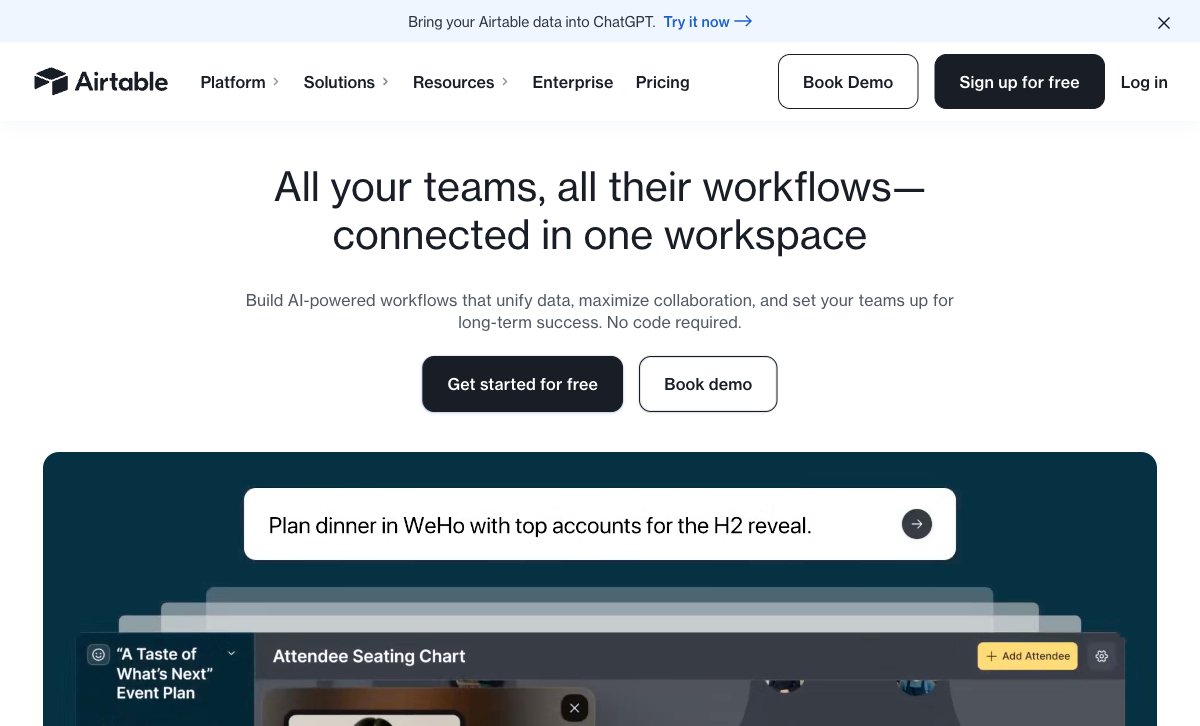
Airtable's relational database is purpose-built for flexible data management — linked records, multiple views, powerful automations, formulas, rollups, and a modern interface. Zoho Forms stores data in Zoho's systems (Zoho Analytics, Zoho Creator, or its own reporting), which are capable but more rigid. For teams that need to manage, relate, and visualise form data in creative ways, Airtable's data model is more flexible and modern.
Modern, Intuitive Interface
Airtable's interface is clean and modern — Grid, Kanban, Calendar, Gantt, and Gallery views feel contemporary and intuitive. Zoho's interface is functional but can feel dense and complex, particularly for users managing multiple Zoho apps. For teams that value UX, Airtable's design is more approachable.
Flexible Data Structure
Airtable bases are flexible — add fields, change types, link tables, create views. The data structure adapts to your needs. Zoho's data structure is more rigid, especially when tied to CRM modules with predefined schemas. For non-standard data collection (research, project management, content management), Airtable's flexibility wins.
Where Zoho Forms Wins
Conditional Logic and Multi-Page Forms
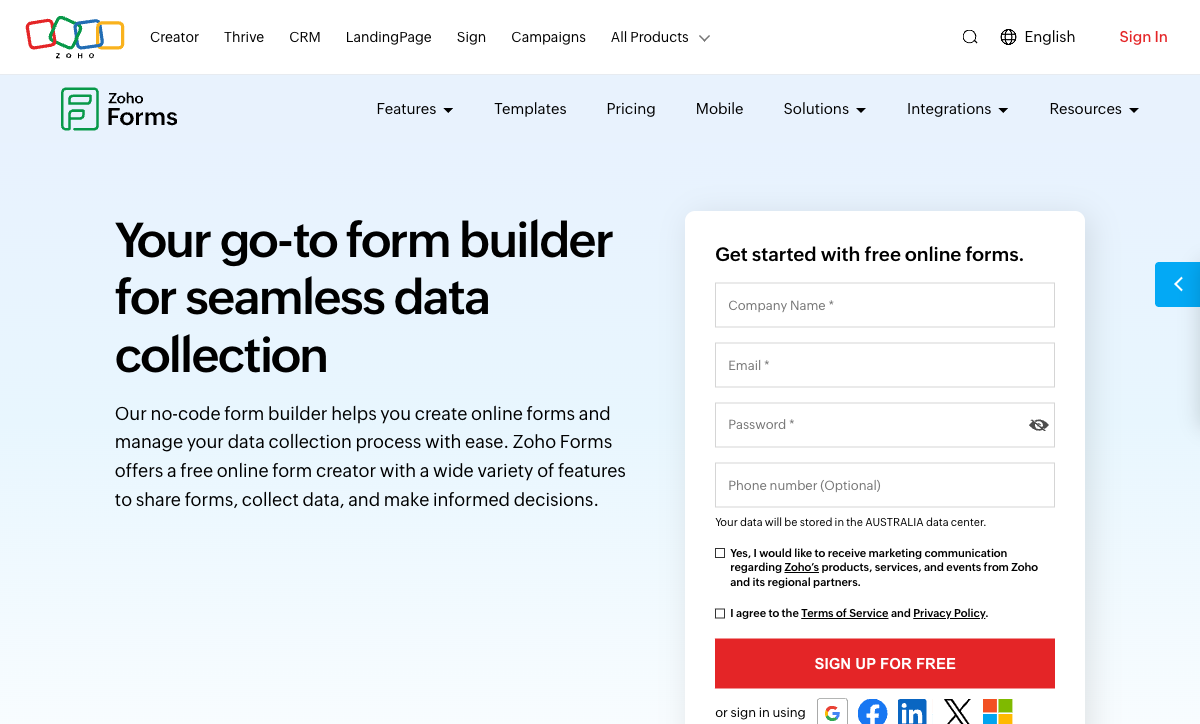
Zoho Forms supports conditional field visibility, page branching, and dynamic form behaviour. Airtable Forms has no conditional logic — every respondent sees every field on a single page. For any form that needs to adapt to respondent answers, Zoho Forms is the only option between these two.
Payment Processing
Zoho Forms integrates with PayPal, Stripe, Razorpay, PayTabs, and other regional gateways for payment collection. Airtable Forms has zero payment capability. For any form collecting money — registrations, orders, donations — Zoho Forms delivers where Airtable Forms cannot.
Native Zoho CRM Integration
Zoho Forms connects natively to Zoho CRM — mapping form fields to CRM modules (Leads, Contacts, Deals, custom modules), creating records on submission, and triggering CRM workflows. Airtable can connect to CRMs via Zapier, but the integration isn't as deep or native. For sales and marketing teams using Zoho CRM, Zoho Forms' native connection is a significant advantage.
Approval Workflows
Zoho Forms includes approval workflows — submissions can route through review chains with approve/reject actions and notifications. Airtable Automations exist but aren't designed as form-specific approval workflows. For HR, procurement, or review processes, Zoho Forms' native approvals are purpose-built.
50+ Zoho App Integrations
Zoho Forms connects natively to Zoho's entire suite — CRM, Desk, Analytics, Creator, Projects, People, Books, and more. Data flows between Zoho apps without middleware. Airtable connects to external tools via automations and Zapier, but doesn't have a comparable first-party app ecosystem. For organisations invested in Zoho, the native inter-app connectivity is powerful.
E-Signatures
Zoho Forms supports electronic signatures through Zoho Sign integration. Airtable Forms has no signature capability. For contracts, consent forms, and agreements, Zoho Forms delivers what Airtable Forms cannot.
Where Airtable Forms Falls Short
- No conditional logic: Every respondent sees every field. No branching or skip logic.
- No payment processing: Zero payment gateway support.
- No CRM integration: Not natively connected to any CRM system.
- No approval workflows: No built-in review/approve chain.
- No e-signatures: No signature collection capability.
- Minimal design control: Cover image and description only.
Where Zoho Forms Falls Short
- Zoho ecosystem dependency: Maximum value requires other Zoho apps. Standalone, it's less compelling.
- Interface complexity: The Zoho interface can feel dense and overwhelming, especially across multiple apps.
- No relational database: Data goes to Zoho's systems, not a purpose-built relational database with Airtable's flexible views.
- Limited free plan: 3 forms, 500 submissions/month on free. More capable than Airtable Forms' feature set but restrictive on volume.
- Limited template variety: Templates available but the library is smaller than major form builder competitors.
- Vendor lock-in risk: Deep Zoho integration makes migration to other platforms difficult.
Pricing Comparison
Both ecosystem tools with different pricing models — Airtable per-user for the platform, Zoho Forms per-plan for forms.
| Tier | Airtable (includes Forms) | Zoho Forms | Key Difference |
|---|---|---|---|
| Free | 1,000 records/base, basic forms | 3 forms, 500 subs/mo, logic | Zoho Forms' free tier has more form features |
| Entry | Team: $20/user/mo — 50K records | Basic: $10/mo — 10 forms, 10K subs | Zoho Forms is cheaper; Airtable is per-user |
| Pro | Business: $45/user/mo | Standard: $25/mo — 25 forms, payments | Zoho Forms is significantly cheaper per-account |
| Top | Enterprise Scale: Custom | Professional: $50/mo — 100 forms, approvals | Zoho Forms' top tier is transparent and affordable |
Airtable Forms
Zoho Forms
| Product | Plan | Monthly Price | Annual Price (per month) | Free Plan | Free Trial | Limits |
|---|---|---|---|---|---|---|
| Airtable Forms | Free | Free | Free | Yes | 14 days | None listed |
| Airtable Forms | Team | $24/mo | $20/mo billed annually | None listed | ||
| Airtable Forms | Business | $54/mo | $45/mo billed annually | None listed | ||
| Airtable Forms | Enterprise Scale | Custom | Custom | None listed | ||
| Zoho Forms | Free | Free | Free | Yes | 15 days | forms: 3, submissions: 500/month, storage: 200 MB, users: 1 |
| Zoho Forms | Basic | $12/mo | $10/mo billed annually | forms: Unlimited, submissions: 10,000/month, storage: 500 MB, users: 1 | ||
| Zoho Forms | Standard | $30/mo | $25/mo billed annually | forms: Unlimited, submissions: 25,000/month, storage: 2 GB, users: 10 | ||
| Zoho Forms | Professional | $60/mo | $50/mo billed annually | forms: Unlimited, submissions: 75,000/month, storage: 5 GB, users: 25 | ||
| Zoho Forms | Premium | $110/mo | $90/mo billed annually | forms: Unlimited, submissions: 150,000/month, storage: 10 GB, users: 100 |
What Users Say
Zoho Forms users appreciate the Zoho ecosystem integration and affordable pricing. Criticism centres on interface complexity and occasional clunkiness. Airtable reviews focus on the database platform; form feedback is consistently critical of limited features. Both tools are valued for their ecosystem integration rather than standalone form-building excellence.
Consider Paperform
If neither Airtable's database widget nor Zoho's ecosystem form builder gives you the design and calculation power you need, Paperform is a dedicated alternative. Paperform's document-style editor creates forms resembling designed landing pages, with an Excel-style calculation engine that powers dynamic pricing, scoring, and conditional totals across questions, pages, emails, integrations, and success pages.
At $24/month (annual), Paperform includes five payment gateways, 2,000+ integrations (including both Airtable and Zoho CRM), 30,000+ templates, e-signatures, and conditional logic. More design control than either ecosystem tool, more calculation power than Zoho Forms. Founded in 2016, bootstrapped and profitable. See our full ranking.
The Verdict
Zoho Forms is the more capable form builder. Conditional logic, payment processing, approval workflows, e-signatures, and native CRM integration make it a real form product. Airtable Forms is a basic widget that lacks all of those features.
Airtable Forms has the better data backend. The relational database, flexible views, and modern automations make Airtable stronger for managing data. If backend data management is the priority, Airtable wins.
Both are backed by profitable, established companies. Zoho (founded 1996, privately held, profitable, 100M+ users across products) is one of the most stable SaaS companies globally. Airtable (founded 2012, $735M raised) is well-funded with strong market presence. Both are safe long-term platform bets — Zoho's three-decade track record as a bootstrapped, profitable company makes it an exceptionally stable choice.
Frequently Asked Questions
Which is more ecosystem-dependent?
Both are ecosystem-dependent, but differently. Airtable Forms only makes sense if you use Airtable's database. Zoho Forms works standalone but delivers its best value within the Zoho ecosystem (CRM, Desk, Creator, Analytics, etc.). Airtable Forms is completely useless without Airtable. Zoho Forms is functional without Zoho but less compelling. Both achieve maximum value inside their respective ecosystems.
Does Zoho Forms have a free plan?
Yes. Zoho Forms offers a free plan with 3 forms, 500 submissions/month, and basic features. Airtable's free plan includes forms with 1,000 records/base. Zoho Forms' free tier is more capable as a form builder (conditional logic, basic payments); Airtable's is more capable as a database. The better free tier depends on whether you need forms or data management.
Can Zoho Forms connect to Airtable?
Yes, through Zapier and Make. Zoho Forms submissions can create Airtable records automatically. However, if you're already in the Zoho ecosystem, sending data to Zoho CRM, Zoho Analytics, or Zoho Creator is simpler and doesn't require third-party middleware. The Airtable connection is possible but adds a tool outside the Zoho ecosystem.
Which has better CRM integration?
Zoho Forms has a deep, native integration with Zoho CRM — mapping form fields to CRM modules, creating leads/contacts/deals on submission, and triggering CRM workflows. Airtable Forms feeds into Airtable's database, which can connect to CRMs via automations and Zapier but isn't a CRM itself. For CRM-driven workflows, Zoho Forms' native Zoho CRM connection is stronger. For database-driven workflows, Airtable wins.
Sources & References
- Zoho Forms: Online Form Builder — Zoho, 2026
- Airtable Form View Documentation — Airtable, 2026
Last updated March 21, 2026
Ready to try Paperform?
Create beautiful forms, payment pages, and workflows — no code required.