Airtable Forms vs Wufoo: Two Limited Builders, Different Eras (2026)
Two limited form tools from different eras. Wufoo was a pioneering form builder (founded 2006) that helped define the category but has stagnated since SurveyMonkey's 2011 acquisition. Airtable Forms is a basic data entry widget within a modern database platform (founded 2012). Neither is a top-tier form builder in 2026, but for entirely different reasons.
Wufoo has more form-building features (conditional logic, payments, basic design) but feels dated and has an uncertain future. Airtable Forms is modern but intentionally minimal — a feature, not a product. The honest recommendation: for new projects, consider a more capable, actively developed form builder instead of either.
Quick Verdict
Choose Airtable Forms if:
- You use Airtable and need data flowing into bases
- You need a modern platform with active development
- You need the relational database backend
- The form is simple — no logic or payments needed
Choose Wufoo if:
- You need conditional logic and Airtable Forms is too limited
- You need basic payment processing
- You're already using Wufoo with existing workflows
- You need a standalone form tool without a database platform
Feature Comparison
Wufoo has more form features but from an earlier era. Airtable has the modern platform but minimal forms.
| Feature | Airtable Forms | Wufoo |
|---|---|---|
| Form Building | ||
| Document-style editor | No | No |
| AI form creation | No | No |
| Field types | Yes | Yes |
| Multi-page forms | No | Yes starter |
| Guided mode (one question at a time) | No | No |
| Conditional logic | No | Yes starter |
| Calculations field | No | No |
| AI calculations assistant | No | No |
| Scoring | No | No |
| Answer piping | No | No |
| Pre-filling and hidden fields | Yes | Yes starter |
| Save and resume | No | No |
| Auto-close by number | No | Yes starter |
| Auto-close by date | No | Yes starter |
| Appointment/booking field | No | No |
| Signature field | No | No |
| Color picker field | No | No |
| API-powered dropdowns | No | No |
| Google address search | No | No |
| File uploads | No | Yes starter |
| 400+ templates | No | Yes |
| Payments | ||
| Stripe payments | No | Yes professional |
| PayPal payments | No | Yes professional |
| Square payments | No | Yes professional |
| Braintree payments | No | Yes professional |
| Google Pay | No | No |
| Product sales (eCommerce) | No | No |
| Subscriptions | No | No |
| Coupons and discounts | No | No |
| Custom pricing rules | No | No |
| Tax calculations | No | No |
| Quotes/invoices | No | No |
| Refunds | No | No |
| 3D Secure | No | No |
| Authorize.net payments | No | Yes professional |
| Design & Customization | ||
| Template gallery | No | Yes |
| Rich media (images, GIFs, videos) | Yes | No |
| Unsplash and Giphy integration | No | No |
| Image editor | No | No |
| Adobe CC | No | No |
| Language translation | No | No |
| Advanced theming | Yes business | Yes starter |
| Custom form URL | No | Yes starter |
| Custom domains | No | No |
| Custom HTML & CSS | No | Yes starter |
| Remove branding | Yes business | Yes starter |
| Custom email domains | No | No |
| Theme designer | No | Yes |
| Analytics | ||
| Submission results and reports | Yes | Yes |
| AI report insights | No | No |
| Form analytics | No | No |
| Google Analytics & Facebook Pixel | No | No |
| Custom analytics scripts | No | No |
| Partial submissions | No | No |
| Google Analytics integration | No | Yes professional |
| Collaboration | ||
| Multi-user accounts | Yes | Yes professional |
| User permissions and management | Yes team | Yes professional |
| Advanced permissions & admin | Yes enterprise | No |
| Form sharing (templates) | Yes | No |
| Workspace organization | Yes | No |
| Form sharing | No | Yes |
| Security | ||
| SOC 2 Type II | Yes | Yes |
| GDPR compliant | Yes | Yes |
| SSL encryption | Yes | Yes |
| Two-factor authentication | Yes | No |
| Enforce 2FA | Yes enterprise | No |
| SSO (SAML) | Yes business | No |
| reCAPTCHA | No | Yes |
| Data residency | Yes enterprise | No |
| Custom S3 | No | No |
| HIPAA compliant | No | No |
| Field encryption | No | Yes professional |
| Password protection | No | Yes professional |
| PCI DSS | No | Yes |
| Integrations & API | ||
| Native integrations | No | Yes starter |
| Zapier | Yes | Yes starter |
| Make (Integromat) | Yes | No |
| Webhooks | Yes team | Yes starter |
| API | Yes | Yes |
| Business API | No | No |
| WordPress plugin | No | Yes |
| Embed options | Yes | Yes |
Where Airtable Forms Wins
Modern Platform and Active Development
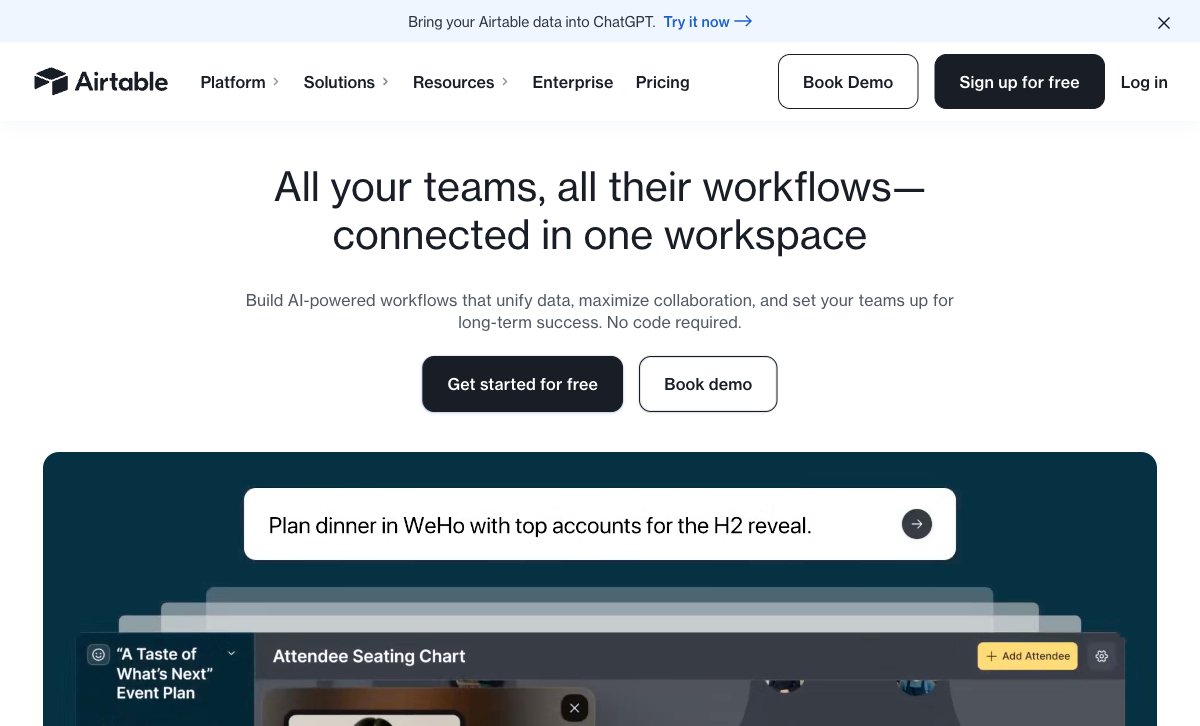
Airtable is a modern, actively developed platform with AI features, automations, portals, and regular updates. Wufoo's development has largely stalled since SurveyMonkey's acquisition. The interface, features, and integrations haven't meaningfully evolved in years. For teams that want a platform with a future, Airtable is the safer bet.
Relational Database Backend
Airtable's database is powerful — linked records, multiple views (Grid, Kanban, Calendar, Gantt, Gallery), automations, and formulas. Wufoo stores entries in a basic flat table with export options. For managing and acting on collected data, Airtable's backend is in a different league.
Platform Stability
Airtable has raised $735M at an $11B valuation and serves 500,000+ organisations. It's a platform investment companies build workflows around. Wufoo's future under SurveyMonkey is uncertain — minimal investment, stagnant features, and no public roadmap. For new projects, Airtable's stability is an important consideration.
Automations and Integrations
Airtable's native automations, combined with Zapier and Make integrations, provide modern workflow capabilities. Wufoo has integrations but they're legacy connections — fewer options and less actively maintained than Airtable's growing ecosystem.
Where Wufoo Wins
Conditional Logic
Wufoo supports conditional logic — show/hide fields and skip logic based on answers. Airtable Forms has no conditional logic. For forms that need to adapt to respondent answers, Wufoo delivers what Airtable Forms cannot. The logic isn't as powerful as modern competitors, but it exists.
Payment Processing
Wufoo integrates with Stripe, PayPal, and other gateways for basic payment collection. Airtable Forms has zero payment capability. For forms that collect money, Wufoo is the only option between these two.
Standalone Form Builder
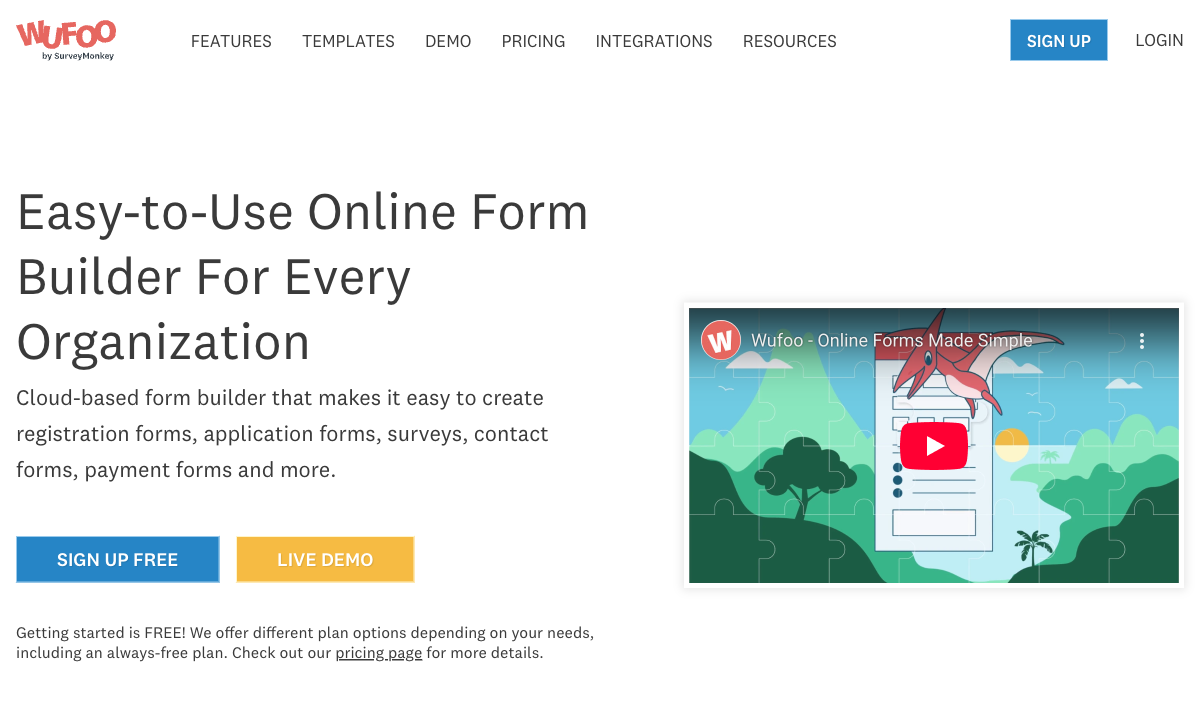
Wufoo works independently — no database platform required. Create a form, share the link, collect responses. Airtable Forms requires an Airtable account and base. For users who just need a form without a database, Wufoo's standalone nature is simpler.
Form Themes
Wufoo offers theme customisation — colours, fonts, and pre-built themes that style your forms. The themes are dated by modern standards, but they're more than Airtable Forms offers (cover image and description only). For basic visual customisation, Wufoo provides more options.
Where Airtable Forms Falls Short
- No conditional logic: Every respondent sees every field. No branching.
- No payment processing: Zero payment support.
- No design control: Cover image and description only.
- Not a standalone tool: Requires Airtable account and base.
- Record limits: Free plan caps at 1,000 records per base.
- No form-specific templates: Forms built from base field structure.
Where Wufoo Falls Short
- Stagnant development: Minimal updates since SurveyMonkey acquisition. Features haven't kept pace with modern competitors.
- Dated interface: The builder and form output look like they're from 2012.
- Uncertain future: No public roadmap, minimal investment, unclear long-term viability.
- No relational database: Flat entry storage with basic reporting.
- Restrictive free plan: 5 forms, 100 entries/month, 10 fields per form.
- Limited integrations: Legacy integration library that isn't growing.
- No modern automation: No visual workflow builder or AI features.
- No e-signatures: No signature collection capability.
Pricing Comparison
Both have free tiers. Wufoo's paid plans are form-focused; Airtable's are platform-focused.
| Tier | Airtable (includes Forms) | Wufoo | Key Difference |
|---|---|---|---|
| Free | 1,000 records/base, basic forms | 5 forms, 100 entries/mo, 10 fields | Airtable's free tier is more generous on data |
| Entry | Team: $20/user/mo — 50K records | Starter: $15/mo — 10 forms, 1K entries | Wufoo is cheaper for single users; Airtable is per-user |
| Mid | Business: $45/user/mo | Professional: $29/mo — 25 forms, 5K entries | Wufoo is more affordable as a standalone form tool |
| Top | Enterprise Scale: Custom | Advanced: $74/mo — unlimited forms, 25K entries | Wufoo tops out at $74/mo; Airtable is custom enterprise |
Airtable Forms
Wufoo
| Product | Plan | Monthly Price | Annual Price (per month) | Free Plan | Free Trial | Limits |
|---|---|---|---|---|---|---|
| Airtable Forms | Free | Free | Free | Yes | 14 days | None listed |
| Airtable Forms | Team | $24/mo | $20/mo billed annually | None listed | ||
| Airtable Forms | Business | $54/mo | $45/mo billed annually | None listed | ||
| Airtable Forms | Enterprise Scale | Custom | Custom | None listed | ||
| Wufoo | Free | Free | Free | Yes | No | forms: 5, submissions: 100/month, storage: N/A, users: 1 |
| Wufoo | Starter | $16.25/mo | $16.25/mo billed annually | forms: 10, submissions: 1,000/month, storage: 1 GB, users: 1 | ||
| Wufoo | Professional | $33.25/mo | $33.25/mo billed annually | forms: Unlimited, submissions: 5,000/month, storage: 5 GB, users: 5 | ||
| Wufoo | Advanced | $83.25/mo | $83.25/mo billed annually | forms: Unlimited, submissions: 25,000/month, storage: 10 GB, users: 20 | ||
| Wufoo | Ultimate | $210.25/mo | $210.25/mo billed annually | forms: Unlimited, submissions: 200,000/month, storage: 20 GB, users: 60 |
What Users Say
Wufoo reviews are increasingly mixed — longtime users appreciate its simplicity but note the lack of updates and dated feel. New users consistently find it behind modern alternatives. Airtable reviews focus on the database; form feedback is critical of limited features. Neither tool generates enthusiasm as a form builder in 2026.
Consider Paperform
If both Airtable Forms and Wufoo feel like compromises, Paperform is the modern alternative. Paperform's document-style editor creates forms resembling designed landing pages, with an Excel-style calculation engine that powers dynamic pricing, scoring, and conditional totals across questions, pages, emails, integrations, and success pages.
At $24/month (annual), Paperform includes five payment gateways, conditional logic, 2,000+ integrations (including Airtable), 30,000+ templates, e-signatures via Papersign, and active ongoing development. It's what Wufoo could have been with continued investment. Founded in 2016, bootstrapped and profitable — a stable, growing platform. See our full ranking.
The Verdict
Neither is a strong choice for new projects in 2026. Airtable Forms is too basic as a form builder. Wufoo is too dated and has an uncertain future. Both have significant limitations that modern form builders have solved.
Choose Airtable Forms if you're already in the Airtable ecosystem and need simple data entry. The modern platform, relational database, and active development make it the safer choice despite minimal form features.
Choose Wufoo only if you're already using it with existing workflows and migration isn't worth the effort. For new form projects, invest in a tool with an active development trajectory. Wufoo (founded 2006, acquired by SurveyMonkey 2011) pioneered online forms. Airtable (founded 2012, $735M raised) is building the future of data management. Only one of these platforms has momentum.
Frequently Asked Questions
Is Wufoo still worth using?
Wufoo was a pioneering form builder (founded 2006), but since SurveyMonkey acquired it in 2011, development has largely stalled. The interface feels dated, the feature set hasn't kept pace with modern competitors, and there's uncertainty about its long-term future. For new projects, most users are better served by modern form builders. Wufoo's remaining advantage is simplicity and existing workflow integrations for legacy users.
Can Wufoo connect to Airtable?
Yes, through Zapier. Wufoo submissions can create Airtable records automatically. However, given Wufoo's uncertain future, building new workflows around it isn't advisable. If you need forms feeding into Airtable, consider a more actively developed form builder with the same Zapier-to-Airtable integration path.
Does Wufoo have a free plan?
Yes. Wufoo offers a free plan with 5 forms, 100 entries/month, and 10 fields per form. Airtable's free plan includes forms with 1,000 records/base. Both free tiers are limited. Wufoo's 10-field-per-form limit is particularly restrictive. For free form building, neither tool is generous by modern standards.
Which has better payment support?
Wufoo supports basic payment collection through Stripe, PayPal, and other gateways. It's functional for simple payment forms but lacks advanced eCommerce features. Airtable Forms has zero payment capability. For basic payment collection, Wufoo wins. For anything beyond simple payments, dedicated form builders offer significantly more.
Sources & References
- Wufoo: Online Form Builder — Wufoo, 2026
- Airtable Form View Documentation — Airtable, 2026
Last updated March 21, 2026
Ready to try Paperform?
Create beautiful forms, payment pages, and workflows — no code required.