Airtable Forms vs HubSpot Forms: Which Ecosystem Fits? (2026)
Two ecosystem-dependent form tools serving completely different purposes. Airtable Forms is a data entry widget that feeds records into Airtable's relational database. HubSpot Forms is a lead capture tool that feeds contacts into HubSpot's CRM and marketing automation. Neither is a standalone form builder — both exist to serve their parent platforms.
The comparison comes down to your ecosystem: if your team lives in HubSpot for sales and marketing, HubSpot Forms is the natural choice. If your team lives in Airtable for project and data management, Airtable Forms is the convenient option. If you use neither platform, neither form tool makes much sense on its own.
Quick Verdict
Choose Airtable Forms if:
- You use Airtable and need data flowing into bases
- Your use case is data management, not lead generation
- You need relational database features on the backend
- The form is internal (project intake, inventory, requests)
Choose HubSpot Forms if:
- You use HubSpot CRM for sales and marketing
- Your primary goal is lead capture and nurturing
- You need forms that feed into email sequences and workflows
- You want progressive profiling and smart content
- You need lead scoring and deal tracking from submissions
Feature Comparison
Both are ecosystem features, not standalone form builders. HubSpot Forms offer more form functionality; Airtable offers a stronger data backend.
| Feature | Airtable Forms | HubSpot Forms |
|---|---|---|
| Form Building | ||
| Document-style editor | No | No |
| AI form creation | No | No |
| Field types | Yes | No |
| Multi-page forms | No | Yes starter |
| Guided mode (one question at a time) | No | No |
| Conditional logic | No | Yes professional |
| Calculations field | No | No |
| AI calculations assistant | No | No |
| Scoring | No | No |
| Answer piping | No | No |
| Pre-filling and hidden fields | Yes | Yes |
| Save and resume | No | No |
| Auto-close by number | No | No |
| Auto-close by date | No | No |
| Appointment/booking field | No | No |
| Signature field | No | No |
| Color picker field | No | No |
| API-powered dropdowns | No | No |
| Google address search | No | No |
| Question types | No | Yes |
| File uploads | No | Yes |
| Payments | ||
| Stripe payments | No | Yes starter |
| PayPal payments | No | No |
| Square payments | No | No |
| Braintree payments | No | No |
| Google Pay | No | No |
| Product sales (eCommerce) | No | No |
| Subscriptions | No | No |
| Coupons and discounts | No | No |
| Custom pricing rules | No | No |
| Tax calculations | No | No |
| Quotes/invoices | No | No |
| Refunds | No | No |
| 3D Secure | No | No |
| Design & Customization | ||
| Template gallery | No | Yes |
| Rich media (images, GIFs, videos) | Yes | No |
| Unsplash and Giphy integration | No | No |
| Image editor | No | No |
| Adobe CC | No | No |
| Language translation | No | No |
| Advanced theming | Yes business | Yes starter |
| Custom form URL | No | No |
| Custom domains | No | No |
| Custom HTML & CSS | No | Yes starter |
| Remove branding | Yes business | Yes starter |
| Custom email domains | No | No |
| Adobe Creative Cloud | No | No |
| Analytics | ||
| Submission results and reports | Yes | Yes |
| AI report insights | No | No |
| Form analytics | No | No |
| Google Analytics & Facebook Pixel | No | Yes |
| Custom analytics scripts | No | No |
| Partial submissions | No | No |
| Drop-off analysis | No | No |
| Conversion analytics | No | Yes professional |
| Collaboration | ||
| Multi-user accounts | Yes | Yes |
| User permissions and management | Yes team | Yes starter |
| Advanced permissions & admin | Yes enterprise | Yes enterprise |
| Form sharing (templates) | Yes | Yes |
| Workspace organization | Yes | No |
| Security | ||
| SOC 2 Type II | Yes | Yes |
| GDPR compliant | Yes | Yes |
| SSL encryption | Yes | Yes |
| Two-factor authentication | Yes | Yes |
| Enforce 2FA | Yes enterprise | No |
| SSO (SAML) | Yes business | Yes enterprise |
| reCAPTCHA | No | No |
| Data residency | Yes enterprise | Yes enterprise |
| Custom S3 | No | No |
| HIPAA compliant | No | No |
| Custom S3 storage | No | No |
| Integrations & API | ||
| Native integrations | No | Yes |
| Zapier | Yes | Yes starter |
| Make (Integromat) | Yes | Yes starter |
| Webhooks | Yes team | Yes starter |
| API | Yes | Yes |
| Business API | No | No |
| WordPress plugin | No | Yes |
| Embed options | Yes | Yes |
Where Airtable Forms Wins
Relational Database Backend
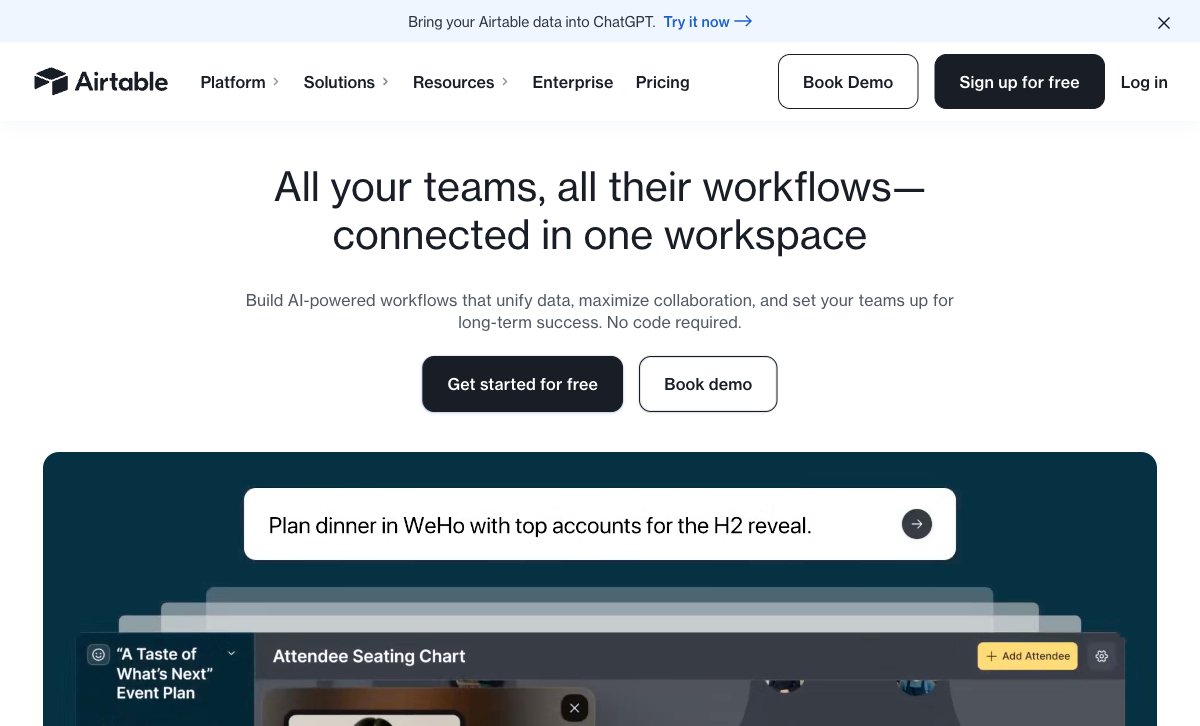
Airtable's database is genuinely powerful for data management — linked records, multiple views (Grid, Kanban, Calendar, Gantt, Gallery), formulas, rollups, and automations. HubSpot stores form data as contact properties in a CRM, which is optimised for sales pipelines, not general data management. For non-sales data — project tracking, inventory, content management, research — Airtable's relational structure is more versatile.
Flexible Data Structure
Airtable Forms feed into bases with custom field types, linked tables, and configurable views. Each form can target a different table structure. HubSpot Forms map to contact properties — a more rigid schema designed for CRM contacts. For data collection beyond lead capture, Airtable's flexible structure accommodates more use cases.
Simpler for Non-Marketing Use Cases
For internal forms — project requests, bug reports, inventory intake, team feedback — Airtable Forms is simpler and more appropriate than HubSpot Forms, which are designed around contact/lead capture. Using HubSpot Forms for internal data collection means forcing non-CRM data into a CRM structure.
Where HubSpot Forms Wins
CRM and Marketing Automation
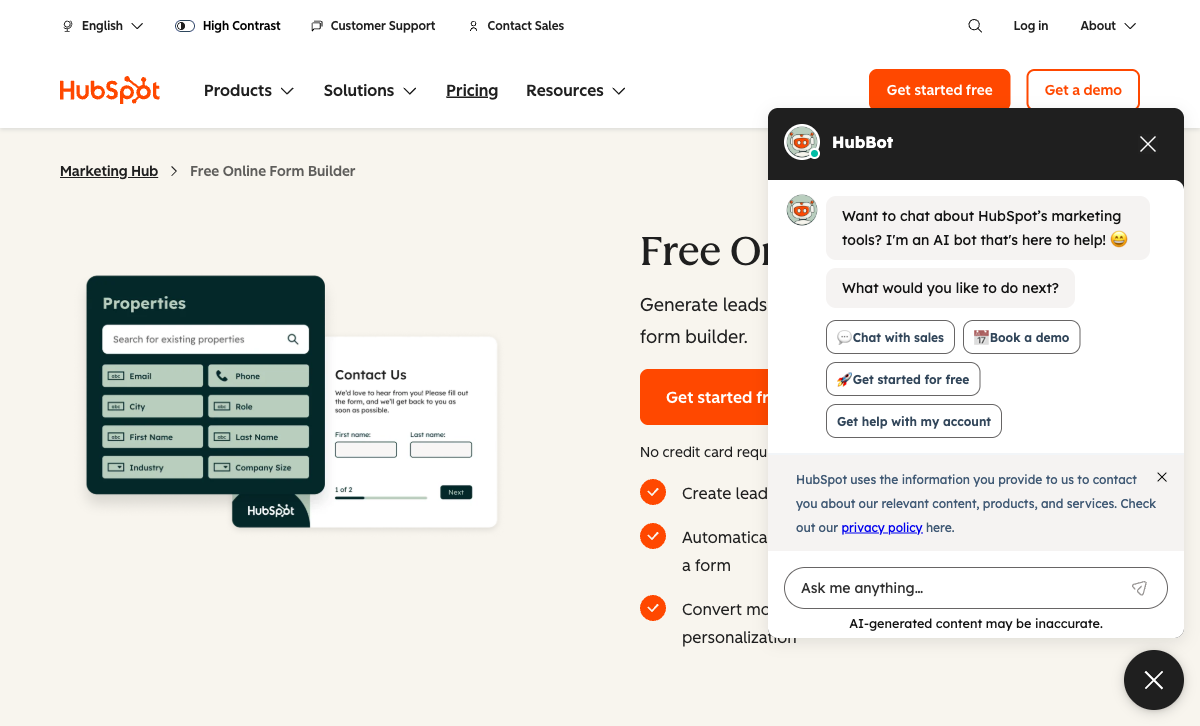
Every HubSpot Form submission creates or updates a contact in HubSpot CRM — with deal tracking, lead scoring, email sequences, marketing workflows, and sales pipeline management. Airtable records are database entries, not CRM contacts. For sales and marketing teams, HubSpot Forms serve the core use case that Airtable Forms cannot: turning form submissions into actionable leads.
Progressive Profiling
HubSpot Forms can ask different questions on return visits — gradually building contact profiles without repeating questions. If a contact has already provided their name and company, the form shows new questions instead. Airtable Forms has no concept of returning respondents or progressive data collection. For lead nurturing, progressive profiling is a significant advantage.
Dependent Fields (Conditional Logic)
HubSpot Forms support dependent fields — showing follow-up questions based on previous answers. While less powerful than dedicated form builder logic, it's significantly more than Airtable Forms, which has no conditional logic whatsoever. For any form where questions should adapt to answers, HubSpot is the better option.
A/B Testing (Paid Plans)
HubSpot offers A/B testing for forms on paid Marketing Hub plans — testing different form designs, field counts, and copy against each other. Airtable Forms has no A/B testing capability. For marketing teams optimising conversion rates, HubSpot's testing tools add real value.
Embeddable Anywhere
HubSpot Forms embed on any website — WordPress, Squarespace, custom sites — with JavaScript snippets. They also work as standalone pages and pop-ups. While Airtable Forms can also be shared via link, HubSpot's embed options are more flexible and designed for marketing contexts.
Where Airtable Forms Falls Short
- No CRM capabilities: Records are database entries, not contacts in a sales pipeline.
- No conditional logic: Every respondent sees every field.
- No marketing automation: No email sequences, lead scoring, or workflow triggers from submissions.
- No progressive profiling: No concept of returning visitors or gradual data collection.
- No payment processing: Zero payment capability.
- Minimal design control: Cover image and description only.
Where HubSpot Forms Falls Short
- CRM-centric data model: Everything is a "contact" — not ideal for non-lead data collection.
- No relational database: Contact properties are flat, not relational. No Kanban, Calendar, or linked records.
- No payment processing: HubSpot Forms cannot collect payments natively (Commerce Hub is separate).
- Advanced features behind paywall: Smart content, A/B testing, and removal of branding require paid Marketing Hub plans.
- Limited form design: Basic styling options. No custom CSS on free plan. Not designed for visual creativity.
- No calculations: No computed fields, dynamic pricing, or formula-driven logic within forms.
Pricing Comparison
Both offer free forms within their platforms, but paid tiers serve different needs.
| Tier | Airtable (includes Forms) | HubSpot (includes Forms) | Key Difference |
|---|---|---|---|
| Free | 1,000 records/base, basic forms | Unlimited forms, CRM, HubSpot branding | HubSpot free is more capable for lead capture |
| Entry | Team: $20/user/mo — 50K records | Starter: $20/mo — no branding, 1K contacts | Similar price; Airtable per-user, HubSpot per-account |
| Pro | Business: $45/user/mo | Professional: $890/mo — automation, A/B testing | HubSpot Pro is enterprise-priced for marketing teams |
Airtable Forms
HubSpot Forms
| Product | Plan | Monthly Price | Annual Price (per month) | Free Plan | Free Trial | Limits |
|---|---|---|---|---|---|---|
| Airtable Forms | Free | Free | Free | Yes | 14 days | None listed |
| Airtable Forms | Team | $24/mo | $20/mo billed annually | None listed | ||
| Airtable Forms | Business | $54/mo | $45/mo billed annually | None listed | ||
| Airtable Forms | Enterprise Scale | Custom | Custom | None listed | ||
| HubSpot Forms | Free | Free | Free | Yes | 14 days | forms: Unlimited, submissions: Unlimited, users: 2 |
| HubSpot Forms | Marketing Hub Starter | $20/mo | $20/mo billed annually | forms: Unlimited, submissions: Unlimited, users: Per seat | ||
| HubSpot Forms | Marketing Hub Professional | $890/mo | $890/mo billed annually | forms: Unlimited, submissions: Unlimited, users: 3 included (additional seats extra) | ||
| HubSpot Forms | Marketing Hub Enterprise | $3600/mo | $3600/mo billed annually | forms: Unlimited, submissions: Unlimited, users: 5 included (additional seats extra) |
What Users Say
HubSpot Forms are well-regarded by marketing teams for CRM integration and lead management. Criticism centres on the steep price jump to Professional for advanced features. Airtable's database platform is highly rated, but form-specific feedback is consistently critical of the limited feature set. Both tools are praised for their respective ecosystems, not their form-building capabilities.
Consider Paperform
If neither Airtable's database widget nor HubSpot's lead capture tool gives you the form-building power you need, Paperform is a dedicated form builder that connects to both ecosystems. Paperform's document-style editor creates forms resembling designed landing pages, with an Excel-style calculation engine that powers dynamic pricing, scoring, and conditional logic across questions, pages, emails, integrations, and success pages.
At $24/month (annual), Paperform includes five payment gateways, 2,000+ integrations (including both Airtable and HubSpot), 30,000+ templates, e-signatures, and conditional logic. It's the form builder that both Airtable Forms and HubSpot Forms aren't. Founded in 2016, bootstrapped and profitable. See our full ranking.
The Verdict
Choose based on your ecosystem. HubSpot Forms serve sales and marketing teams that need lead capture flowing into CRM, email sequences, and pipeline management. Airtable Forms serve teams that need data entry flowing into a relational database with views and automations. Neither is a general-purpose form builder.
HubSpot Forms win for lead generation. CRM integration, progressive profiling, dependent fields, and marketing automation make HubSpot the obvious choice for customer-facing lead capture.
Airtable Forms win for data management. The relational database, multiple views, and flexible data structure make Airtable better for internal data collection and project management workflows.
Both companies are well-established. HubSpot (NYSE: HUBS, founded 2006) is a publicly traded company with 200,000+ customers. Airtable (founded 2012, $735M raised) serves 500,000+ organisations. Platform risk is negligible for either.
Frequently Asked Questions
Are HubSpot Forms really free?
Yes. HubSpot Forms are free with any HubSpot CRM account — unlimited forms, unlimited submissions, and basic conditional logic. However, free forms include HubSpot branding, and advanced features (smart content, progressive profiling, A/B testing) require paid Marketing Hub plans starting at $20/month. The free tier is more capable than Airtable Forms for lead capture, but less flexible than dedicated form builders.
Which is better for lead generation?
HubSpot Forms, decisively. Forms feed directly into HubSpot CRM with contact records, deal tracking, lead scoring, email sequences, and marketing automation. Every submission becomes a contact in your sales pipeline. Airtable Forms create database records — useful for data management but with no native CRM, lead scoring, or marketing automation. For sales and marketing teams, HubSpot Forms serve their core use case.
Can HubSpot Forms connect to Airtable?
Yes. HubSpot integrates with Airtable through native connectors, Zapier, and Make. Form submissions that create HubSpot contacts can simultaneously create Airtable records. This gives you CRM capabilities from HubSpot and database management from Airtable. For teams using both platforms, the integration path is well-established.
Which has better conditional logic?
HubSpot Forms offers dependent fields (showing follow-up questions based on answers) and progressive profiling (asking different questions on return visits). Airtable Forms has no conditional logic whatsoever. Neither matches dedicated form builders for advanced branching, but HubSpot is significantly more capable than Airtable on this dimension.
Sources & References
- HubSpot Free Form Builder — HubSpot, 2026
- Airtable Form View Documentation — Airtable, 2026
Last updated March 21, 2026
Ready to try Paperform?
Create beautiful forms, payment pages, and workflows — no code required.