123FormBuilder vs Typeform: Legacy Enterprise vs Modern Design-First in 2026
This comparison puts two opposite philosophies side by side. 123FormBuilder (founded 2008, now a Kiteworks company) prioritises security, compliance, and enterprise functionality over design. Typeform (founded 2012, Barcelona) prioritises beautiful, conversational form experiences over enterprise features. One makes forms that are secure; the other makes forms that are engaging.
The right choice depends entirely on your priority: compliance and data volume, or design quality and user experience.
Quick Verdict
Choose 123FormBuilder if:
- HIPAA compliance is required
- Deep Salesforce integration matters
- You need high submission volume at affordable prices
- Document generation and eSignatures are needed
Choose Typeform if:
- Form design and brand experience are the top priority
- Conversational, one-question-at-a-time format fits your use case
- You need forms that feel engaging, not transactional
- You want a modern, well-designed platform
Feature Comparison
Enterprise compliance versus design-first engagement — different strengths entirely.
| Feature | 123FormBuilder | Typeform |
|---|---|---|
| Form Building | ||
| Document-style editor | No | No |
| AI form creation | No | Yes |
| Field types | Yes | 20+ |
| Multi-page forms | Yes | Yes basic |
| Guided mode (one question at a time) | No | Yes |
| Conditional logic | Yes | Yes basic |
| Calculations field | Yes basic | Yes plus |
| AI calculations assistant | No | No |
| Scoring | No | Yes plus |
| Answer piping | Yes basic | Yes basic |
| Pre-filling and hidden fields | Yes | Yes basic |
| Save and resume | Yes basic | No |
| Auto-close by number | Yes | Yes basic |
| Auto-close by date | Yes | Yes basic |
| Appointment/booking field | No | Yes basic |
| Signature field | Yes basic | No |
| Color picker field | No | No |
| API-powered dropdowns | No | No |
| Google address search | No | No |
| File uploads | No | Yes basic |
| AI follow-up questions | No | Yes business |
| Video questions | No | Yes basic |
| Payments | ||
| Stripe payments | Yes basic | Yes basic |
| PayPal payments | Yes basic | No |
| Square payments | No | No |
| Braintree payments | No | No |
| Google Pay | No | No |
| Product sales (eCommerce) | Yes basic | No |
| Subscriptions | No | Yes basic |
| Coupons and discounts | No | No |
| Custom pricing rules | Yes basic | No |
| Tax calculations | No | No |
| Quotes/invoices | Yes basic | No |
| Refunds | No | No |
| 3D Secure | No | Yes basic |
| Design & Customization | ||
| Template gallery | Yes | 1,500+ |
| Rich media (images, GIFs, videos) | Yes | Yes |
| Unsplash/Giphy | No | No |
| Image editor | No | No |
| Adobe CC | No | No |
| Language translation | No | Yes basic |
| Advanced theming | Yes basic | Yes plus |
| Custom form URL | No | Yes plus |
| Custom domains | No | No |
| Custom HTML & CSS | Yes basic | Yes business |
| Remove branding | Yes basic | Yes plus |
| Custom email domains | No | No |
| Unsplash and Giphy integration | No | Yes |
| Analytics | ||
| Submission results | Yes | No |
| AI insights | No | No |
| Form analytics | Yes basic | No |
| Google Analytics / Facebook Pixel | No | No |
| Custom scripts | No | No |
| Partial submissions | No | Yes plus |
| Submission results and reports | No | Yes |
| AI report insights | No | Yes business |
| Drop-off analysis | No | Yes business |
| Google Analytics & Facebook Pixel | No | Yes basic |
| Custom analytics scripts | No | Yes basic |
| Collaboration | ||
| Multi-user accounts | Yes basic | Yes plus |
| User permissions and management | Yes basic | Yes plus |
| Advanced permissions & admin | Yes enterprise | Yes enterprise |
| Form sharing | Yes | No |
| Spaces/tags | No | No |
| Form sharing (templates) | No | Yes |
| Workspace organization | No | Yes |
| Security | ||
| SOC 2 Type II | No | Yes |
| GDPR compliant | Yes | Yes |
| SSL encryption | Yes | Yes |
| Two-factor authentication | Yes | Yes |
| Enforce 2FA | No | No |
| SSO (SAML) | Yes enterprise | Yes enterprise |
| reCAPTCHA | Yes | Yes business |
| Data residency | Yes enterprise | No |
| Custom S3 | No | No |
| HIPAA compliant | No | Yes enterprise |
| ISO 27001 | No | Yes |
| PCI DSS | No | Yes |
| Integrations & API | ||
| Native integrations (2000+) | Yes | No |
| Zapier | Yes | Yes basic |
| Make (Integromat) | No | Yes basic |
| Webhooks | Yes basic | Yes basic |
| API | Yes basic | Yes basic |
| Business API | No | No |
| WordPress plugin | Yes | Yes |
| oEmbed | Yes | No |
| Native integrations | No | 120+ (basic) |
| Embed options | No | Yes |
Where 123FormBuilder Wins
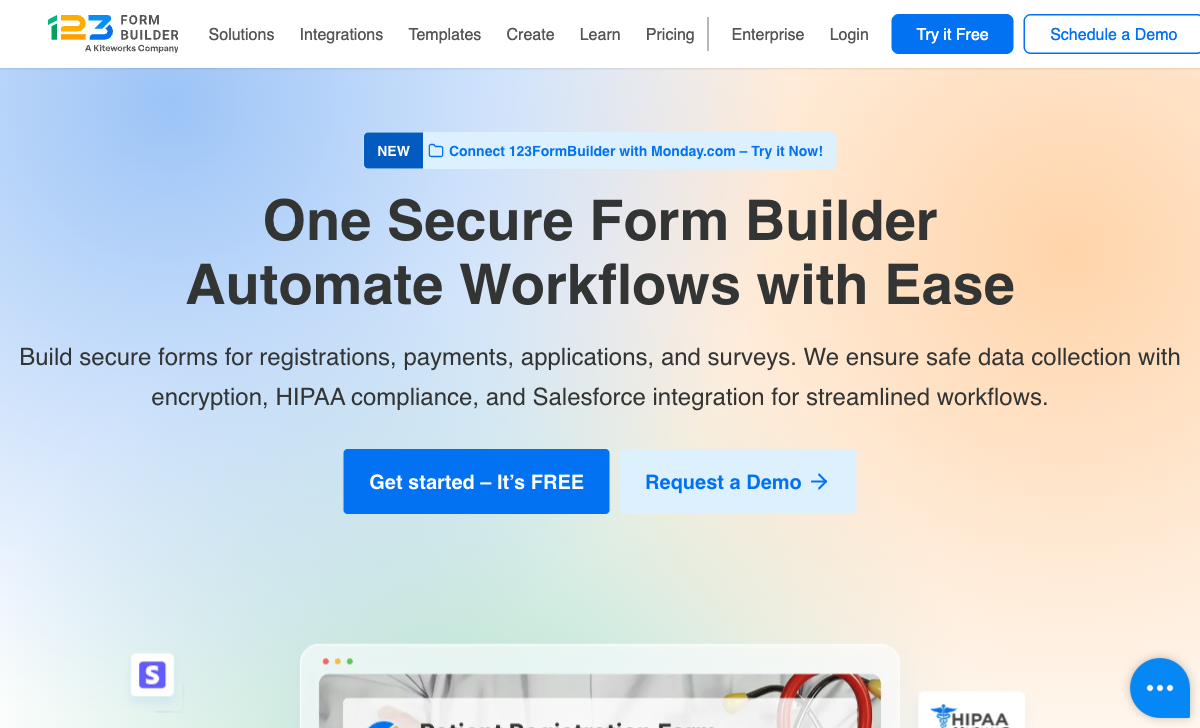
HIPAA Compliance
123FormBuilder offers HIPAA on the Diamond plan ($79/month). Typeform does not offer HIPAA compliance. For healthcare data collection, 123FormBuilder is the only option between these two.
Salesforce Integration
123FormBuilder's native Salesforce integration with field mapping and record updating is deeper than Typeform's. Typeform connects to Salesforce via Zapier, but the integration isn't native or as deeply configurable.
Submission Volume per Dollar
123FormBuilder's Gold plan ($19/month annual) includes 2,000 submissions. Typeform's Basic plan ($25/month) includes 100 responses. That's a 20x volume difference at a similar price. For high-volume data collection, 123FormBuilder's economics are dramatically better.
Document Generation
123FormBuilder generates PDF and Word documents from form submissions. Typeform has no document generation capability. For workflows that need formatted output documents, 123FormBuilder covers a use case Typeform doesn't address.
Where Typeform Wins

Design Quality
Typeform's one-question-at-a-time format, custom backgrounds, typography controls, animations, and video integration create form experiences that feel designed and intentional. 123FormBuilder's drag-and-drop builder produces generic, dated-looking forms. For brand-conscious organisations, this design gap is immediately visible and meaningful.
User Experience and Completion Rates
Typeform's conversational format reduces form fatigue for shorter forms, driving higher completion rates. The focused, engaging experience feels like a conversation rather than a form. 123FormBuilder's traditional layout is functional but not engaging — respondents fill it out because they have to, not because it's enjoyable.
Modern Platform
Typeform's platform — from the builder to the respondent experience to the admin dashboard — is modern and well-designed. It reflects current web design standards. 123FormBuilder's interface is dated, reflecting its 2008 origins without significant modernisation.
Video and Media Integration
Typeform supports video questions, custom backgrounds, and rich media within forms. These capabilities enable product demos, video testimonials, and visually rich survey experiences. 123FormBuilder's media capabilities are basic by comparison.
Where 123FormBuilder Falls Short
- Dated design: Forms look generic and outdated compared to Typeform's polished output.
- No conversational format: Traditional form layout only.
- No video integration: Cannot embed video questions or rich media.
- Acquired company: Kiteworks controls product direction.
Where Typeform Falls Short
- No HIPAA compliance: Cannot handle regulated healthcare data.
- Expensive per response: 100 responses/month on Basic ($25/mo) vs 123FB's 2,000 at $19/mo.
- No Salesforce depth: CRM integration through Zapier, not native mapping.
- No document generation: Cannot produce formatted documents from submissions.
- No eSignatures: No built-in electronic signature capability.
- One-question format limitations: Not ideal for long, complex, multi-section forms.
Pricing Comparison
Typeform charges premium prices for design quality. 123FormBuilder offers more volume at lower prices with less polish.
123FormBuilder
Typeform
| Product | Plan | Monthly Price | Annual Price (per month) | Free Plan | Free Trial | Limits |
|---|---|---|---|---|---|---|
| 123FormBuilder | Free | Free | Free | Yes | 30 days | forms: 5, submissions: 100/month, storage: 100 MB, users: 1 |
| 123FormBuilder | Gold | $37/mo | $19/mo billed annually | forms: 20, submissions: 2,000/month, storage: 500 MB, users: 1 | ||
| 123FormBuilder | Platinum | $79/mo | $39/mo billed annually | forms: 100, submissions: 10,000/month, storage: 1 GB, users: 5 | ||
| 123FormBuilder | Diamond | $159/mo | $79/mo billed annually | forms: unlimited, submissions: 50,000/month, storage: 10 GB, users: 25 | ||
| 123FormBuilder | Enterprise | $225/mo | Custom | forms: unlimited, submissions: unlimited, storage: unlimited, users: custom | ||
| Typeform | Free | Free | Free | Yes | No | forms: 10, submissions: 10/month, users: 1 |
| Typeform | Basic | $39/mo | $28/mo billed annually | forms: Unlimited, submissions: 100/month, users: 1 | ||
| Typeform | Plus | $79/mo | $56/mo billed annually | forms: Unlimited, submissions: 1,000/month, users: 3 | ||
| Typeform | Business | $129/mo | $91/mo billed annually | forms: Unlimited, submissions: 10,000/month, users: 5 | ||
| Typeform | Growth Pro | $379/mo | $266/mo billed annually | forms: Unlimited, submissions: Expanded, users: Expanded |
What Users Say
Typeform averages 4.5/5 on G2 with praise for design, user experience, and brand quality. Common complaints include response limits and pricing at scale. 123FormBuilder averages 4.4-4.5/5 with praise for Salesforce and HIPAA, and complaints about the dated interface. Typeform's edge in design satisfaction is evident in the reviews.
Consider Paperform
If you want Typeform-level design quality with more form building depth, Paperform delivers both. Its document-style editor creates forms that look like designed landing pages — not one-question-at-a-time, but a rich document approach with full design control. Five payment gateways on every plan, an Excel-style calculation engine, built-in e-signatures, and 30,000+ templates. Higher response limits than Typeform at comparable prices. Bootstrapped and profitable, serving 500,000+ businesses. See the full form builders ranking.
Frequently Asked Questions
Which produces better-looking forms?
Typeform, by a wide margin. Its one-question-at-a-time design philosophy creates visually engaging, conversational experiences with custom backgrounds, typography, and animations. 123FormBuilder's drag-and-drop builder produces functional but generic-looking forms. For customer-facing forms where design quality affects brand perception and completion rates, Typeform is in a different league.
Does Typeform offer HIPAA compliance?
Typeform does not offer HIPAA compliance. It's designed for marketing, lead generation, and customer experience — not regulated healthcare data. 123FormBuilder offers HIPAA on the Diamond plan ($79/month annual). For healthcare organisations, 123FormBuilder addresses a compliance requirement Typeform cannot.
Which has better completion rates?
Typeform's one-question-at-a-time format generally produces higher completion rates for shorter forms (5-15 questions) because the focused, conversational experience reduces form fatigue. For longer, multi-section forms (applications, intake forms), 123FormBuilder's traditional layout may be more efficient — showing all fields at once lets users gauge progress and skip around. The right format depends on form length and purpose.
Which is more expensive?
At lower tiers, they're comparable. Typeform Basic starts at $25/month; 123FormBuilder Gold starts at $19/month. But Typeform's response limits (100/month on Basic) mean costs escalate quickly for high-volume use. 123FormBuilder's Gold plan includes 2,000 submissions — 20x more at a similar price. For volume-sensitive use cases, 123FormBuilder is significantly cheaper per response.
Sources & References
- 123FormBuilder vs Typeform Comparison — G2, 2026
- Best Online Form Builders Compared — EmailToolTester, 2026
Last updated March 21, 2026
Ready to try Paperform?
Create beautiful forms, payment pages, and workflows — no code required.