123FormBuilder vs Gravity Forms: SaaS Legacy vs WordPress Plugin in 2026
This comparison spans two different platform models. 123FormBuilder (founded 2008, now a Kiteworks company) is a standalone SaaS form builder — works on any website via embeds, hosted and maintained by 123FormBuilder. Gravity Forms (founded 2009 by Rocketgenius) is a WordPress plugin — it only works on WordPress sites, but integrates deeply with the WordPress ecosystem.
The first question isn't which is better — it's whether you run WordPress. If not, Gravity Forms isn't an option.
Quick Verdict
Choose 123FormBuilder if:
- You don't use WordPress — 123FB works on any website
- You need managed HIPAA compliance without server configuration
- Deep native Salesforce integration is required
- You want a fully hosted SaaS with zero server maintenance
Choose Gravity Forms if:
- Your website runs on WordPress
- You want annual licensing with no per-submission fees
- You need WordPress ecosystem integrations and add-ons
- You prefer data stored on your own server
Feature Comparison
A standalone SaaS platform versus a WordPress-native plugin — different models, different strengths.
| Feature | 123FormBuilder | Gravity Forms |
|---|---|---|
| Form Building | ||
| Document-style editor | No | No |
| AI form creation | No | No |
| Field types | Yes | No |
| Multi-page forms | Yes | Yes Basic |
| Guided mode (one question at a time) | No | Yes Elite |
| Conditional logic | Yes | Yes Basic |
| Calculations field | Yes basic | Yes Basic |
| AI calculations assistant | No | No |
| Scoring | No | Yes Elite |
| Answer piping | Yes basic | Yes Basic |
| Pre-filling and hidden fields | Yes | Yes Basic |
| Save and resume | Yes basic | Yes Basic |
| Auto-close by number | Yes | No |
| Auto-close by date | Yes | No |
| Appointment/booking field | No | No |
| Signature field | Yes basic | Yes Elite |
| Color picker field | No | No |
| API-powered dropdowns | No | No |
| Google address search | No | No |
| Drag-and-drop builder | No | Yes Basic |
| 30+ field types | No | Yes Basic |
| Payments | ||
| Stripe payments | Yes basic | Yes Pro |
| PayPal payments | Yes basic | Yes Pro |
| Square payments | No | Yes Pro |
| Braintree payments | No | No |
| Google Pay | No | Yes Pro |
| Product sales (eCommerce) | Yes basic | Yes Basic |
| Subscriptions | No | Yes Pro |
| Coupons and discounts | No | Yes Elite |
| Custom pricing rules | Yes basic | No |
| Tax calculations | No | No |
| Quotes/invoices | Yes basic | No |
| Refunds | No | Yes Pro |
| 3D Secure | No | Yes Pro |
| Design & Customization | ||
| Template gallery | Yes | Yes Basic |
| Rich media (images, GIFs, videos) | Yes | Yes Basic |
| Unsplash/Giphy | No | No |
| Image editor | No | No |
| Adobe CC | No | No |
| Language translation | No | Yes Basic |
| Advanced theming | Yes basic | Yes Basic |
| Custom form URL | No | No |
| Custom domains | No | No |
| Custom HTML & CSS | Yes basic | Yes Basic |
| Remove branding | Yes basic | Yes Basic |
| Custom email domains | No | Yes Elite |
| Unsplash and Giphy integration | No | No |
| Analytics | ||
| Submission results | Yes | No |
| AI insights | No | No |
| Form analytics | Yes basic | No |
| Google Analytics / Facebook Pixel | No | No |
| Custom scripts | No | No |
| Partial submissions | No | Yes Elite |
| Submission results and reports | No | Yes Basic |
| AI report insights | No | No |
| Paperform analytics | No | No |
| Google Analytics & Facebook Pixel | No | Yes Elite |
| Custom analytics scripts | No | Yes Basic |
| Collaboration | ||
| Multi-user accounts | Yes basic | Yes Basic |
| User permissions and management | Yes basic | Yes Basic |
| Advanced permissions & admin | Yes enterprise | No |
| Form sharing | Yes | No |
| Spaces/tags | No | No |
| Form sharing (templates) | No | Yes Basic |
| Spaces and tag management | No | No |
| Security | ||
| SOC 2 Type II | No | No |
| GDPR compliant | Yes | Yes Basic |
| SSL encryption | Yes | Yes Basic |
| Two-factor authentication | Yes | No |
| Enforce 2FA | No | No |
| SSO (SAML) | Yes enterprise | No |
| reCAPTCHA | Yes | Yes Basic |
| Data residency | Yes enterprise | No |
| Custom S3 | No | No |
| Enforce 2FA for all users | No | No |
| Local data residency | No | Yes Basic |
| Custom S3 storage (BYO) | No | No |
| Integrations & API | ||
| Native integrations (2000+) | Yes | No |
| Zapier | Yes | Yes Pro |
| Make (Integromat) | No | No |
| Webhooks | Yes basic | Yes Elite |
| API | Yes basic | No |
| Business API | No | No |
| WordPress plugin | Yes | Yes Basic |
| oEmbed | Yes | No |
| 50+ official add-ons | No | Yes Basic |
| Standard API | No | Yes Basic |
| oEmbed support | No | No |
| Stepper workflow automation | No | No |
Where 123FormBuilder Wins
Platform Independence
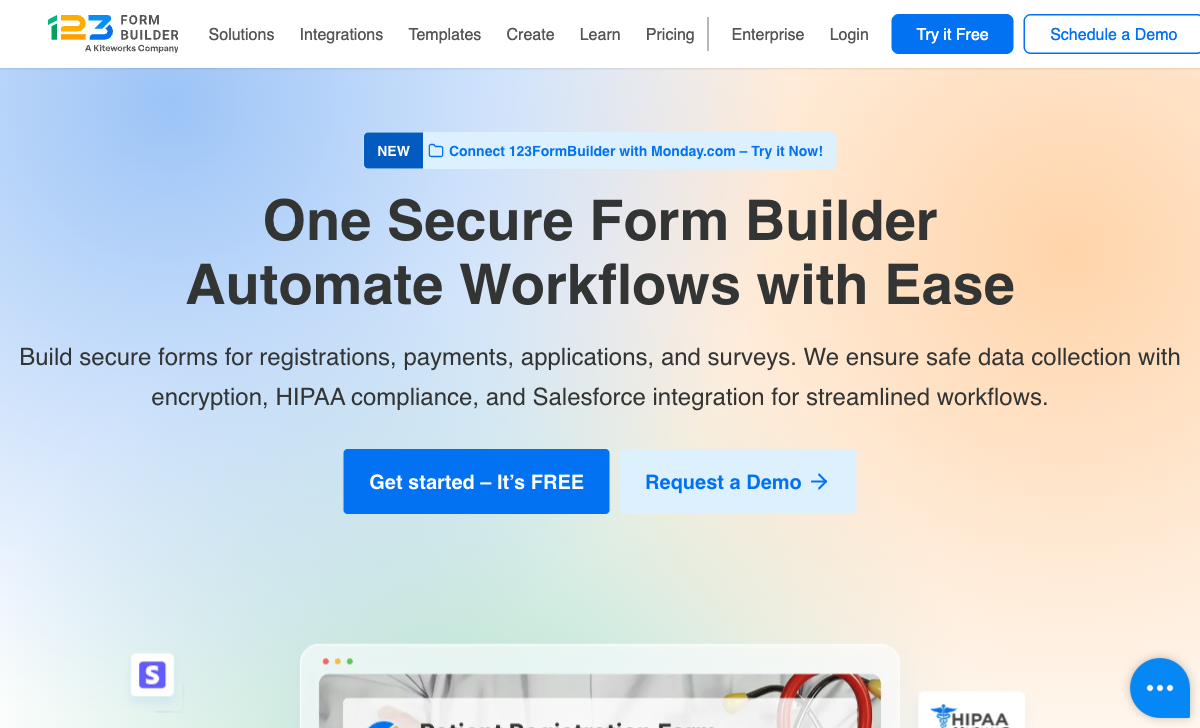
123FormBuilder works on any website — WordPress, Squarespace, Wix, custom HTML, or standalone landing pages. Gravity Forms requires WordPress. For organisations with non-WordPress websites or multiple web properties across platforms, 123FormBuilder's platform independence is a fundamental advantage.
Managed HIPAA Compliance
123FormBuilder offers HIPAA compliance on the Diamond plan ($79/month) with managed BAA, encryption, and audit logging — no server configuration required. Achieving HIPAA compliance with Gravity Forms means securing the entire WordPress hosting environment, which is the site owner's responsibility. 123FormBuilder's managed approach is simpler for healthcare organisations without dedicated IT teams.
Native Salesforce Integration
123FormBuilder's Salesforce integration with direct field mapping and record updating is deeper than Gravity Forms' Salesforce connectivity (available via third-party add-ons). For Salesforce-centric organisations, 123FormBuilder provides a more purpose-built CRM connection.
Where Gravity Forms Wins
Pricing Model
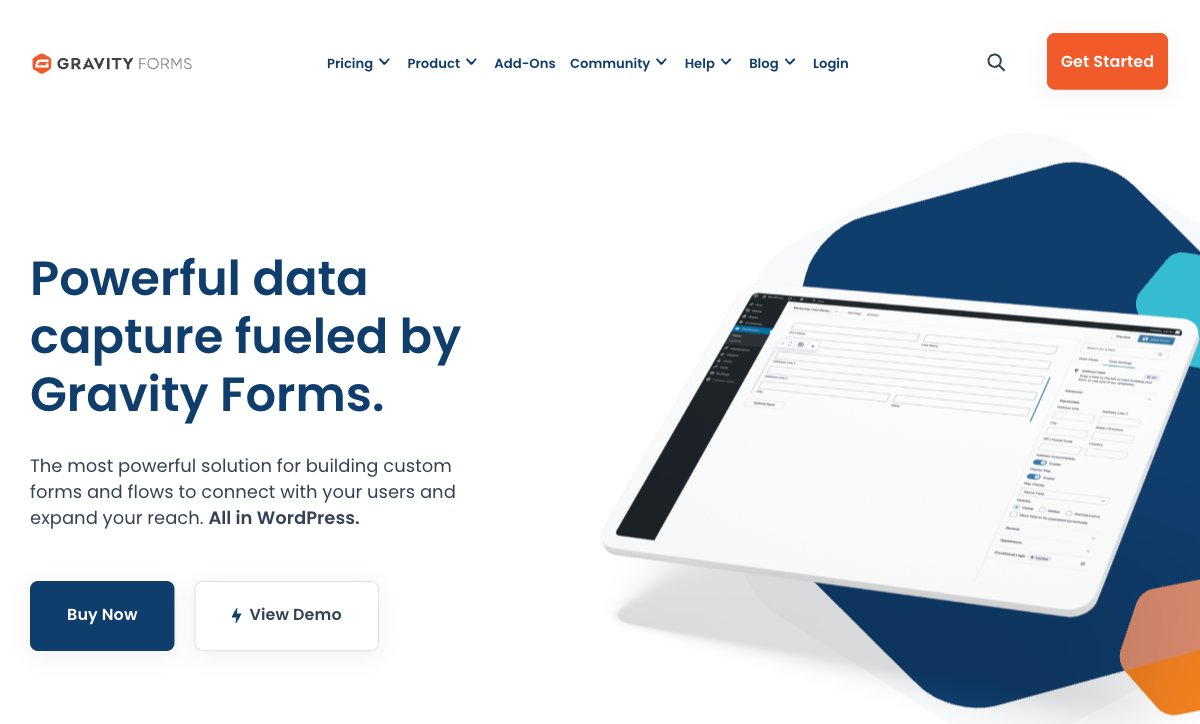
Gravity Forms charges $59-$259/year for an annual license with no per-submission fees and unlimited forms. 123FormBuilder charges $19-$225+/month with submission caps. For a WordPress site processing thousands of submissions monthly, Gravity Forms costs a fraction of 123FormBuilder — the annual license model eliminates per-submission economics entirely.
WordPress Ecosystem
Gravity Forms integrates deeply with WordPress themes, plugins, and the broader ecosystem. Hundreds of official and third-party add-ons extend its functionality — payment gateways, CRMs, marketing tools, and custom development options. 123FormBuilder's integration ecosystem, while including Zapier, doesn't match the depth and variety of WordPress's plugin ecosystem.
Data Ownership
Gravity Forms stores submission data in your WordPress database on your server. You control the data, the backups, and the hosting environment. 123FormBuilder stores data on its servers (with data residency options on Enterprise plans). For organisations that require full data ownership and self-hosted storage, Gravity Forms' approach provides more control.
No Vendor Lock-in
If Gravity Forms disappears, your forms and data remain in your WordPress database. If 123FormBuilder or Kiteworks changes direction, your data lives on their servers. Self-hosted data provides long-term independence from vendor decisions.
Where 123FormBuilder Falls Short
- Expensive per-submission: Monthly fees with submission caps versus Gravity Forms' unlimited annual license.
- Dated interface: The form builder looks older than Gravity Forms' editor.
- Data on vendor servers: Less data control than self-hosted WordPress.
- Acquired company: Kiteworks controls product direction.
Where Gravity Forms Falls Short
- WordPress only: Cannot be used without a WordPress installation.
- No managed HIPAA: HIPAA compliance is the site owner's server responsibility.
- Maintenance overhead: Requires WordPress hosting, updates, security, and plugin compatibility management.
- No standalone hosting: Forms can't exist independently of your WordPress site.
Pricing Comparison
Fundamentally different models: annual license (Gravity Forms) versus monthly SaaS with submission limits (123FormBuilder).
123FormBuilder
Gravity Forms
| Product | Plan | Monthly Price | Annual Price (per month) | Free Plan | Free Trial | Limits |
|---|---|---|---|---|---|---|
| 123FormBuilder | Free | Free | Free | Yes | 30 days | forms: 5, submissions: 100/month, storage: 100 MB, users: 1 |
| 123FormBuilder | Gold | $37/mo | $19/mo billed annually | forms: 20, submissions: 2,000/month, storage: 500 MB, users: 1 | ||
| 123FormBuilder | Platinum | $79/mo | $39/mo billed annually | forms: 100, submissions: 10,000/month, storage: 1 GB, users: 5 | ||
| 123FormBuilder | Diamond | $159/mo | $79/mo billed annually | forms: unlimited, submissions: 50,000/month, storage: 10 GB, users: 25 | ||
| 123FormBuilder | Enterprise | $225/mo | Custom | forms: unlimited, submissions: unlimited, storage: unlimited, users: custom | ||
| Gravity Forms | Basic | Not listed | $59/mo billed annually | No | 14 days | forms: Unlimited, submissions: Unlimited, storage: WordPress database (self-hosted), users: Unlimited (WordPress users) |
| Gravity Forms | Pro | Not listed | $159/mo billed annually | forms: Unlimited, submissions: Unlimited, storage: WordPress database (self-hosted), users: Unlimited (WordPress users) | ||
| Gravity Forms | Elite | Not listed | $259/mo billed annually | forms: Unlimited, submissions: Unlimited, storage: WordPress database (self-hosted), users: Unlimited (WordPress users) | ||
| Gravity Forms | Nonprofit | Not listed | $129/mo billed annually | forms: Unlimited, submissions: Unlimited, storage: WordPress database (self-hosted), users: Unlimited (WordPress users) |
What Users Say
Gravity Forms averages 4.6/5 on G2 with praise for flexibility, the add-on ecosystem, and value. 123FormBuilder averages 4.4-4.5/5 with praise for Salesforce integration and HIPAA. Gravity Forms' higher ratings reflect strong satisfaction within the WordPress community — users who chose WordPress appreciate a form tool built for that ecosystem.
Consider Paperform
If you want a standalone SaaS with modern design quality that neither of these platforms offers, Paperform is worth considering. Its document-style editor creates forms that look like designed landing pages, with an Excel-style calculation engine, five payment gateways on every plan, built-in e-signatures, and 30,000+ templates. Works on any website without WordPress dependency. Bootstrapped and profitable, serving 500,000+ businesses. See the full form builders ranking.
Frequently Asked Questions
Can Gravity Forms replace 123FormBuilder?
Only if your site runs on WordPress. Gravity Forms is a WordPress plugin — it cannot be used without a WordPress installation. 123FormBuilder is a standalone SaaS platform that works on any website via embed codes. If you're on WordPress, Gravity Forms is a capable alternative with strong payment processing and conditional logic. If you're not on WordPress, Gravity Forms isn't an option at all.
Which has better payment processing?
Gravity Forms has the edge. It supports Stripe, PayPal, Square, Authorize.Net, and 2Checkout through official and third-party add-ons. The WordPress ecosystem provides additional payment integrations. 123FormBuilder supports PayPal, Stripe, Square, and Authorize.Net on paid plans. Both are adequate, but Gravity Forms' extensible add-on ecosystem provides more payment flexibility.
Does Gravity Forms offer HIPAA compliance?
Gravity Forms itself doesn't offer HIPAA compliance as a feature. HIPAA compliance on WordPress requires securing the entire hosting environment, database, and server — which is the site owner's responsibility. 123FormBuilder offers built-in HIPAA compliance with BAA, encryption, and audit logging on the Diamond plan ($79/month). For healthcare organisations needing managed HIPAA compliance, 123FormBuilder's built-in approach is simpler than attempting to make a WordPress + Gravity Forms setup HIPAA-compliant.
Which is more cost-effective long-term?
Gravity Forms charges a one-time annual license ($59-$259/year depending on site count), with no per-submission fees. 123FormBuilder charges monthly with submission limits ($19-$225+/month annual billing). For high-volume use on a single WordPress site, Gravity Forms is dramatically cheaper — $59/year vs hundreds per year. But you also need WordPress hosting, maintenance, and security, which adds hidden costs. 123FormBuilder's SaaS model includes hosting, security, and maintenance in the price.
Sources & References
- 123FormBuilder Reviews — G2, 2026
- Gravity Forms Reviews — G2, 2026
Last updated March 21, 2026
Ready to try Paperform?
Create beautiful forms, payment pages, and workflows — no code required.