123FormBuilder vs Google Forms: Legacy Paid vs Modern Free in 2026
Google Forms is the default form tool for millions — free, integrated with Google Workspace, and good enough for basic data collection. 123FormBuilder (founded 2008, now a Kiteworks company) is a paid enterprise tool focused on HIPAA compliance, Salesforce integration, and security. The comparison pits free-and-simple against paid-and-specialised.
For most casual form needs, Google Forms wins by being free and frictionless. For enterprise compliance and CRM integration, 123FormBuilder addresses gaps Google Forms doesn't attempt to fill.
Quick Verdict
Choose 123FormBuilder if:
- You need HIPAA compliance for healthcare data
- Deep Salesforce integration is a requirement
- You need payment processing within forms
- Document generation from form data matters
Choose Google Forms if:
- Budget is zero — Google Forms is completely free
- You need simple surveys, feedback, or sign-up forms
- You already use Google Workspace and want native integration
- Team collaboration on forms matters
Feature Comparison
A paid enterprise specialist versus the most widely used free form tool.
| Feature | 123FormBuilder | Google Forms |
|---|---|---|
| Form Building | ||
| Document-style editor | No | No |
| AI form creation | No | Yes |
| Field types | Yes | 11 |
| Multi-page forms | Yes | Yes |
| Guided mode (one question at a time) | No | No |
| Conditional logic | Yes | Yes |
| Calculations field | Yes basic | No |
| AI calculations assistant | No | No |
| Scoring | No | Yes |
| Answer piping | Yes basic | No |
| Pre-filling and hidden fields | Yes | Yes |
| Save and resume | Yes basic | No |
| Auto-close by number | Yes | Yes |
| Auto-close by date | Yes | Yes |
| Appointment/booking field | No | No |
| Signature field | Yes basic | No |
| Color picker field | No | No |
| API-powered dropdowns | No | No |
| Google address search | No | No |
| File uploads | No | Yes |
| Payments | ||
| Stripe payments | Yes basic | No |
| PayPal payments | Yes basic | No |
| Square payments | No | No |
| Braintree payments | No | No |
| Google Pay | No | No |
| Product sales (eCommerce) | Yes basic | No |
| Subscriptions | No | No |
| Coupons and discounts | No | No |
| Custom pricing rules | Yes basic | No |
| Tax calculations | No | No |
| Quotes/invoices | Yes basic | No |
| Refunds | No | No |
| 3D Secure | No | No |
| Design & Customization | ||
| Template gallery | Yes | 20+ |
| Rich media (images, GIFs, videos) | Yes | Yes |
| Unsplash/Giphy | No | No |
| Image editor | No | No |
| Adobe CC | No | No |
| Language translation | No | No |
| Advanced theming | Yes basic | No |
| Custom form URL | No | No |
| Custom domains | No | No |
| Custom HTML & CSS | Yes basic | No |
| Remove branding | Yes basic | No |
| Custom email domains | No | Yes Business Starter |
| Unsplash and Giphy integration | No | No |
| Adobe Creative Cloud | No | No |
| Analytics | ||
| Submission results | Yes | No |
| AI insights | No | No |
| Form analytics | Yes basic | No |
| Google Analytics / Facebook Pixel | No | No |
| Custom scripts | No | No |
| Partial submissions | No | No |
| Submission results and reports | No | Yes |
| AI report insights | No | No |
| Paperform analytics | No | No |
| Google Analytics & Facebook Pixel | No | No |
| Custom analytics scripts | No | No |
| Collaboration | ||
| Multi-user accounts | Yes basic | Yes |
| User permissions and management | Yes basic | Yes |
| Advanced permissions & admin | Yes enterprise | Yes Business Starter |
| Form sharing | Yes | No |
| Spaces/tags | No | No |
| Form sharing (templates) | No | Yes |
| Spaces and tag management | No | No |
| Security | ||
| SOC 2 Type II | No | Yes |
| GDPR compliant | Yes | Yes |
| SSL encryption | Yes | Yes |
| Two-factor authentication | Yes | Yes |
| Enforce 2FA | No | No |
| SSO (SAML) | Yes enterprise | Yes Business Plus |
| reCAPTCHA | Yes | No |
| Data residency | Yes enterprise | No |
| Custom S3 | No | No |
| Enforce 2FA for all users | No | Yes Business Starter |
| Local data residency | No | Yes Business Plus |
| Custom S3 storage (BYO) | No | No |
| Integrations & API | ||
| Native integrations (2000+) | Yes | No |
| Zapier | Yes | Yes |
| Make (Integromat) | No | Yes |
| Webhooks | Yes basic | No |
| API | Yes basic | No |
| Business API | No | No |
| WordPress plugin | Yes | No |
| oEmbed | Yes | No |
| Native integrations | No | No |
| Standard API | No | Yes |
| oEmbed support | No | No |
Where 123FormBuilder Wins
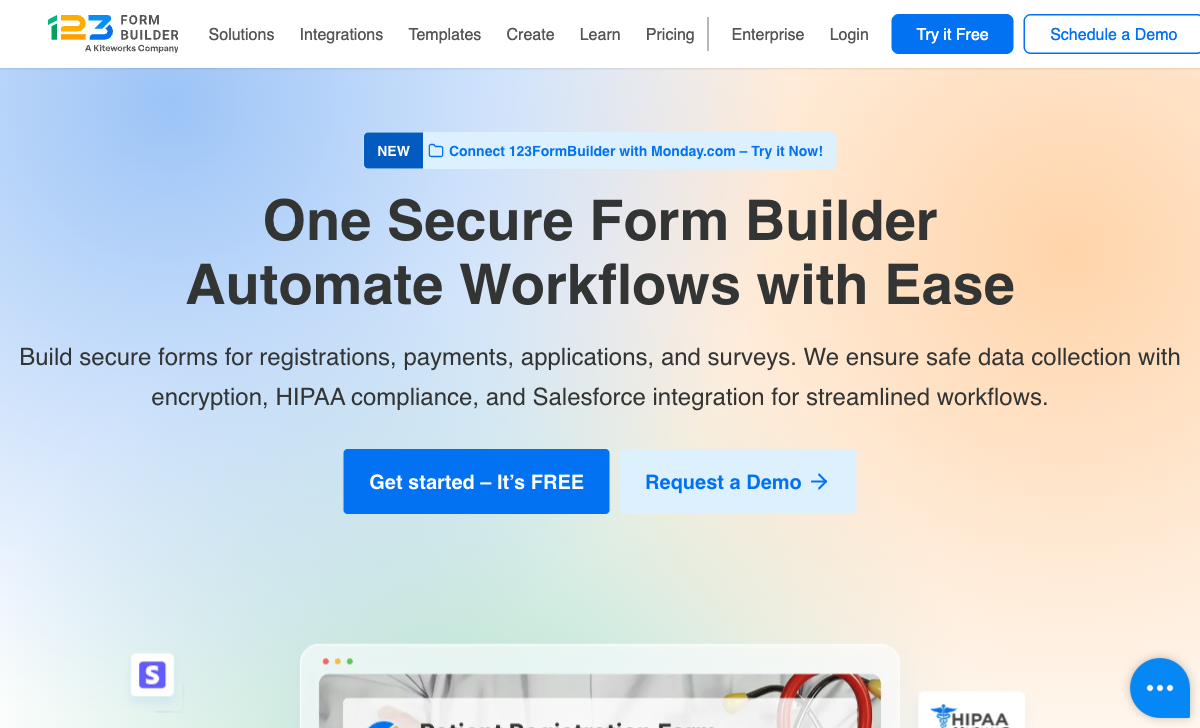
HIPAA Compliance
123FormBuilder offers purpose-built HIPAA compliance on the Diamond plan ($79/month annual) with BAA signing, encryption, and audit logging. Google Workspace can be configured for HIPAA at the organisational level, but Google Forms isn't a dedicated HIPAA-compliant form tool. For healthcare-specific form collection, 123FormBuilder provides a clearer compliance path.
Salesforce Integration
123FormBuilder's native Salesforce integration maps form fields directly to Salesforce objects — a capability Google Forms doesn't offer natively. Google Forms can connect to Salesforce through Zapier or Apps Script, but the workarounds don't match 123FormBuilder's native depth.
Payment Processing
123FormBuilder supports PayPal, Stripe, Square, and Authorize.Net on paid plans. Google Forms has no payment processing capability. For collecting payments through forms — orders, registrations, donations — 123FormBuilder covers a use case Google Forms cannot.
Advanced Conditional Logic
123FormBuilder offers conditional logic with field visibility, page branching, and calculated values on paid plans. Google Forms has basic section-based logic but no field-level conditions, calculations, or dynamic form behavior. For complex forms with branching paths and computed values, 123FormBuilder is more capable.
Where Google Forms Wins

Completely Free
Google Forms is free with unlimited forms and unlimited responses. No submission caps, no premium tiers for basic features, no credit card required. 123FormBuilder's free plan limits you to 5 forms and 100 submissions; its useful plans start at $19/month. For budget-constrained use cases, free is an unbeatable price.
Google Workspace Integration
Responses flow directly into Google Sheets. Forms integrate with Google Drive, Google Calendar, and other Workspace tools. For organisations already in the Google ecosystem, this native integration eliminates the need for middleware or manual data handling.
Real-Time Collaboration
Multiple users can edit forms simultaneously — the same collaborative editing experience as Google Docs. 123FormBuilder supports team access on higher plans, but the real-time co-editing experience doesn't match Google's.
Modern, Clean Interface
Google Forms' interface is clean, modern, and intuitive. Despite being free, it feels more current than 123FormBuilder's dated drag-and-drop builder. The simplicity is a feature — forms are quick to create and easy to share.
Where 123FormBuilder Falls Short
- Dated interface: Looks older than the free Google Forms alternative.
- Cost: Hard to justify when Google Forms covers basic needs for free.
- No real-time collaboration: Team access exists but not Google-level co-editing.
- Acquired company: Kiteworks ownership adds uncertainty about independent product direction.
Where Google Forms Falls Short
- No HIPAA compliance: Not a dedicated compliance form tool.
- No payment processing: Cannot collect payments natively.
- No Salesforce integration: Requires Zapier or custom scripting.
- Basic conditional logic: Section-based branching only, no field-level conditions.
- Minimal design customisation: Limited themes, no custom branding or CSS.
- No document generation: Cannot produce formatted documents from responses.
Pricing Comparison
Free versus paid — the pricing comparison is straightforward. Google Forms is free; 123FormBuilder charges for enterprise features.
123FormBuilder
Google Forms
| Product | Plan | Monthly Price | Annual Price (per month) | Free Plan | Free Trial | Limits |
|---|---|---|---|---|---|---|
| 123FormBuilder | Free | Free | Free | Yes | 30 days | forms: 5, submissions: 100/month, storage: 100 MB, users: 1 |
| 123FormBuilder | Gold | $37/mo | $19/mo billed annually | forms: 20, submissions: 2,000/month, storage: 500 MB, users: 1 | ||
| 123FormBuilder | Platinum | $79/mo | $39/mo billed annually | forms: 100, submissions: 10,000/month, storage: 1 GB, users: 5 | ||
| 123FormBuilder | Diamond | $159/mo | $79/mo billed annually | forms: unlimited, submissions: 50,000/month, storage: 10 GB, users: 25 | ||
| 123FormBuilder | Enterprise | $225/mo | Custom | forms: unlimited, submissions: unlimited, storage: unlimited, users: custom | ||
| Google Forms | Free (Personal) | Free | Free | Yes | 14 days | forms: Unlimited, submissions: Unlimited, storage: 15 GB (shared across Google Drive), users: 1, file uploads: Included in 15 GB storage |
| Google Forms | Business Starter | $7/mo | $7/mo billed annually | forms: Unlimited, submissions: Unlimited, storage: 30 GB per user, users: Up to 300, file uploads: Included in storage | ||
| Google Forms | Business Standard | $14/mo | $14/mo billed annually | forms: Unlimited, submissions: Unlimited, storage: 2 TB per user, users: Up to 300, file uploads: Included in storage | ||
| Google Forms | Business Plus | $22/mo | $22/mo billed annually | forms: Unlimited, submissions: Unlimited, storage: 5 TB per user, users: Up to 300, file uploads: Included in storage |
What Users Say
Google Forms scores 4.6/5 on G2 with praise for simplicity, collaboration, and price (free). 123FormBuilder averages 4.4-4.5/5 with praise for Salesforce integration and HIPAA compliance. Google Forms' higher rating reflects its mass appeal and the hard-to-beat value proposition of a capable free tool.
Consider Paperform
If Google Forms is too limited and 123FormBuilder feels dated, Paperform bridges the gap. Its document-style editor creates forms that look like designed landing pages — a visual quality level that both Google Forms and 123FormBuilder lack. Five payment gateways on every plan (including free), an Excel-style calculation engine, built-in e-signatures, and 30,000+ templates. Paperform's free plan includes more functionality than either platform's free tier. Bootstrapped and profitable, serving 500,000+ businesses. See the full form builders ranking.
Frequently Asked Questions
Is Google Forms good enough that paying for 123FormBuilder is unnecessary?
For simple data collection — surveys, feedback forms, sign-ups — Google Forms is genuinely sufficient and free. But if you need HIPAA compliance, payment processing, Salesforce integration, document generation, or advanced conditional logic, Google Forms cannot deliver. 123FormBuilder's paid plans address real gaps that Google Forms doesn't cover. The question is whether your forms need those capabilities.
Does Google Forms offer HIPAA compliance?
Google Workspace (paid plans) can be configured for HIPAA compliance with a BAA from Google, but Google Forms specifically is not positioned as a HIPAA-compliant form builder. The compliance applies to the Workspace environment, not Forms as a product. 123FormBuilder offers purpose-built HIPAA compliance with BAA, encryption, and audit logging on the Diamond plan ($79/month). For healthcare form collection, 123FormBuilder is the more straightforward HIPAA option.
Can Google Forms connect to Salesforce?
Google Forms connects to Salesforce through Zapier, Make, or Apps Script, but there's no native integration. 123FormBuilder offers deep native Salesforce integration with field mapping and record updating on the Platinum plan ($39/month). For Salesforce-dependent workflows, 123FormBuilder provides a direct connection that Google Forms requires workarounds to achieve.
Which is better for team collaboration?
Google Forms wins for collaboration. It's built on Google's collaborative infrastructure — multiple editors, real-time co-editing, Google Drive storage, and seamless sharing. Responses flow into Google Sheets for collaborative analysis. 123FormBuilder supports multiple users on higher plans (5 on Platinum, 25 on Diamond), but the collaboration experience doesn't match Google's real-time co-editing capabilities.
Sources & References
- 123FormBuilder vs Google Forms Comparison — G2, 2026
- Best Free Online Form Builders — Zapier, 2025
Last updated March 21, 2026
Ready to try Paperform?
Create beautiful forms, payment pages, and workflows — no code required.