Yes! There are 2 options:
Option 1: Stepper, our sibling product
Stepper, is a great option for this! It is an AI-native workflow builder by Paperform. Learn more about Stepper.
You can build a workflow that sends an email with your own email provider.
Here's an example using your Google Workspace Gmail account.
Use the AI Builder with a prompt such as this:
I want to send an email after a form submission from my own Google Workspace Gmail account to use that as my FROM address.
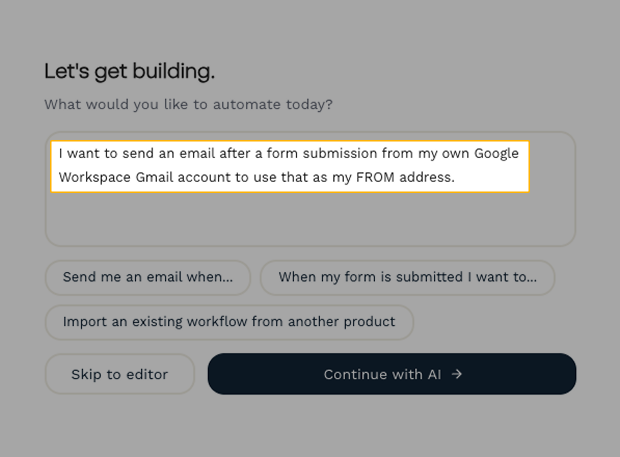
Review the plan from the AI and add further instructions if necessary.
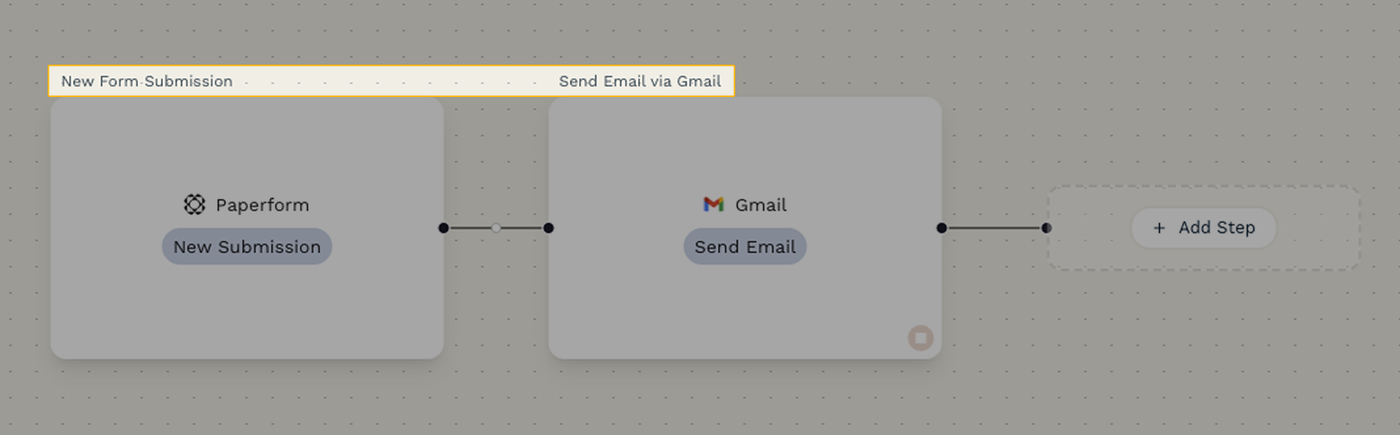
The AI will build the following workflow after you choose your form and connect to your Google Workspace account.
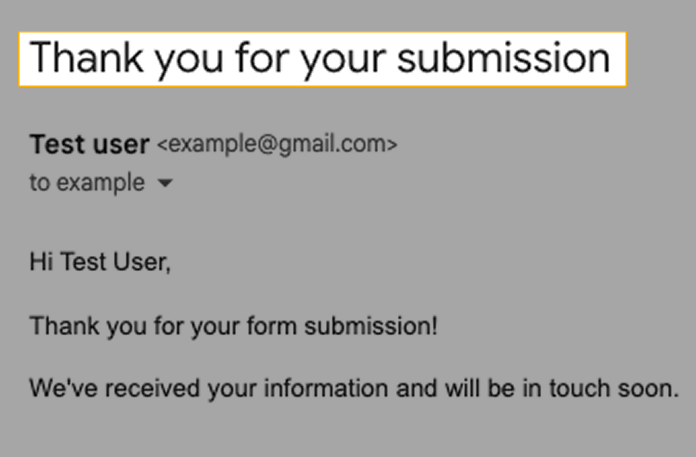
After testing, you will see an email message in your Sent folder similar to this one.
Option 2: Agency+ custom email domains
Agency+ is the smart layer on top of Paperform that helps you manage forms and accounts across multiple clients in one place. Use this option if you are handling emails for multiple clients.
Learn more about Agency+ and how to use custom email domains.